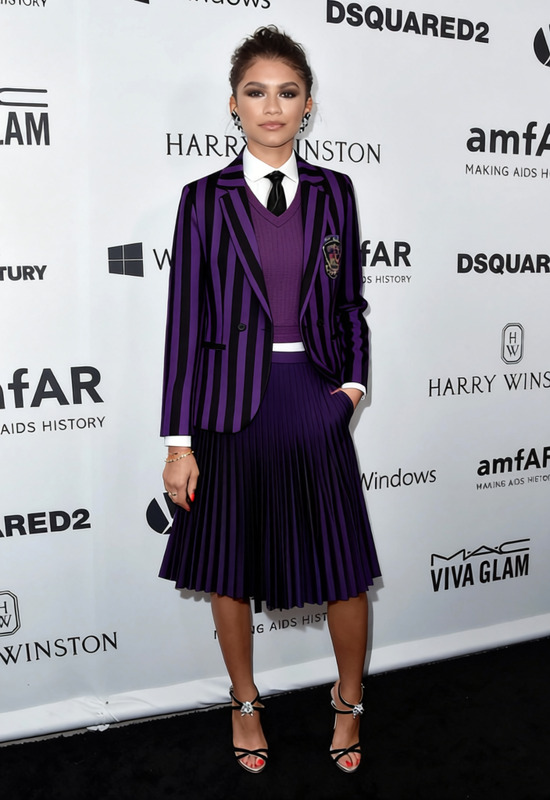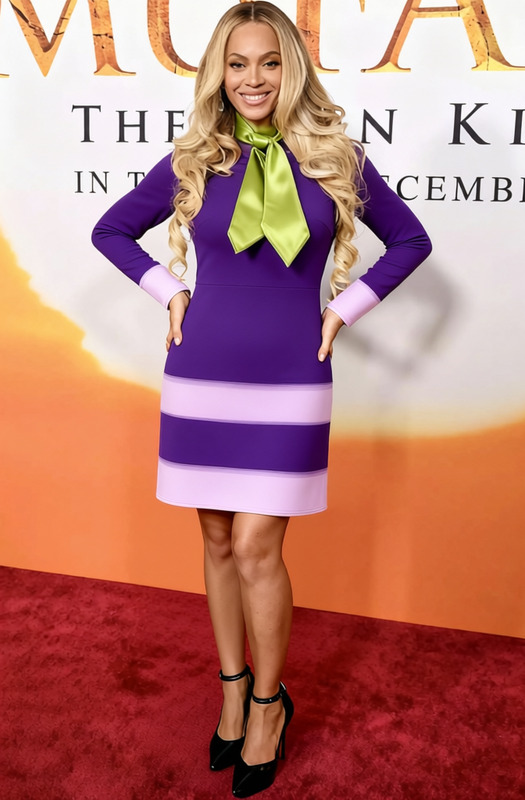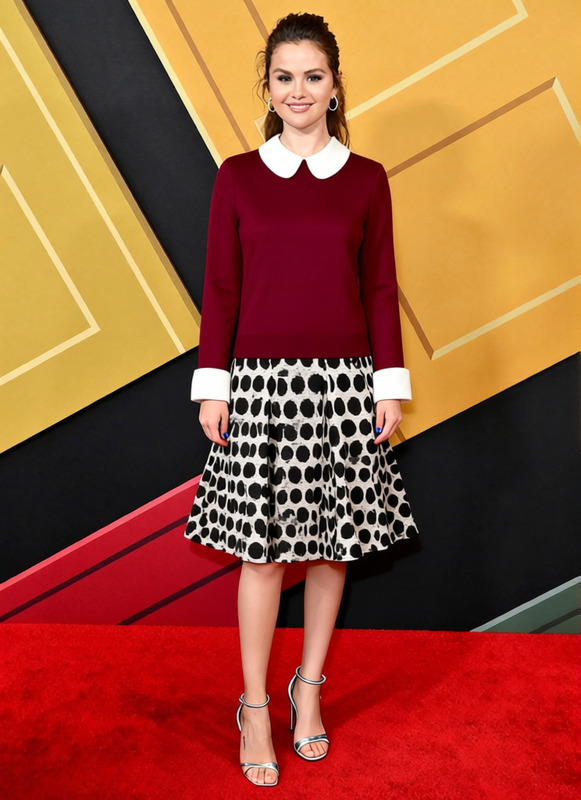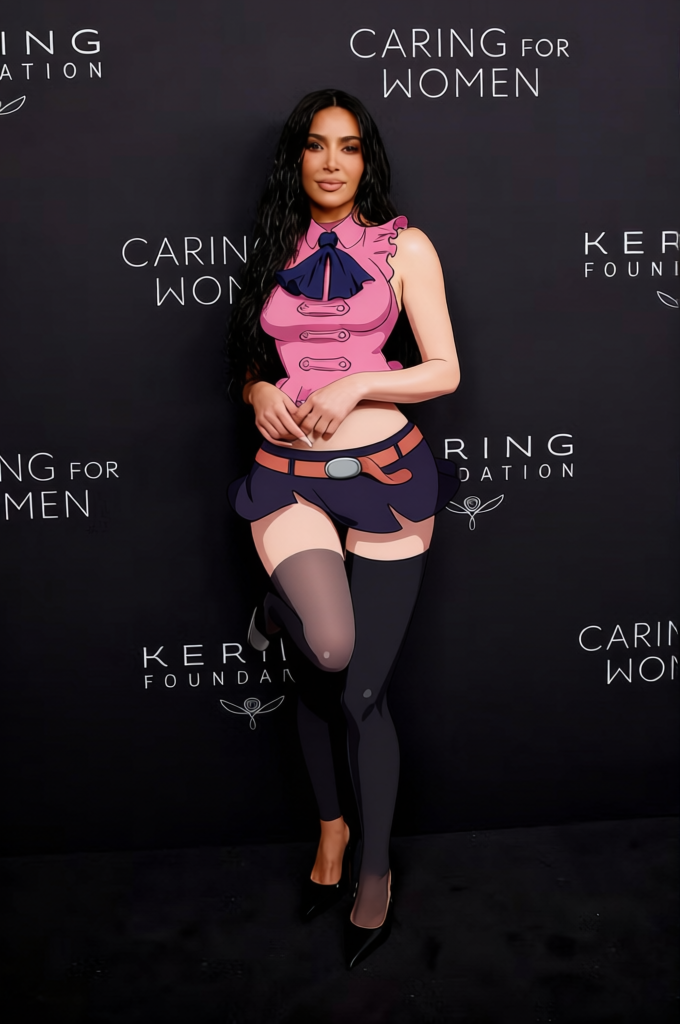
Elizabeth Liones Pink Sleeveless Dress With White Blouse
- Image
- 680 × 1024 px
Any aspect ratio
Overview
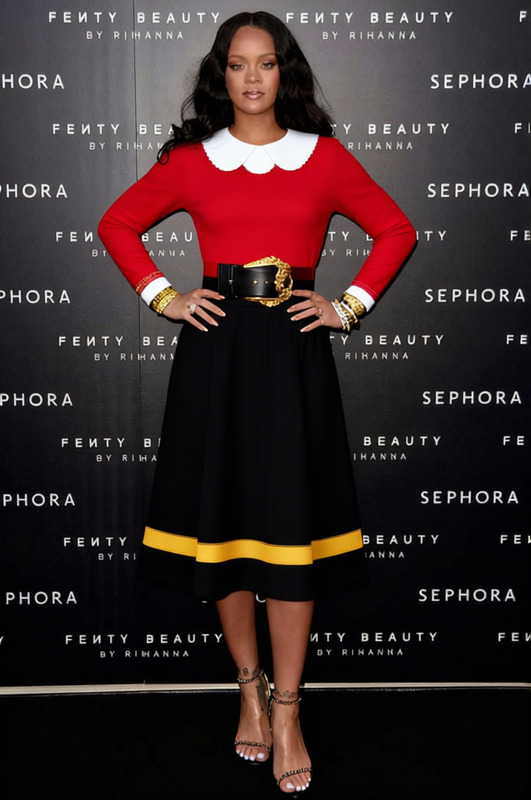
Transform your digital fashion realm with the Elizabeth Liones Pink Sleeveless Dress With White Blouse template. This tool allows creative professionals and enthusiasts to digitally alter clothing in imagery, enhancing visuals for various projects. Perfect for those looking to refine their fashion portfolios or digital presentations.
What It Does
This Clothes Changer template enables users to swap existing clothing with a pink sleeveless dress paired with a chic white blouse. This function is ideal for revamping catalogs or creating alternate fashion looks. The template is part of our suite of digital fashion tools which includes the AI Clothes Changer.
Who It's For
Fashion designers, digital artists, and content creators will find this template invaluable. Whether for creating mood boards or client presentations, this template elevates imagery without needing a physical wardrobe change. Explore other clothing transformation tools like the Full Body Generator to broaden your creative output.
Summary
The Elizabeth Liones template offers a seamless way to modify fashion visuals, making it a must-have for anyone involved in digital fashion and design. Enhance your digital projects by coupling it with tools like the AI Image Editor to ensure each detail is perfect.
How-To Guide
Choose the Template

Customize Your Image

Generate the Output

Use Cases
Digital Fashion Shows
- Showcase new designs
- Create thematic wardrobe changes
Social Media Content
- Campaign launches
- Influencer collaborations
E-commerce Imagery
- Create diverse catalog looks
- Optimize product display
Best Practices
Ensure Image Quality
Use high-resolution images for the best transformation results.Match Poses
Align the subject in the original image with the pink dress template for optimal alignment.Combine Tools
Utilize complementary tools like the AI Image Upscaler for sharper final images.
Frequently asked questions
More Like This