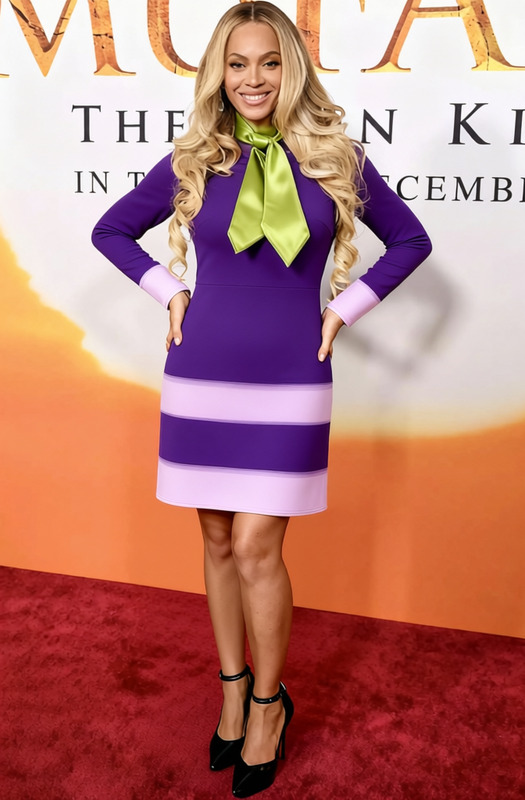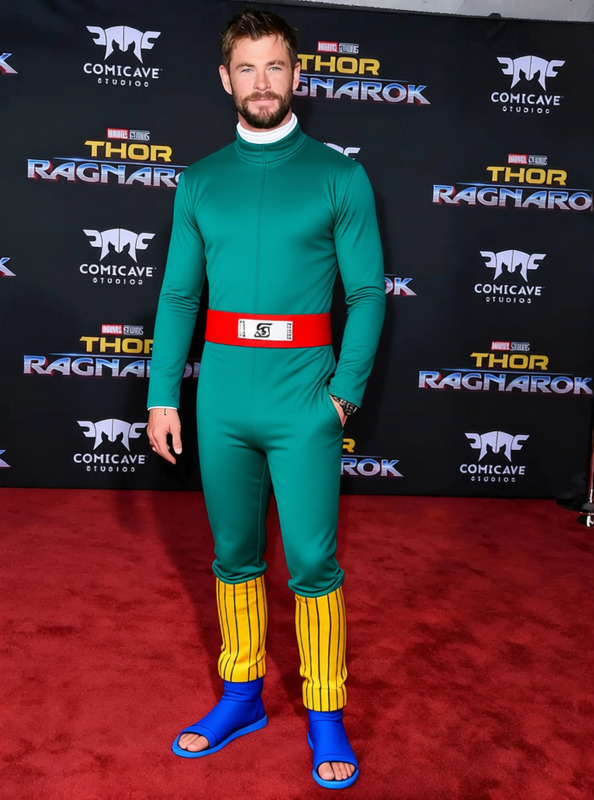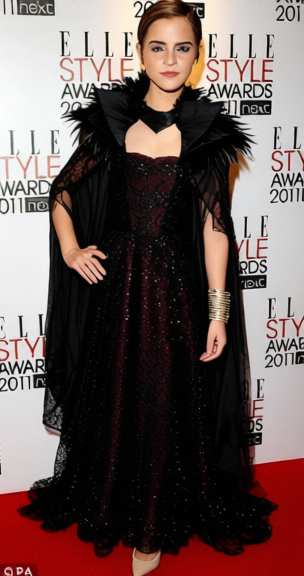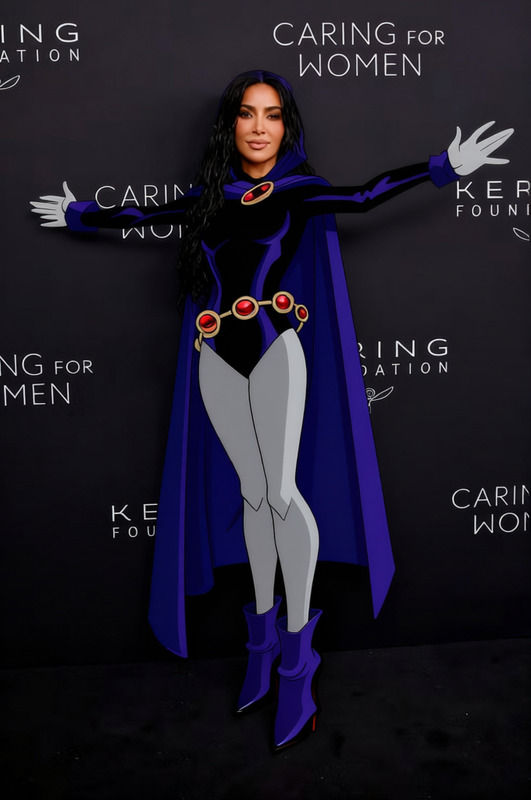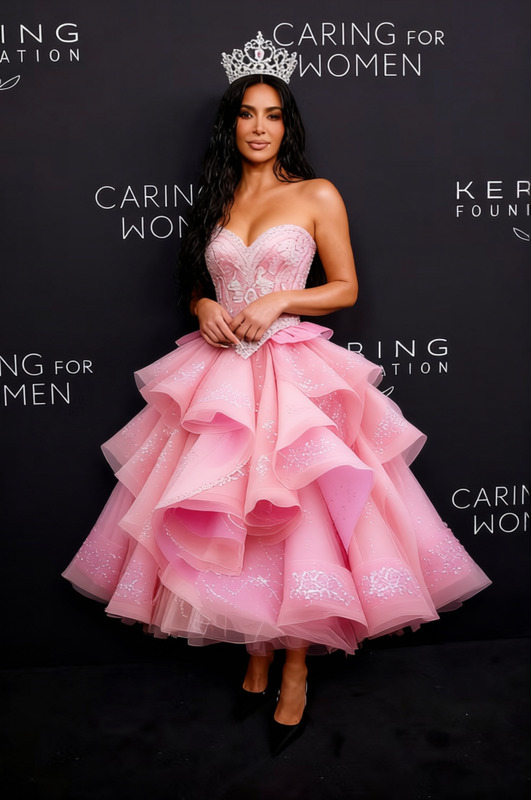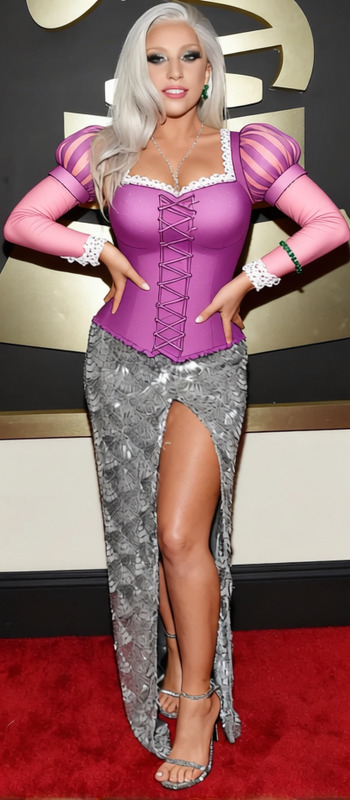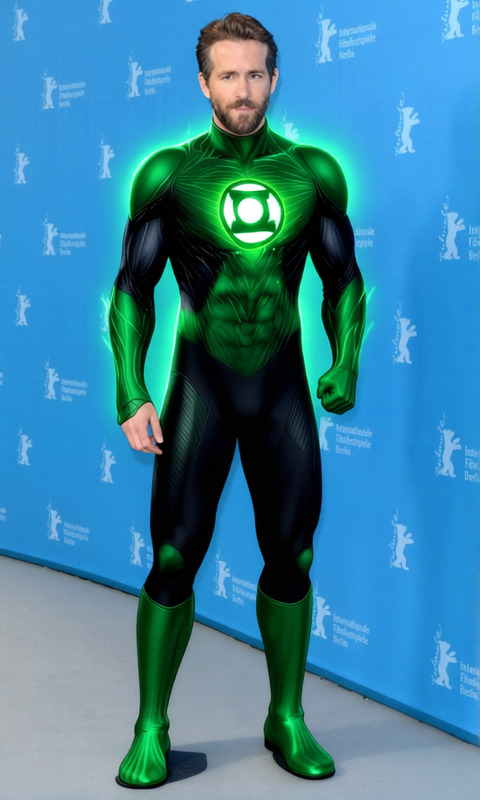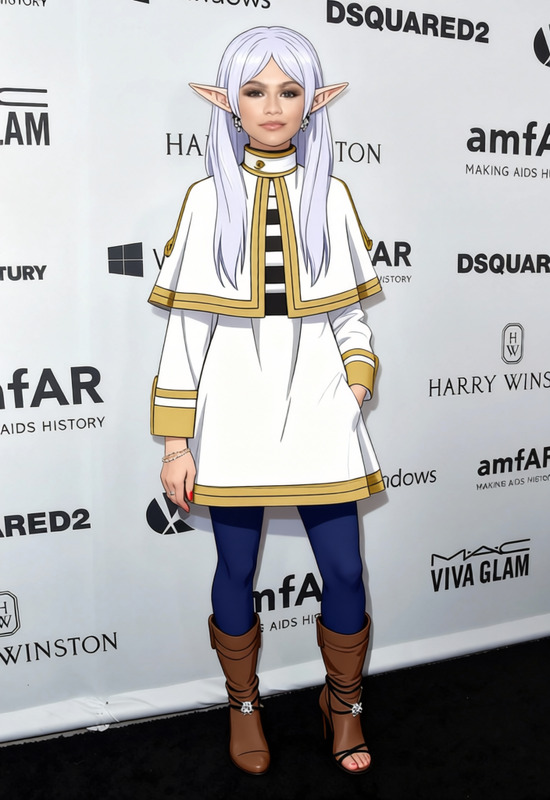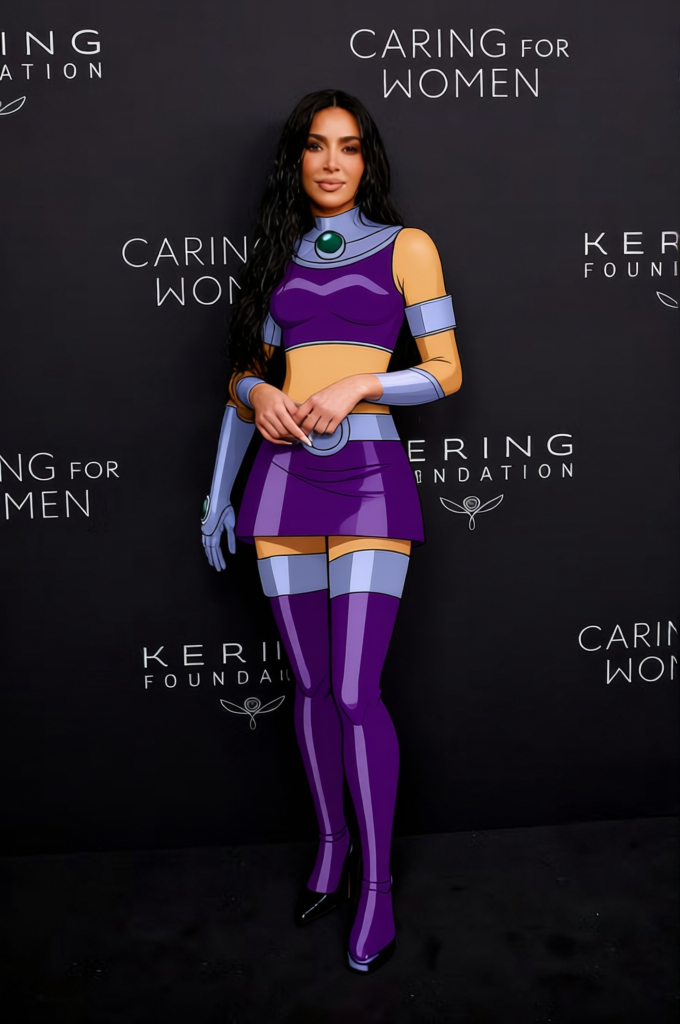
Starfire Purple Leotard With Silver Gauntlets 2
- Image
- 680 × 1024 px
Any aspect ratio
Overview
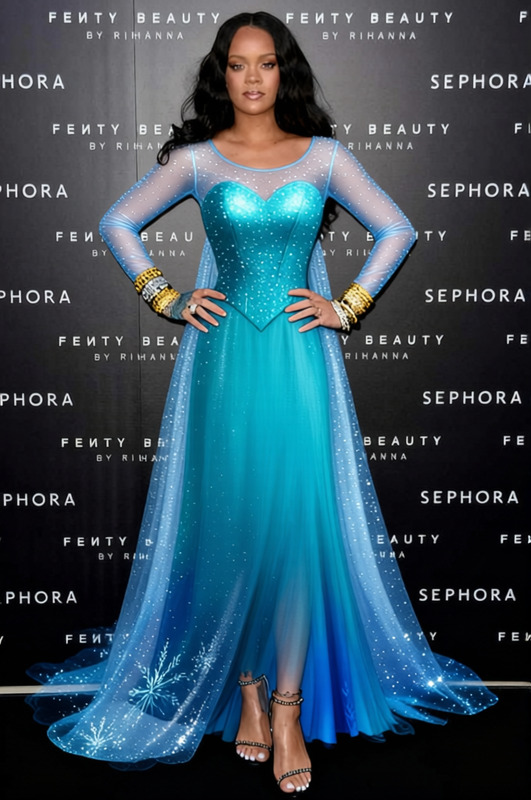
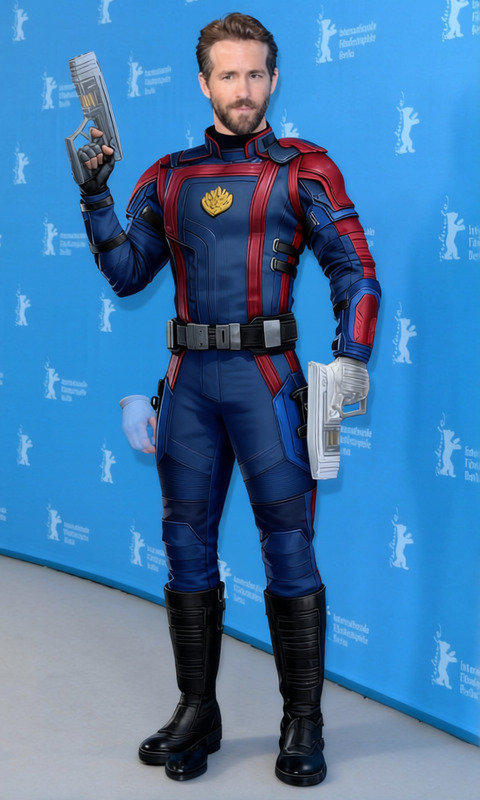
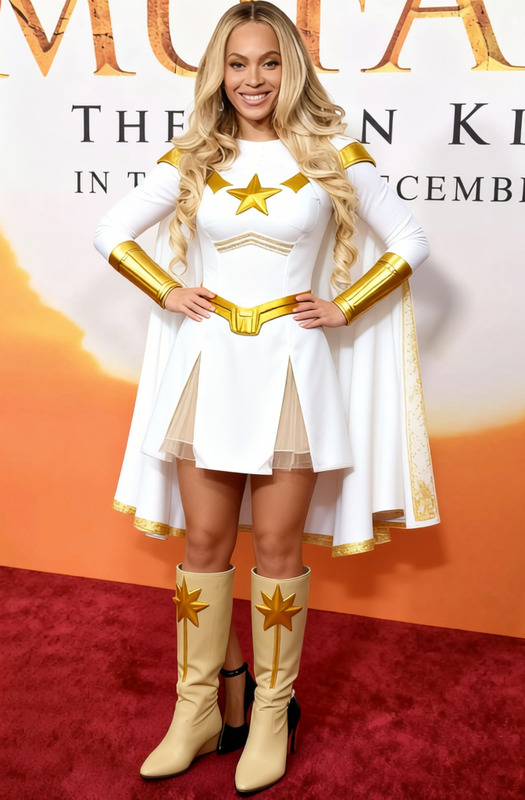
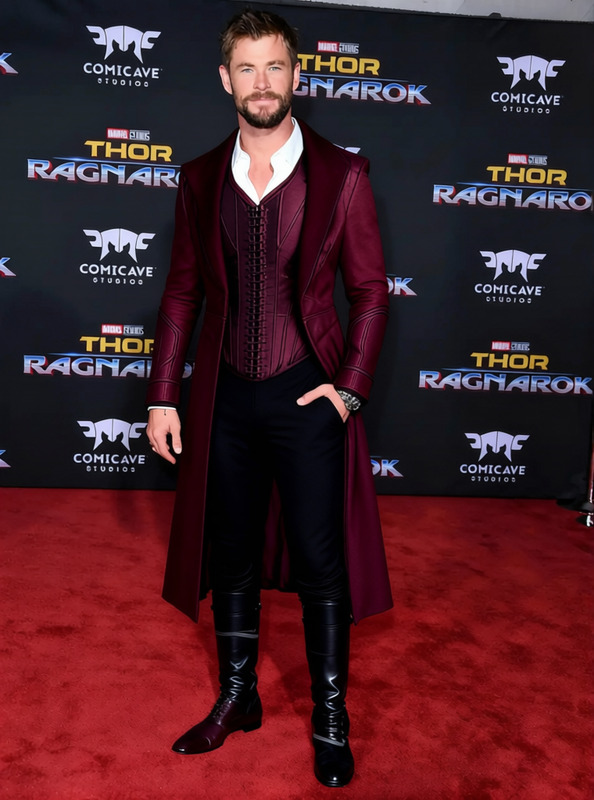
The Starfire Purple Leotard With Silver Gauntlets 2 template offers a dynamic AI-powered clothes change for your images. Transform ordinary photos by digitally dressing subjects in a striking purple leotard complete with shimmering silver gauntlets, perfect for adding a touch of cosmic flair.
What It Does
This template uses advanced AI to replace the current attire in your images with a vibrant purple leotard outfit. It preserves details like lighting and fabric texture, ensuring the new outfit looks natural and seamless within the existing scene.
Compatible with multiple image formats, this tool is ideal for creative modifications in photo shoots or fashion design concepts. Pair it with our AI Clothes Changer for further customization.
Who It's For
Designed for artists, fashion designers, and content creators looking to experiment with clothing styles without the hassle of physical wardrobe changes. It's also perfect for digital marketers seeking unique dress options for advertising and promotions.
Boost your image portfolio by exploring more from our AI Profile Picture Generator.
Summary
Step into a world where digital fashion knows no bounds with the Starfire Purple Leotard template. Offering creativity and efficiency, it’s the perfect tool for anyone looking to make a bold statement through photo imagery. Discover more transformative outfits and ideas using our AI GIF Generator.
How To
Choose the Template

Customize Your Image

Generate and Save

Use Cases
Fashion Design Drafting
- Engage with clients using digital mockups
- Experiment with color and material contrasts
Cosplay and Costume Planning
- Test fit and appearance of different costumes
- Share visuals with teams for collaborative feedback
Digital Marketing Campaigns
- Develop themed advertisement visuals
- Enhance social media engagement
Best Practices
Ensure High-Quality Images
For best results, use high-resolution images where the subject is clearly visible, ensuring a precise clothing change.Mind Lighting Conditions
Match the lighting of your created garment with the original image to maintain realism. Experiment with overlaying textures through our AI Image Editor.Consistency in Style
When using the template for multiple images, maintain consistency by applying similar editing styles to create a cohesive look.
Frequently asked questions
More Like This