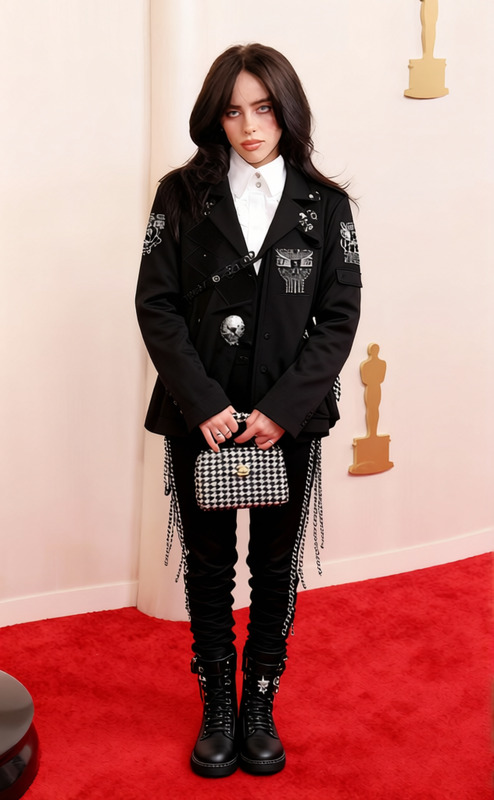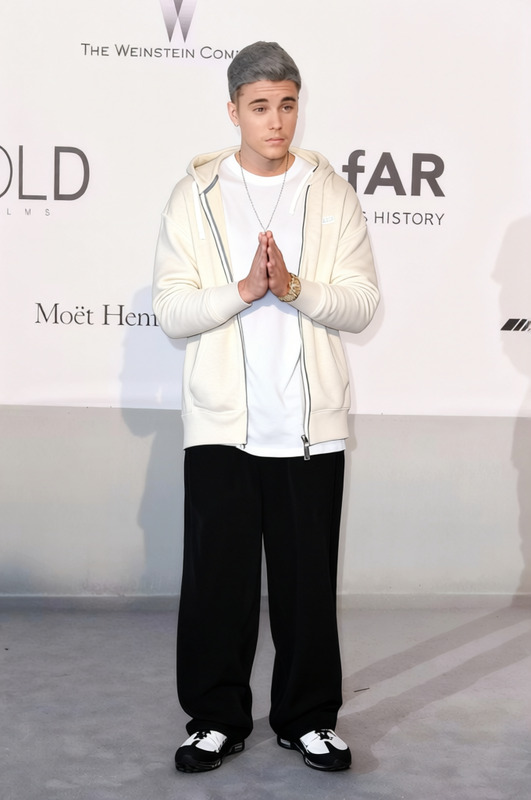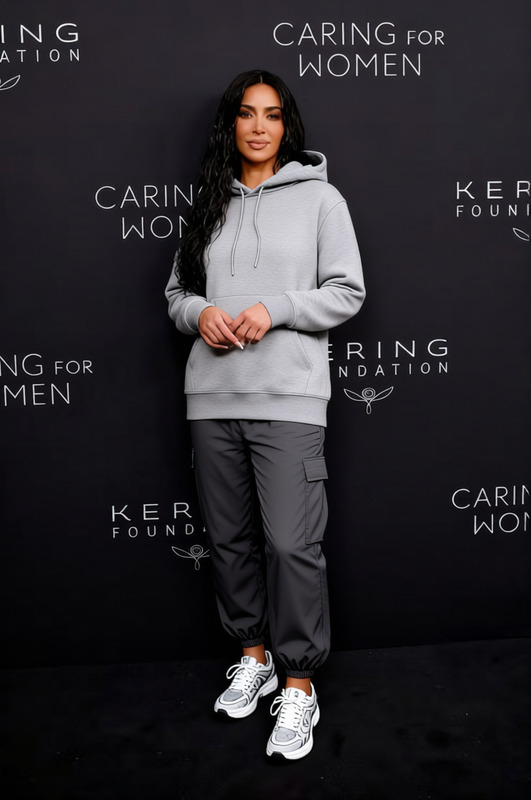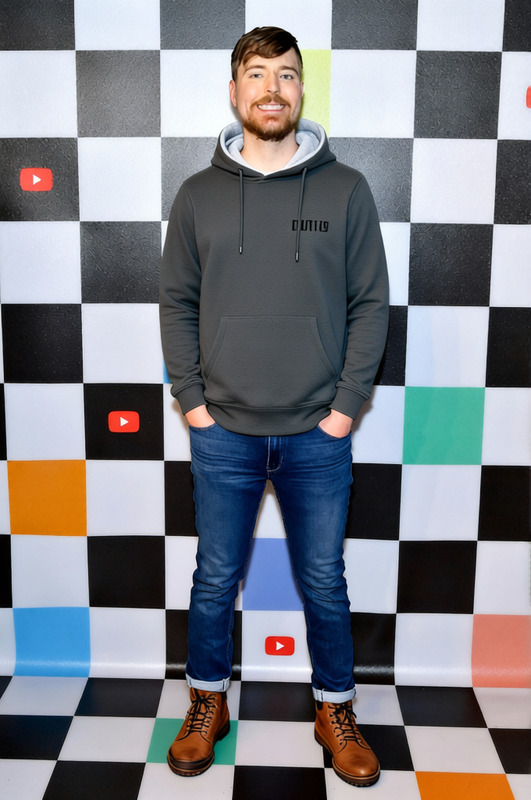
Fred Durst Black Hoodie With Cargo Pants
- Image
- 632 × 1024 px
Any aspect ratio
Overview
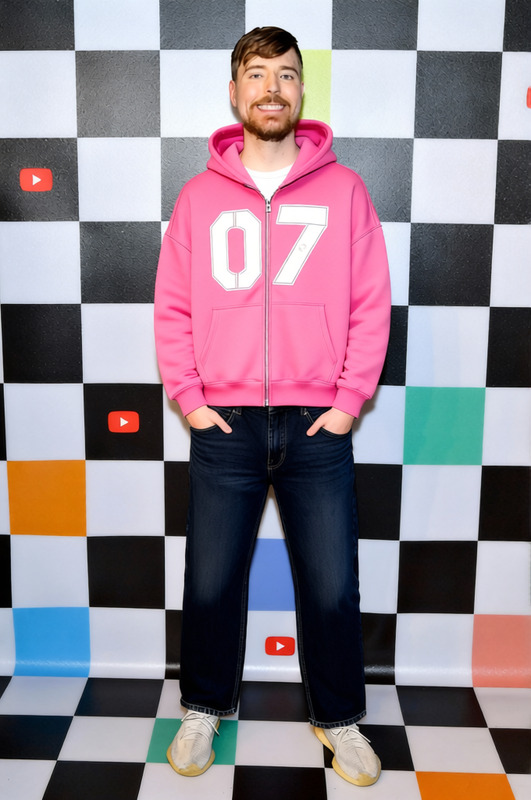
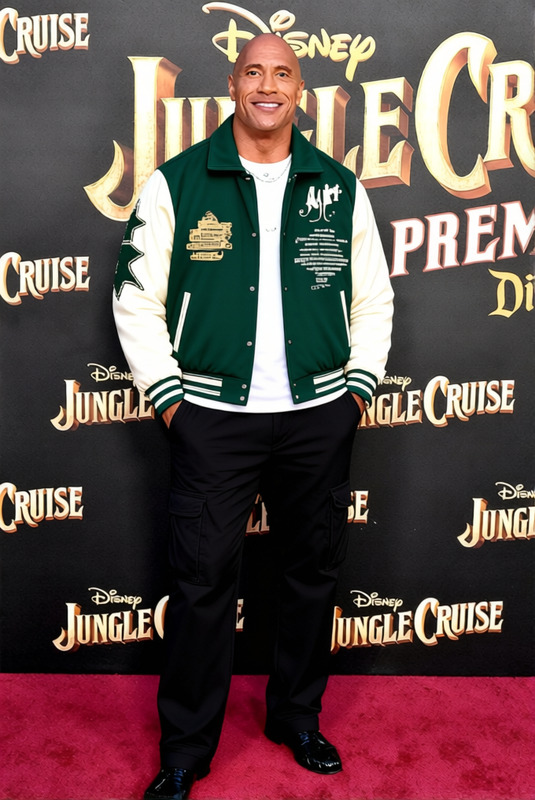
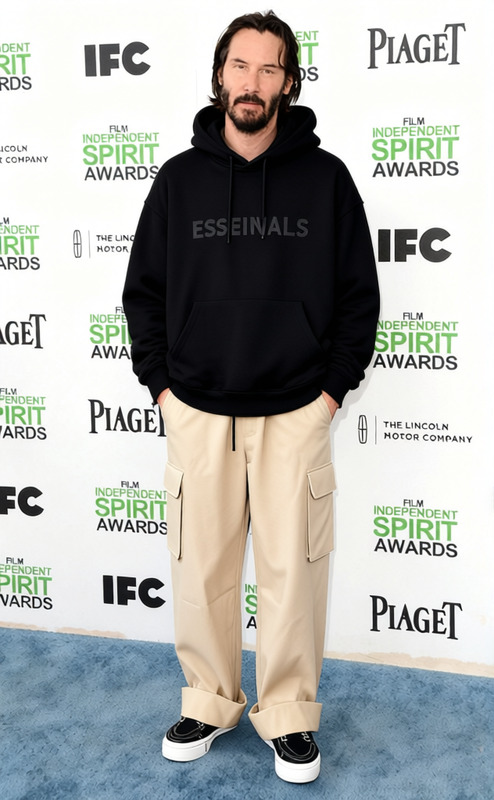
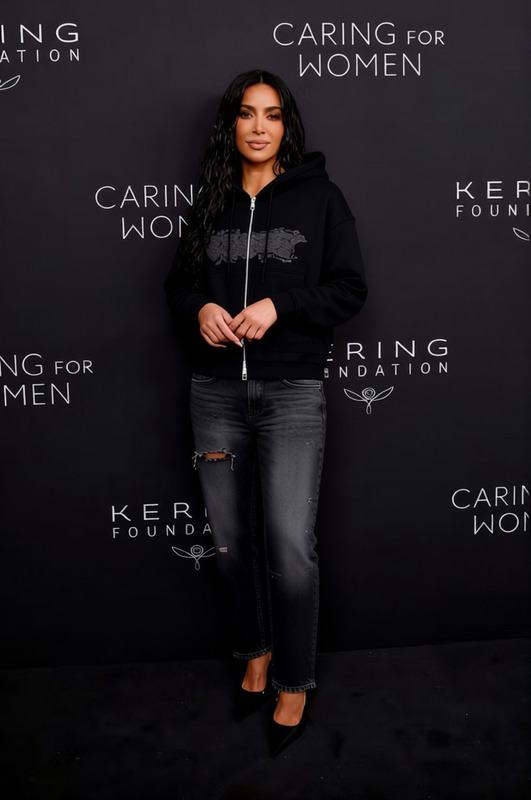
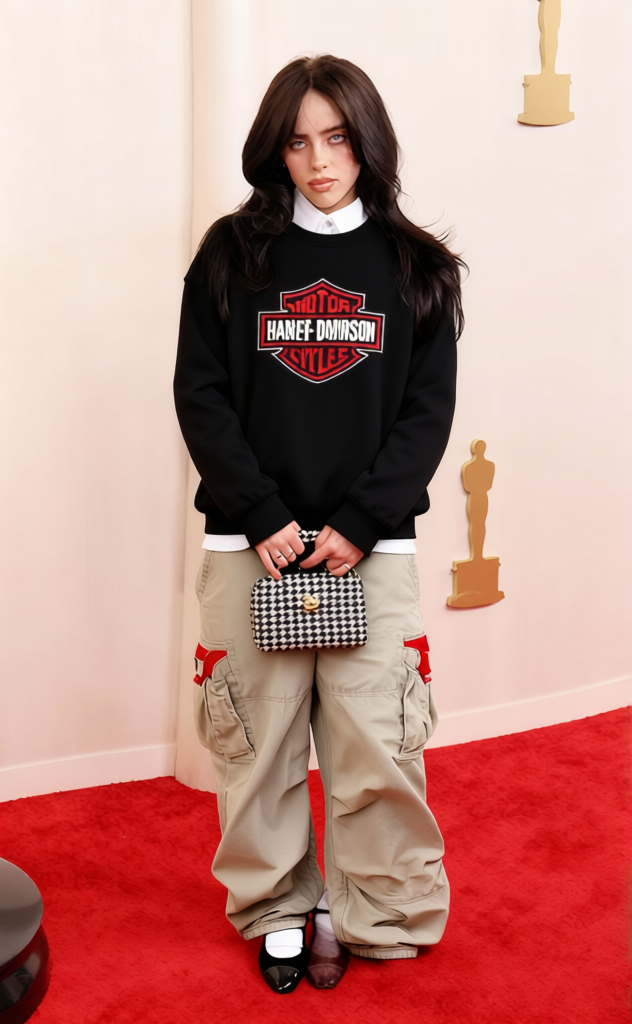
Step into style with the Fred Durst Black Hoodie With Cargo Pants template. This clothes changing tool allows you to effortlessly swap a subject's outfit, updating their look without the need for a new photoshoot. Ideal for creators looking to give their characters a fresh wardrobe in a few clicks.
What It Does
The Fred Durst Black Hoodie With Cargo Pants template utilizes the AI Clothes Changer to replace existing outfits in your images with a black hoodie and cargo pants combination. Simply upload your image and let our system do the rest, preserving the original context and expressions of the characters.
Who It's For
This tool is perfect for photographers, graphic designers, and content creators who often work with fashion or character design. It's also a valuable asset for social media influencers and ecommerce businesses who need a cost-effective way to showcase new clothing styles, without the hassle of traditional shoots.
Summary
Use the Fred Durst Black Hoodie With Cargo Pants template to elevate your creative projects. Whether you are updating your online store's product photos or crafting unique social media content, this tool adds versatility and flair to your wardrobe palette. Explore more features of clothing transformations with our Image to Video and AI Video Generator products.
How to Use
Select the Template

Customize Your Input

Generate and Download

Use Cases
Fashion E-commerce
Content Creation
Character Design
Best Practices
Choose High-Quality Images
Ensure your original images are high-resolution for the best clothing overlay results.Consider Lighting Effects
Match lighting in the original image with the new clothing for a natural look.Verify Orientation
For best results, make sure the subject is centered and facing forward.
FAQs
More Like This