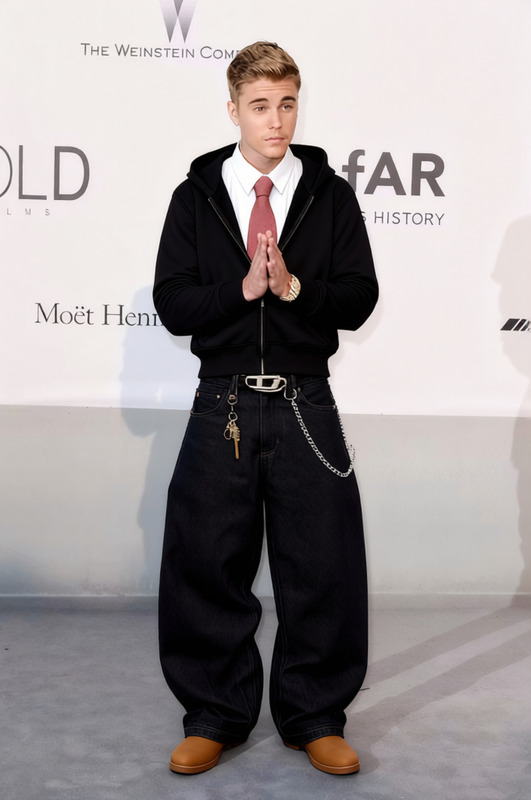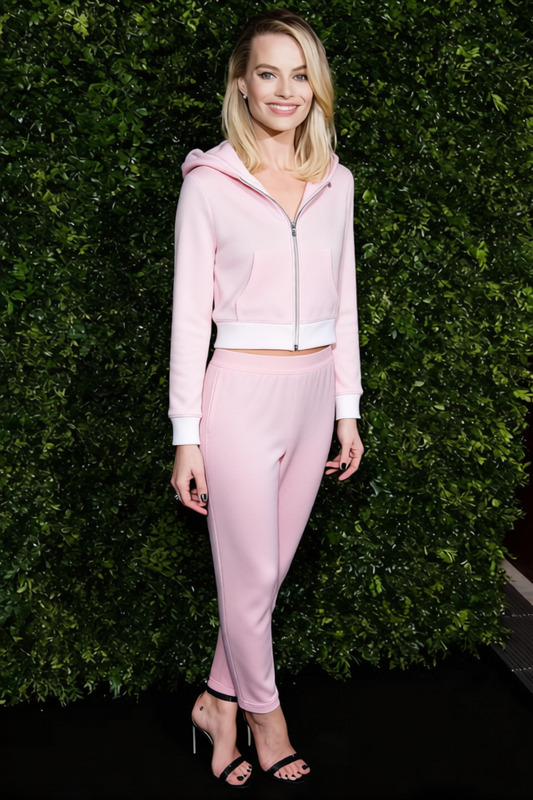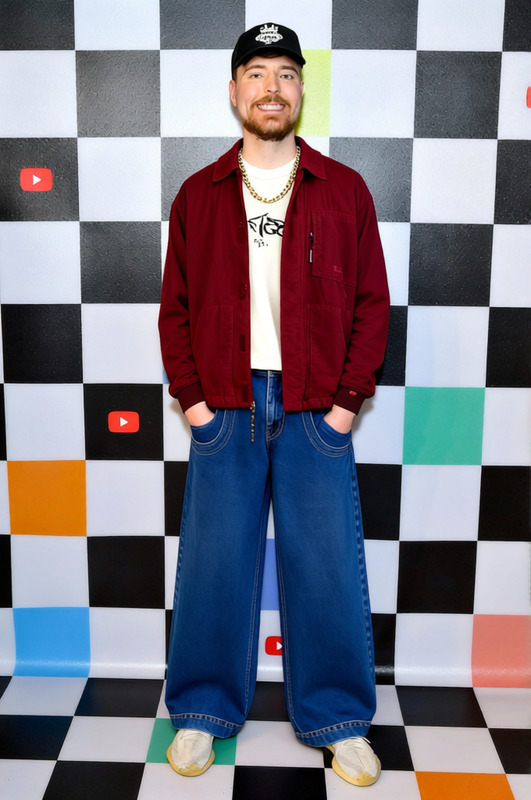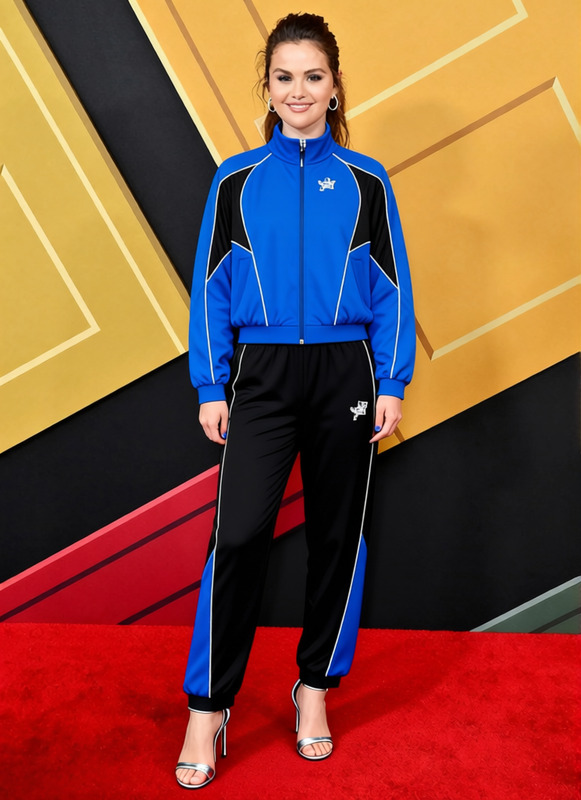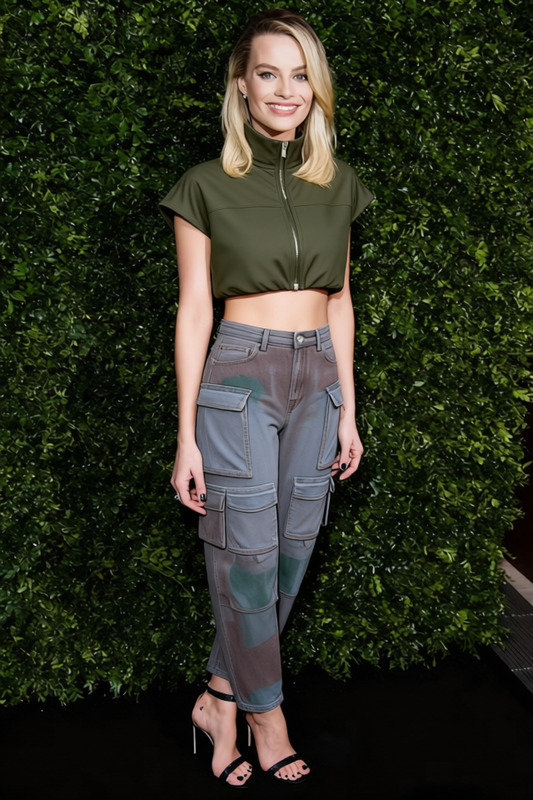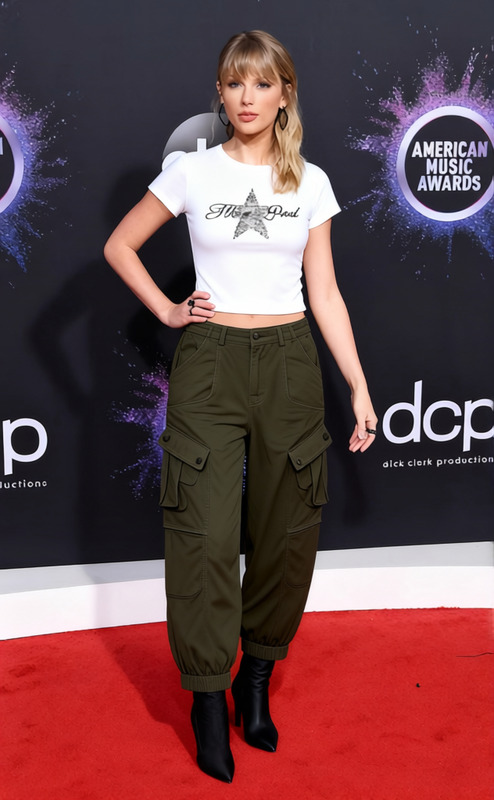
Y2k Black Zipup With Grey Baggy Jeans
- Image
- 680 × 1024 px
Any aspect ratio
Overview
The Y2k Black Zipup With Grey Baggy Jeans template is designed for the AI Clothes Changer tool, enabling users to modernize their appearance with a trendy outfit. Whether you're updating professional photos or experimenting with new styles, this template makes wardrobe modifications quick and simple. Perfect for both personal and professional use, it provides a fresh, fashionable look with just a few clicks.
What It Does
This template allows users to digitally change clothing in images to a stylish Y2k black zip-up jacket paired with grey baggy jeans. By integrating cutting-edge AI technology, it offers an easy way to explore different looks without the need for physical clothes. Explore our AI Image Editor for further customization options.
Who It's For
This template is ideal for fashion enthusiasts, social media influencers, and marketing professionals looking to create trendy visuals. If you're in ecommerce, leveraging AI Product Photography can enhance your product images with new and appealing clothing styles.
Summary
Revamp your digital wardrobe with the Y2k Black Zipup With Grey Baggy Jeans template. From personal photos to commercial imagery, this tool provides a modern touch that aligns with today's fashion trends. For more advanced tools, consider the AI Background Changer to add complementary backdrops.
How To
Choose the Template

Customize Your Inputs

Generate the New Image

Use Cases
Social Media Content Creation
- Instagram posts
- TikTok transformations
- Facebook updates
Ecommerce Product Displays
- Product promotions
- Fashion catalog updates
- Seasonal sales imagery
Virtual Fashion Shows
- Runway simulations
- Design previews
- Fashion event planning
Best Practices
Ensure Proper Alignment
When swapping outfits, make sure the clothing is aligned properly with the subject’s body for a realistic look.Use High-Quality Images
Upload high-resolution images for the best results with accurate details and fabric textures.Experiment with Complementary Tools
Pair with the AI Video Extender or AI Talking Photo for more dynamic content presentations.