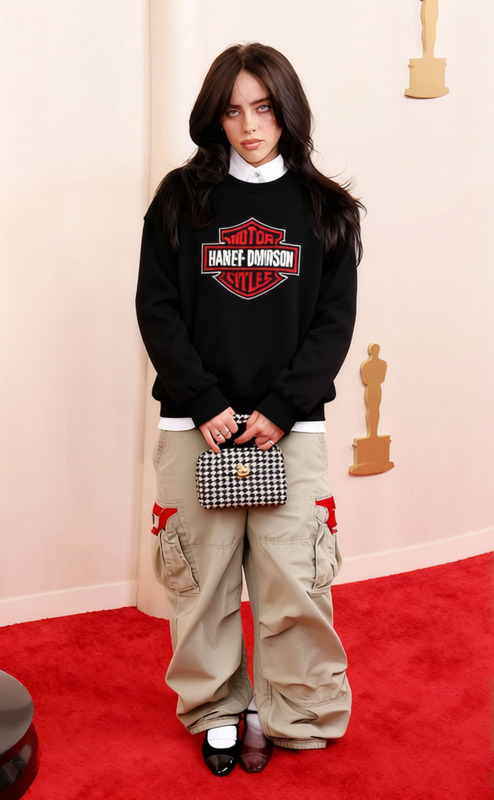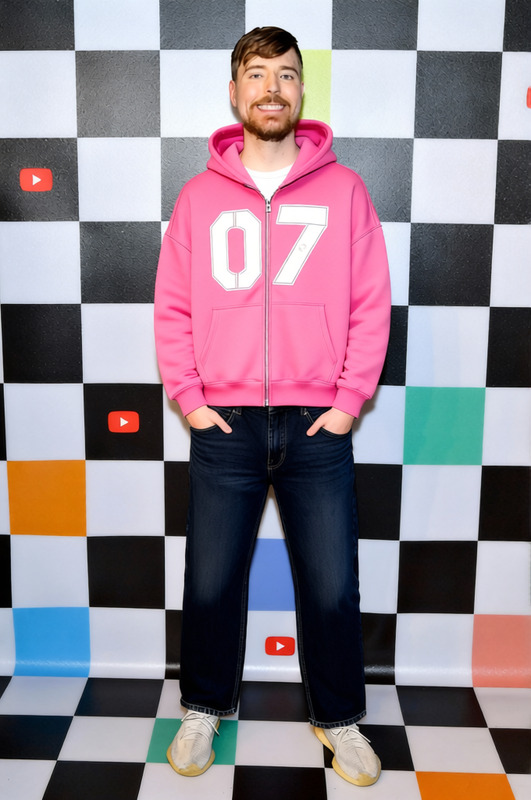
Street Goth Black Oversized Hoodie With Drop Crotch Pants 2
- Image
- 680 × 1024 px
Any aspect ratio
Overview
Transform any outfit into a contemporary streetwear statement with the Street Goth Black Oversized Hoodie With Drop Crotch Pants 2 template. This AI Clothes Changer offers digital designers the tools needed to convert standard images into dynamic fashion-forward visuals. Suited for fashion enthusiasts, retailers, and digital creators, this template blends the boundary between technology and style.
What It Does
This template allows users to digitally superimpose a high-quality street goth ensemble onto existing photographs. With a focus on black oversized hoodies and drop crotch pants, your images gain a cutting-edge look ideal for promotions, conceptual art, or fashion retail displays. Perfect your images with the AI Image Editor for any additional adjustments needed.
Who It's For
Designed for digital fashion designers, e-commerce operators, and social media influencers, this template enhances visual storytelling with a modern urban edge. Ideal for those looking to refresh their image galleries or build conceptual streetwear campaigns without the need for physical samples.
Summary
Create captivating fashion imagery by integrating the Street Goth ensemble onto existing photos with precision. This template serves as a high-value tool in the Character Replace suite, fostering unique visual narratives for diverse applications within the digital fashion realm.
How To
Choose the Template

Customize Your Inputs

Generate and Download

Use Cases
Fashion Retail Display
Social Media Campaigns
Portfolio Enhancement
Best Practices
High-Resolution Images
For best results, use high-resolution images to ensure the garments visually align with the subject.Lighting Considerations
Ensure that the source image's lighting matches the mood of the garment for a more realistic outcome.Post-Editing
Utilize additional tools like the AI Image Upscaler to enhance image clarity after integration.
Frequently asked questions
More Like This