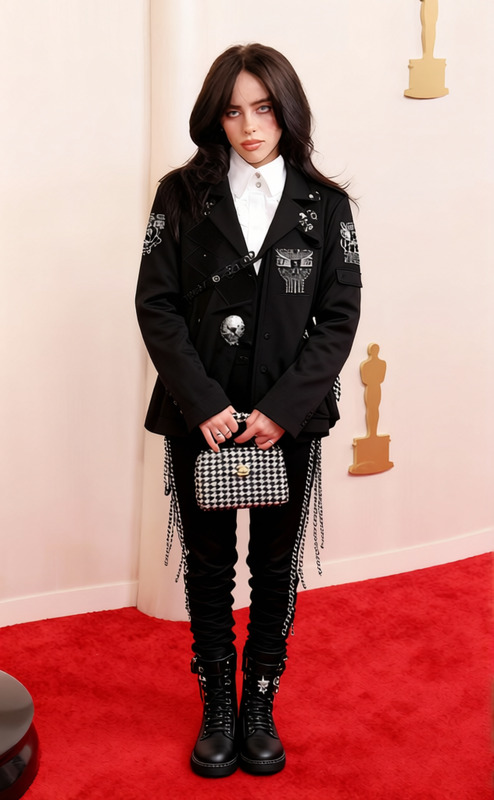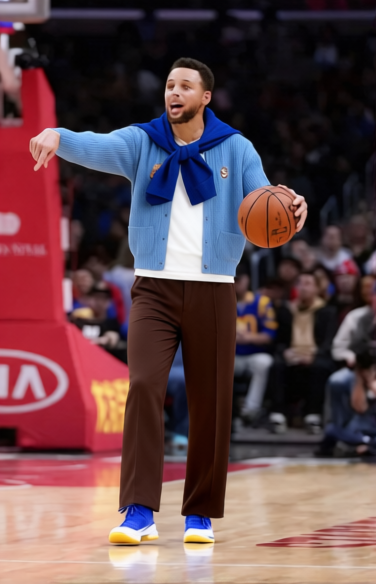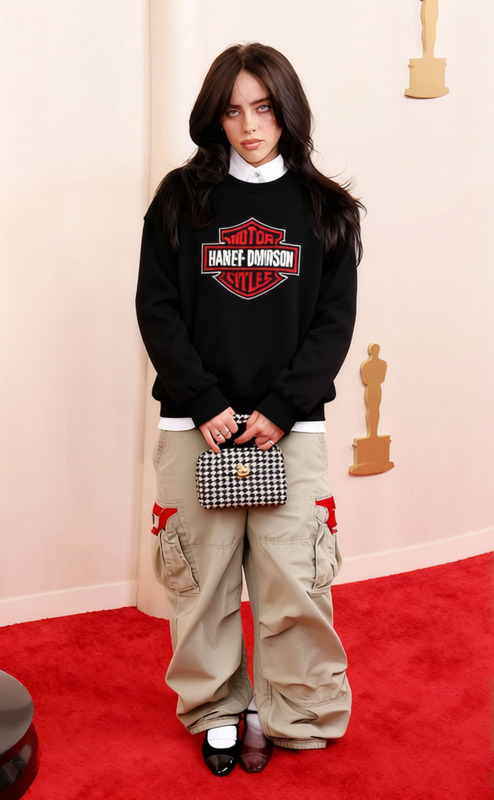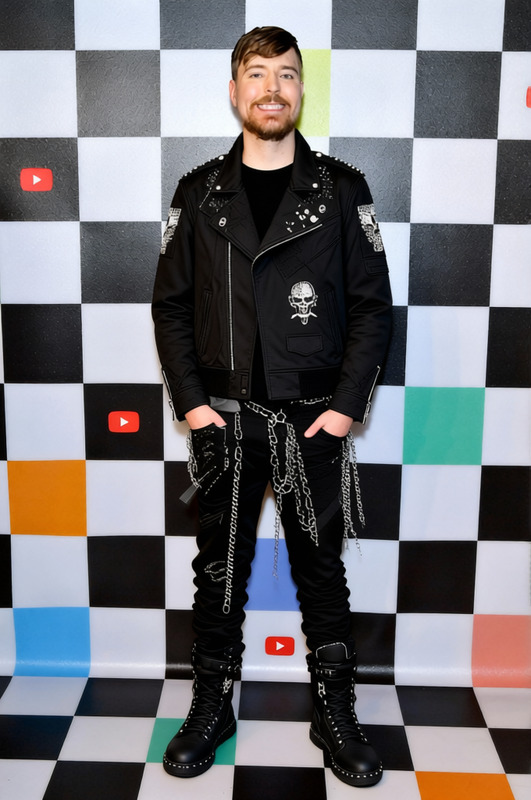
Mac Miller Oversized Hoodie With Cargo Pants
- Image
- 632 × 1024 px
Any aspect ratio
Overview
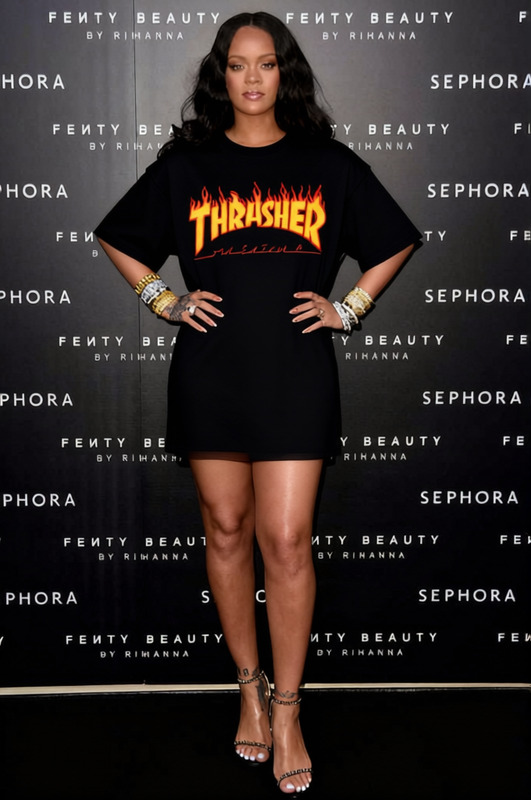
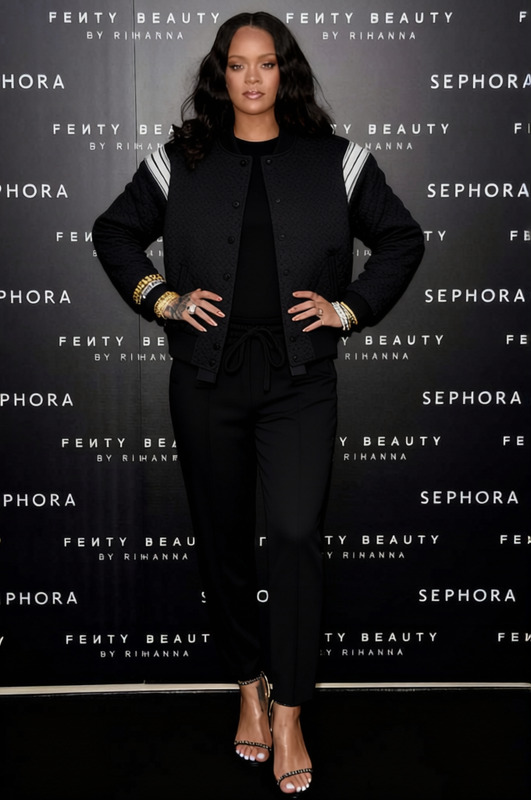
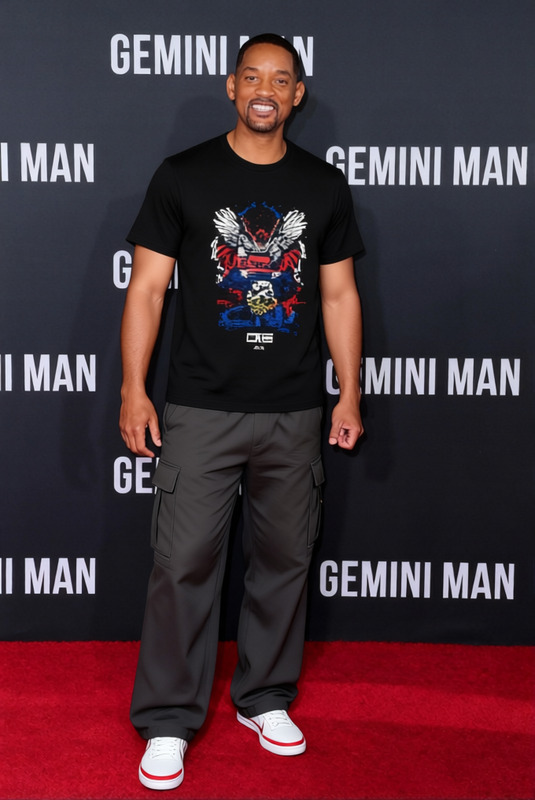
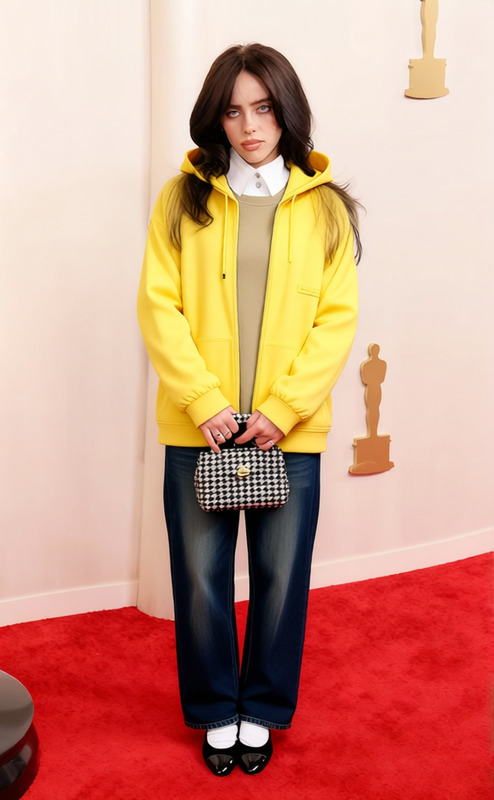
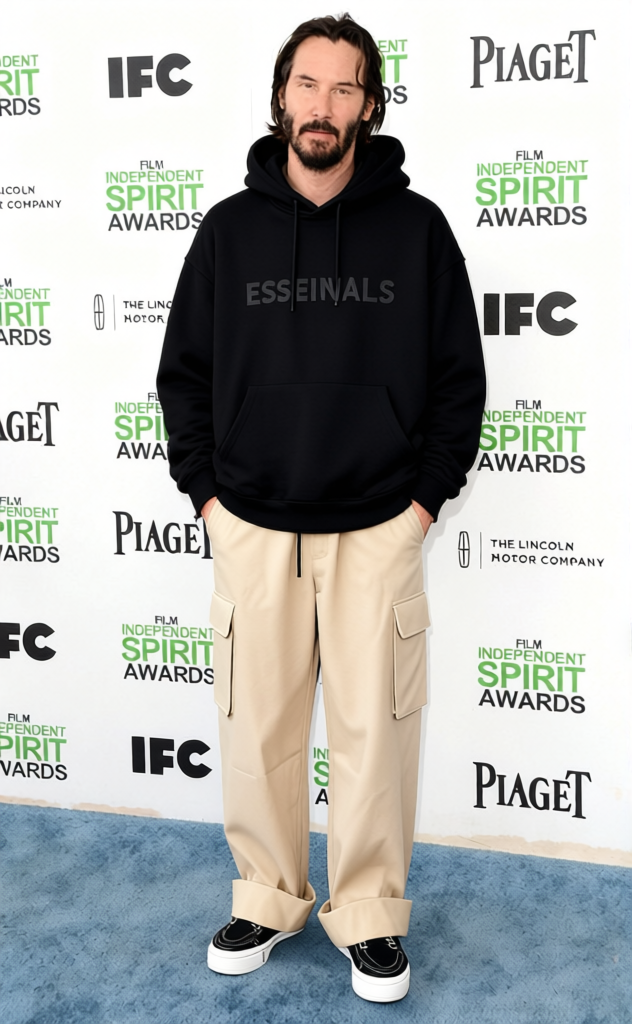
Imagine a world where updating your wardrobe is as simple as dragging and dropping. With the Mac Miller Oversized Hoodie With Cargo Pants template, you can do just that. This Clothes Changer template helps you experiment with virtual styling, offering a realistic preview of this popular combo without the need to purchase first.
What It Does
The template allows users to overlay a Mac Miller styled oversized hoodie and cargo pants onto their photos, perfect for trying on the latest fashion trends virtually. Utilizing advanced AI, it maintains garment proportions and positions accurately, delivering a convincing fit on any subject.
For more virtual clothes options, check out the AI Clothes Changer.
Who It's For
The Mac Miller Oversized Hoodie With Cargo Pants template is ideal for fashion enthusiasts looking to explore new trends, clothing retailers who want to offer interactive experiences, and influencers seeking fresh content creation methods. It's also great for anyone who enjoys fashion imaging and digital styling.
You might also be interested in using our AI Profile Picture Generator to add flair to your social content.
Summary
This template revolutionizes the way you try out new looks. By integrating seamlessly with your existing photos, you can experiment with wearing a Mac Miller oversized hoodie coupled with cargo pants before committing to a purchase. To explore other exciting templates, visit our Clothes Changer templates page.
How To
Choose Your Template

Customize Your Look

Generate Your Image

Use Cases
Fashion Blog Revamp
- Enhance articles with visual content
- Engage readers with digital styling
Retail Virtual Fittings
- Interactive shopping experience
- Improve customer satisfaction
Influencer Content Creation
- Generate dynamic photos
- Attract new audiences
Best Practices
Choose High-Resolution Photos
For better results, use high-resolution images. This ensures the overlay looks natural and convincing.Experiment with Different Angles
Test the template's versatility by trying various angles and lighting conditions for a more professional look.Utilize Complementary Tools
Combine with the AI Image Editor to refine your photos after generating the look.
Frequently asked questions
More Like This