Y2k Parachute Pants And Grey Hoodie
- Image
- 680 × 1024 px
Any aspect ratio
Overview
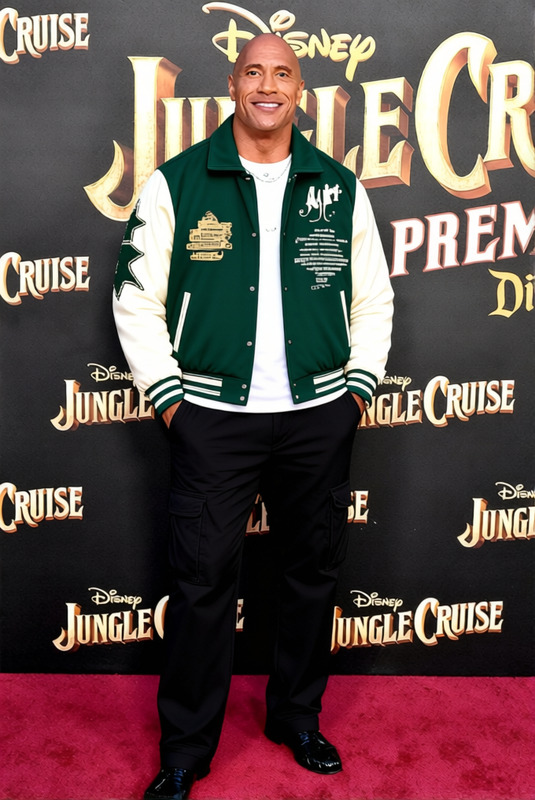
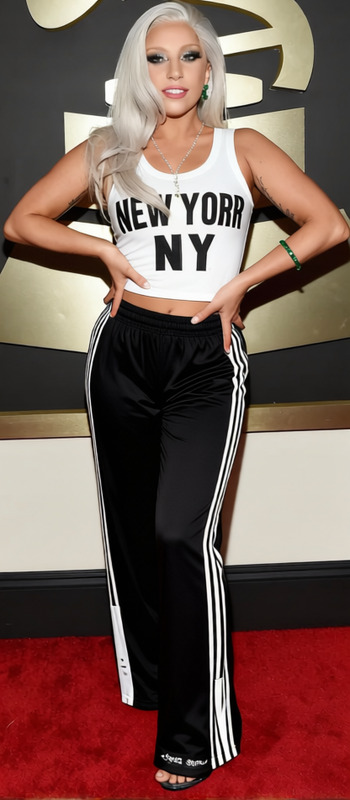
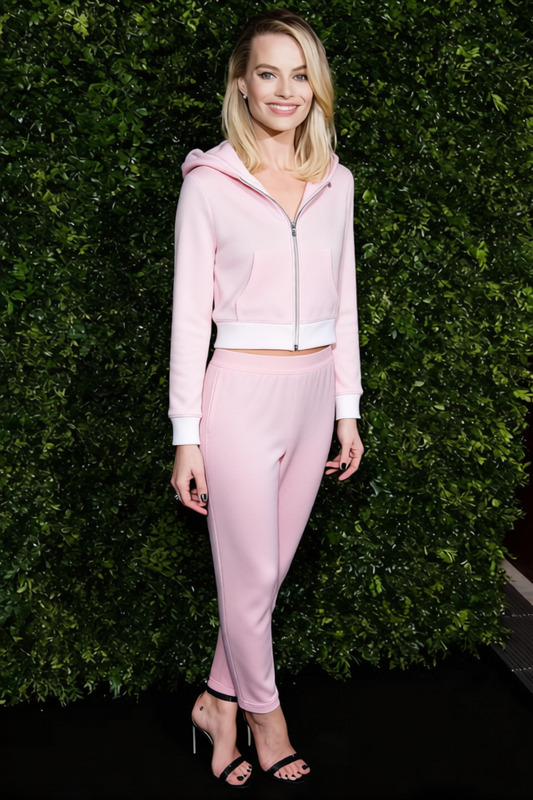
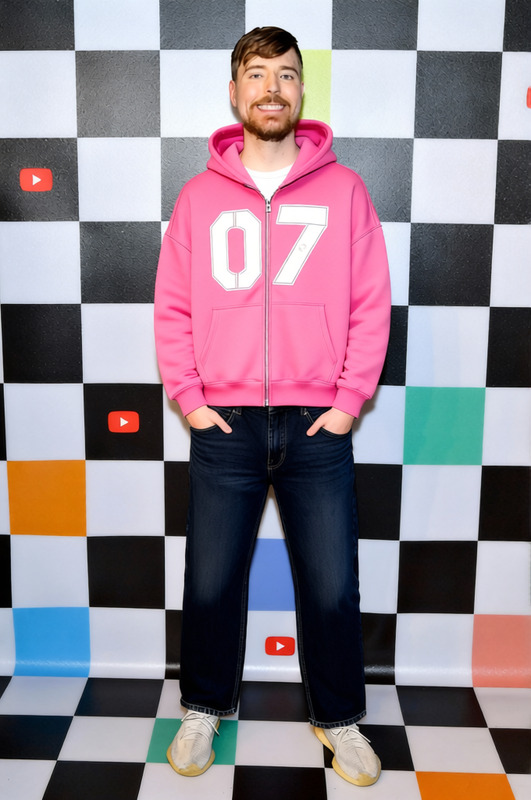
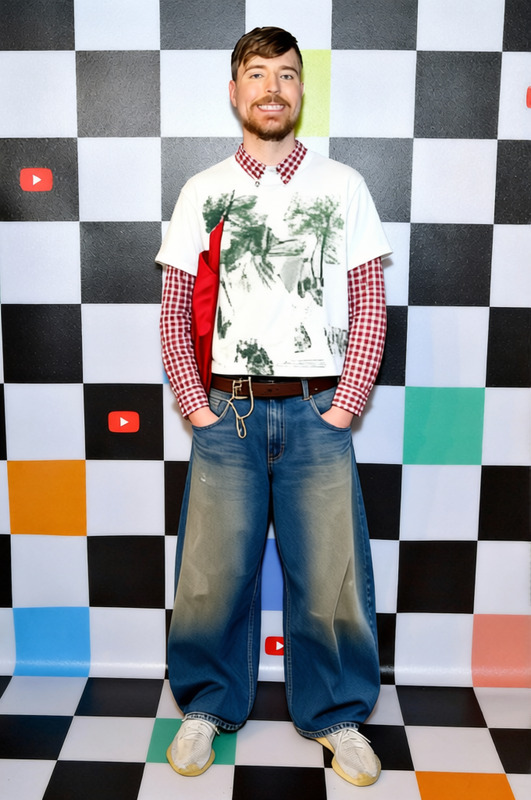
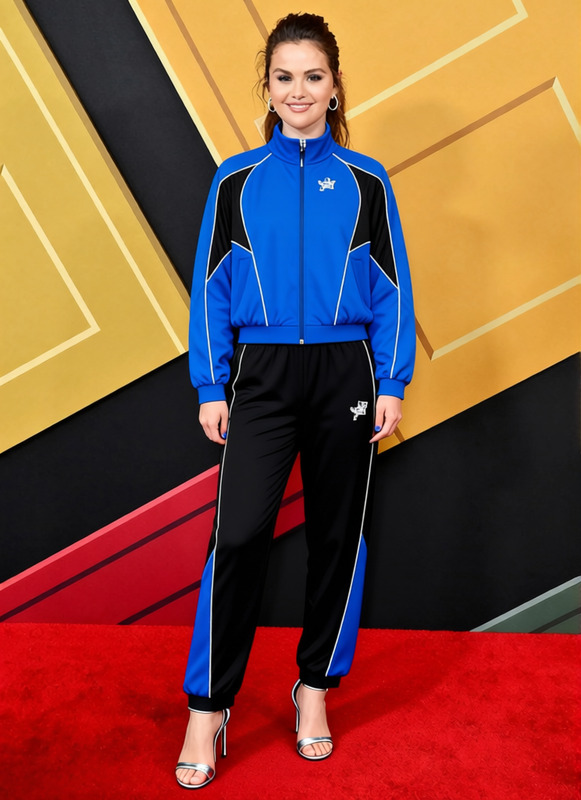
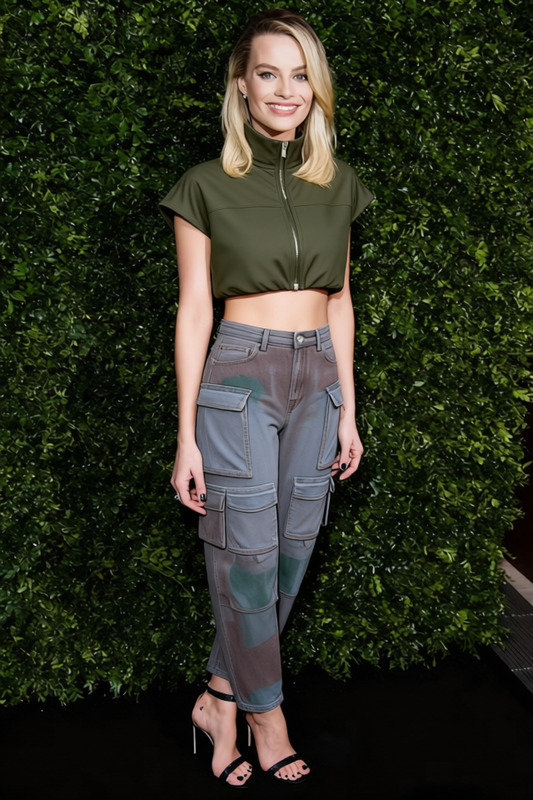
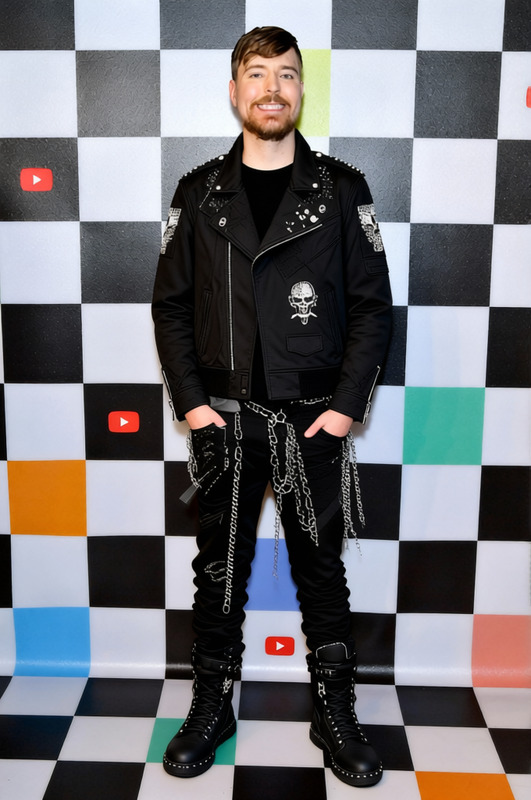
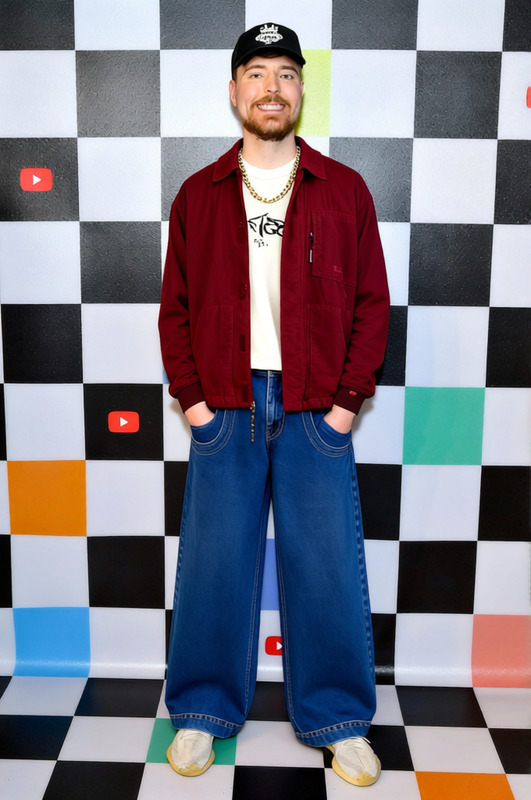
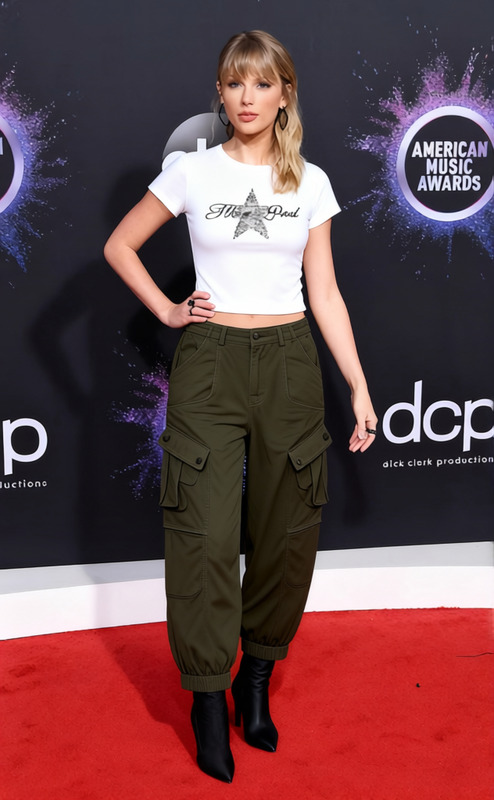
Transform any outfit into a retro look with the Y2k Parachute Pants and Grey Hoodie template. This Clothes Changer template allows you to creatively alter the wardrobe of anyone in your images, making their style stand out with iconic 2000s fashion.
This template complements other tools like the Face Swap or AI Face Editor for a complete style transformation.
What It Does
The template modifies the clothing in your image to feature Y2k parachute pants and a grey hoodie, keeping the rest of the image unchanged. Advanced algorithms ensure natural blending, so the new outfit looks seamless and realistic.
It's a quick and intuitive way to change clothing using the AI Clothes Changer product.
Who It's For
This template is perfect for fashion enthusiasts, digital creators, and marketers looking to create content with a nostalgic flair. It's ideal for designers aiming to showcase versatile wardrobe options in digital portfolios or social media marketing campaigns.
Summary
Use the Y2k Parachute Pants and Grey Hoodie template to give your images a stylish twist inspired by the 2000s. With this template, achieve a professional look that integrates naturally into your visual content projects.
Consider pairing it with Text to Video for creating engaging video content with a unique fashion edge.
How To
Choose Your Template

Customize Your Image

Generate the Image

Use Cases
Fashion Marketing
- Digital and social media campaigns
- Webshop product displays
Content Creation
- Fashion blogs and vlogs
- Personal social media
Design Portfolios
- Fashion design presentations
- Concept art portfolios
Best Practices
Image Selection
Select high-resolution images for the best results. Ensure the person is clearly visible to effectively apply the clothing change.Color Matching
Utilize tools to match the clothing colors with the overall tone of the image for a harmonious look.Pair with Other Tools
Combine with AI Talking Photo or AI Video Generator to create dynamic content that stands out.
Frequently asked questions
More Like This