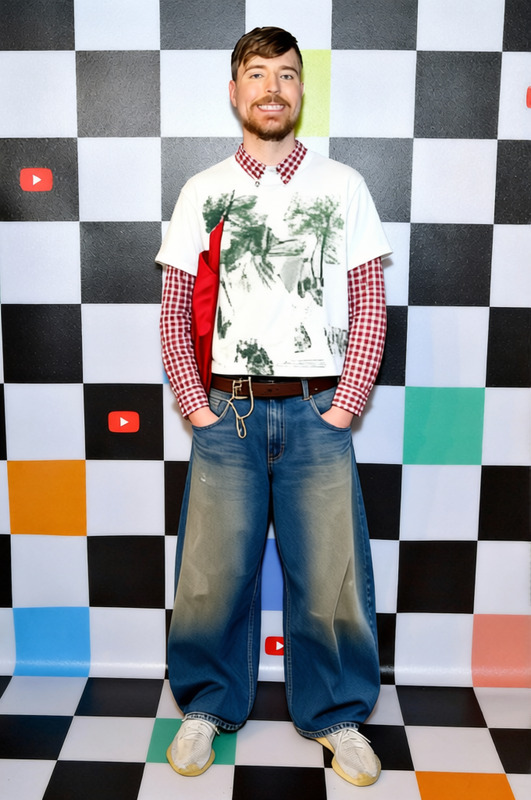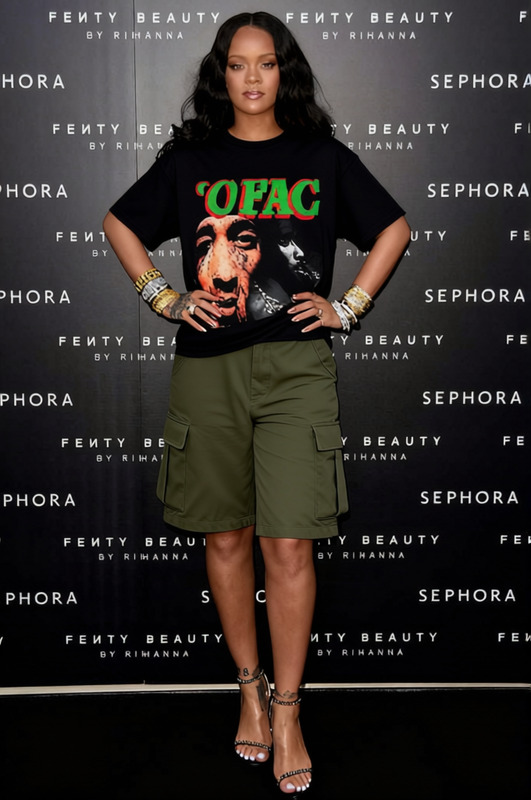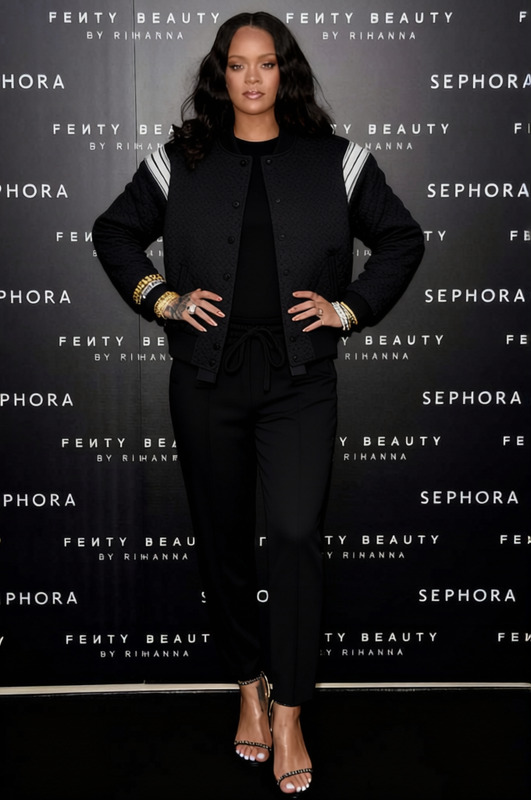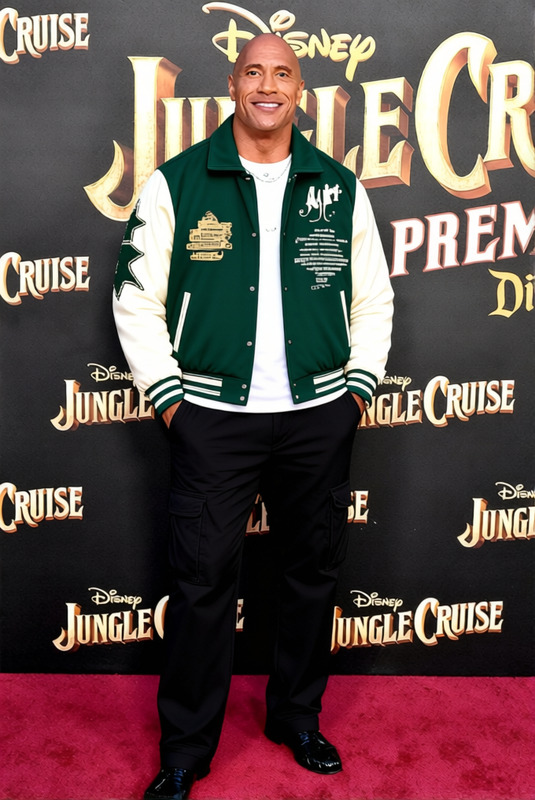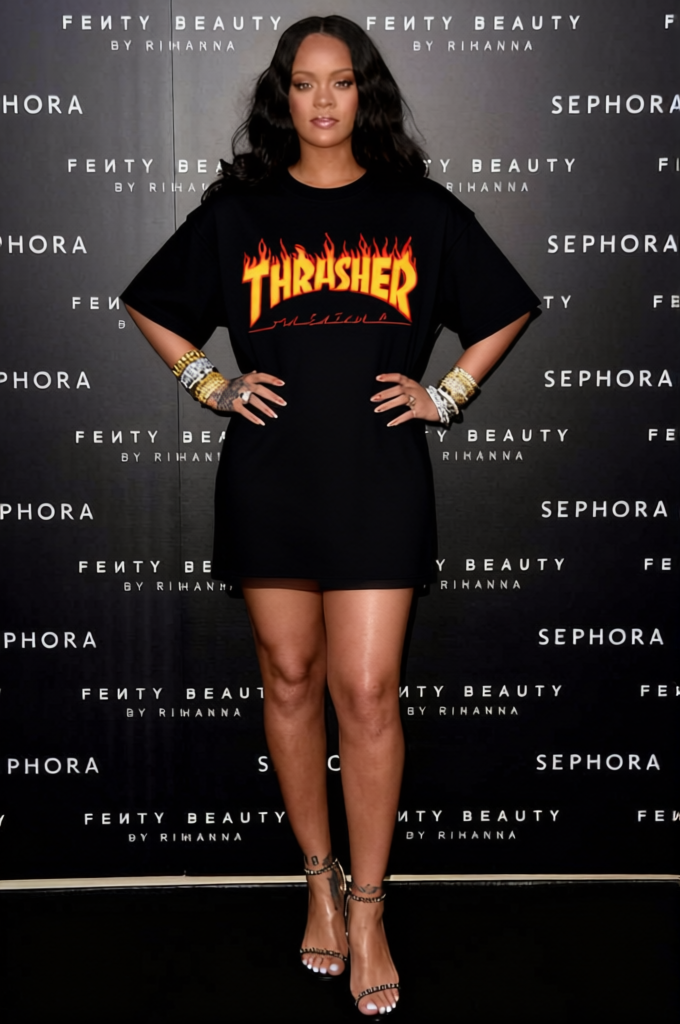
Skater Streetwear Tie Dye Hoodie With Cargo Pants 2
- Image
- 680 × 1024 px
Any aspect ratio
Overview
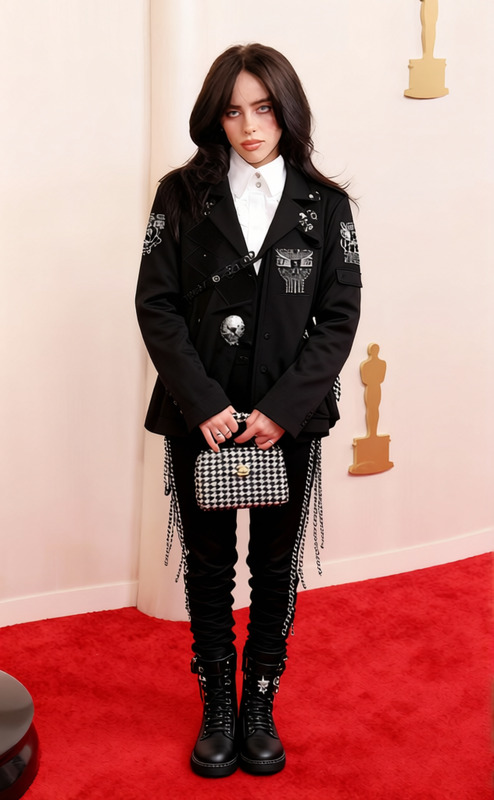
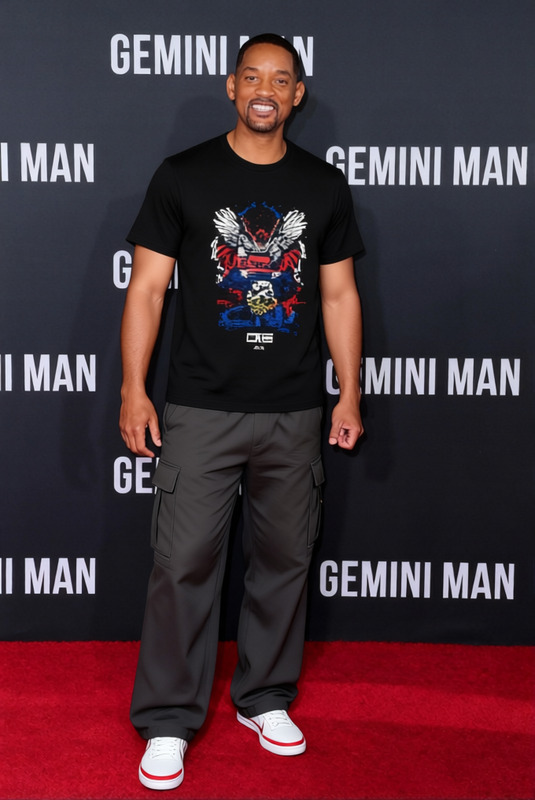
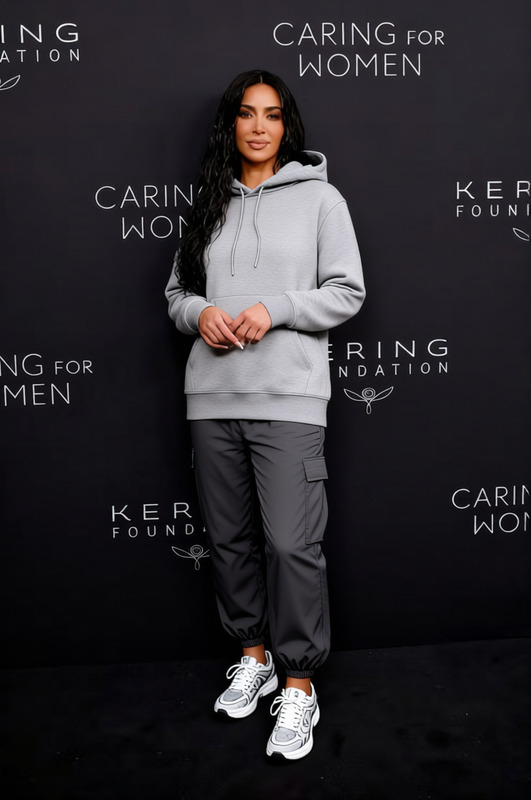
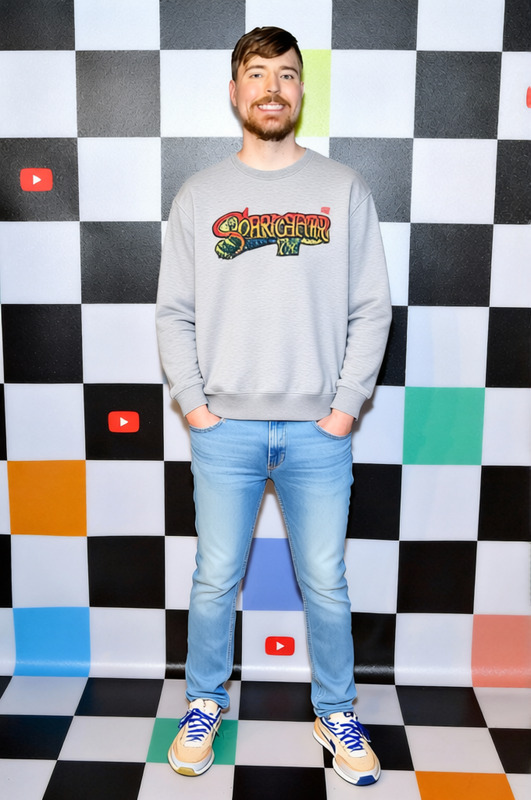
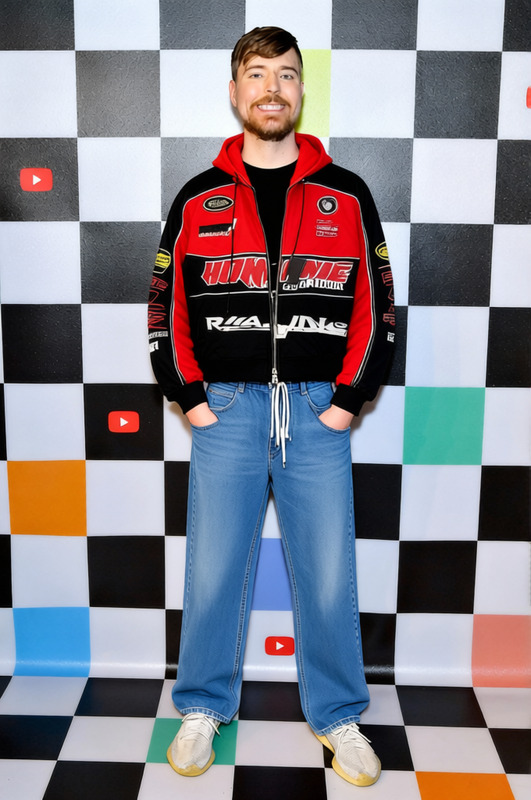
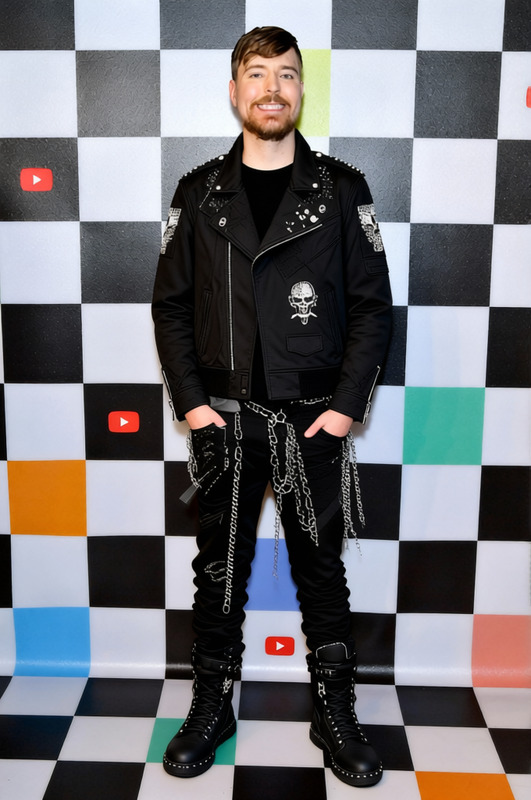
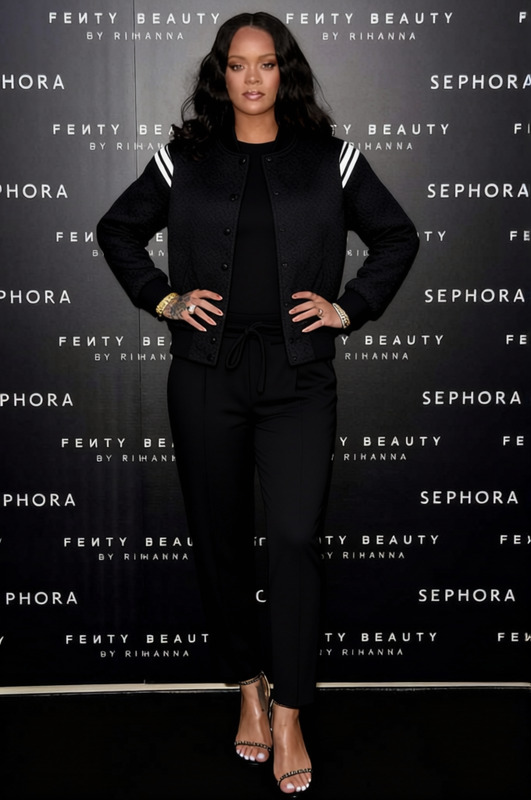
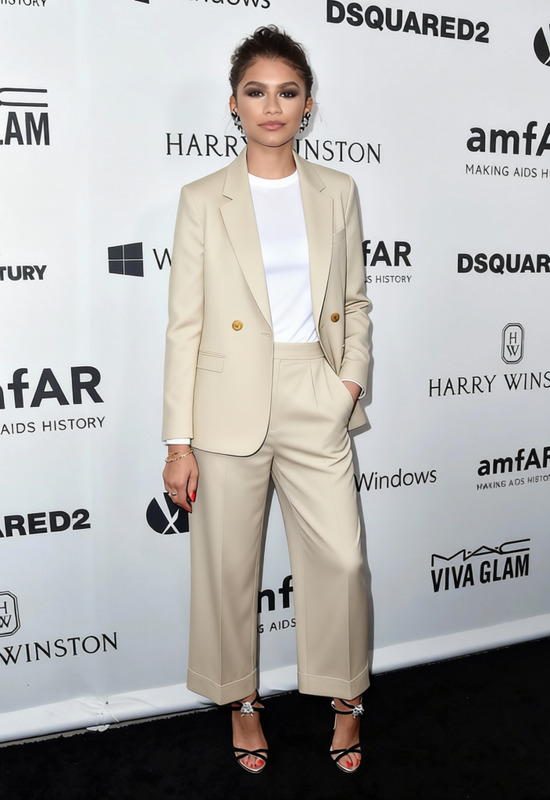
The Skater Streetwear Tie Dye Hoodie With Cargo Pants 2 template in the AI Clothes Changer category allows you to easily visualize and experiment with different clothing styles on photos of yourself or others. This template transforms skater fashion into your desired images, showcasing vibrant tie-dye hoodies paired with versatile cargo pants.
What It Does
This template offers a quick way to change clothing styles in images without the need for traditional photo editing skills. By using the AI Image Editor, users can replace existing outfits with the trendy skater streetwear look, instantly altering appearance with precise AI models.
Who It's For
Designed for fashion enthusiasts, content creators, and e-commerce professionals, this template is ideal for anyone wanting to enhance their visual content. It's perfect for making quick style adjustments in promotional materials or social media posts.
Summary
With the Skater Streetwear Tie Dye Hoodie With Cargo Pants 2 template, updating fashion styles in a snap is accessible to anyone. Seamlessly integrated with tools like the Face Swap and AI Profile Picture Generator, it’s a versatile choice for modern digital creatives.
How To
Choose Your Template

Customize Your Look

Generate Your Image

Use Cases
Fashion E-commerce
- Display multiple styles without multiple photoshoots.
- Create appealing looks to attract diverse customers.
Social Media Content
- Adopt trendy styles without a complete photoshoot.
- Engage followers with innovative fashion posts.
Personal Styling
- Visualize how different styles suit you.
- Make informed buying decisions based on trials.
Best Practices
Use High-Quality Images
For best results, ensure your original photos are clear and well-lit to enhance the outfit transformation.Consider the Background
Simple, uncluttered backgrounds enhance the clothing change effects and ensure the outfit stands out.Preview Before Finalizing
Always use the preview option to make last-minute adjustments to the position and appearance of the clothing.
Frequently asked questions
More Like This