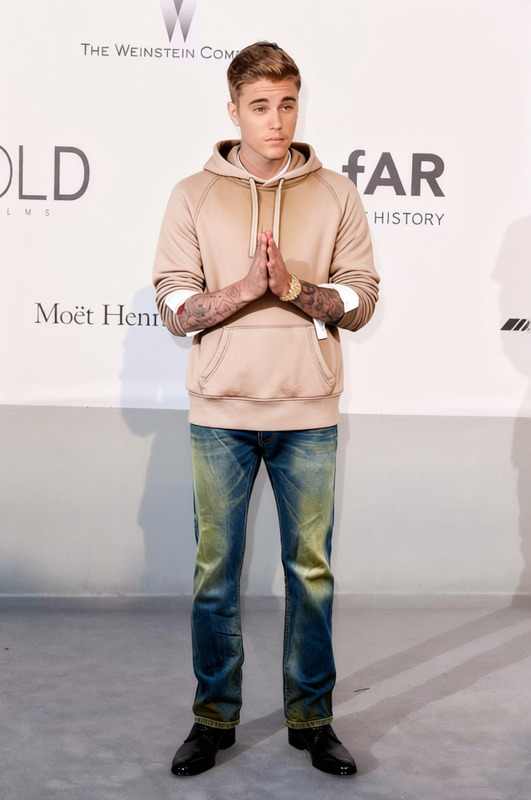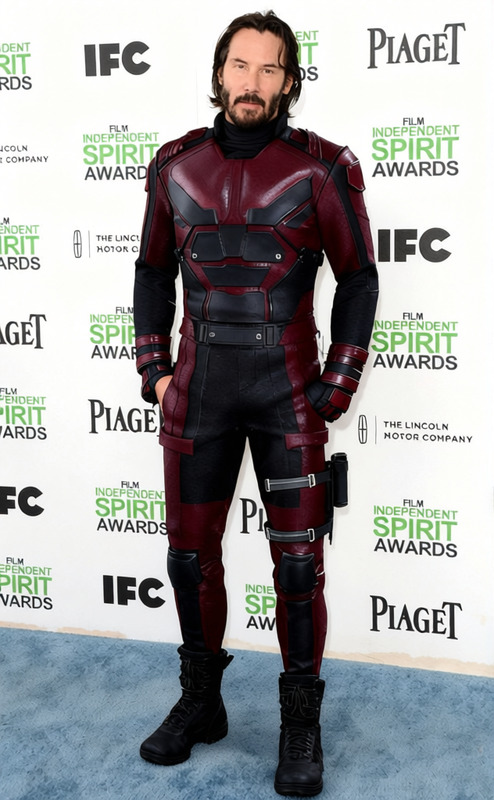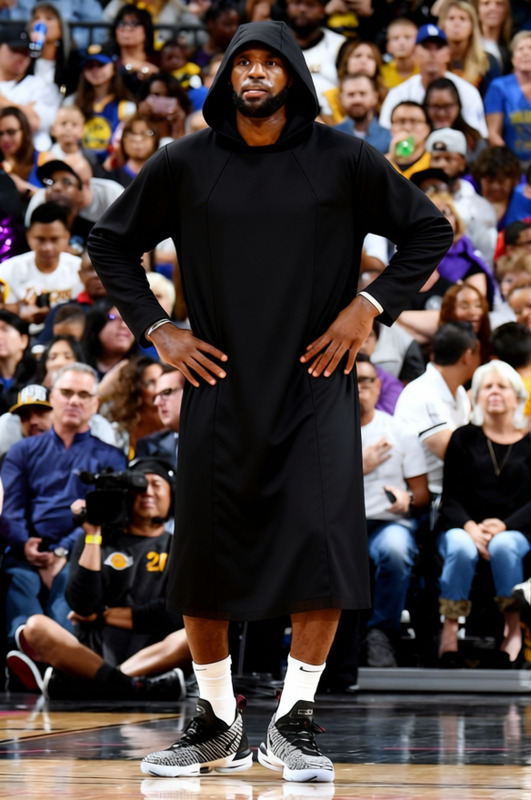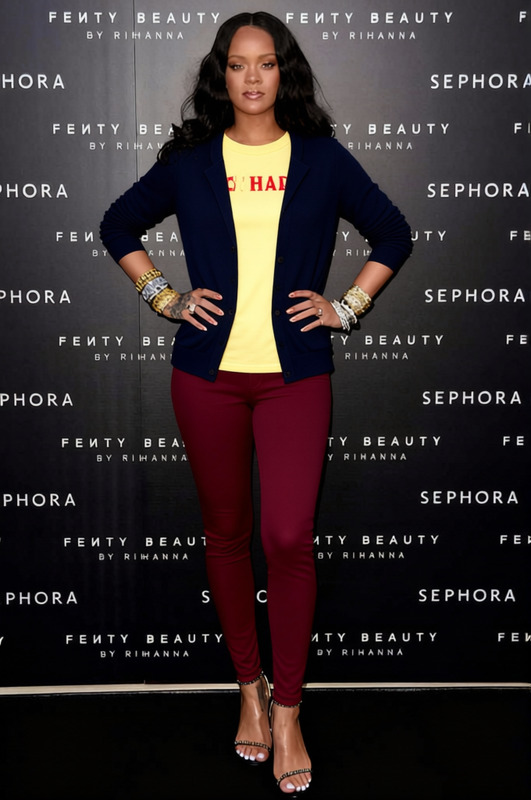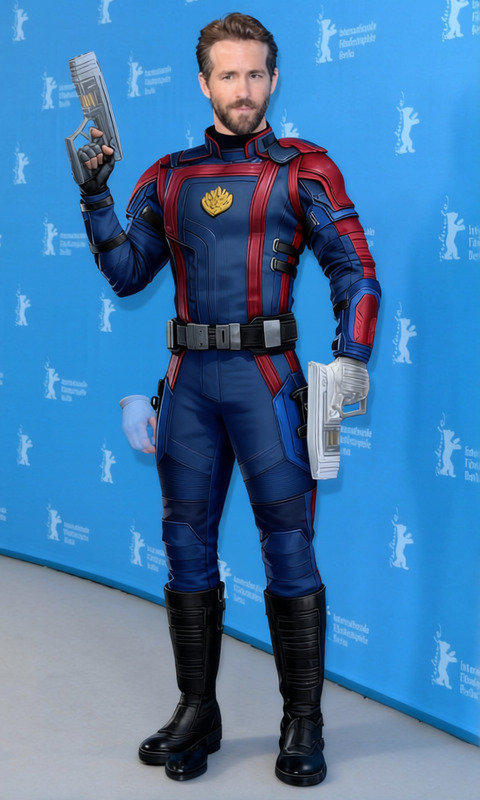
Iron Fist Green Hoodie With Dark Jeans
- Image
- 680 × 1024 px
Any aspect ratio
Overview
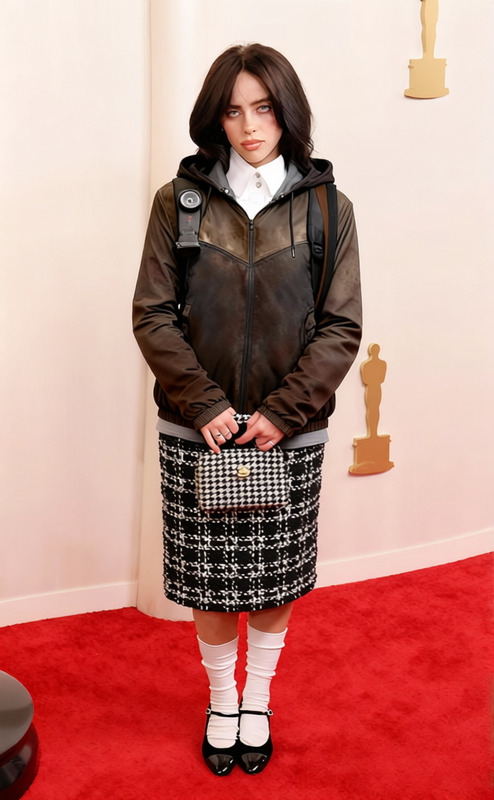
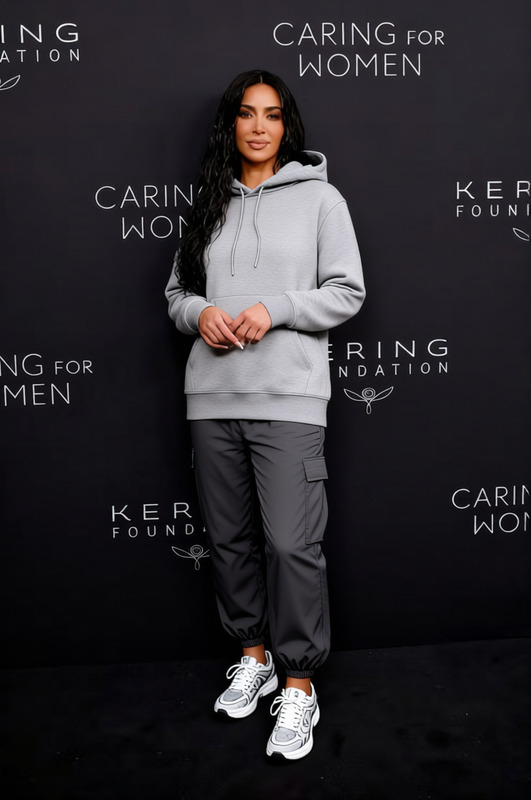
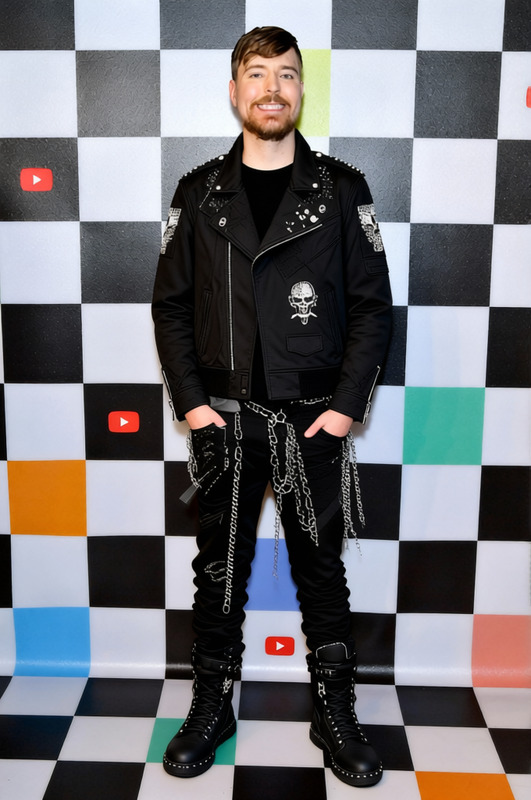
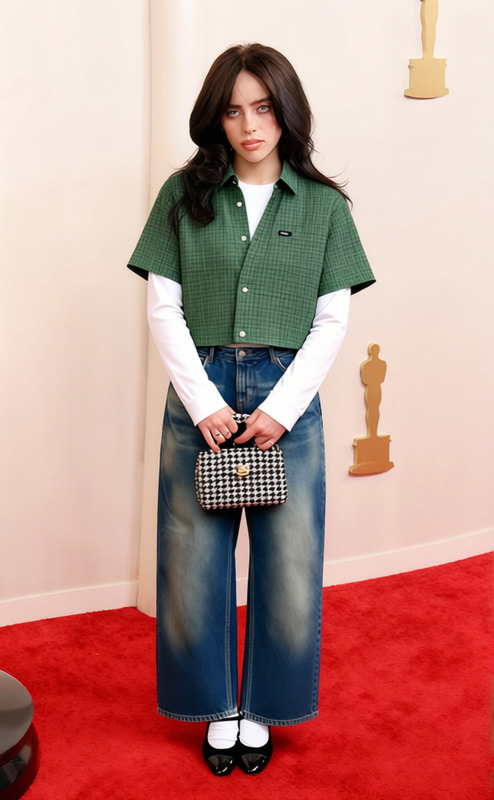
The Iron Fist Green Hoodie With Dark Jeans template in Magic Hour lets you switch up your wardrobe in digital content without a trip to the store. Ideal for fashion shoots, virtual try-ons, and e-commerce catalogs, this clothes changer template seamlessly updates your attire, reflecting style and season changes.
What It Does
This Clothes Changer template instantly remodels your outfit in images and videos by replacing what you wear with a green hoodie and dark jeans. Utilizing advanced algorithms, it integrates new clothing into your digital visuals, maintaining natural lighting and shadows to ensure a realistic presentation.
Who It's For
This tool is perfect for fashion bloggers, digital content creators, and online store operators who need to update images with changing trends. It also benefits anyone looking to visualize new outfits without physically altering their wardrobe, such as partners in AI Product Photography.
Summary
Use the Iron Fist Green Hoodie With Dark Jeans template to dynamically change clothing in your visual content. Quick and effective, it's a game-changer for fashion and e-commerce professionals seeking new ways to present attire options digitally. Discover how it complements other tools like the AI Image Editor and AI Video Extender.
How To
Choose the Template

Customize Your Image or Video

Generate and Download

Use Cases
Fashion Editorials
E-commerce Apparel Testing
Digital Media Projects
Social Media Content
Best Practices
Ensure Proper Lighting
For the best results, use images with good lighting. This helps the template maintain realistic shadows and highlights.Check the Fit
Make sure the new outfit aligns properly with the subject’s body to achieve a natural, comfortable fit.Utilize Batch Processing
When working with multiple files, use batch processing to apply the clothes change efficiently across many images or videos.
Frequently asked questions
More Like This