90s Retro Flatlay Vibe
- Model
- Qwen Edit
- Image
- 576 × 1024 px
Prompt
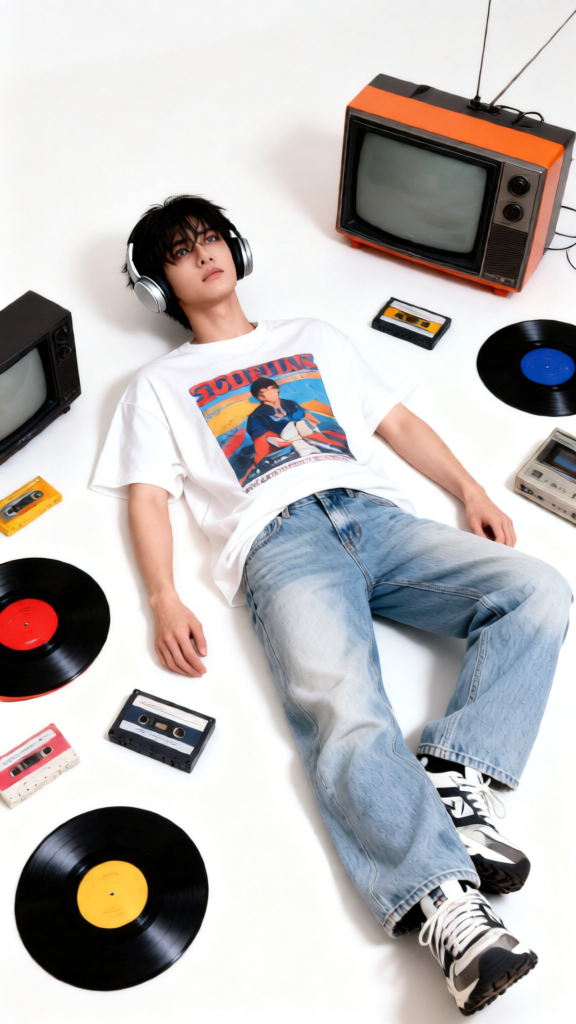
A top-down perspective of a young subject lying on a clean white floor, styled in a classic 90s outfit: a loose graphic tee, light-washed denim jeans, chunky sneakers, and over-ear retro headphones. The subject has a relaxed pose with a calm, slightly nostalgic expression, looking upward. Scattered around them are colorful vinyl records, chunky CRT televisions, cassette tapes, and vintage electronics, carefully arranged with balanced spacing to create a clean yet nostalgic flatlay composition. The scene is bright and minimal with a white background, allowing the retro objects to pop. Lighting is soft and even, reducing harsh shadows while maintaining crisp detail. The style is a mix of lifestyle and editorial photography with a subtle film grain and authentic 90s aesthetic, creating a playful yet sentimental mood.
Any aspect ratio
Overview
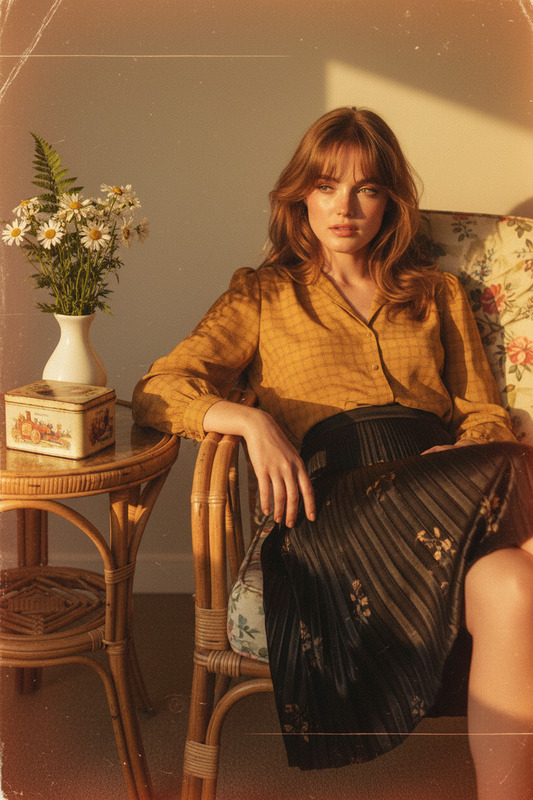
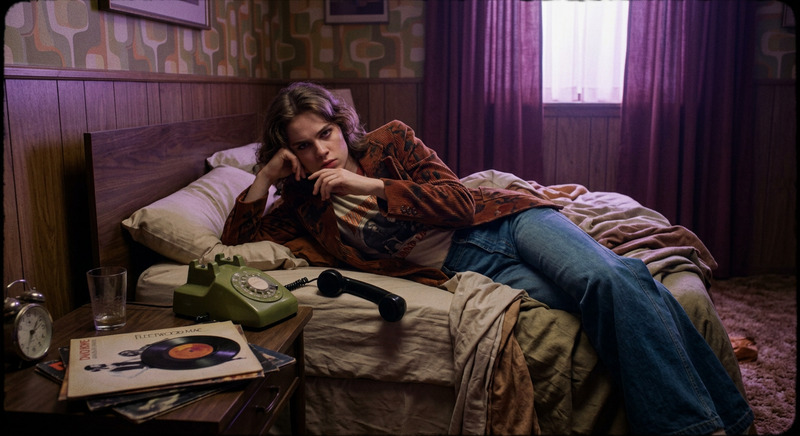
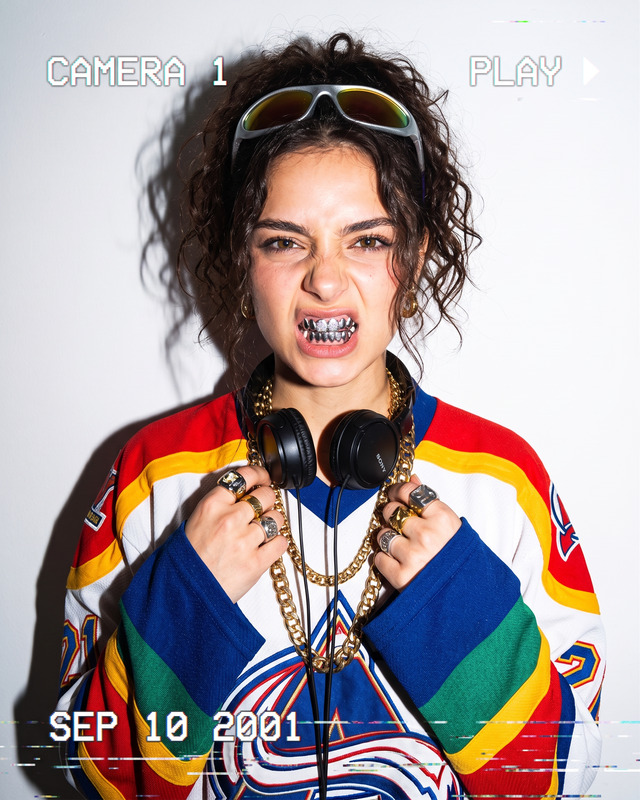
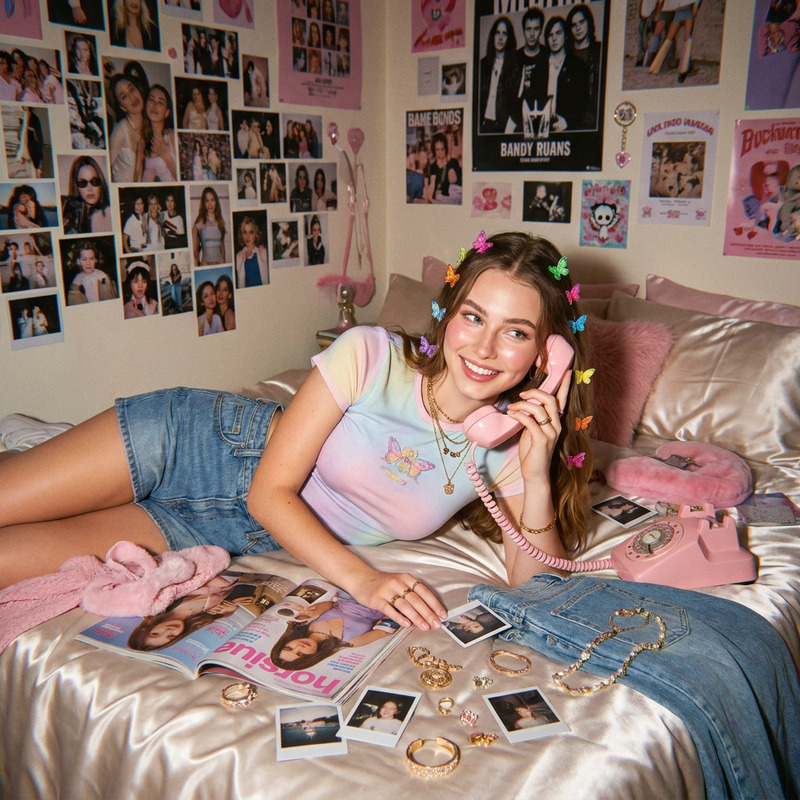
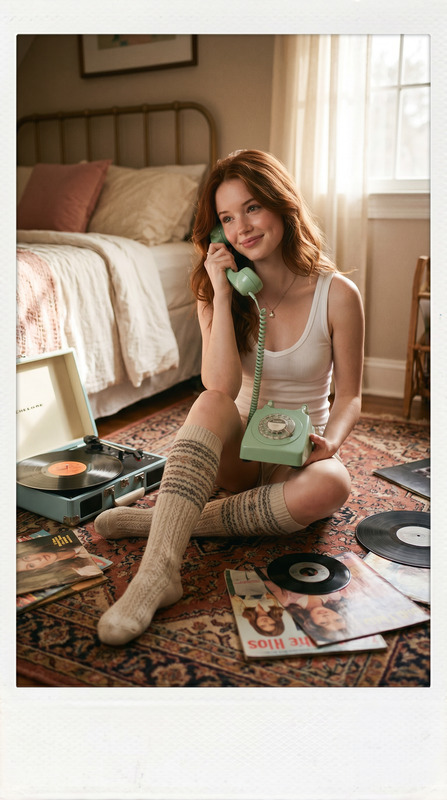
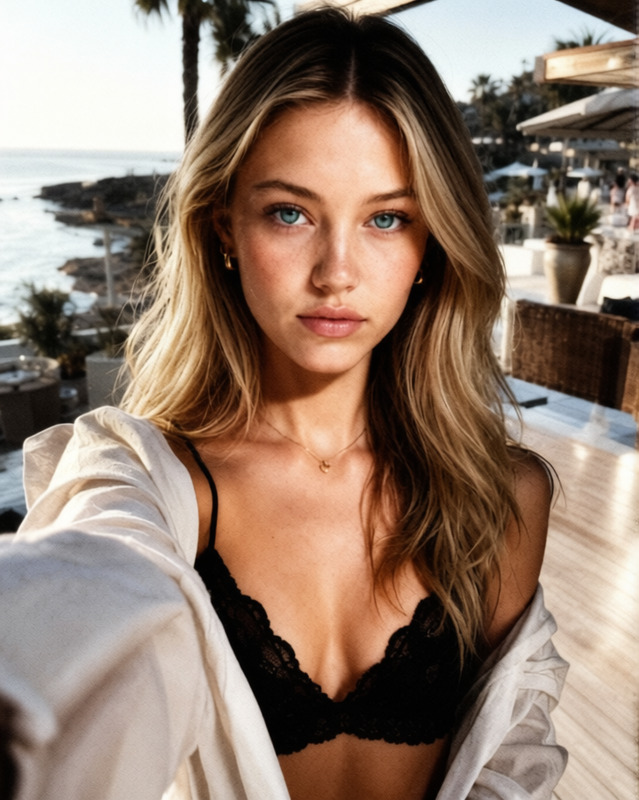
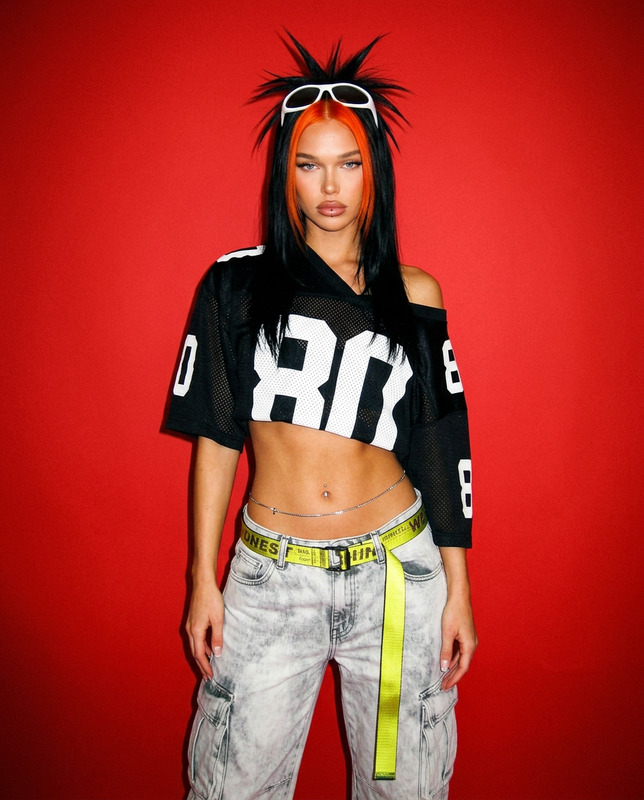
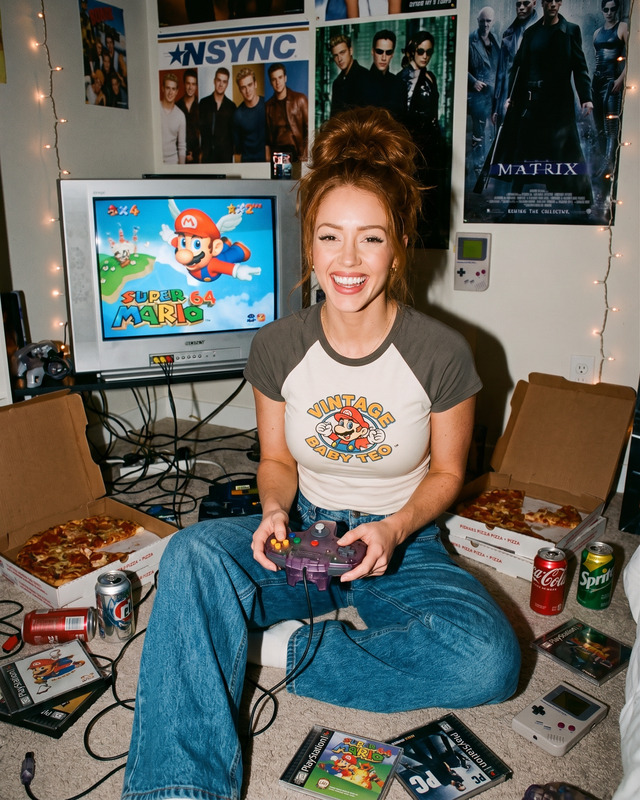
Capture the vibrant essence of the 90s with the 90s Retro Flatlay Vibe template. Leveraging the capabilities of the AI Image Editor, this template brings a nostalgic charm to your visual storytelling. Designed with the qwen-edit model, it meticulously arranges iconic elements from the 90s, crafting an engaging photographic composition.
What It Does
This template allows users to infuse their visuals with a distinctive 90s retro aesthetic. It arranges items like vinyl records, CRT televisions, and cassette tapes in a balanced flatlay, utilizing soft, even lighting to highlight each detail. The aesthetic not only attracts attention but also creates a sentimental ambiance that's perfect for editorial and lifestyle use cases.
Who It's For
Ideal for content creators, marketers, and photographers looking to add a retro touch to their projects. This template is great for those who want to appeal to audiences with a love for nostalgia and vintage trends. Whether you are crafting mood boards or designing content for a retro-themed campaign, this template offers a versatile and visually compelling solution.
Summary
With the 90s Retro Flatlay Vibe, you can transform your images to capture the essence of a bygone era. Perfect for creating eye-catching visuals that resonate with audiences, this template blends nostalgia with modern editing tools to deliver striking results. Explore more tools in the AI Image Editor collection for a wider range of creative possibilities.
How to Use
Choose the Template

Customize Your Scene

Generate the Image

Use Cases
Social Media Content
- Create engaging Instagram posts
- Design themed content for TikTok
- Attract niche followers interested in retro aesthetics
Marketing Campaigns
- Retro-themed email campaigns
- Eye-catching blog images
- Promotional graphics for events
Editorial Design
- Magazine features
- Online articles with a retro vibe
- Special edition publications
Best Practices
Optimize Light Selection
Keep the lighting soft and even to maintain the template's nostalgic yet clean vibe, preventing distractions from harsh shadows.Pay Attention to Details
Arrange the retro elements thoughtfully with enough spacing to let each piece shine, ensuring a clean and minimalistic composition.Experiment with Colors
Play with color grading to enhance the 90s feel, making retro objects pop against the white background.