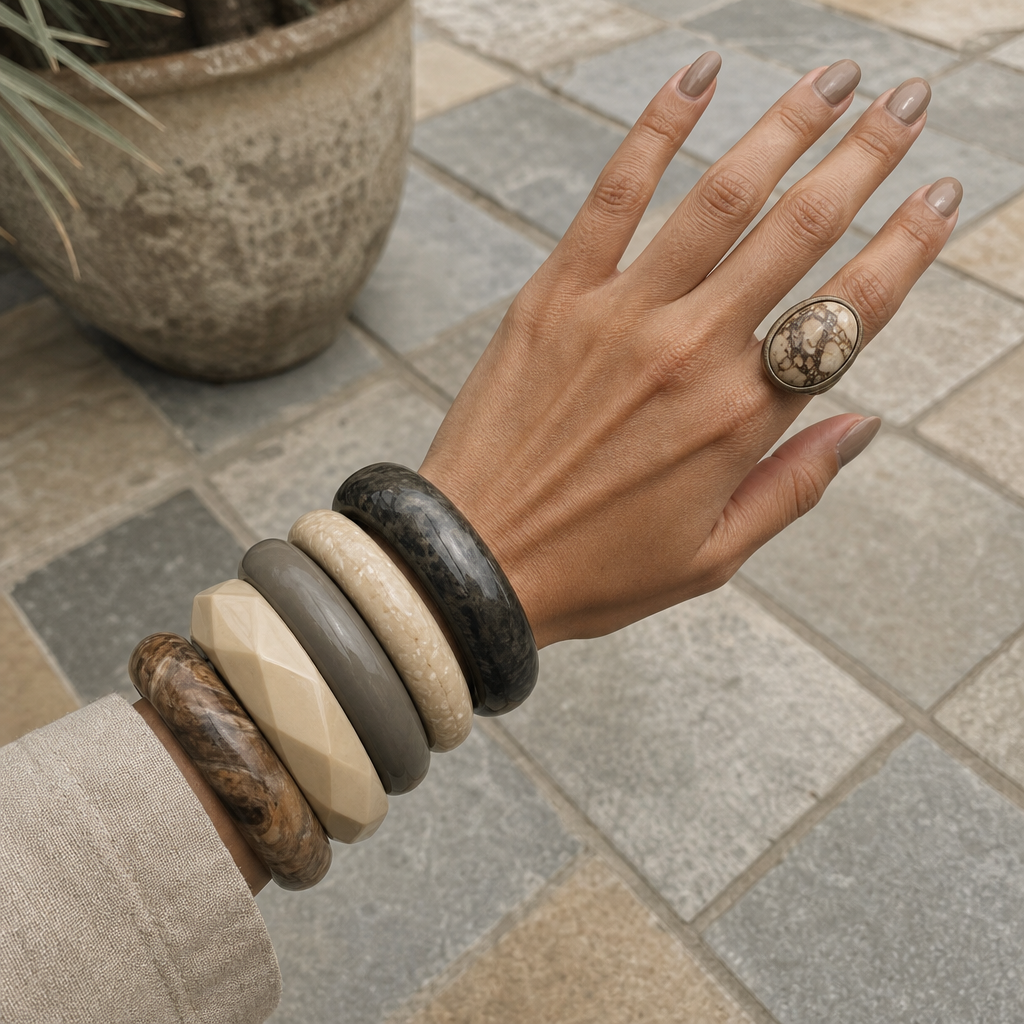
Chunky bracelets
- Model
- GPT Image 2
- Image
- 1024 × 1024 px
Prompt
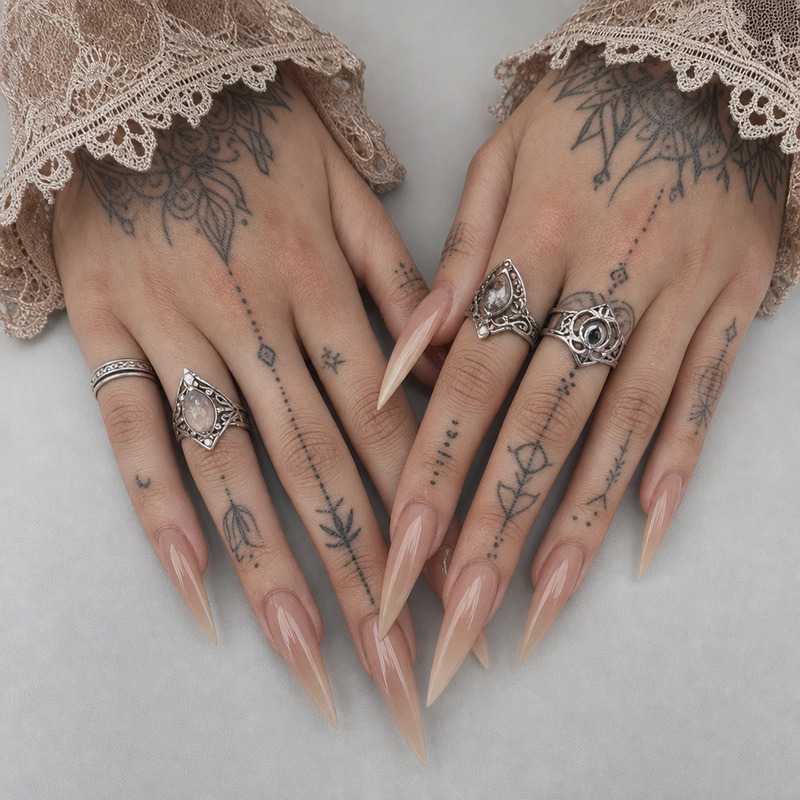
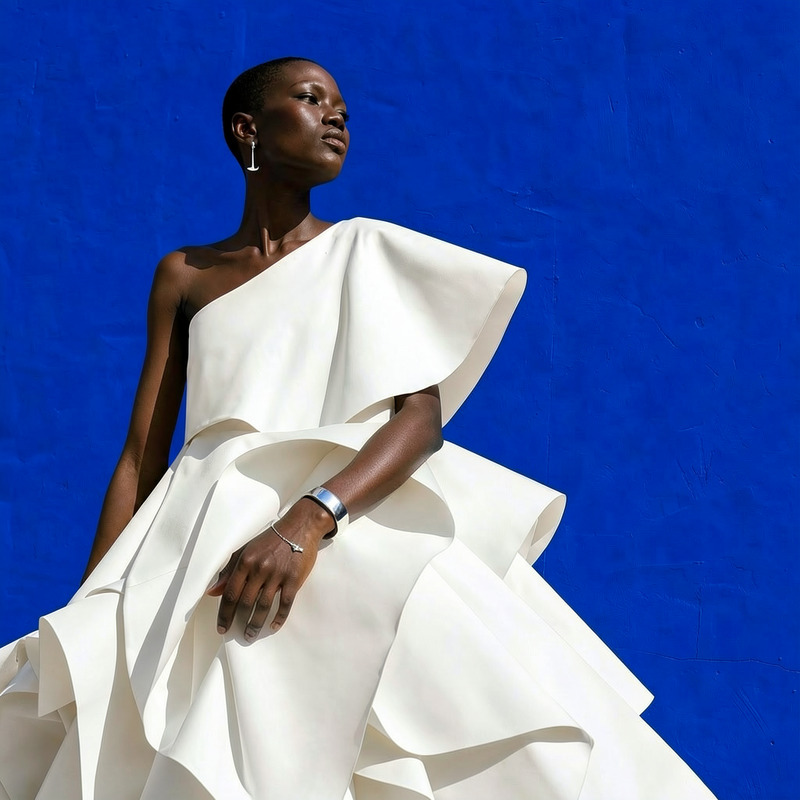
This image shows a hand wearing several large, chunky bracelets in neutral colors, as well as a ring featuring a stone or marble-like design. The background appears to be an outdoor area with tiled flooring. HEX VALUES: ["#898983", "#7d7e78", "#959690", "#73736e", "#e1c3a1", "#1a1918", "#696259", "#33302c", "#e7d9b7", "#dcac8b", "#c59677", "#53463b", "#bcb095", "#a77f63"]
Any aspect ratio
Overview
The "Chunky Bracelets" template in the AI Image Editor suite allows users to transform their images by incorporating stylish accessories. This template highlights the art of adornment by focusing on large, chunky bracelets, offering a subtle touch of elegance through neutral color palettes.
What It Does
This template utilizes the gpt-image-2 model to add chunky bracelets and a ring to a hand in any image you choose. It enhances the visual storytelling by accurately overlaying these elements while keeping the original hand and background intact. Using HEX color values, it ensures a harmonious match with the scene's color scheme.
Who It’s For
The "Chunky Bracelets" template is perfect for fashion enthusiasts, jewelry designers, or marketers who wish to present accessories realistically in various settings. It's a go-to tool for digital artists and influencers aiming to showcase their style or products without the constraints of a physical photoshoot.
Summary
By leveraging the "Chunky Bracelets" template, users can create vivid, engaging images that emphasize accessory styling. This tool is not only ideal for boosting your digital portfolio but also for crafting standout social media posts. Seamlessly integrate it with other powerful tools like the AI Image Generator or pair it with the Photo Colorizer for enhanced visual effects.
How-To
Choose Your Image

Customize Bracelets

Generate Your Image

Use Cases
Fashion Lookbooks
- Add bracelets to model shots.
- Enhance outfit presentations.
Product Showcases
- Feature bracelets in product catalogs.
- Create promotional graphics.
Social Media Content
- Create striking imagery for posts.
- Design branded content with bespoke jewelry.
Best Practices
Match Scene Lighting
Ensure the lighting of the overlay matches the base image to maintain realism.Choose Complementary Colors
Use the HEX color values provided to create a cohesive blend between bracelets and background.Preview and Refine
Always preview edits before finalizing to catch any alignment issues.