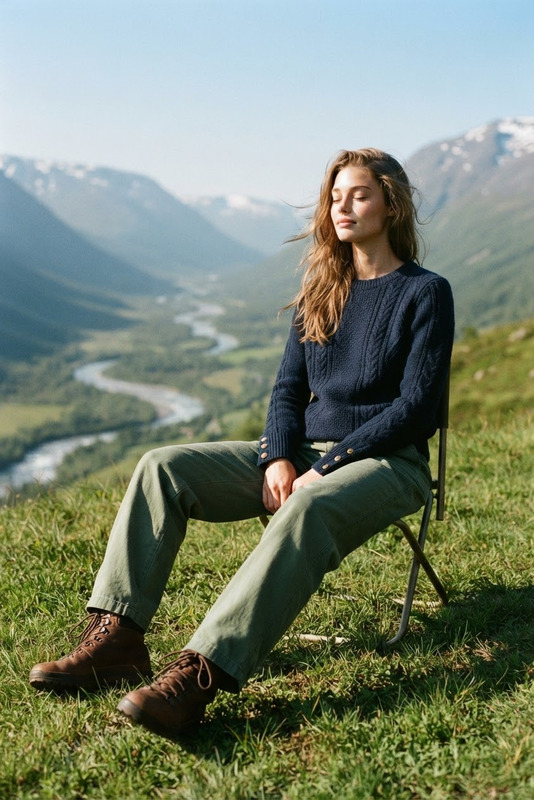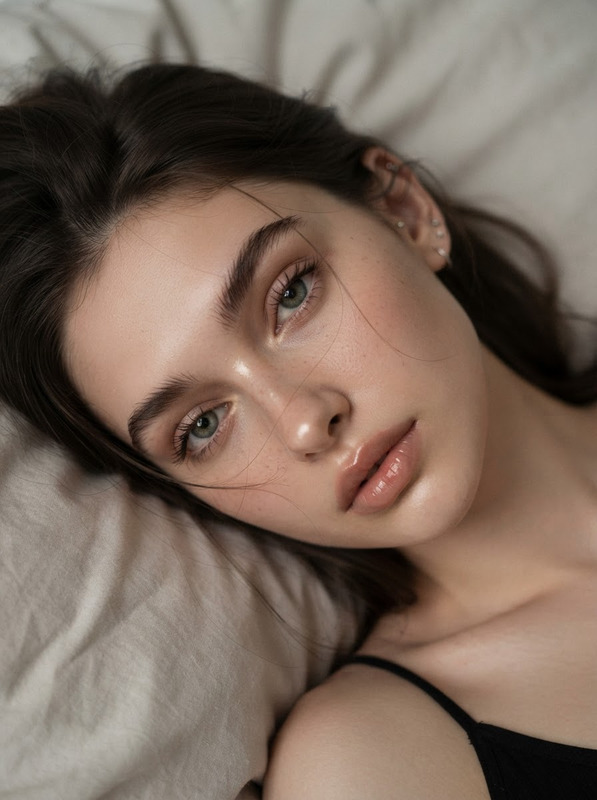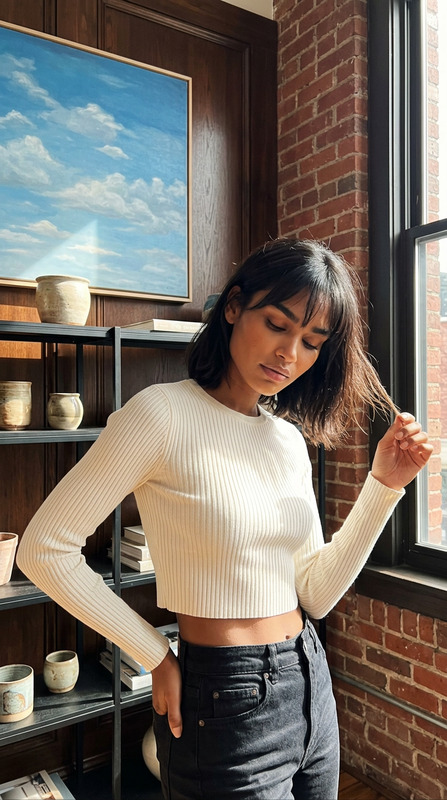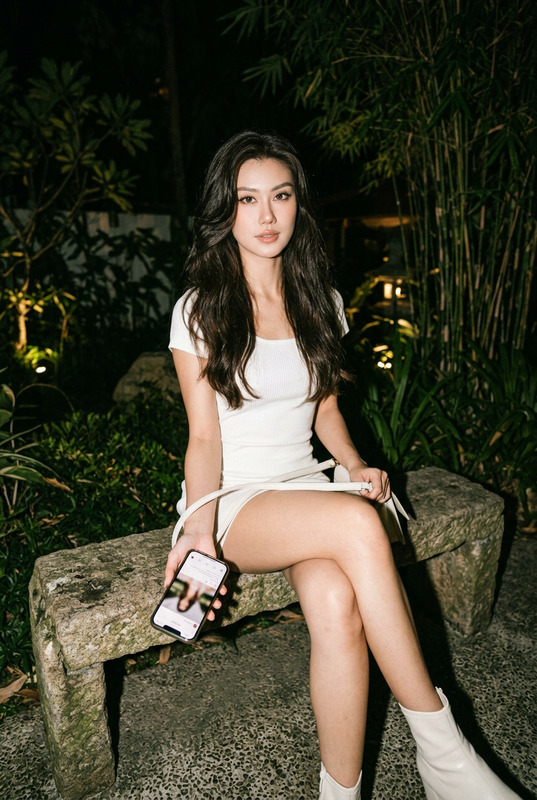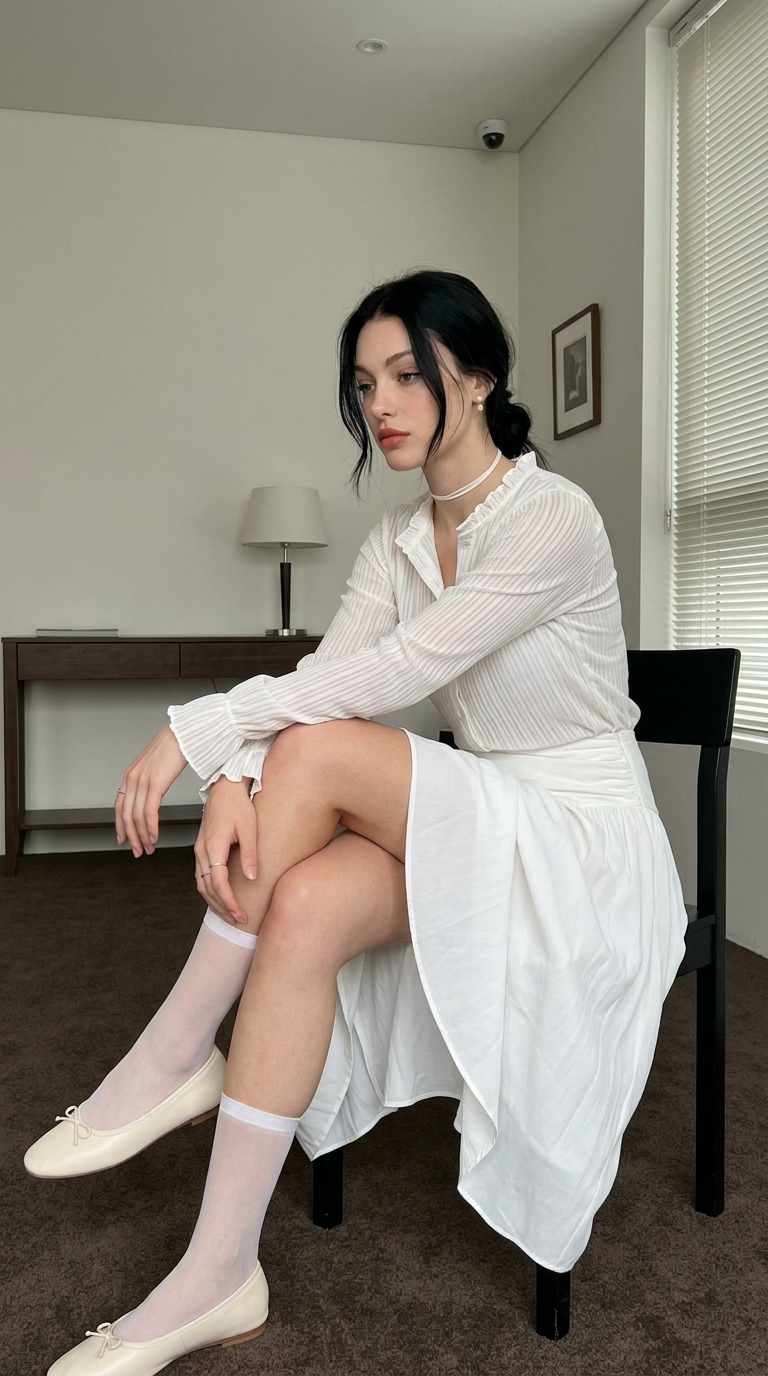
Quiet Afternoon Minimalist
- Model
- Nano Banana 2
- Image
- 768 × 1376 px
Prompt
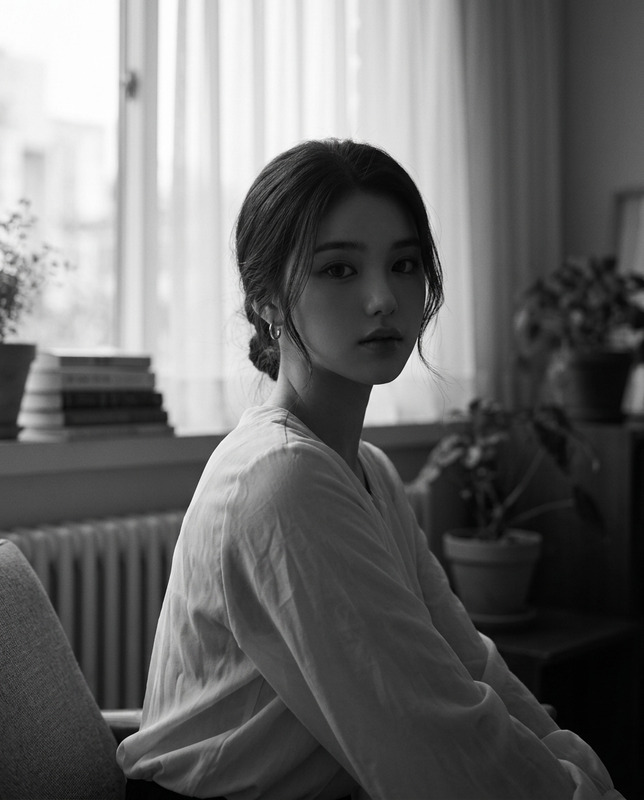
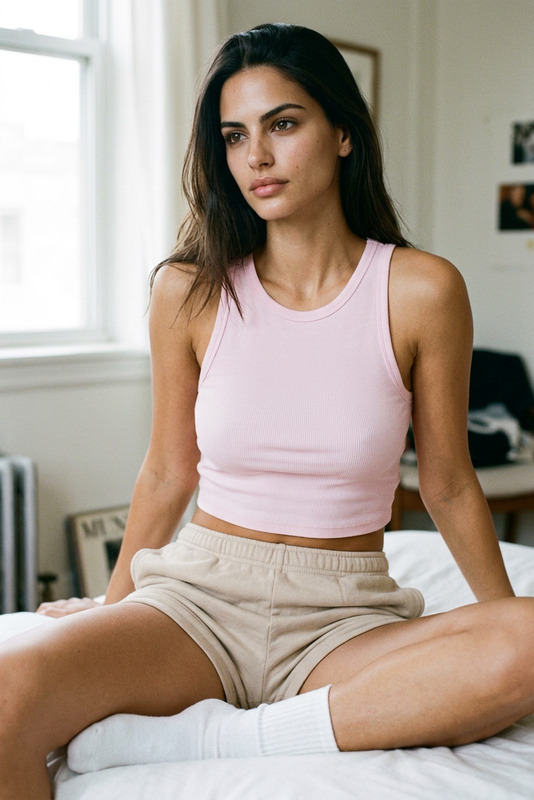
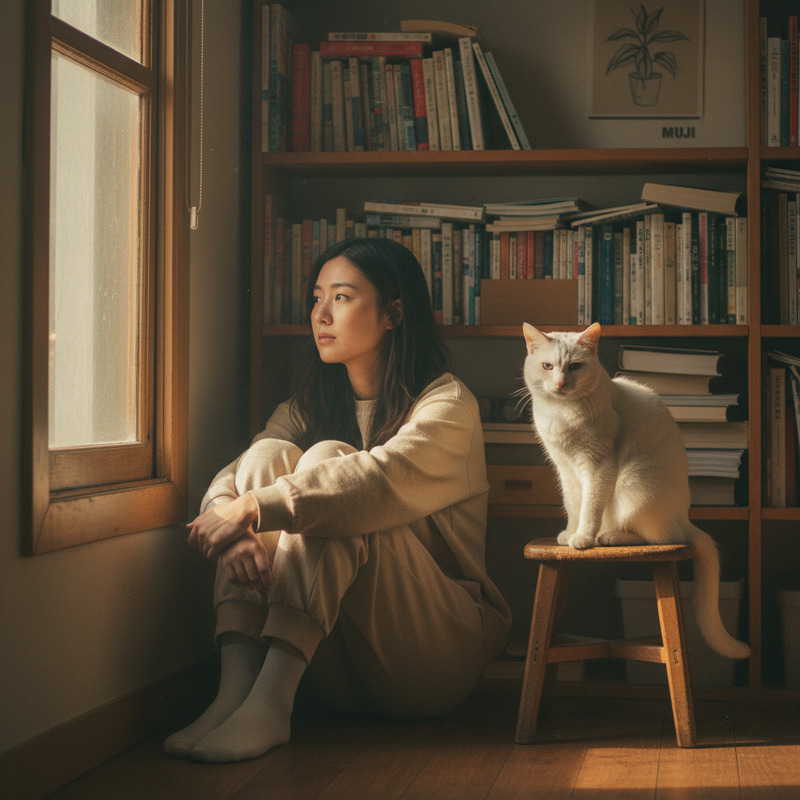
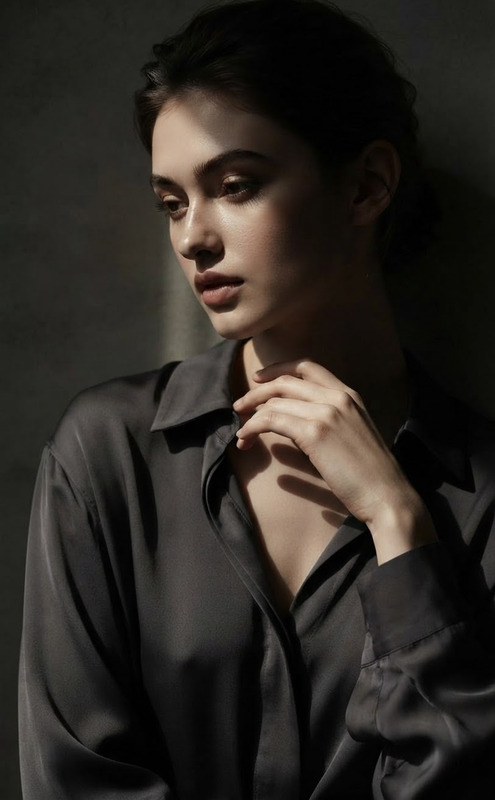
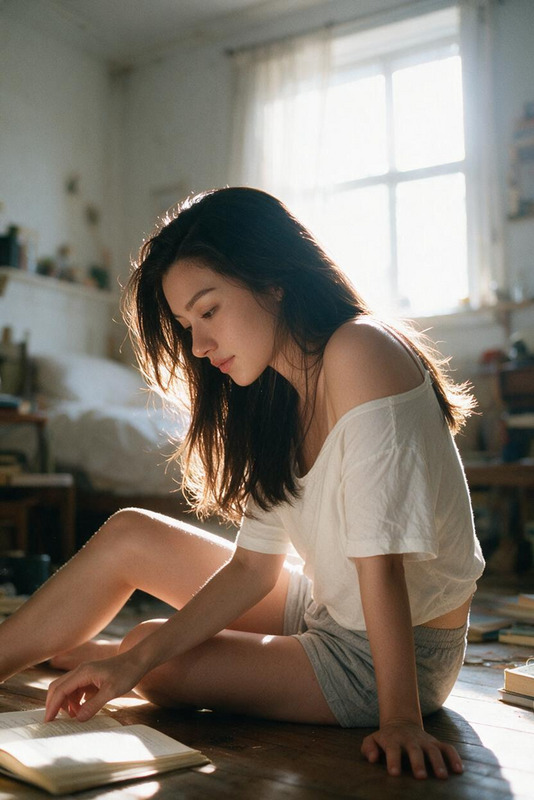
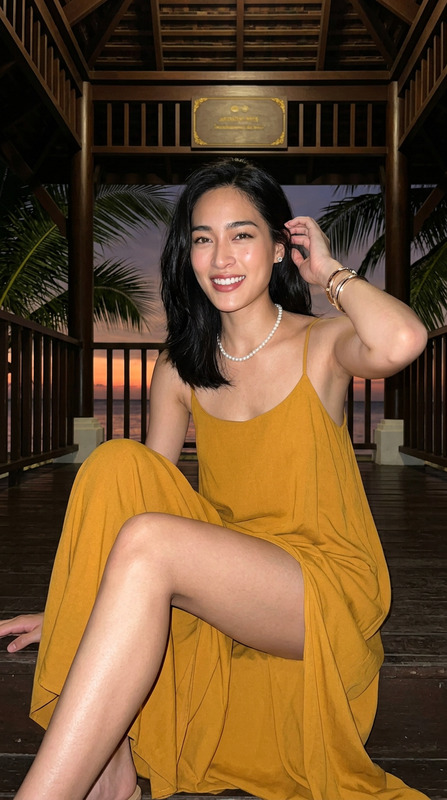
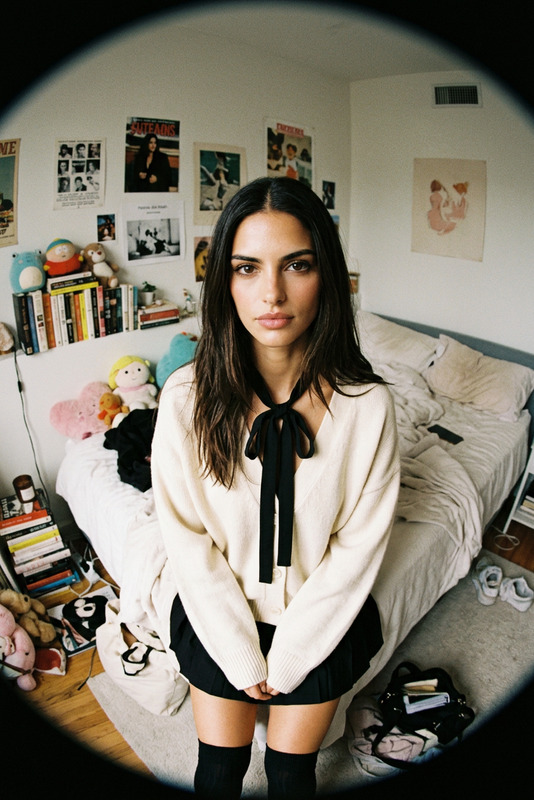
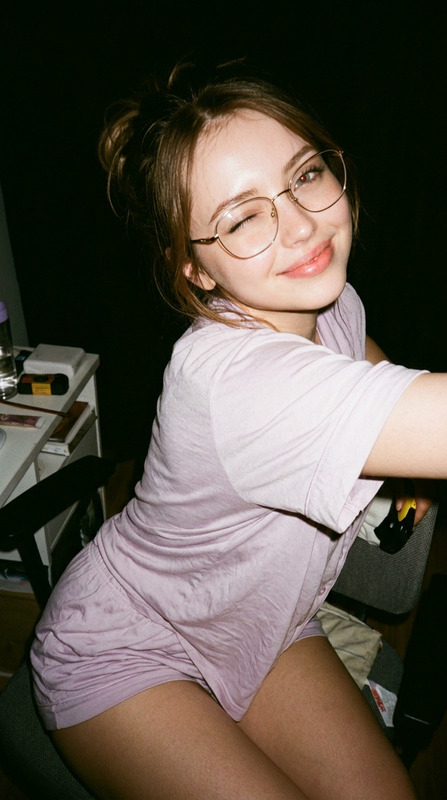
Preserve the subject’s identity @tif natural facial proportions while depicting the subject seated casually on a black wooden chair in a modern minimalist apartment, leaning slightly backward with an asymmetrical pose, one knee raised and hands resting loosely on the leg. The subject has a slender petite build, black hair tied low with loose face-framing strands, a quiet melancholic expression, downward gaze directed off-camera left, and slightly parted relaxed lips, with soft matte natural makeup, fine eyeliner, subtle coral lips, and minimal contour. The subject wears a lightweight white long-sleeve blouse with subtle sheer ribbed texture, ruffled collar and cuffs, paired with a flowing white skirt with an asymmetric hem and gathered waist, sheer white mid-calf socks, cream ballet flats, a thin white choker, small pearl earrings, and simple rings. Use soft natural daylight filtered through closed blinds from the right, gently illuminating the face, right thigh, and shins while maintaining muted indoor shadows. Capture a full-body 9:16 smartphone snapshot from a slightly low, off-center angle with moderate depth of field, soft digital grain, realistic skin texture, and casual imperfect framing. Set the scene in a quiet off-white apartment with a wooden console, lamp, dark brown carpet, small framed picture, and subtle ceiling security camera, keeping the background recognizable but unobtrusive. Maintain a still, intimate, fading-afternoon atmosphere with understated domestic realism; avoid eye contact, heavy makeup, harsh studio lighting, glossy skin, oversaturation, perfect symmetry, artificial posing, or overly polished commercial aesthetics.
Any aspect ratio
Overview
The "Quiet Afternoon Minimalist" template allows users to transform a standard image into a serene, artful composition. By focusing on natural expressions and modern minimalist settings, this template from our AI Image Editor suite leverages the sophisticated capabilities of the nano-banana-2 model.
What It Does
This template modifies your original image by maintaining the subject's identity and realistic proportions while placing them in a modern, minimalist setting. It captures the subject seated in an intimate, off-centered angle, emphasizing natural poses and expressions. The AI Image Editor ensures realistic lighting and texture, avoiding artificial enhancements.
Who It's For
Ideal for photographers and digital artists aiming to present subjects in authentic, subdued environments. It's also perfect for those in the fashion industry looking to highlight garments with a minimalist aesthetic, or any creative who appreciates understated, natural imagery. If you often use AI Photo Relighting or similar tools, this template aligns perfectly with your workflow.
Summary
With the "Quiet Afternoon Minimalist" template, achieve a refined, domestic atmosphere that captures the subtle nuances of everyday elegance. It's designed for users seeking genuine, soft-focus photography that emphasizes personal storytelling over commercial polish.
How To
Choose the Template

Customize Your Inputs

Generate Your Image

Use Cases
Fashion Photography
- Enhance garment features while maintaining focus on the model.
- Ideal for lookbooks and editorial spreads.
Artistic Portraits
- Perfect for personal portfolios and exhibitions.
- Brings out authentic textures and expressions.
Interior Design Showcase
- Combine human presence with interior aesthetics.
- Useful for furniture and home décor advertising.
Best Practices
Use Natural Lighting
Emphasize existing daylight or soft, diffused artificial light to maintain the template's mellow atmosphere.Focus on Subtle Details
Ensure the subject's expression and stance are natural to keep the image grounded and believable.Keep the Background Simple
While the setting should be recognizable, avoid clutter to maintain focus on the subject's presence and attire.