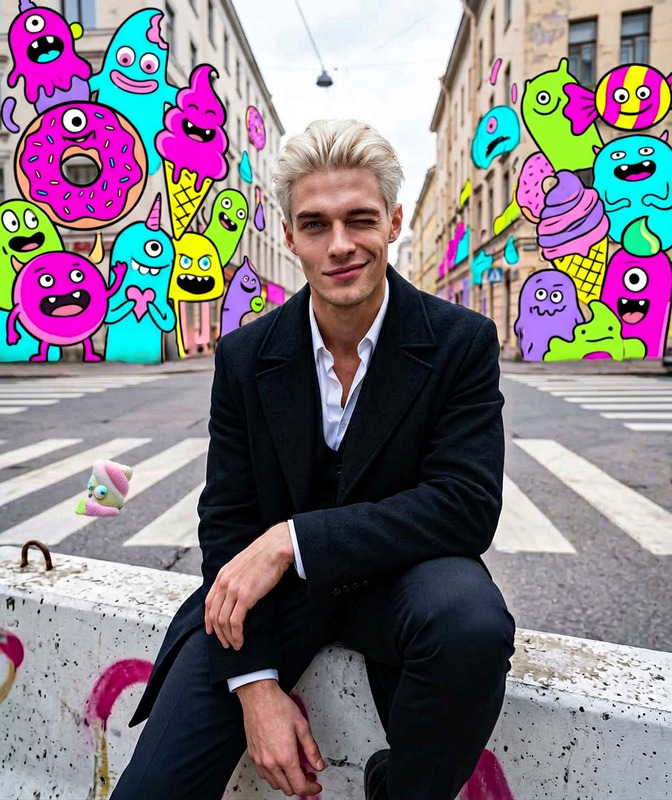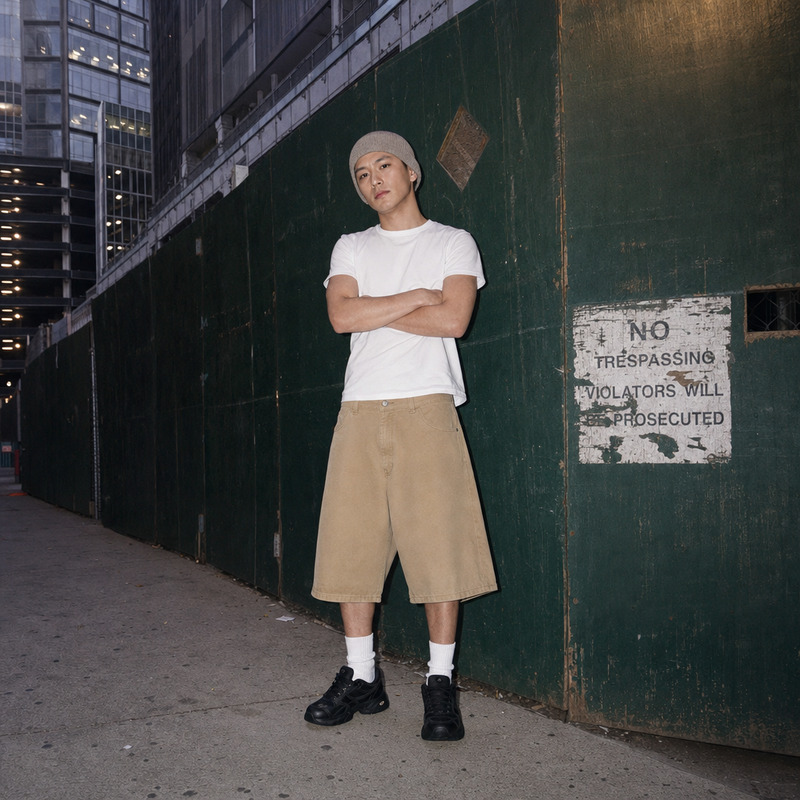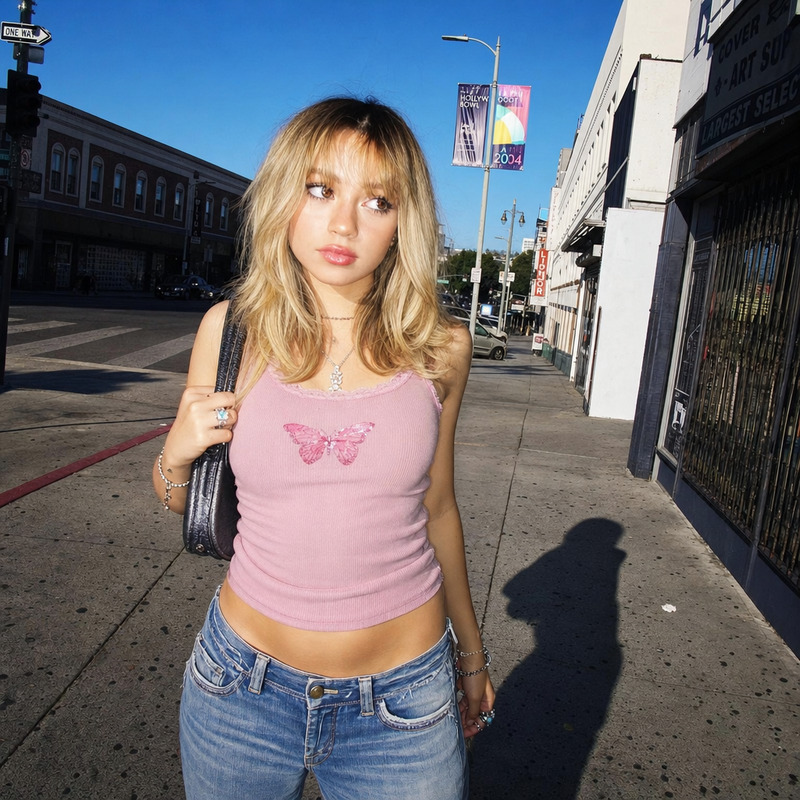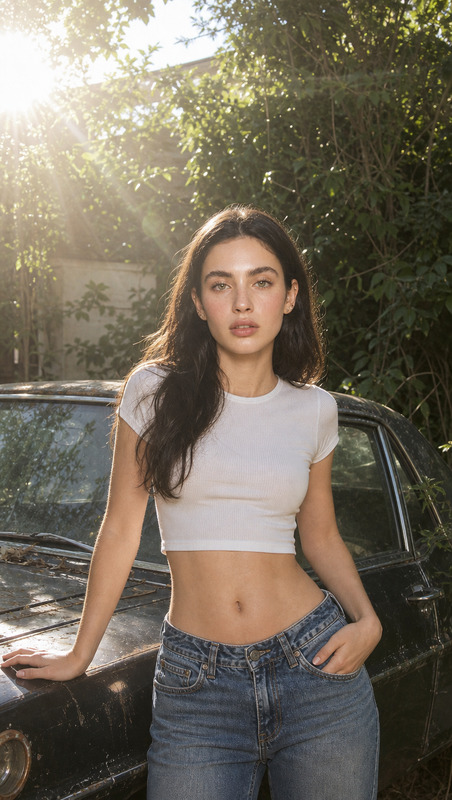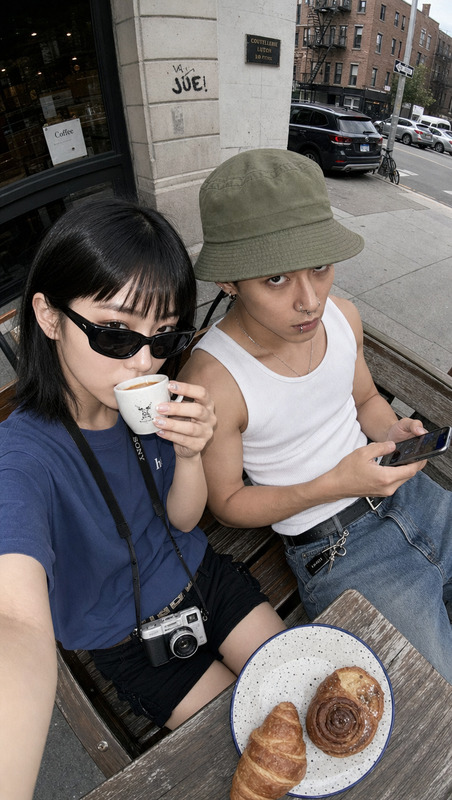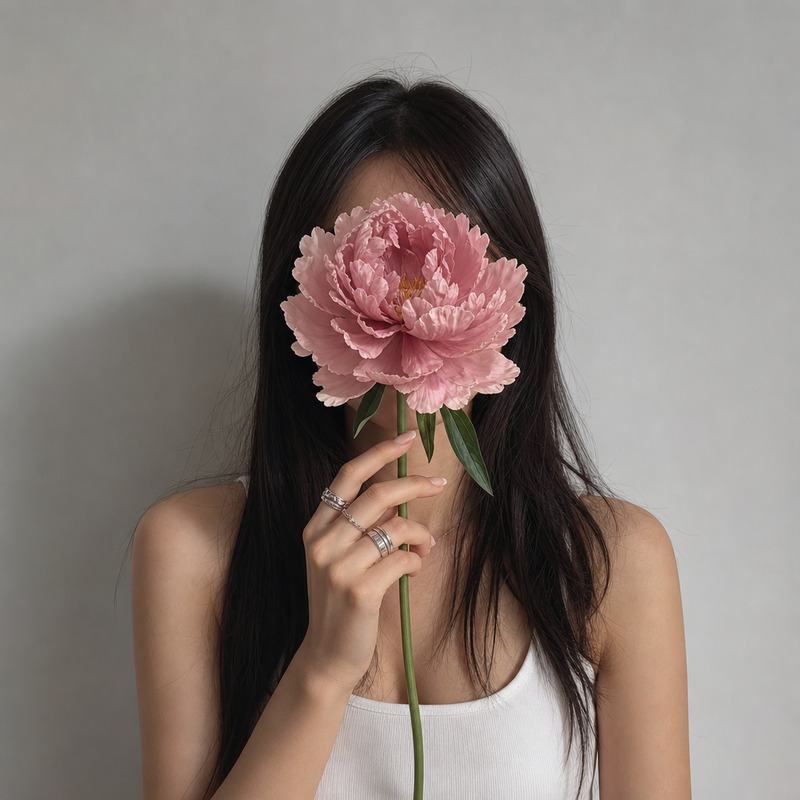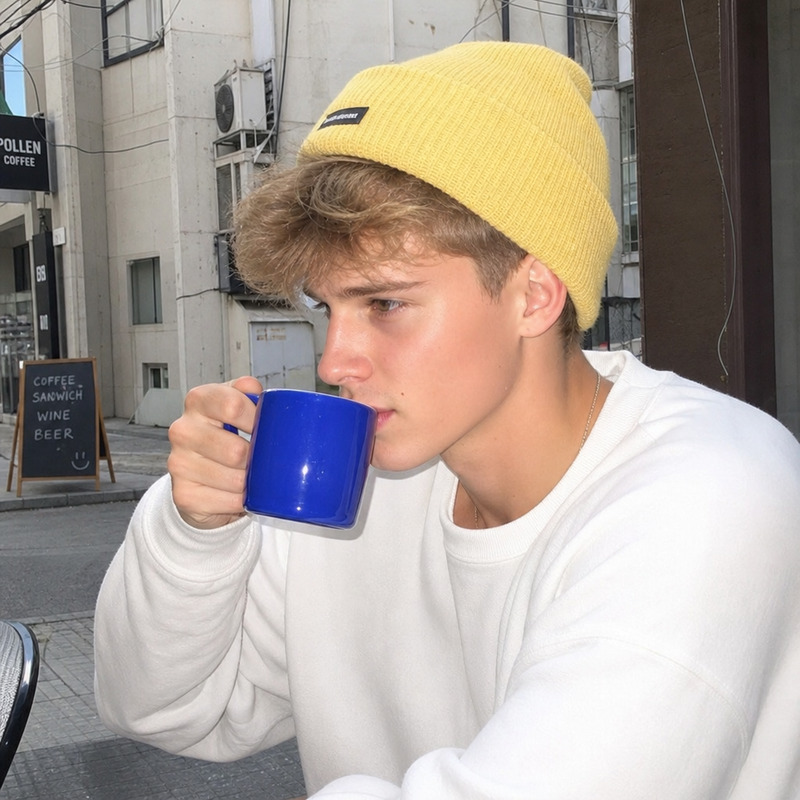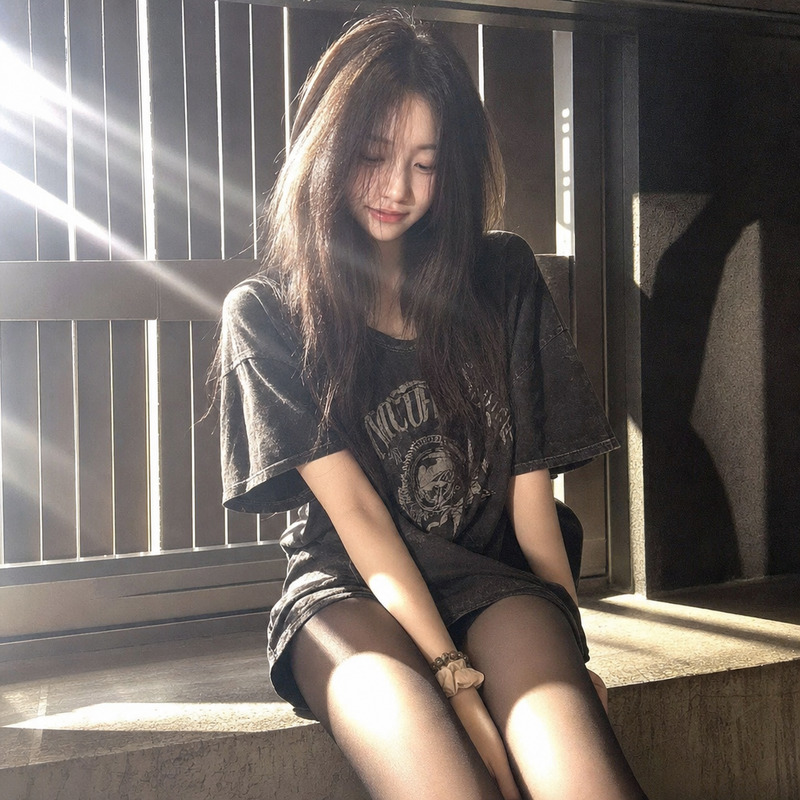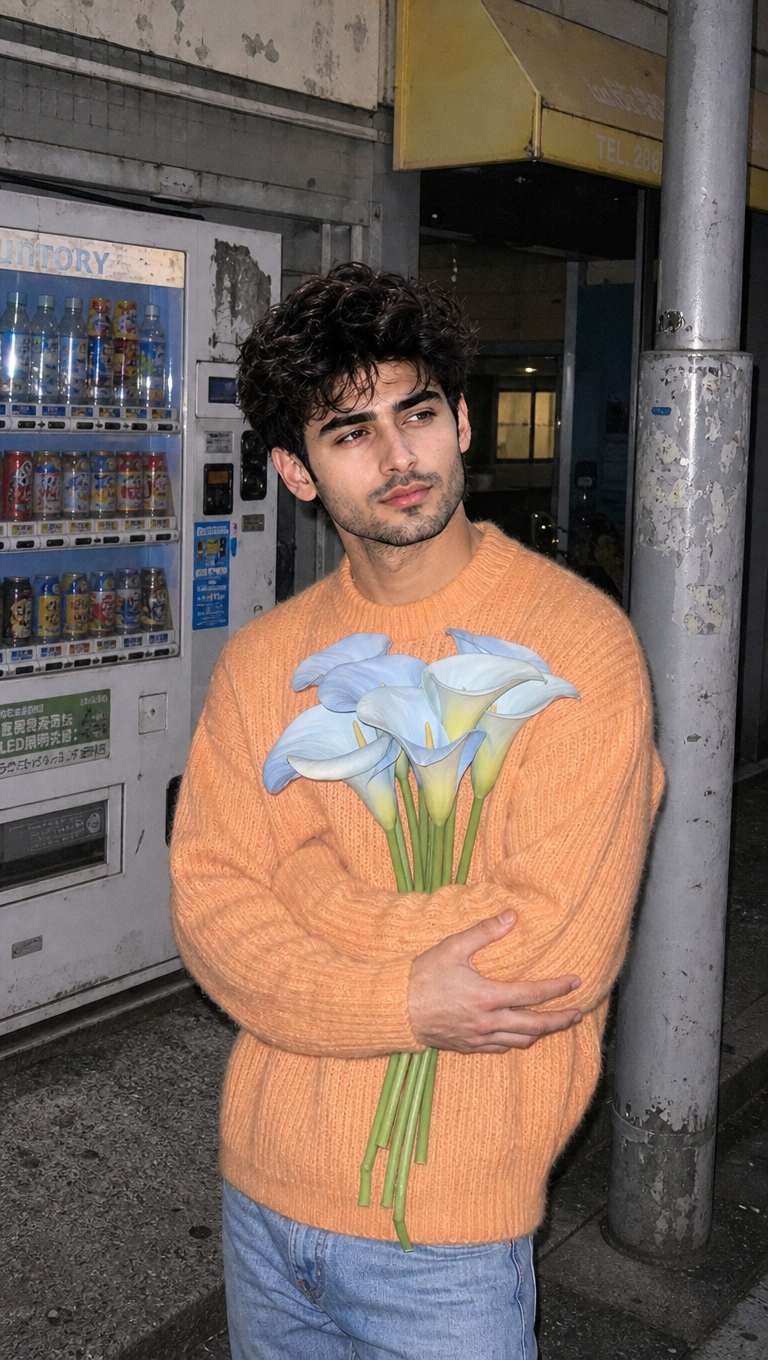
Boy with flower
- Model
- GPT Image 2
- Image
- 768 × 1360 px
Prompt
Medium shot of a young person with a deadpan face, clutching pale blue calla lilies to their chest. Standing on a worn gray sidewalk in front of a scratched vending machine and faded storefront, dressed in a pastel orange mohair sweater with ribbed texture. A metal post and shop window complete the gritty, mundane urban scene. Photographed with early 2000s digital camera using direct on-camera flash for flat, high key exposure, digital noise. The color palette features soft orange, gray, dusty blue, and lemon yellow, moody, serene, lo-fi candid editorial aesthetic.
Any aspect ratio
Overview
Explore the Boy with Flower template, a unique offering from our AI Image Editor. This template lets you create a vivid, moody urban scene featuring a young person clutching pale blue flowers. Ideal for digital artists and content creators looking for a lo-fi aesthetic.
What It Does
This template provides a medium shot of a young person in a mundane, urban setting, highlighted by an editorial lo-fi aesthetic. Using the AI Image Generator, artists can craft scenes that include detailed elements like a scratched vending machine and a pastel orange sweater, captured with a high-key exposure typical of early 2000s digital cameras.
Who It's For
This template is designed for creators seeking to produce visually engaging editorial content. Whether you're making a scene for a webcomic or designing a concept for print, the integration with our Face Swap can add an extra layer of realism.
Summary
The Boy with Flower template combines thoughtful composition with a distinct editorial style. By leveraging the AI Talking Photo and AI Image Editor tools, users can enhance their creative projects with ease, blending retro digital aesthetics with modern AI capabilities.
How-To
Choose the Template

Customize Your Scene

Generate Your Image

Use Cases
Editorial Fashion Photography
- Highlight clothing textures
- Use in fashion blogs and magazines
Digital Art Projects
- Use for storytelling in webcomics
- Enhance character concept designs
Social Media Content
- Perfect for Instagram feeds and storytelling
- Generate visually cohesive themes
Best Practices
Pay Attention to Lighting
Utilize the template's on-camera flash style to effectively highlight colors and textures.Hit the Right Mood
Keep the aesthetic moody and serene to maintain consistency with the digital editorial style.Leverage Color Palettes
Stick to the soft orange, gray, dusty blue, and lemon yellow palette for the best results.