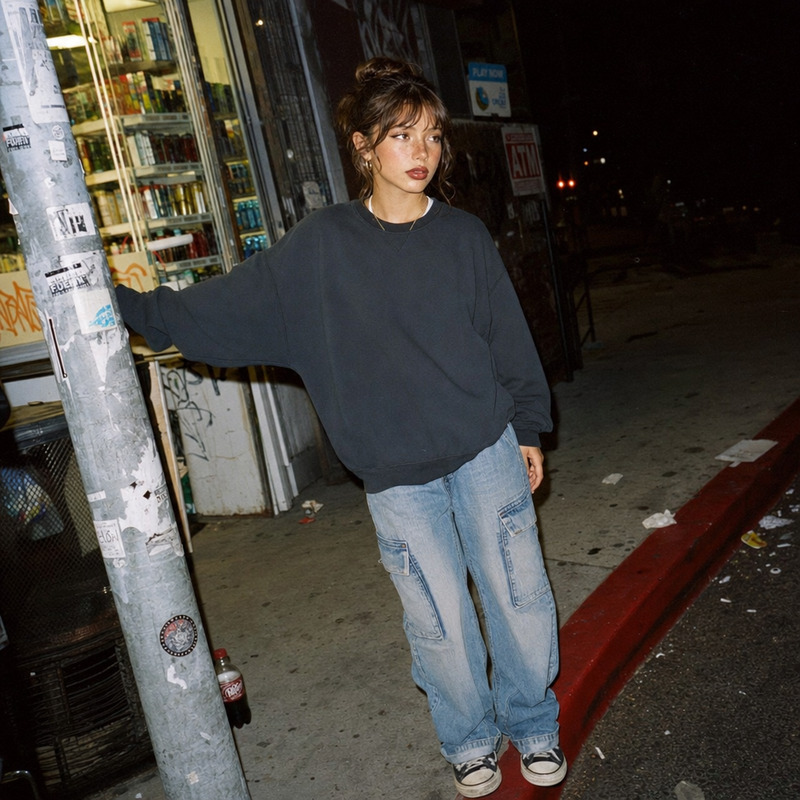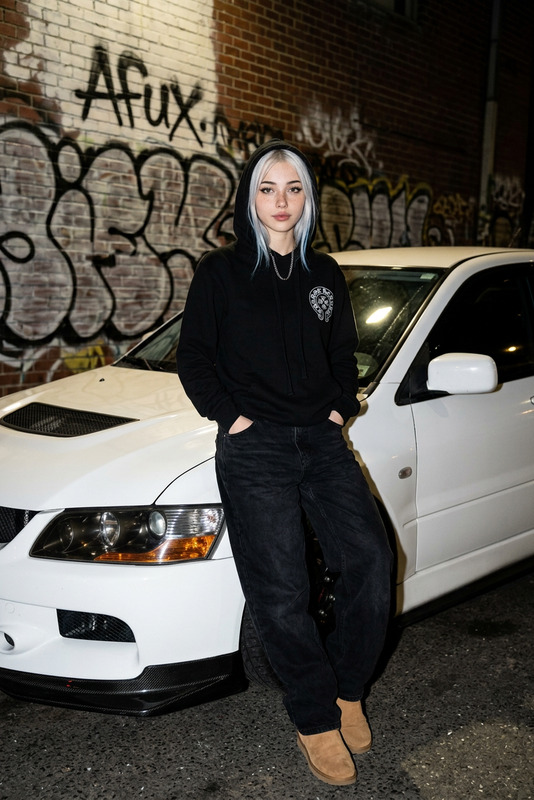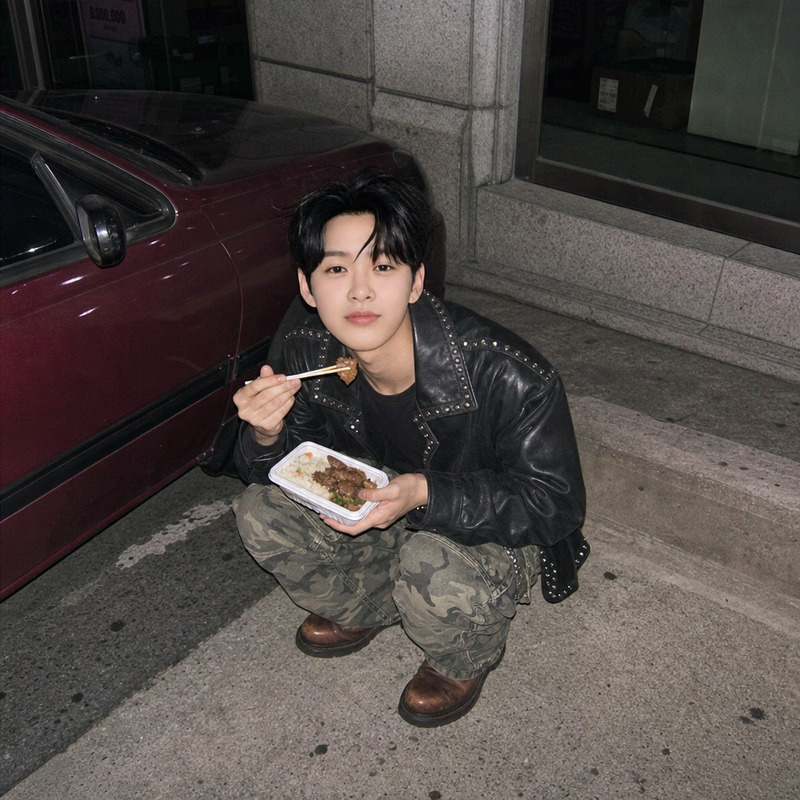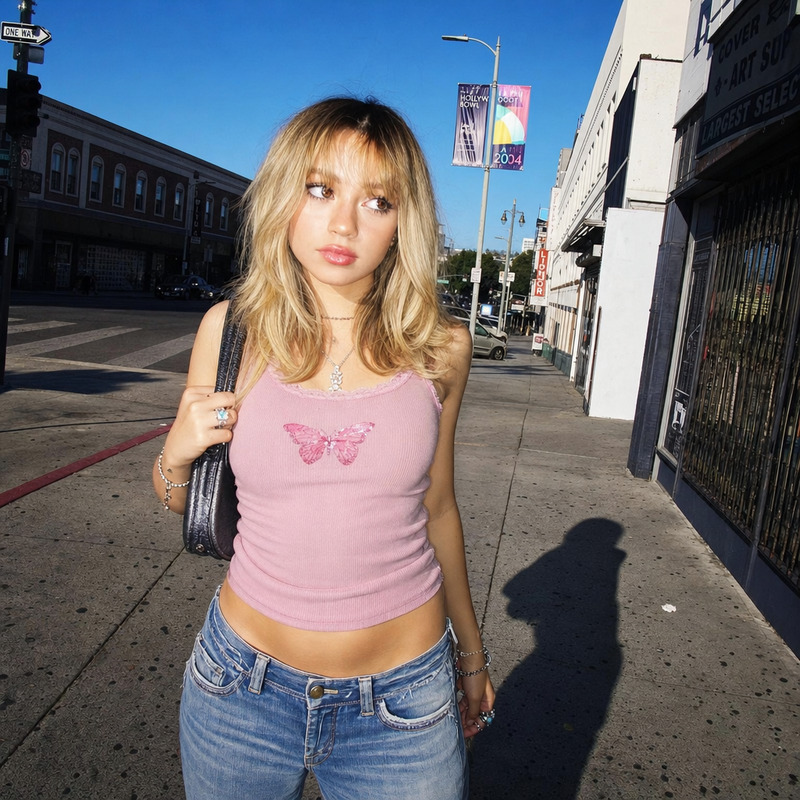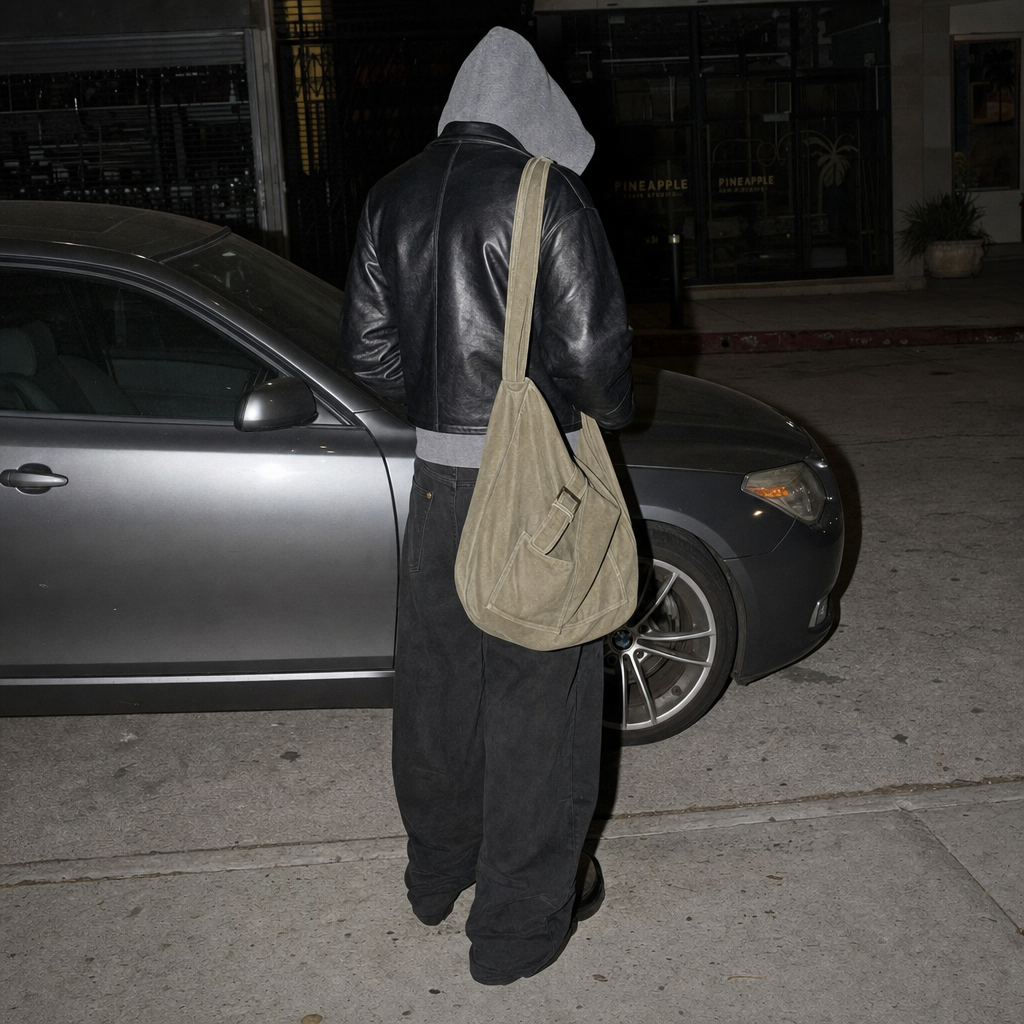
Back shot
- Model
- GPT Image 2
- Image
- 1024 × 1024 px
Prompt
A young person in slightly slouched pose facing away from the camera, standing near a grey car parked on a concrete urban street. The subject wears a tight black jacket layered over a gray hoodie, the hoodie pulled over their head obscuring their hair, with loose black trousers and black shoes. A large khaki canvas shoulder bag is slung over one shoulder. The setting is an ordinary street, the car reflecting the flash. Flat lighting from harsh on-camera flash; overall bright, uniform exposure and hard shadows. Mood is low-key, candid, and unposed. Color palette of muted greens, grays, browns, and off-white neutrals.
Any aspect ratio
Overview
Capture the essence of candid urban moments with the Back Shot template. Designed using the AI Image Editor, this template leverages the advanced gpt-image-2 model. Perfect for creating images of someone in a low-key, candid pose, it adds a layer of intrigue and anonymity to your photography, emphasizing a subdued, authentic feel.
What It Does
This template allows you to turn any mundane street scene into an evocative image with its distinct styling. Using the AI Image Editor, alter colors, adjust lighting, or change other elements to fit your creative vision. The template's output is an image that captures a person in a slouched pose from behind, aligned with the intended muted and candid mood.
Integrate this with our AI Background Changer to experiment with different urban settings, or sync with the AI Image Upscaler for high-resolution results.
Who It's For
This template is ideal for photographers, graphic designers, and digital artists aiming to create enticing urban visuals with a candid touch. Whether you’re working on marketing materials for streetwear brands or conceptual art projects, this template provides the right balance of realism and artistic flair.
Summary
The Back Shot template offers an innovative approach to AI-assisted imagery, blending technical precision with creative flexibility. Explore urban themes and push the boundaries of your visual storytelling.
How-To
Choose the Back Shot Template

Customize the Inputs

Generate and Download

Use Cases
Streetwear Branding
- Add an urban touch to product launches
- Create eye-catching social media posts featuring your apparel
Photography Projects
- Capture dynamic street scenes
- Experiment with candid poses
Digital Art Installations
- Craft compelling narratives with anonymity
- Blend realism with artistry
Best Practices
Refine the Scene
Pay attention to the elements surrounding your subject. Adjusting the car's reflection or street textures can enhance the overall image.Lighting Considerations
The flat lighting and hard shadows are part of the template's style. Use this to add depth and intrigue rather than trying to eliminate shadows entirely.Focus on Mood
Aim to maintain the low-key, unposed mood. This will help in achieving an authentic urban look that resonates with viewers.