Lost in the forest
- Model
- GPT Image 2
- Image
- 1024 × 1024 px
Prompt
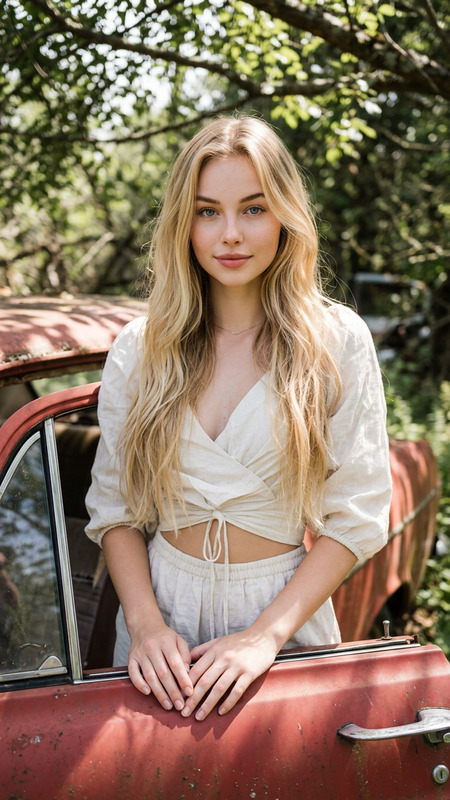
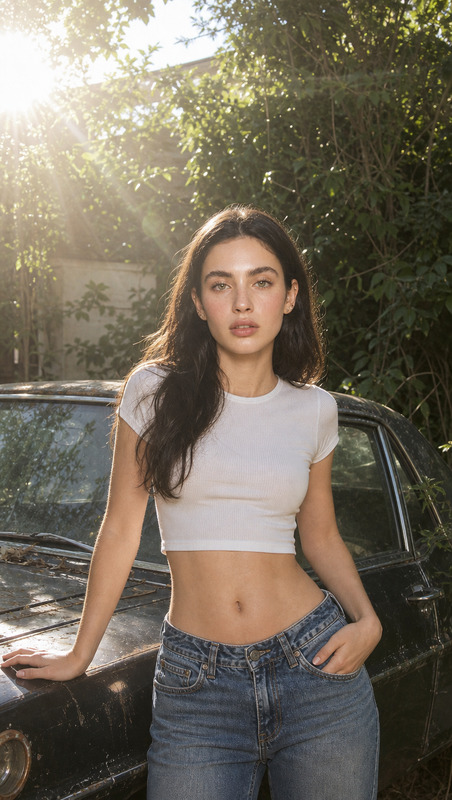
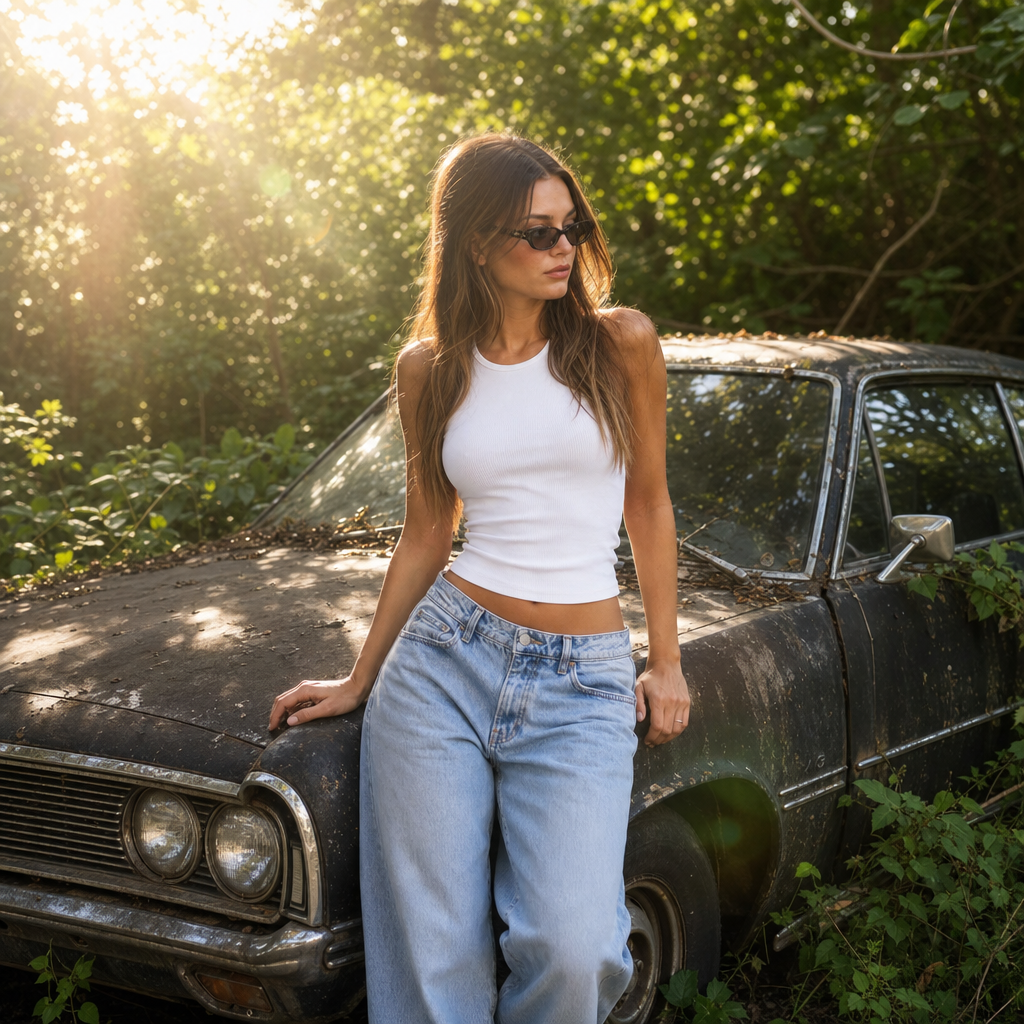
A straight-on medium shot features a young woman with light skin and long brown hair, standing outdoors beside a weathered black car. The woman is dressed in a white cropped top and blue denim jeans, leaning slightly to her left. Natural sunlight from the upper left casts a bright, diffused glow, creating lens flare and soft highlights around her silhouette. The background is dense with green foliage, suggesting an overgrown, possibly abandoned area. A Web-like pattern of sunbeams and light scatter are noticeable, adding a dreamy, ethereal quality to the image. The overall atmosphere is a mix of romantic and rustic, with the bright daylight contrasting against the overgrown and slightly neglected environment.
Any aspect ratio
Overview
The "Lost in the Forest" template is an AI-powered tool that allows users to enhance and transform their images with a romantic and rustic ambiance. Utilizing the gpt-image-2 model, this template creates scenes filled with natural sunlight, scenic foliage, and a dreamy, ethereal quality.
What It Does
This AI Image Editor brings an artistic touch to your images by creating a blend of light and shadow, adding depth to portraits set in natural environments. It creates a lens flare effect and soft highlights, enriching the photograph's atmosphere with romantic and rustic elements.
Ideal for producing stunning visuals out of ordinary shots, it emphasizes textures like denim and skin tones under perfect lighting, ensuring your photos stand out with ease.
Who It's For
This tool is perfect for photographers, content creators, and marketers looking to enhance digital imagery with a natural and ethereal glow. It's especially suitable for those in lifestyle and fashion sectors who want their visuals to communicate stories without extensive setup or planning.
Additionally, if you're working on projects involving nature or storytelling through visual media, the "Lost in the Forest" template is a valuable resource.
Summary
Create captivating images with the "Lost in the Forest" template, designed for enhancing photos with a romantic and rustic feel. This AI Image Editor offers unique lighting effects, transforming everyday images into compelling scenes without technical friction. Experience creativity with the AI Image Editor.
The template helps emphasize your subject matter, providing tools for a standout visual narrative by capturing moments full of life and character found in nature's charm.
How To
Choose Your Template

Customize Your Inputs

Generate and Download

Use Cases
Fashion Photography
- Create standout portfolio images
- Elevate social media visuals
- Add depth to promotional content
Lifestyle Content
- Craft engaging blog visuals
- Enhance personal storytelling images
- Improve digital marketing materials
Nature and Landscape Projects
- Highlight natural scenes
- Boost the serenity of outdoor photos
- Create mood boards for digital publishing
Best Practices
Optimize Image Resolution
Use high-resolution images for the best results. This allows the AI to apply lighting effects more accurately and vividly.Select Appropriate Scenes
Choose images with natural or open landscapes to fully utilize the template's capability to add depth and highlights.Experiment with Lighting
Feel free to tweak the sunlight direction and intensity in customization to see varied results that best suit your style.