Venom
- Model
- Nano Banana 2
- Image
- 768 × 1376 px
Prompt
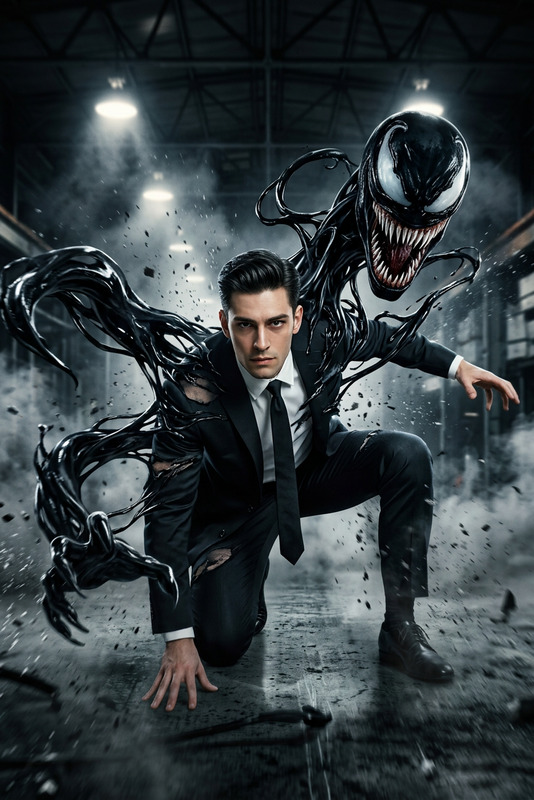
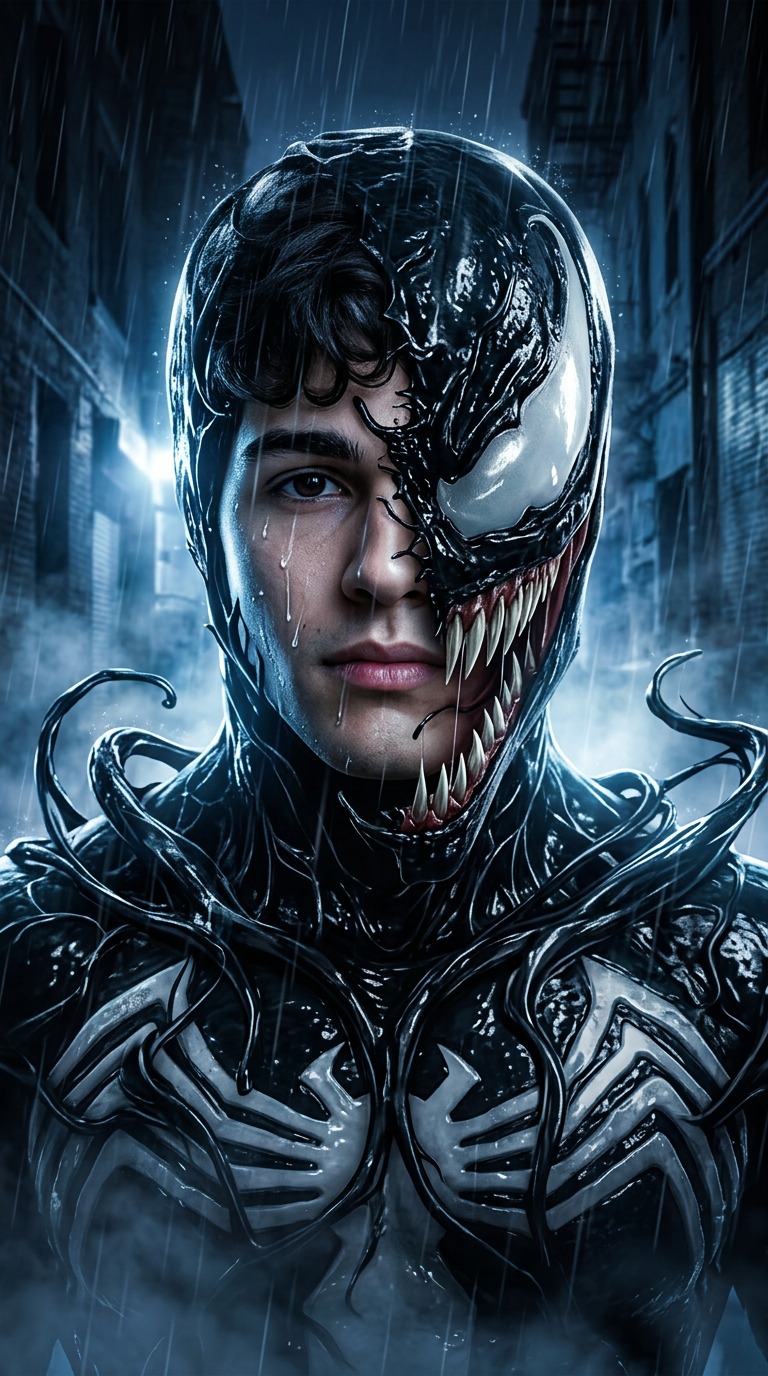
Use the uploaded reference photo as the exact facial identity reference. Preserve identical facial features, facial structure, eye shape, nose shape, lips, jawline, skin tone, hairstyle, and recognizable identity with 100% accuracy. Create an ultra-realistic live-action cinematic portrait of a dark symbiote alien fusion transformation. The person wears a glossy jet-black organic alien symbiote suit with realistic wet liquid-like textures, flowing dark tendrils wrapping dynamically around the body, white organic emblem across the chest. A monstrous alien creature jaw with sharp teeth emerges beside the face while the reference face remains clearly visible, creating a dual-identity transformation effect. Set in a cinematic rain-soaked dark urban alley at night, dramatic cold blue and white lighting reflecting off wet pavement, volumetric mist rising from the ground, Hollywood horror-action blockbuster atmosphere, IMAX quality, Unreal Engine 5 realism, hyper-detailed organic alien textures, realistic rain droplets, masterpiece, 8K, vertical 9:16. NEGATIVE PROMPT: cartoon, anime, blurry, low quality, altered face, watermark, logo, text, CGI artifacts, bad anatomy, extra limbs, distorted identity, plastic skin, low resolution.
Any aspect ratio
Overview
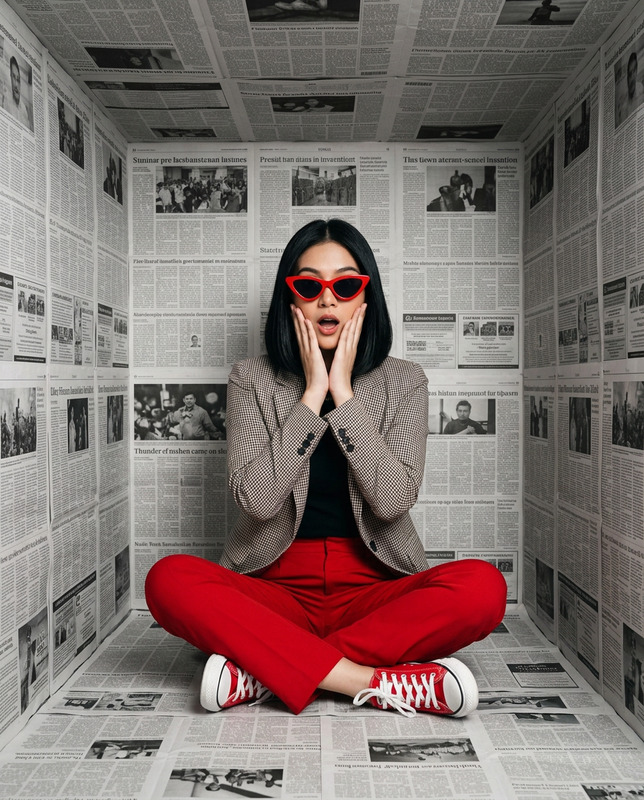
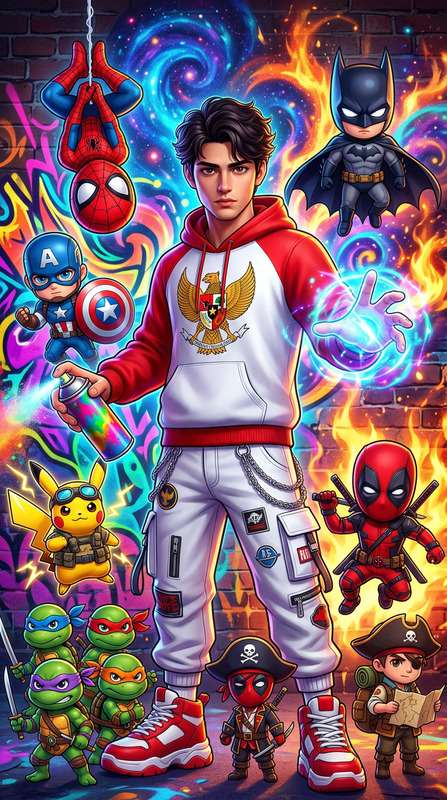
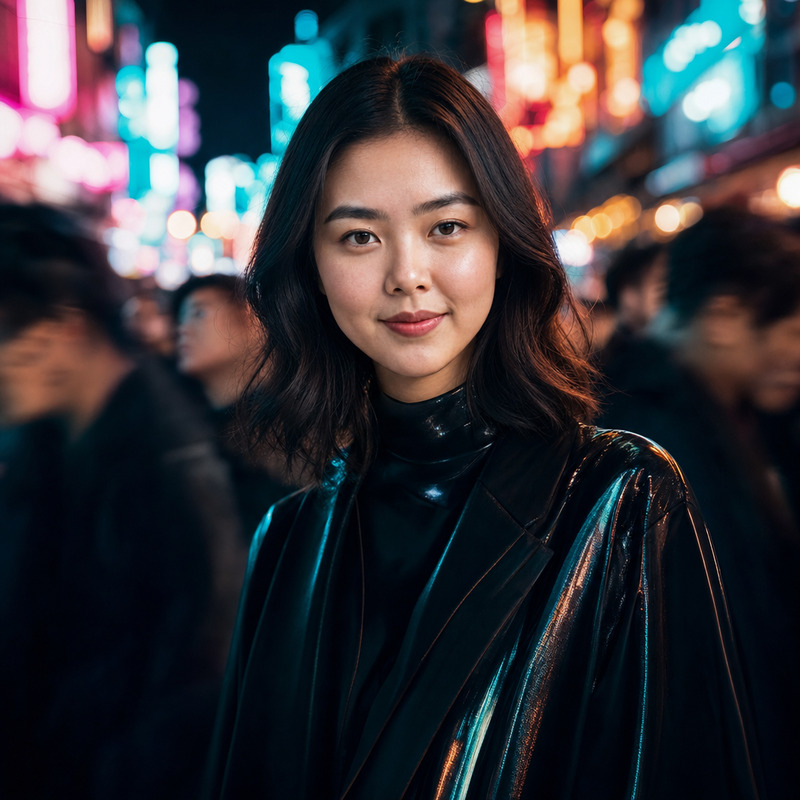
The Venom template uses the AI Image Editor capabilities of Magic Hour to create hyper-realistic portraits that merge human and alien features in vibrantly detailed settings. By leveraging the nano-banana-2 model, this template allows for precise facial identity preservation, even as it overlays a symbiotic alien transformation.
What It Does
This template focuses on blending an uploaded reference photo with a symbiote alien design. The AI keeps the human identity intact while adding elements like a dark symbiote suit and dynamic tendrils. The result is a breathtaking dual-identity portrait that resembles a Hollywood horror-action movie still, complete with a night-time urban alley backdrop, rendered in IMAX-level detail.
Who It's For
Designed for filmmakers, visual effects artists, and creatives, the Venom template is perfect for anyone needing to create high-quality, atmospheric imagery that blends human and alien themes. It's ideal for those looking to experiment with concepts like Head Swap or other advanced editing functions in cinematic storytelling and visuals.
Summary
Achieve seamless transformation effects with the Venom template. Utilize AI Image Editor functionalities and create stunning visuals that offer both artistic excellence and technical precision. Whether you're enhancing a film project or crafting eye-catching social media content, this tool fits a range of creative workflows.
How To
Select the Venom Template

Customize Your Inputs

Generate and Download

Use Cases
Film Pre-production
- Concept art for horror and sci-fi films
- Character design documentation
- Storyboard enhancements
Social Media Campaigns
- High-impact advertising visuals
- Thematic posts for digital marketing
- Content for influencer collaborations
Artistic Exploration
- Explore new artistic techniques
- Enhance graphic novels or comic book design
- Develop unique gallery collections
Best Practices
Use High-Quality Photos
For the best results, upload images with high resolution to ensure the facial identity is preserved accurately.Adjust Lighting Elements
Tailor the lighting options to harmonize with the template's cinematic settings.Integrate with Other Tools
Consider using the Face Swap feature for additional creative expression within your projects.