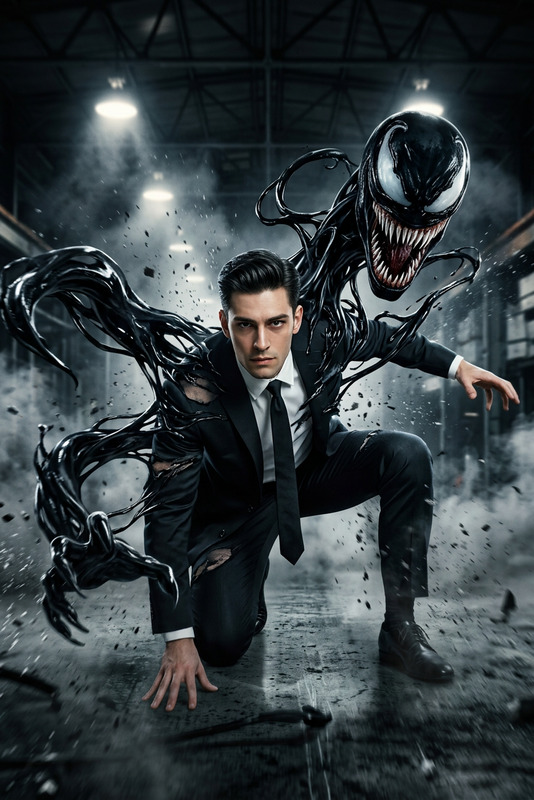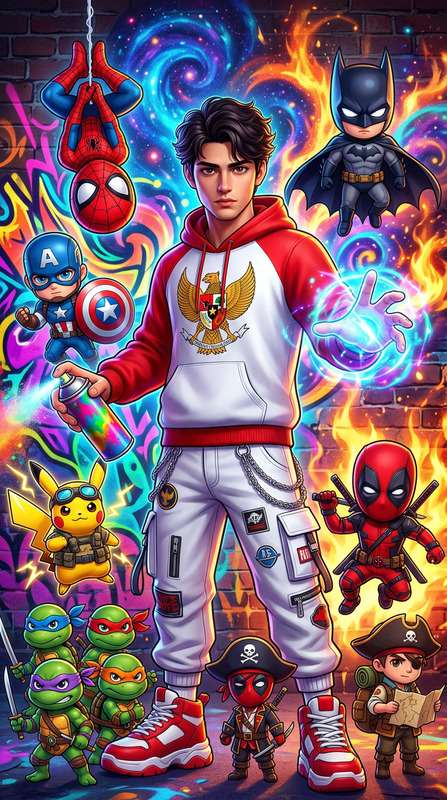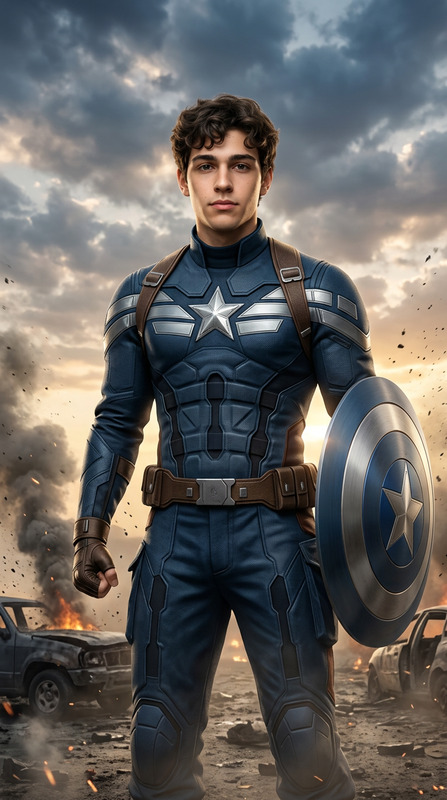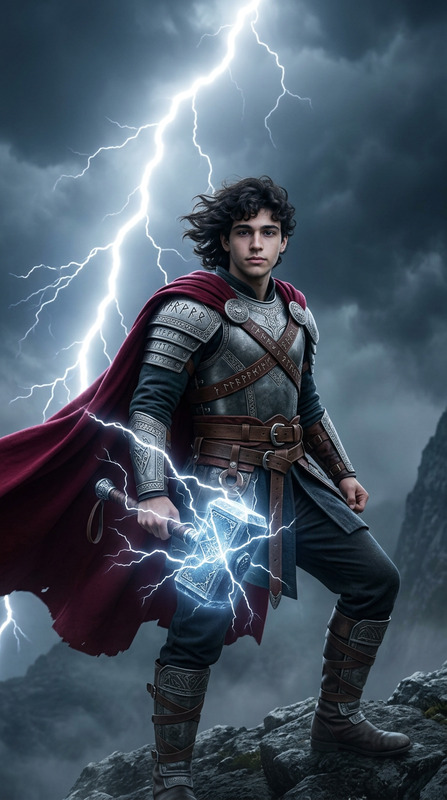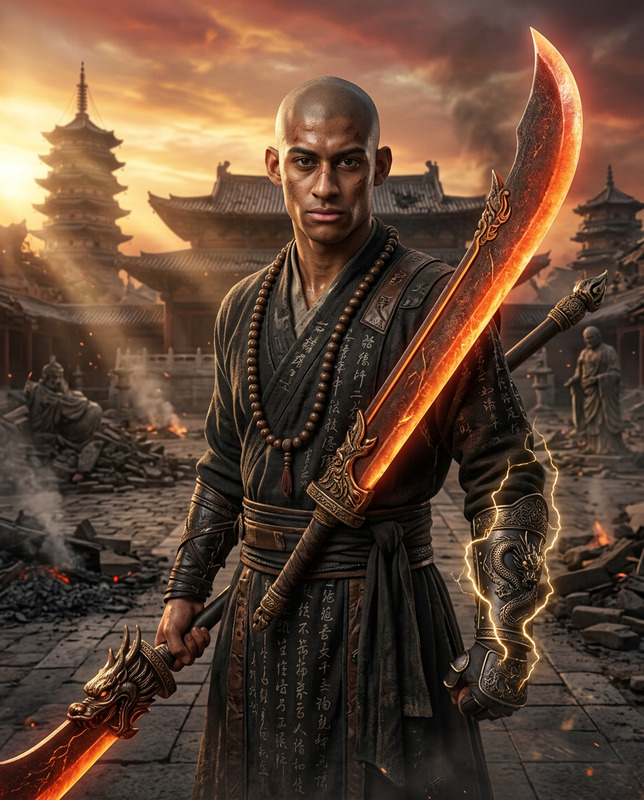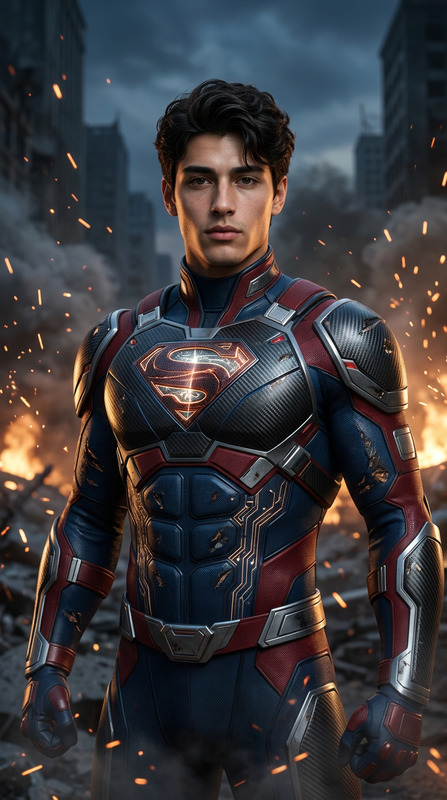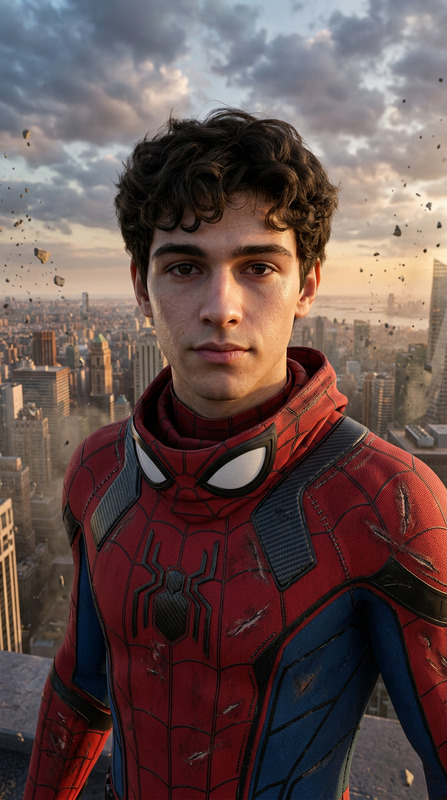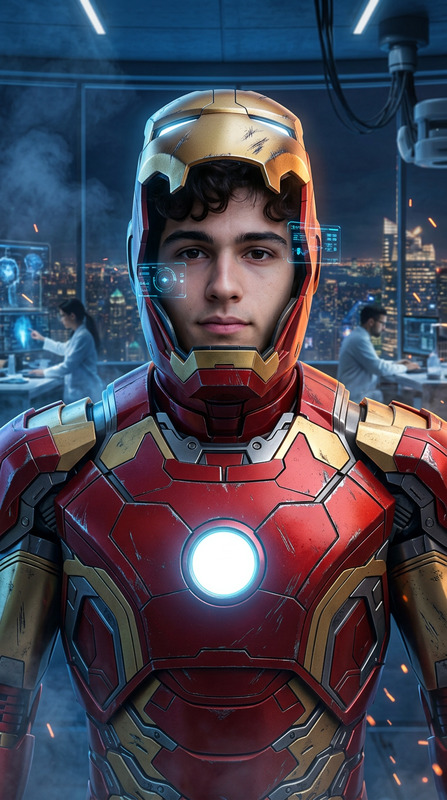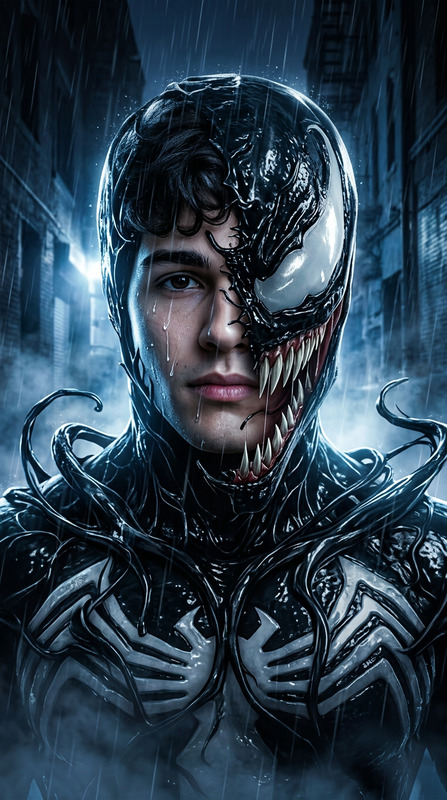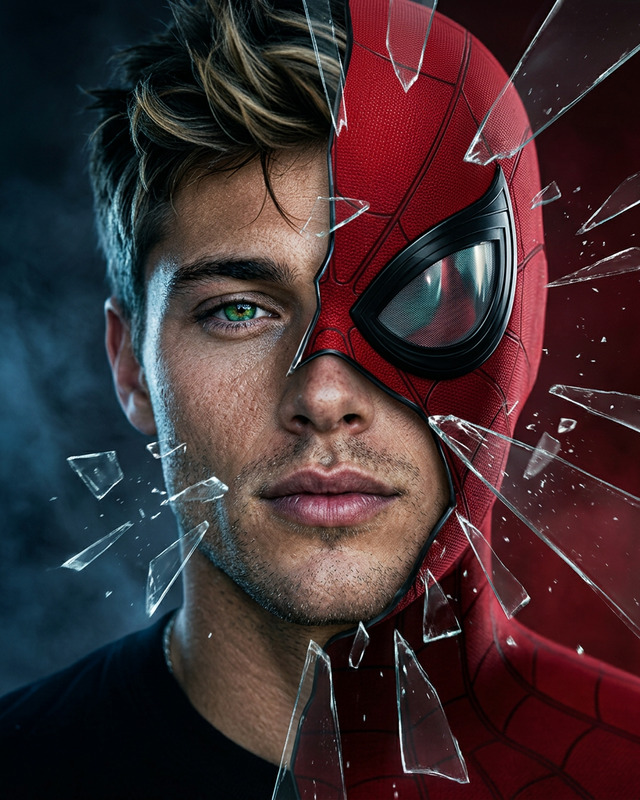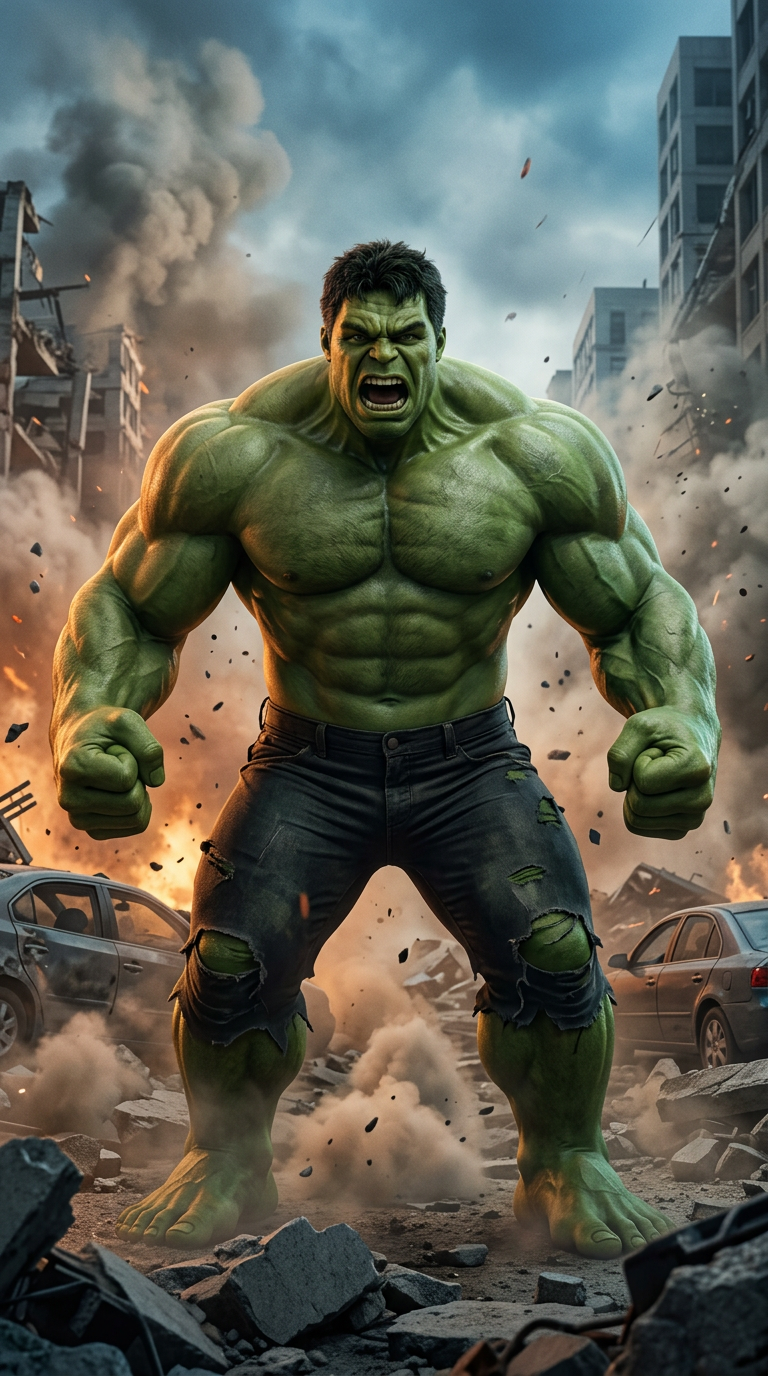
Hulk
- Model
- Nano Banana 2
- Image
- 768 × 1376 px
Prompt
Use the uploaded reference photo as the exact facial identity reference. Preserve identical facial features, facial structure, eye shape, nose shape, lips, jawline, skin tone, and recognizable identity with 100% accuracy. Adapt the face naturally onto the transformed character. Create an ultra-realistic live-action cinematic portrait of a gigantic enormously muscular green-skinned rage transformation character. Hyper-detailed oversized muscle anatomy, realistic green skin pores and texture, torn dark combat trousers at the knees, massive clenched fists, roaring expression with intense emotion. Standing among destroyed urban city streets with shattered concrete rubble, overturned and crushed vehicles, collapsed building structures, thick dust clouds rising, dramatic cinematic lighting with orange and blue tones, flying debris and particles, blockbuster action atmosphere, IMAX realism, Unreal Engine 5 quality, hyper-detailed textures, authentic destruction physics, volumetric smoke, masterpiece, 8K, vertical 9:16. NEGATIVE PROMPT: cartoon, anime, blurry, low quality, plastic skin, distorted anatomy, extra limbs, watermark, logo, text, CGI artifacts, unrealistic muscles, deformed hands, altered facial identity.
Any aspect ratio
Overview
The "Hulk" template is a powerful tool within the AI Image Editor category, utilizing the advanced capabilities of the nano-banana-2 model. This template allows creators to produce ultra-realistic, cinematic portrayals of a massive, muscular, green-skinned character in fierce urban landscapes. It brings blockbuster-grade visual effects to your projects.
What It Does
With this template, you can transform an individual's facial identity into a hyper-realistic green-skinned behemoth, maintaining complete fidelity to the source photo. The editor generates intense character portrayals, replete with detailed skin textures and dynamic environmental effects that capture the essence of a tumultuous urban scene.
For those who seek AI Image Generators that push the boundaries of realism, this tool offers unparalleled control over details like muscle anatomy and environmental destruction.
Who It's For
Ideal for visual effects artists, filmmakers, and gaming studios, the "Hulk" template is perfect for anyone looking to integrate realistic, high-fidelity characters into their stories. Whether you're crafting a scene for a movie, a video game, or creating stunning visuals for social media, this tool simplifies the creation process with precise editing capabilities.
Summary
Incorporating advanced editing functionalities from AI Face Editor technologies, this template crafts highly detailed imagery of colossal green-skinned characters. It supports filmmakers and artists in achieving blockbuster-level visuals with minimal effort, focusing on enhancing creative storytelling through superior tech integration.
How-To
Choose the "Hulk" template

Customize your image

Generate and download your image

Use Cases
Movie Posters
- Eye-catching promotional materials
- Custom character features
- Blockbuster appeal
Video Game Graphics
- Character customization
- Authentic environments
- Engaging storytelling
VFX in Advertising
- Impactful visuals
- Brand story enhancement
- High-quality realism
Best Practices
Use high-quality reference photos
Ensure your reference photo is high resolution to maintain clarity and realism in the final image.Fine-tune environmental effects
Adjust the background elements to match your scene's narrative context for added depth and immersion.Leverage dynamic lighting
Utilize the lighting settings to emphasize dramatic contrasts and focal points, enhancing the overall impact.