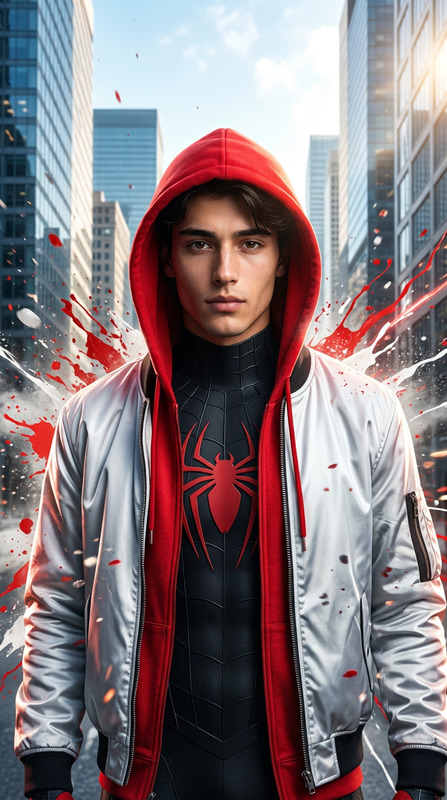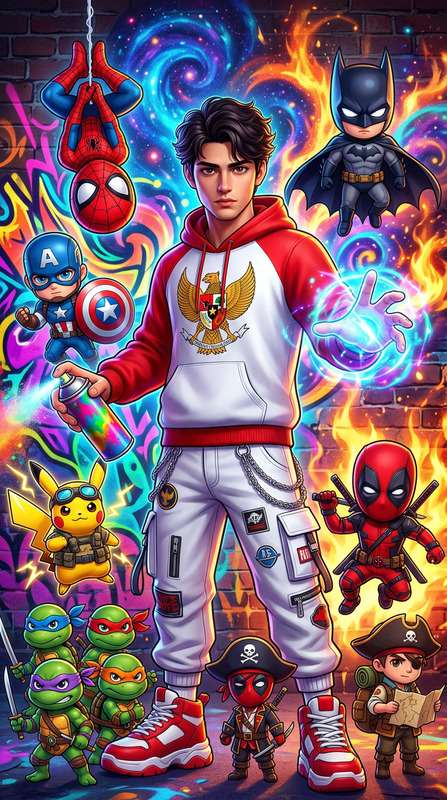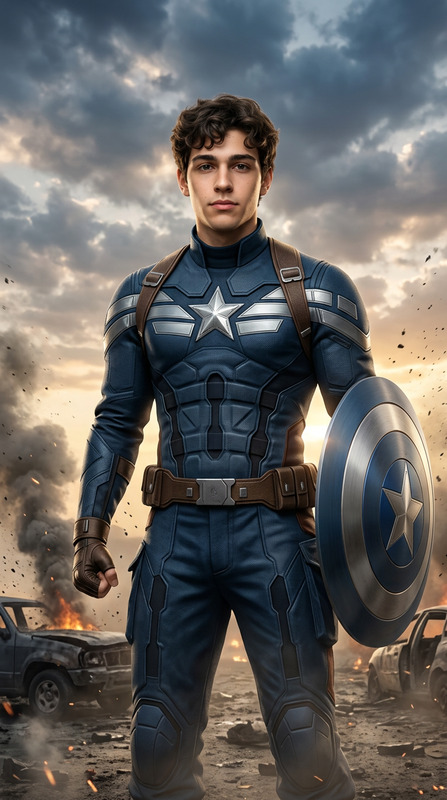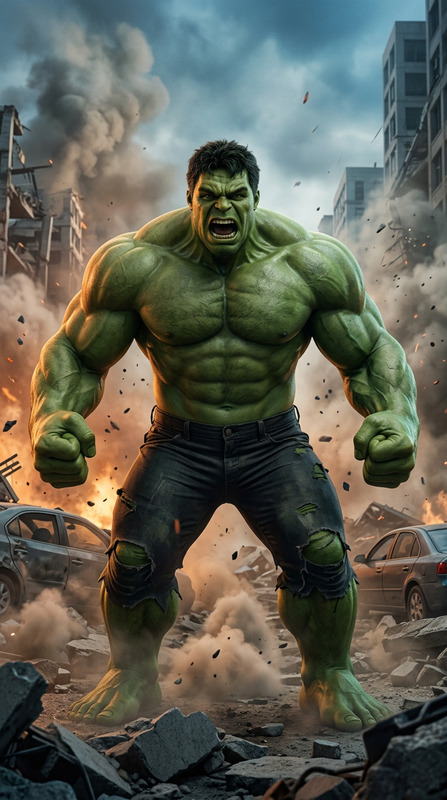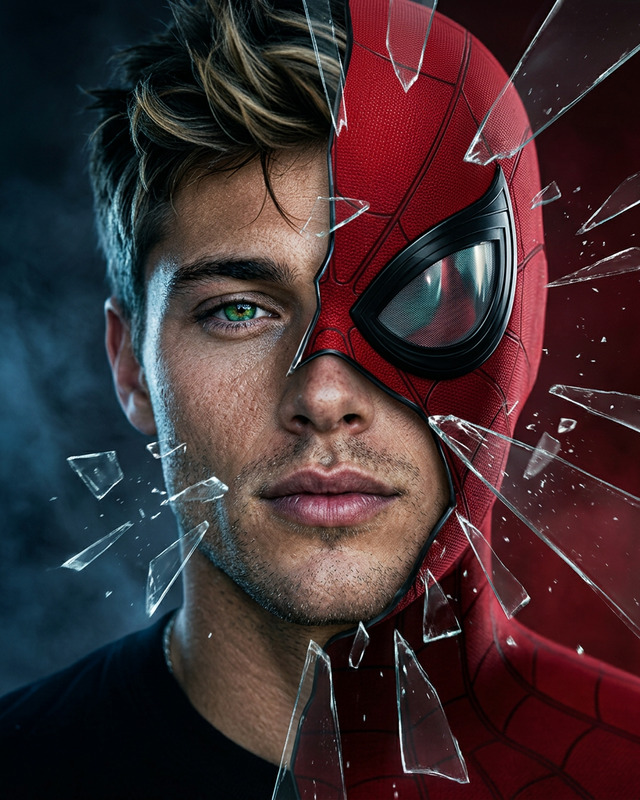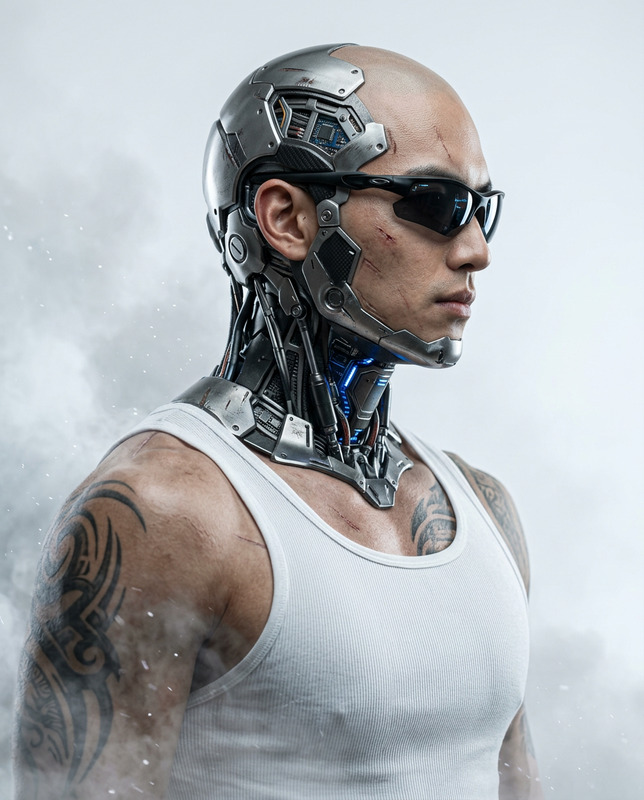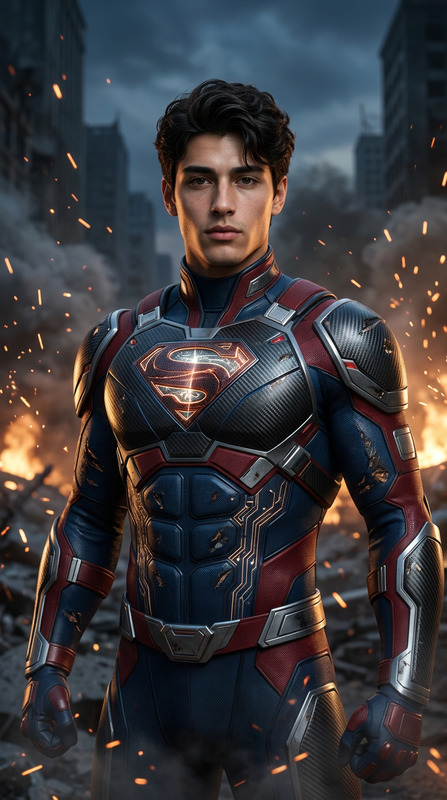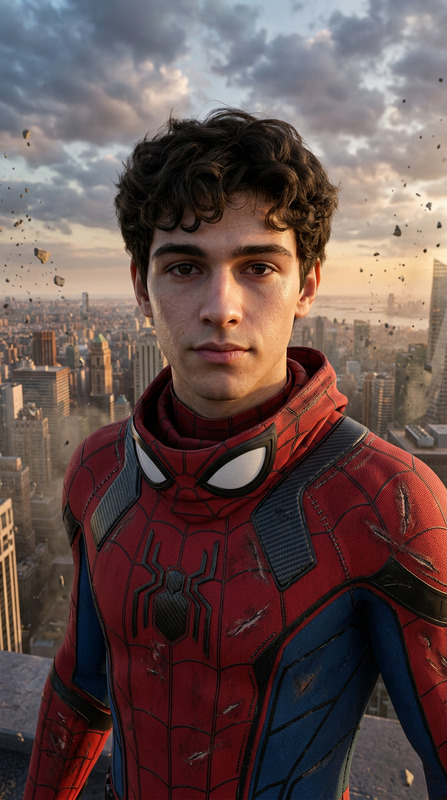
Iron Man
- Model
- Nano Banana 2
- Image
- 768 × 1376 px
Prompt
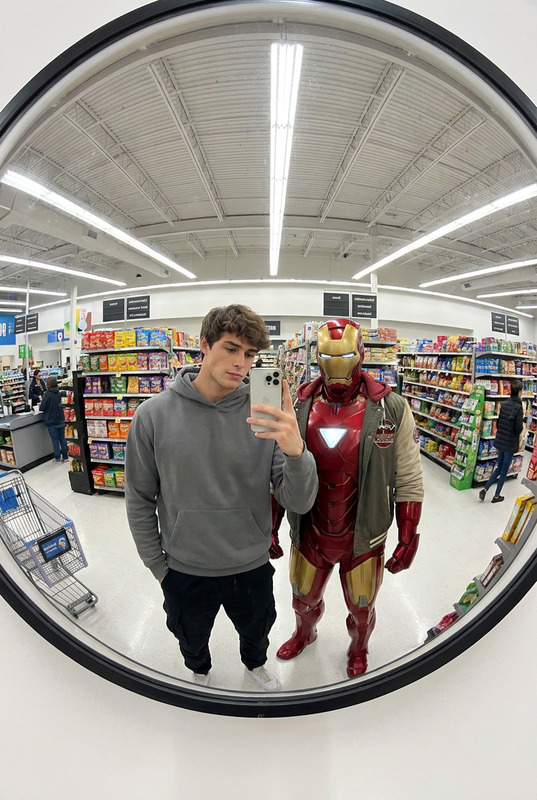
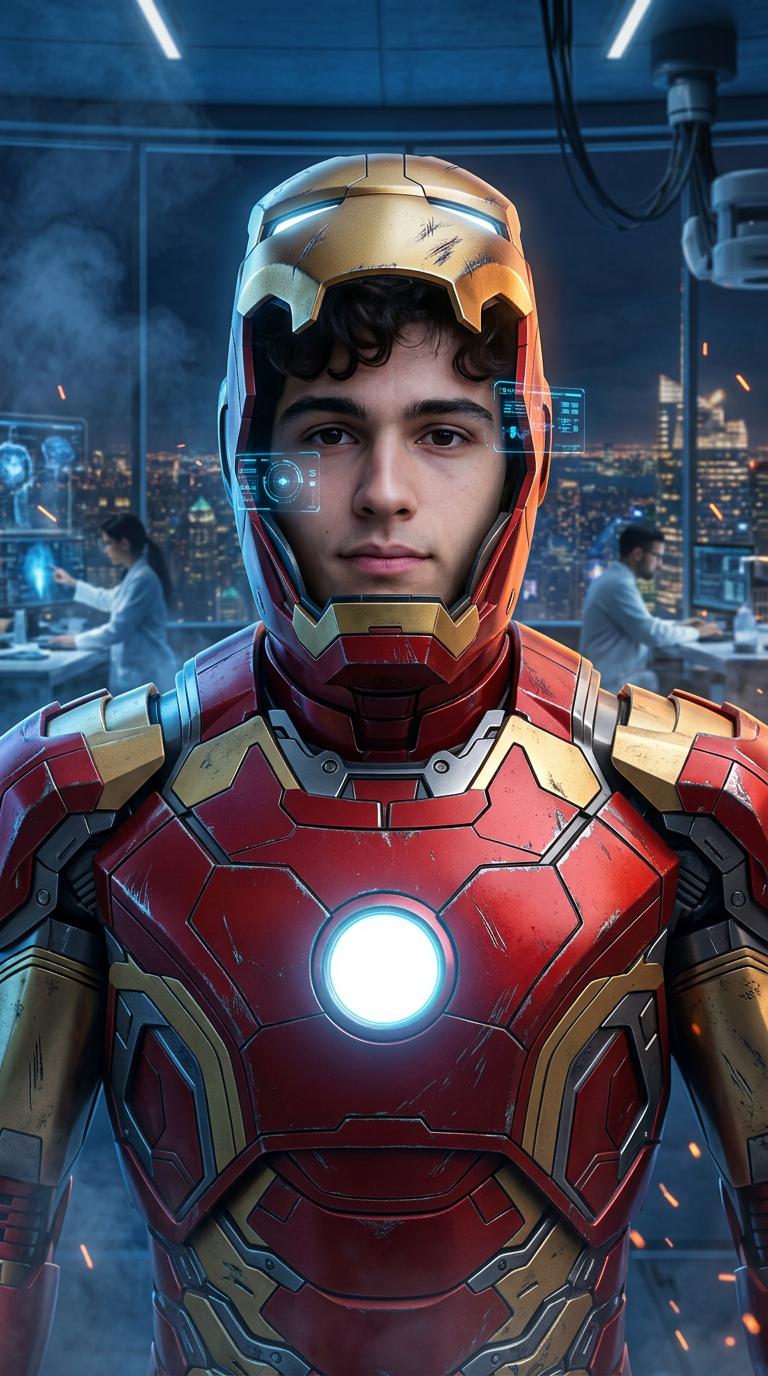
Use the uploaded reference photo as the exact facial identity reference. Preserve identical facial features, facial structure, eye shape, nose shape, lips, jawline, skin tone, hairstyle, and recognizable identity with 100% accuracy. Create an ultra-realistic live-action cinematic portrait of a man wearing a premium red and gold nano-technology powered armor suit with a glowing energy reactor on the chest, illuminated helmet opened to reveal the reference face, intricate mechanical panel details, metallic surface reflections, realistic battle scratches and wear marks, advanced holographic HUD displays floating around the figure. Standing inside a futuristic high-tech laboratory overlooking a night city skyline through floor-to-ceiling windows. Cinematic blue and orange lighting, flying sparks, volumetric smoke, Hollywood blockbuster atmosphere, IMAX quality, Unreal Engine 5 realism, photorealistic skin texture, ultra-detailed armor materials, masterpiece, 8K, vertical 9:16. NEGATIVE PROMPT: cartoon, anime, blurry, low quality, deformed armor, altered identity, watermark, logo, text, CGI artifacts, bad anatomy, extra limbs.
Any aspect ratio
Overview
Dive into the world of advanced visual effects with the Iron Man template, powered by the Nano-Banana-2 model. This AI Image Editor template transforms a simple reference photo into a stunning, lifelike cinematic portrait featuring a man in a nano-technology armor suit, highlighted by intricate details and a futuristic background.
What It Does
This template is designed to create ultra-realistic live-action portraits. By preserving every minute detail of the reference photo, it recreates the subject in a high-tech armor suit complete with glowing energy reactors, battle-worn features, and a futuristic laboratory setting. The result is an 8K IMAX-quality image, perfect for VFX previsualization and other high-end applications.
Who It's For
The Iron Man template is ideal for VFX professionals, game developers, and filmmakers looking to produce high-quality visuals efficiently. It's a great fit for anyone working on products like the AI Video Generator or involved in gaming cinematics, where creating lifelike characters and environments is essential.
Summary
Utilizing cutting-edge AI technology, this template allows creators to generate photorealistic images of a man in a highly detailed armor suit with Hollywood blockbuster attributes. With attention to every detail, from skin texture to armor reflections, the Image to Video capability can further animate these images, bringing concepts to life even more dynamically.
How-To
Choose Your Template

Customize Your Settings

Generate and Download

Use Cases
Visual Effects Preproduction
- Pre-visualize movie scenes with lifelike effects
- Evaluate different lighting and material impacts
Gaming Cinematics
- Create character avatars with complex armor designs
- Integrate high-quality textures into game cinematics
Product Launch Visuals
- Visualize futuristic concepts in product demos
- Craft high-impact images for marketing materials
Best Practices
Maintain Identity Accuracy
Always use a clear and detailed reference photo to ensure the model precisely captures the subject's features.Experiment with Lighting
Adjust lighting settings to explore different moods and atmospheres, enhancing the overall cinematic feel.Refine Armor Details
Pay attention to armor details like texture and reflections to add depth and realism.