Vintage Camcorder Crosswalk
- Model
- Nano Banana 2
- Image
- 784 × 1372 px
Prompt
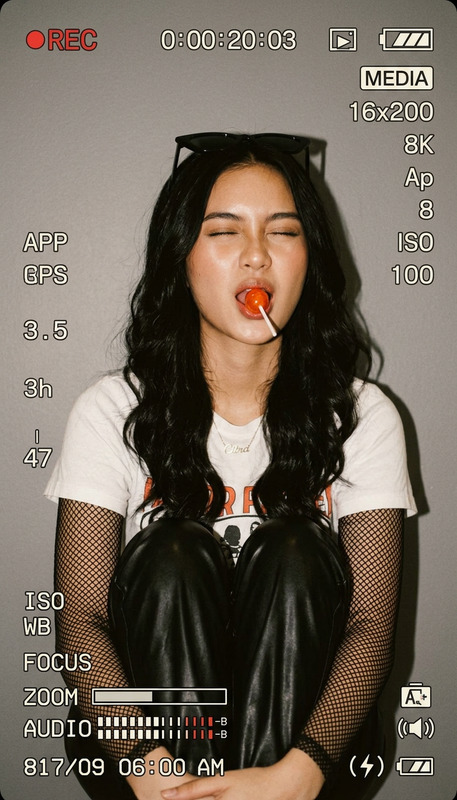
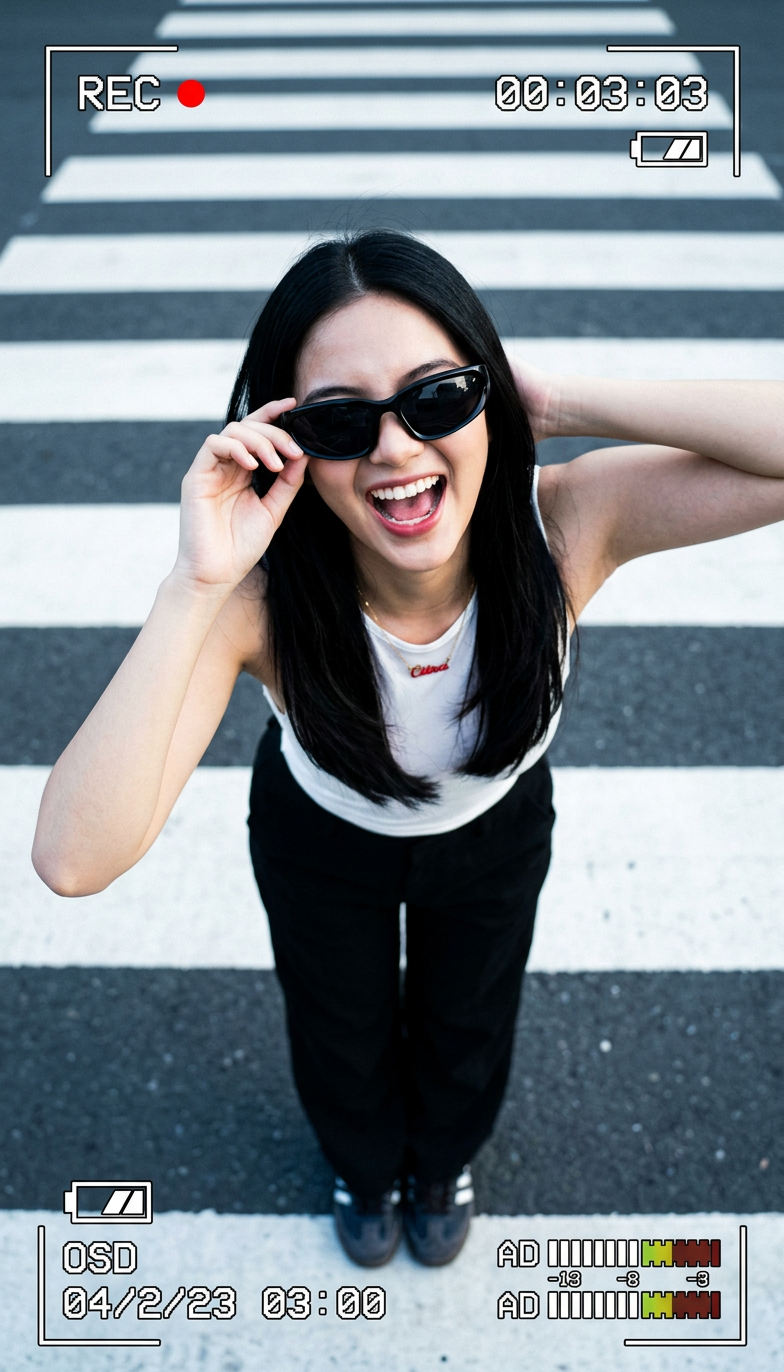
Use the uploaded reference image as the ONLY identity reference. Preserve the exact facial structure, face shape, bone structure, eyes, eyebrows, nose, lips, jawline, skin tone, hairstyle, age appearance, body proportions, facial asymmetry, and overall recognizable identity with absolute accuracy. Create an ultra-realistic vintage camcorder photograph featuring a complete authentic on-screen display overlay including REC indicator, blinking red recording dot, running timecode, battery level bar, storage/media icon, resolution and frame rate readout, aperture value, shutter speed, ISO/gain, white balance setting, focus mode label, zoom indicator bar, audio level meters, date/time stamp, image stabilization status, and vintage camcorder interface graphics. The subject is the same person from the reference image, portrayed as a young woman with long straight black hair, viewed from a dramatic high-angle perspective looking straight down from above. Her body is slightly bent backward, head fully tilted upward toward the camera, mouth wide open in a joyful playful expression. She wears oversized black wraparound sunglasses covering the eyes, with her right hand gently holding the sunglasses frame while her left arm is bent behind her head with the elbow pointing outward. She is dressed in a white sleeveless top with a small red detail at the neckline, loose black trousers, dark shoes, and thin black wristbands. Bright natural daylight combined with a subtle on-camera camcorder flash creates even illumination, crisp shadows, a slight cool color cast, and fine analog camcorder film grain. The composition captures the subject standing on an urban pedestrian crosswalk with bold white parallel stripes on dark asphalt, bordered by a light gray concrete curb, using a dynamic top-down perspective. High-contrast black-and-white pavement tones complement realistic skin colors with subtle cool tint. Deep depth of field ensures absolute edge-to-edge sharpness across the entire frame, preserving every facial detail, hand position, hair strand, fabric texture, pavement marking, sunglasses reflection, and every camcorder display element without blur. Hyper-detailed skin pores, natural imperfections, realistic fabric materials, authentic vintage camcorder optics, documentary realism, photorealistic 8K, ultra-sharp, premium analog camcorder aesthetic, masterpiece quality. Negative Prompt: shallow depth of field, background blur, bokeh, soft focus, out-of-focus areas, facial distortion, altered identity, changed bone structure, different eye shape, skin smoothing, plastic skin, unrealistic anatomy, extra fingers, incorrect hand placement, wrong clothing, missing accessories, inaccurate camcorder overlay, digital artifacts, oversaturated colors, washed-out lighting, incorrect perspective, low detail, watermark, logo, text errors.
Any aspect ratio
Overview
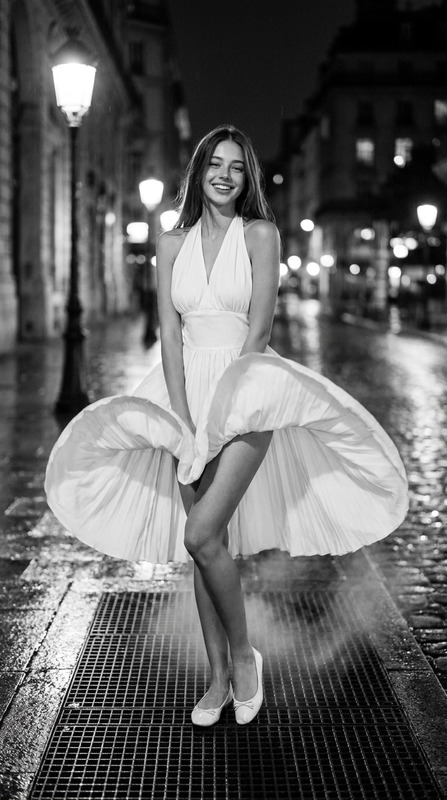
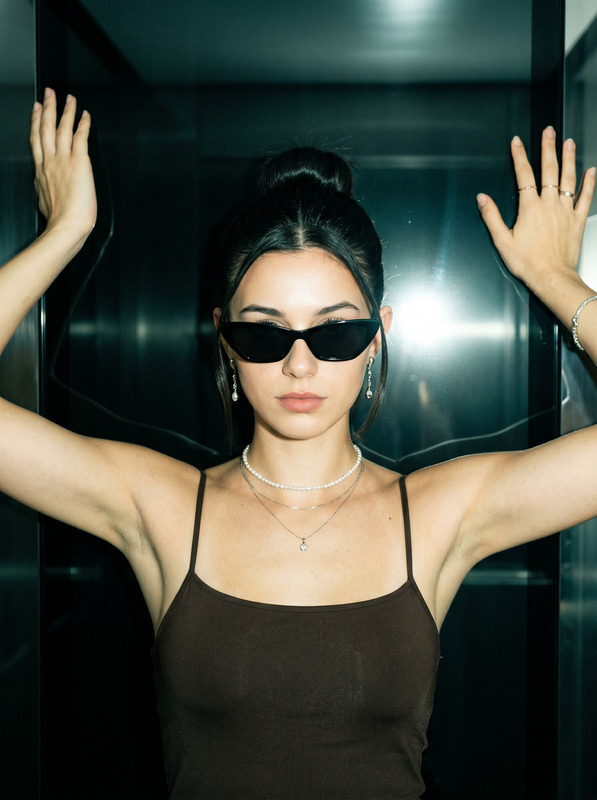
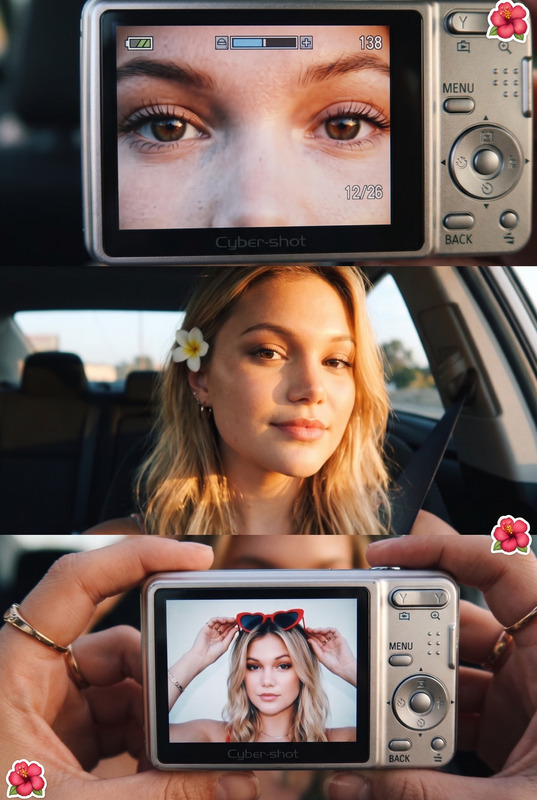
The Vintage Camcorder Crosswalk template lets you transform modern images into ultra-realistic vintage camcorder aesthetics. By using the AI Image Editor, you can create stunning visuals with detailed camcorder overlays that capture the nostalgia of analog photography.
What It Does
This template uses the nano-banana-2 model to ensure precise identity retention from your reference image. It generates a scene featuring an authentic on-screen display overlay typical of vintage camcorders, complete with indicators like REC status, timecode, and much more. The result is a photorealistic, nostalgia-infused image with modern-day sharpness.
Who It's For
This tool is tailored for content creators and photographers who want to evoke a retro vibe in their projects. Ideal for fashion shoots, social media posts, or personal collections, it appeals to anyone interested in merging contemporary subjects with classic photographic techniques. Whether you're a professional or hobbyist, this template is a great addition to your toolkit, complementing tools like the Photo Colorizer.
Summary
With the Vintage Camcorder Crosswalk template, you can craft visually captivating photos that blend detailed modern identity preservation with vintage overlay effects. It's supported by the AI Image Generator for high-fidelity outputs, making it ideal for a wide range of creative applications.
How To
Choose the Template

Customize Your Inputs

Generate the Image

Use Cases
Fashion Photography
- Create retro-themed editorial spreads
- Enhance lookbooks with nostalgic styles
Social Media Content
- Craft story posts with visual impact
- Engage followers with creative aesthetics
Documentary Projects
- Add authenticity to historical documentaries
- Enhance visual narratives with realistic overlays
Best Practices
Maintain Originality
Use the uploaded image as the sole identity reference to maintain authenticity.Optimize Lighting
Select reference images with balanced lighting to improve output quality.Check Camera Settings
Verify camcorder overlay settings match the scene for greater realism.