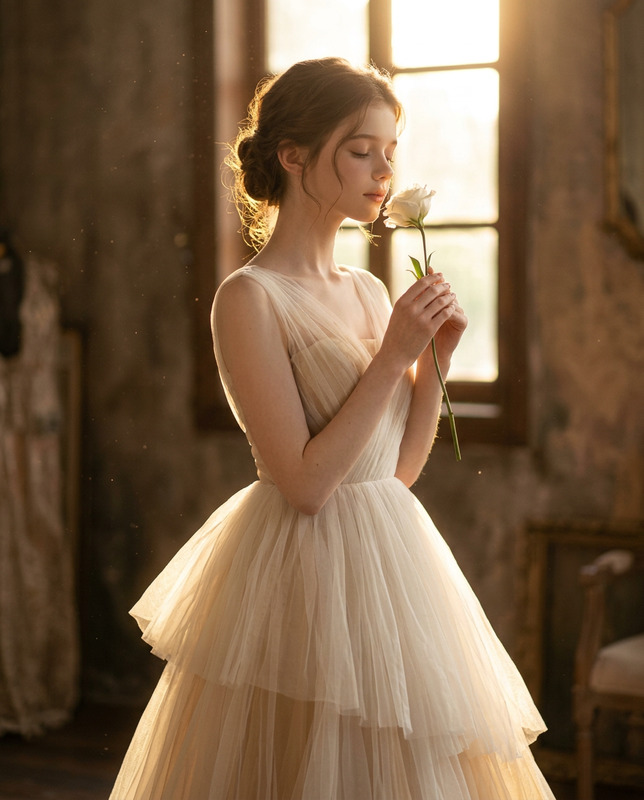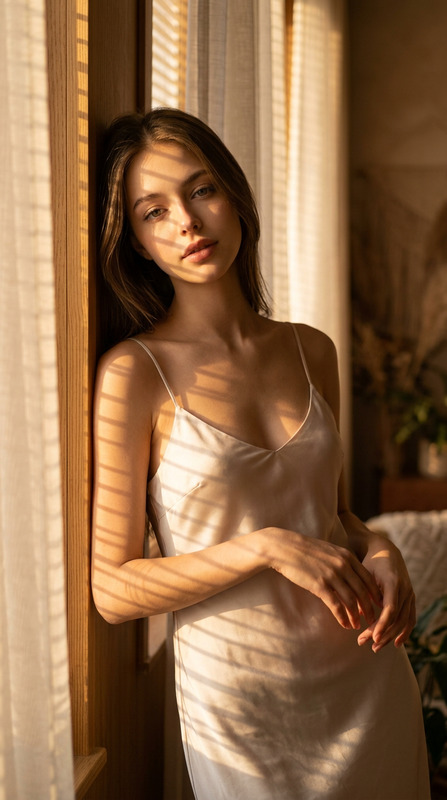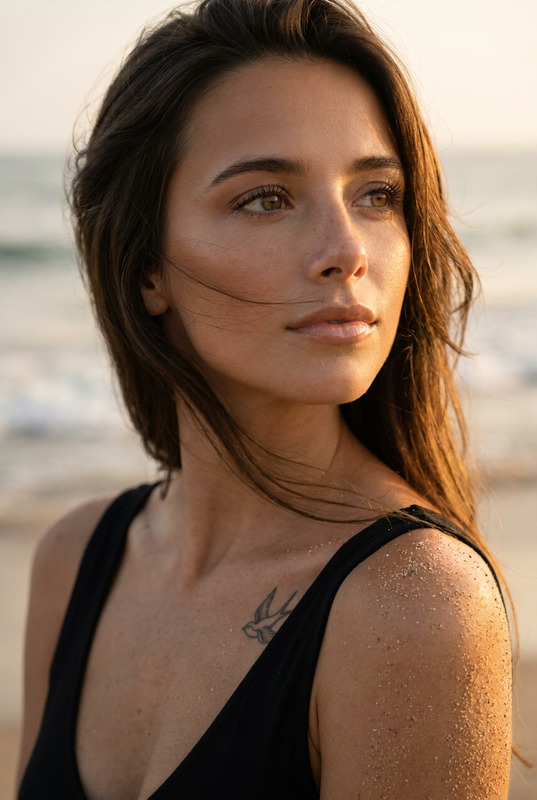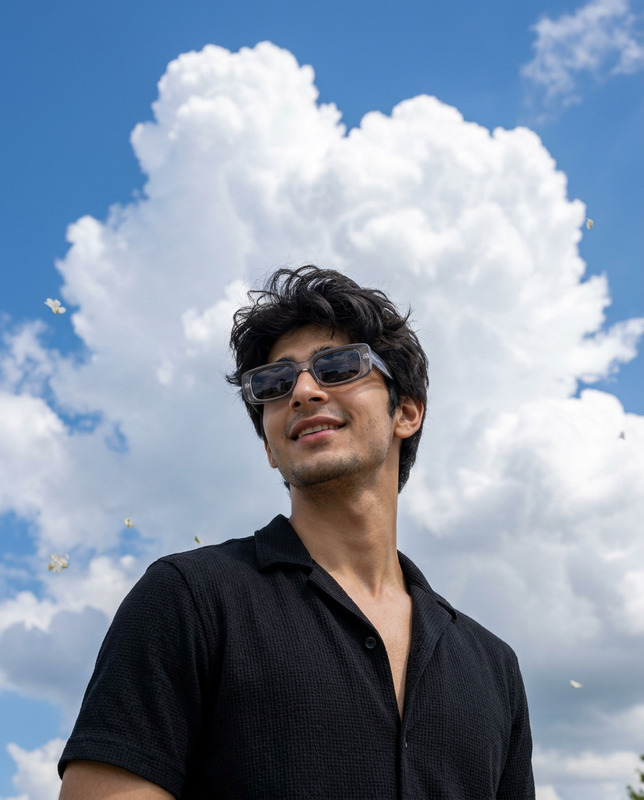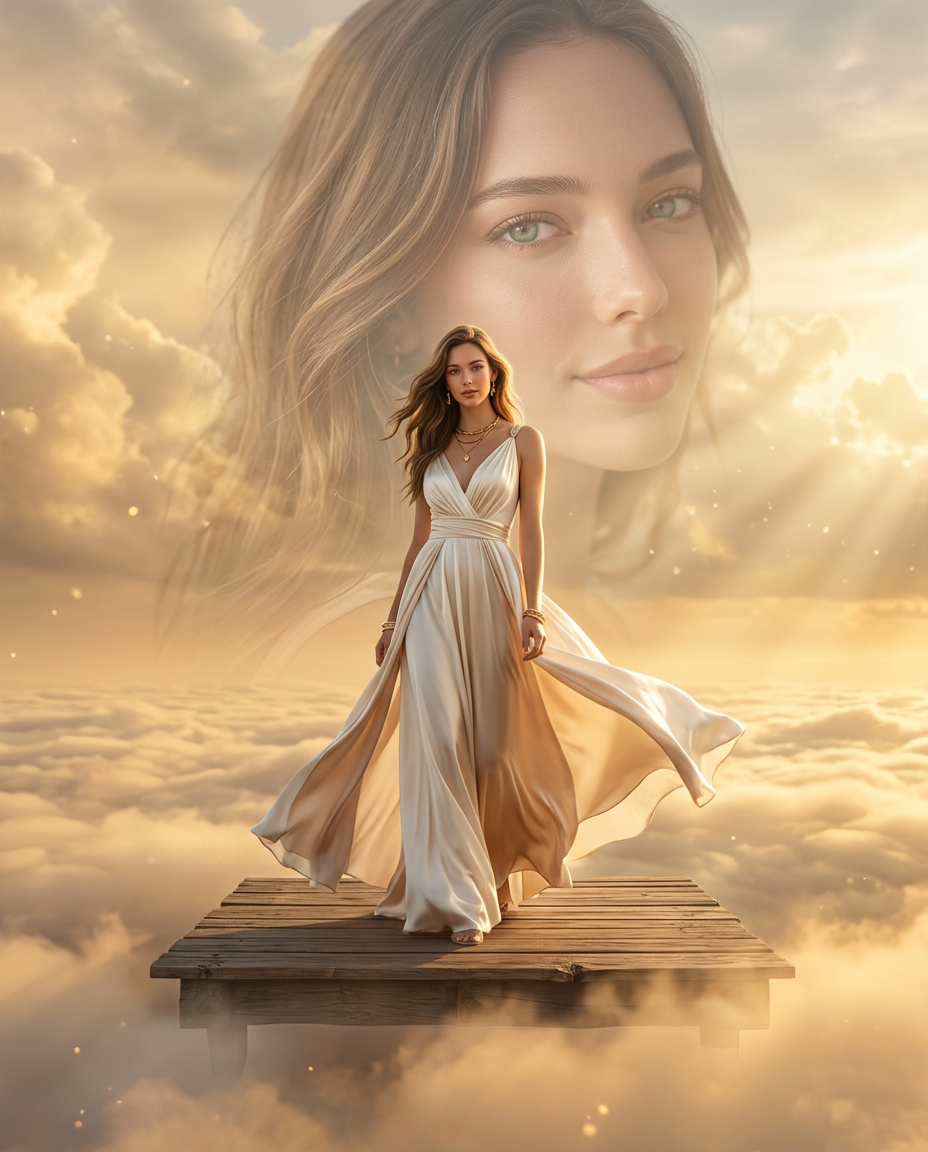
Golden Sky Double Exposure
- Model
- Nano Banana 2
- Image
- 928 × 1152 px
Prompt
Use the uploaded image as the only facial identity reference. Preserve the face with maximum identity accuracy, maintaining the exact facial structure, eye shape, eyebrows, nose, lips, jawline, skin tone, hairstyle influence, and overall likeness. Do not alter or replace the person's identity. Create an ultra-realistic IMAX-level Netflix-style cinematic double-exposure fashion portrait in a 4:5 vertical composition. A stylish young woman stands confidently in a graceful full-body pose on a floating rustic wooden platform suspended among glowing golden clouds during sunset. She wears an elegant luxury fashion outfit with flowing fabric that moves naturally in the breeze, paired with refined accessories and subtle editorial styling. Behind her, create a massive semi-transparent close-up portrait of the same woman, softly blended into the sky. The larger portrait gazes slightly to the side with a calm, gentle smile, creating a powerful double-exposure storytelling effect. Preserve perfect facial identity, natural skin texture, realistic pores, expressive eyes, glossy lips, and luxurious flowing hair with cinematic movement. The environment features breathtaking golden-hour clouds, radiant sunlight breaking through the atmosphere, volumetric light rays, floating mist, warm haze, soft glowing particles, and dreamy cinematic depth. The wooden platform appears suspended above an endless sea of clouds, creating an ethereal fantasy mood while maintaining realistic physics and lighting. Lighting is premium cinematic sunset lighting with warm golden rim light outlining the hair and body, soft diffused highlights across the face, realistic shadows, HDR dynamic range, global illumination, and natural atmospheric perspective. Color palette includes warm gold, champagne, amber, ivory, soft peach, creamy whites, muted beige, and subtle sky blues. Capture with a full-frame cinema camera, 85mm portrait lens, f/1.8, ultra-shallow depth of field, luxury editorial framing, photorealistic rendering, film-grade color science, masterpiece quality, ultra-detailed textures, 8K resolution. Negative Prompt: distorted face, identity drift, blurry eyes, bad anatomy, extra limbs, extra fingers, plastic skin, wax skin, CGI look, cartoon, anime, oversaturated colors, flat lighting, low resolution, watermark, logo, text, compression artifacts, duplicate body parts.
Any aspect ratio
Overview
The Golden Sky Double Exposure template leverages the power of the AI Image Editor, specifically tuned with the nano-banana-2 model, to create breathtaking double-exposure portraits. Achieve cinema-quality results by blending detailed facial features with a stunning environment of golden clouds and cinematic lighting.
What It Does
This template focuses on creating an ultra-realistic double-exposure fashion portrait. It uses the uploaded image as the single source for facial identity, ensuring maximum accuracy. The result is a seamless integration of the subject's facial features with a captivating sunset cloudscape, achieving a harmonious and photorealistic masterpiece.
Who It's For
The Golden Sky Double Exposure template is ideal for photographers, digital artists, and fashion designers aiming to create striking visual narratives. It is particularly useful for those involved in editorial shoots, luxury fashion campaigns, and cinematic portrait edits looking for photorealistic quality and cinematic storytelling.
Summary
Employing sophisticated AI video generator techniques, this template offers a streamlined pathway to produce detailed double-exposure portraits. It maintains identity integrity while introducing a vibrant and ethereal environmental backdrop. The resulting images are not just photographs; they are cinematic experiences with a profound storytelling effect.
How To

Customize

Generate

Use Cases
Fashion Editorials
- Create luxurious fashion spreads
- Enhance storytelling through visuals
Digital Portfolios
- Stand out with photorealistic portraits
- Showcase sophisticated artistic skills
Social Media Campaigns
- Elevate brand narratives
- Engage audiences with cinematic visuals
Best Practices
Ensure High-Quality Input
Use high-resolution images for the best identity accuracy and detailed results.Focus on Lighting
Natural and studio lighting can enhance the realism of your rendered scene. Match the template’s lighting conditions for seamless results.Refine Final Outputs
After generation, use an AI Image Editor for any desired post-processing tweaks, like color grading or softening textures.