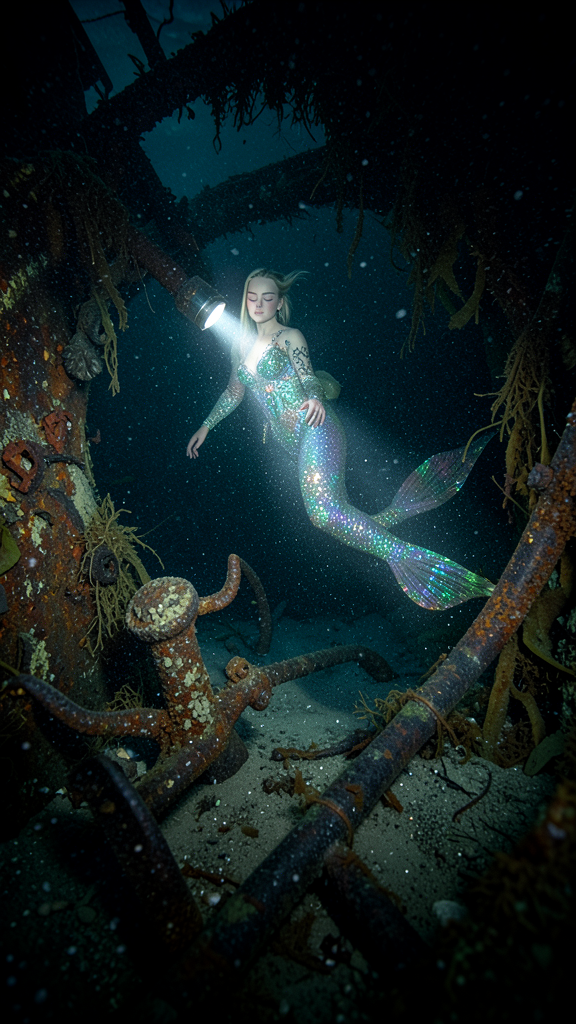
Abandoned World
- Model
- Flux 2 Klein
- Image
- 576 × 1024 px
Prompt
Create a hyper-realistic underwater photograph taken from a diver’s perspective in deep water, focusing a strong flashlight beam on a mermaid perched gracefully on a large, barnacle-covered anchor or the edge of a rusty, broken cannon. The mermaid has the person's exact facial features with peacefully closed eyes, transformed with an ornate outfit and an iridescent, highly detailed, sparkling tail illuminated vividly by the focused flashlight. The surrounding shipwreck textures are visible within the circle of light—flaking rust, rotting wood, thick seaweed, and silt—contrasting against the dark, impenetrable shadows beyond. The water is thick with motionless silt, rust particles, and organic sea snow, creating a grainy, frozen-in-time, eerie atmosphere. The overall image should evoke a quiet, mesmerizing, and deeply unsettling frozen moment in the deep sea near a crumbling shipwreck, captured in low light.
Any aspect ratio
Overview
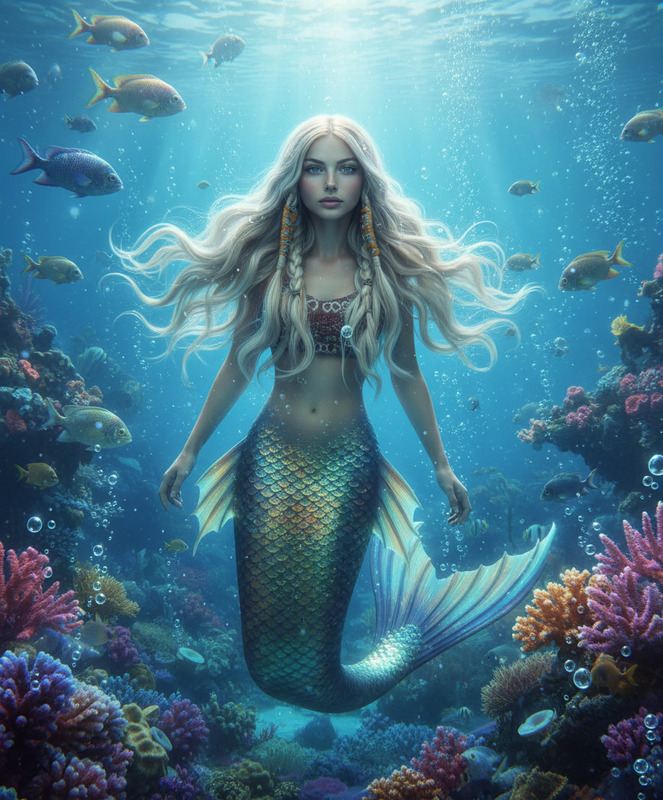
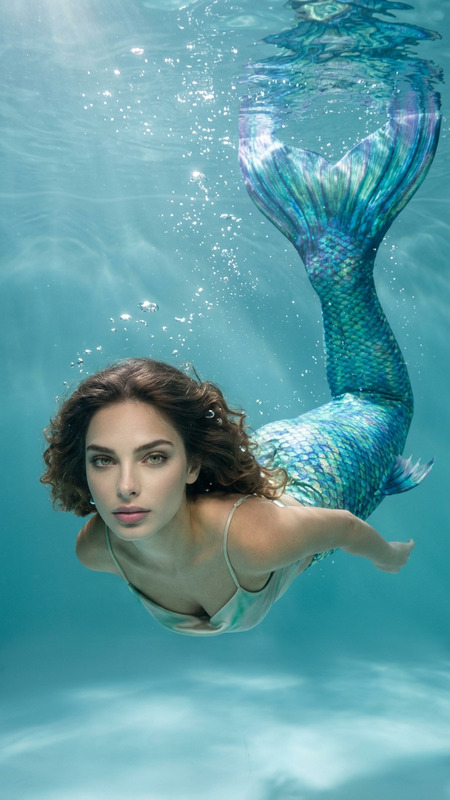
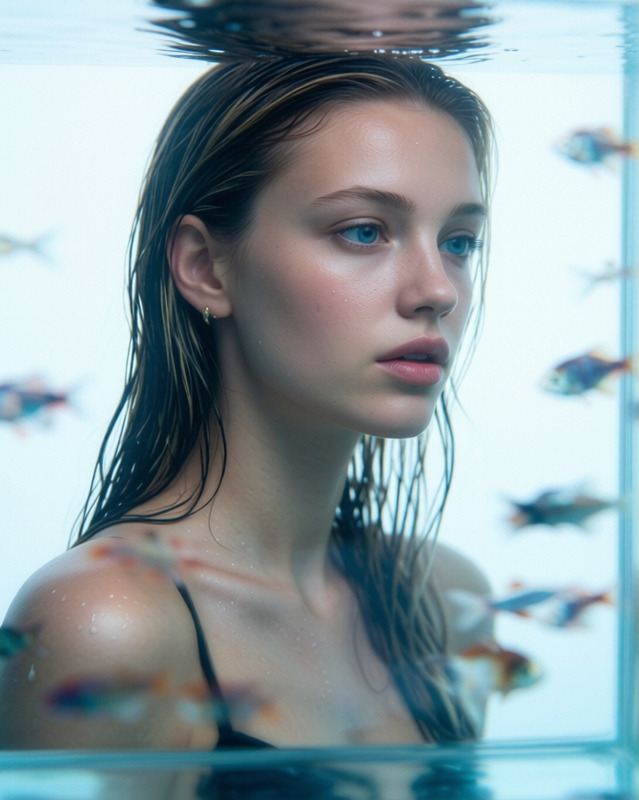
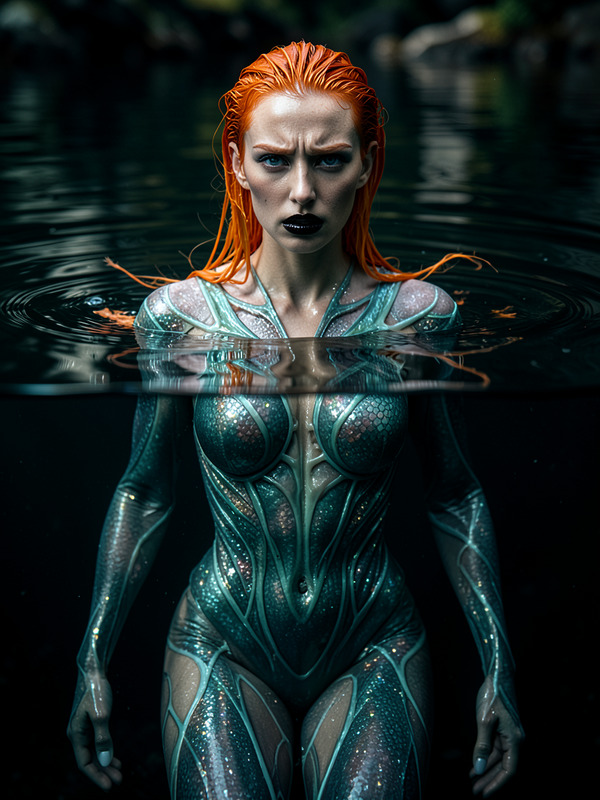
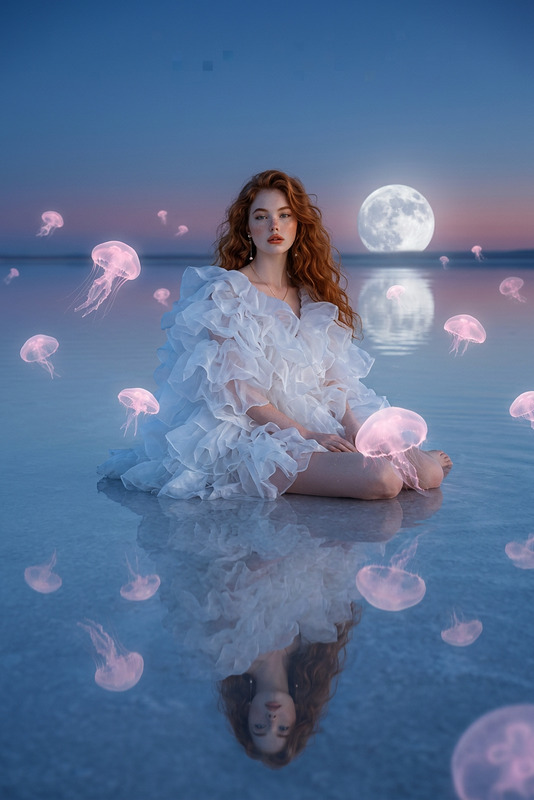
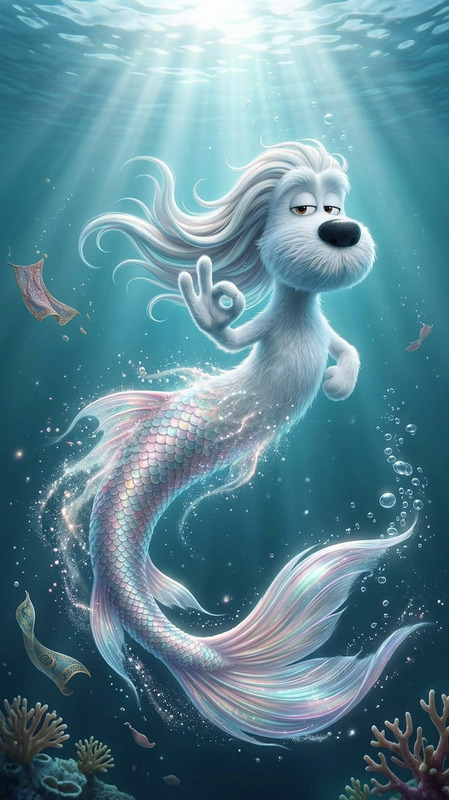
The "Abandoned World" template within our AI Image Editor suite enables creators to craft hyper-realistic underwater photographs. Using the flux-2-klein model, this tool allows you to depict mesmerizing and eerie scenes, such as mermaids amongst shipwrecks, with a focus on realistic texture and detail.
What It Does
This template transforms a simple image into a deep-sea scene, capturing a mermaid's likeness from everyday faces. It focuses on textures like rust and seaweed against contrasting shadows, all under a flashlight beam. With the ability to evoke a quiet, mesmerizingly eerie mood, this template is ideal for exploring creative storytelling or thematic art projects.
Who It's For
Designed for artists, storytellers, and content creators seeking to enhance their visual narratives with detailed underwater scenes. It's perfect for those interested in AI Product Photography or mood board creation, aiming to evoke specific emotions and atmospheres in their audiences.
Summary
The "Abandoned World" template leverages advanced AI capabilities to create hauntingly beautiful underwater imagery. By transforming facial features and emphasizing realistic environmental textures, it offers a unique storytelling tool. See how it complements tools like the AI Image Generator or the AI Voice Changer to bring stories to life across media.
How to Use This Template
Choose Your Template

Customize Your Inputs

Generate Your Image

Use Cases
Fantasy Art Projects
- Illustrate mermaid tales with personalized features.
- Enhance game storyboards with hyper-realistic visuals.
Thematic Mood Boards
- Use for fashion design with marine themes.
- Build captivating visual presentations for media.
Educational and Training Materials
- Teach marine biology with imaginative visuals.
- Enhance storytelling workshops.
Best Practices
Prioritize Textures
Emphasize textures like rust and silt to enhance the realism and depth of your image.Lighting Adjustments
Carefully adjust the flashlight beam to highlight focal points while maintaining eerie shadows.Focus on Facial Details
Ensure facial features are blended smoothly into the mermaid's transformation for seamless realism.