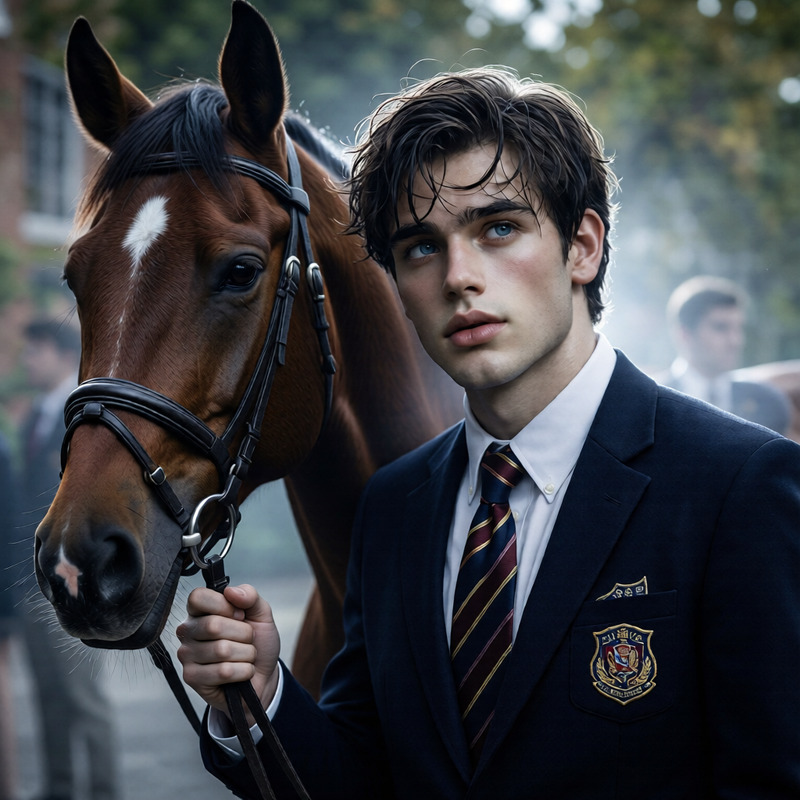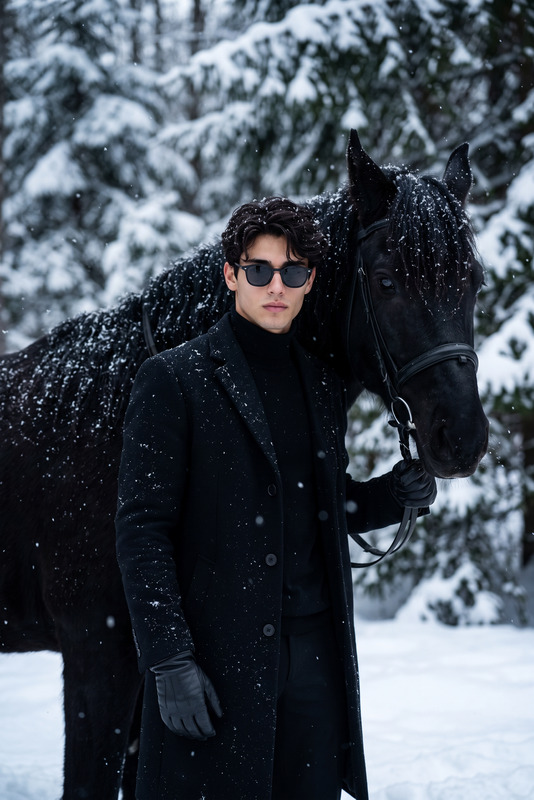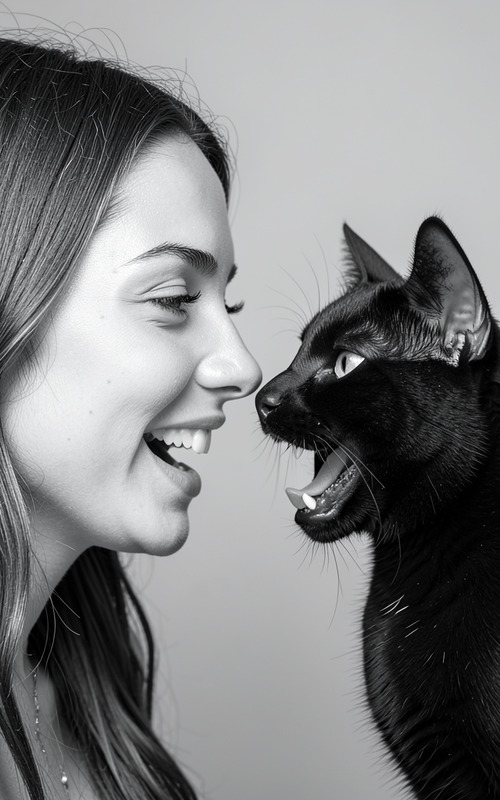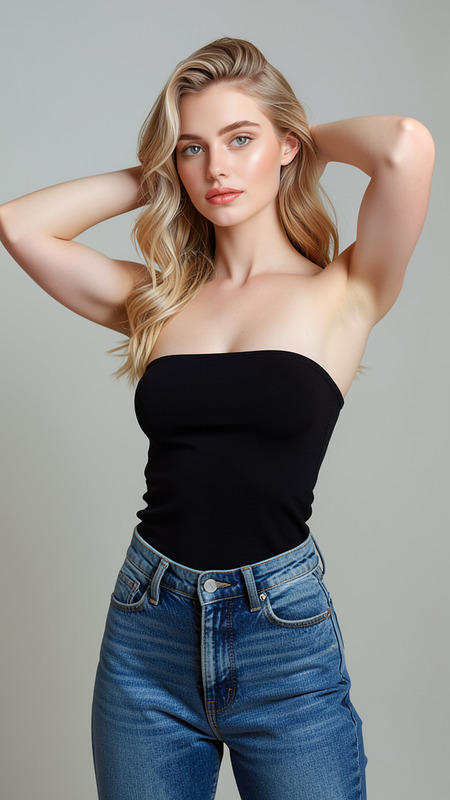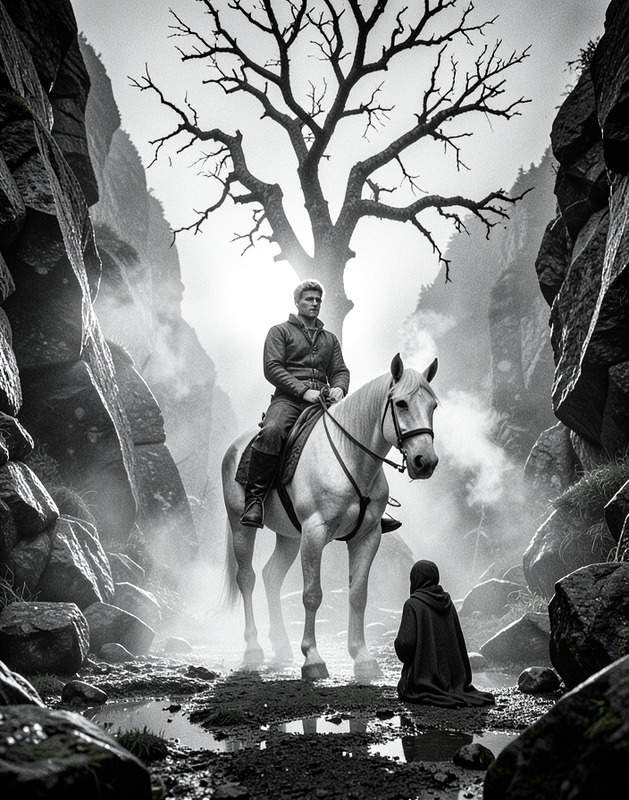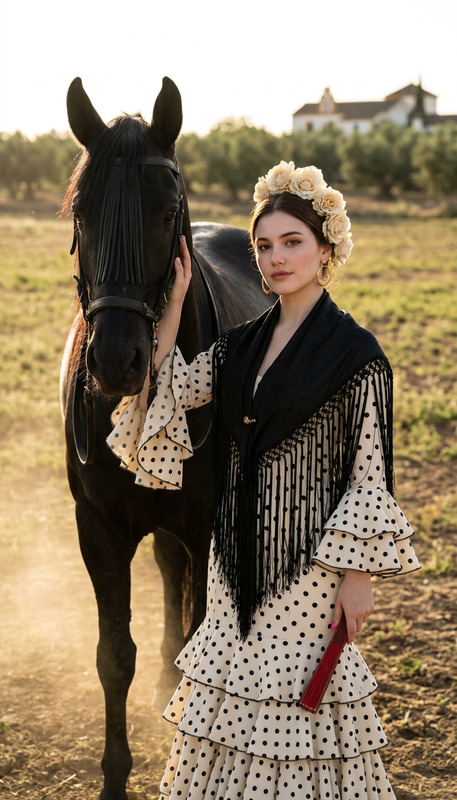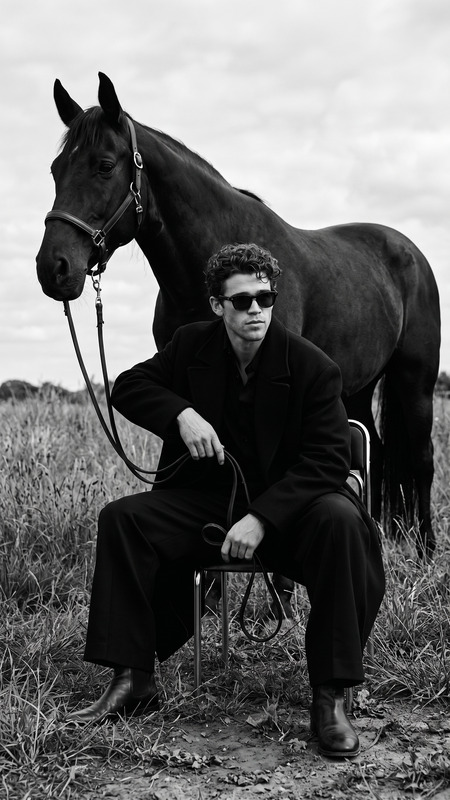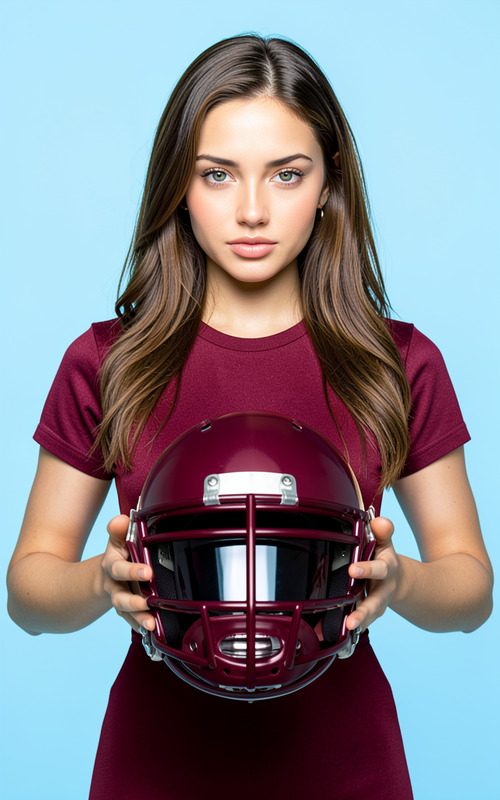
BW Horses
- Model
- Flux 2 Klein
- Image
- 576 × 1024 px
Prompt
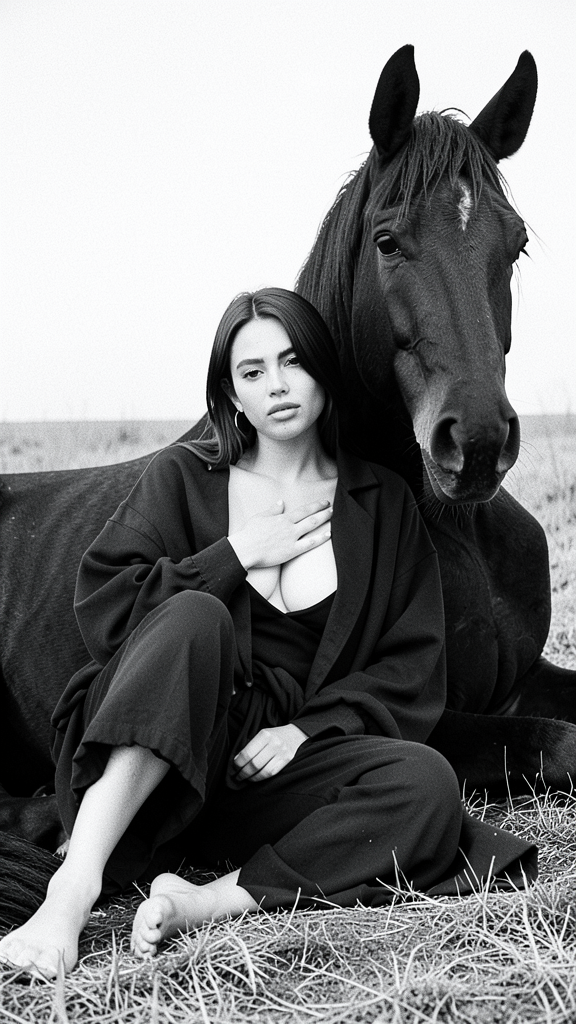
Create a black-and-white, high-contrast editorial-style portrait based on the provided reference with 100% facial identity preservation, including all unique facial features, expression, and hairstyle. The character sits barefoot on the ground in an open field, relaxed yet composed, with one leg extended and the other bent over, leaning closely against a large, calm black horse lying beside them. The hand placement is natural: one hand resting gently on the chest or collarbone, the other on the leg, both without posing. The character wears dark, oversized layered clothing — heavy, matte fabric draped loosely to reveal collarbones and natural décolletage without vulgarity. The horse’s head faces the camera, clear eyes and muzzle visible, without tack or reins. The composition is tight medium shot at eye-level or slightly lower, with minimalistic open field background, bright slightly overexposed sky, and fine grass texture. Use a sharp, documentary clarity with medium-format film grain, monochrome only, in 1080p resolution, emphasizing skin texture, fabric, and fur with no softness or shallow depth of field.
Any aspect ratio
Overview
The BW Horses template is designed for creating stunning editorial-style black-and-white portraits using the flux-2-klein model. This template focuses on preserving the subject's facial identity while delivering high-contrast, high-resolution images that emphasize details in textures and expressions.
What It Does
This template excels in generating monochrome portraits with a documentary feel. It maintains detailed textures and sharp contrasts, preserving the unique features and expressions of the subject captured alongside a large horse. The output is a high-definition image at 1080p, showcasing the intricate details of skin, fabric, and fur, suitable for editorial purposes.
Who It's For
This template is suited for photographers, editorial teams, and designers looking to produce high-quality black-and-white portraits. It's particularly beneficial for creators who appreciate classic documentary styles and need consistency in facial identity and expression across batches of images. Explore more creative possibilities with the AI Image Editor.
Summary
Utilize the BW Horses template to generate artistic monochrome portraits. This tool is integrated into AI Image Editor capabilities and is part of a suite that includes Lip Sync functionalities to complement creative projects.
How To
Choose Template

Customize

Generate

Use Cases
Editorial Photography
- Fashion spreads
- Documentary photo series
Portrait Art Projects
- Art exhibitions
- Personalized portrait gifts
Design Elements
- Book covers
- Website banners
Best Practices
Focus on Detail
Choose a high-quality reference image to capture all necessary details like fabric texture and facial features.Use Consistent Lighting
Ensure the reference image has good lighting to highlight contrasts effectively.Edit in Context
Consider how the final image will be used—print or digital—and adjust settings accordingly for best results in terms of contrast and clarity.