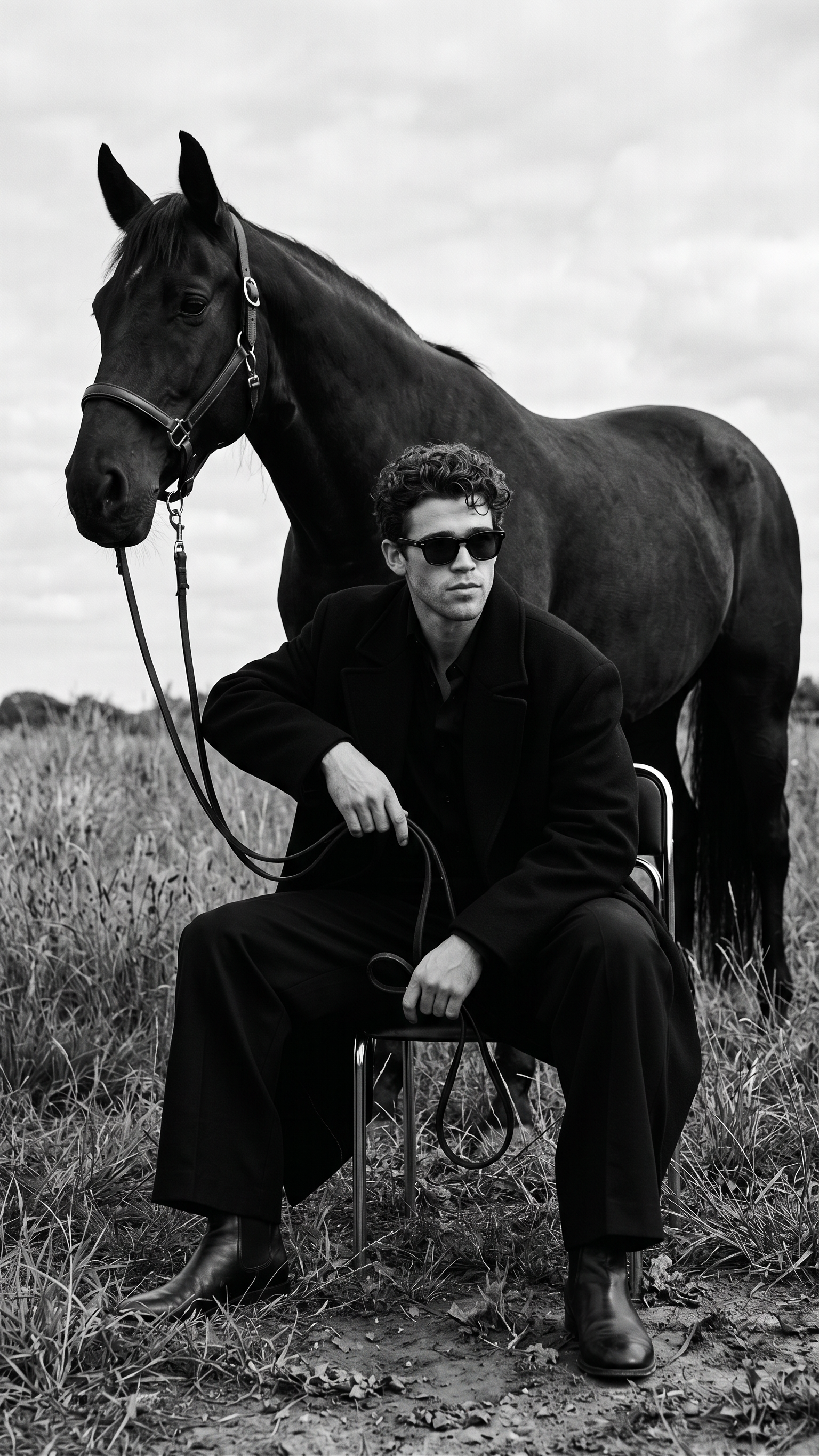
The Dark Horse
- Model
- Nano Banana 2
- Image
- 1536 × 2730 px
Prompt
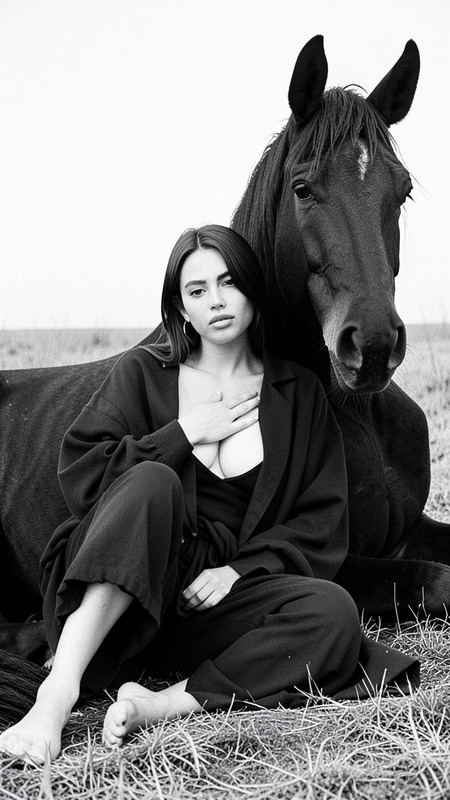
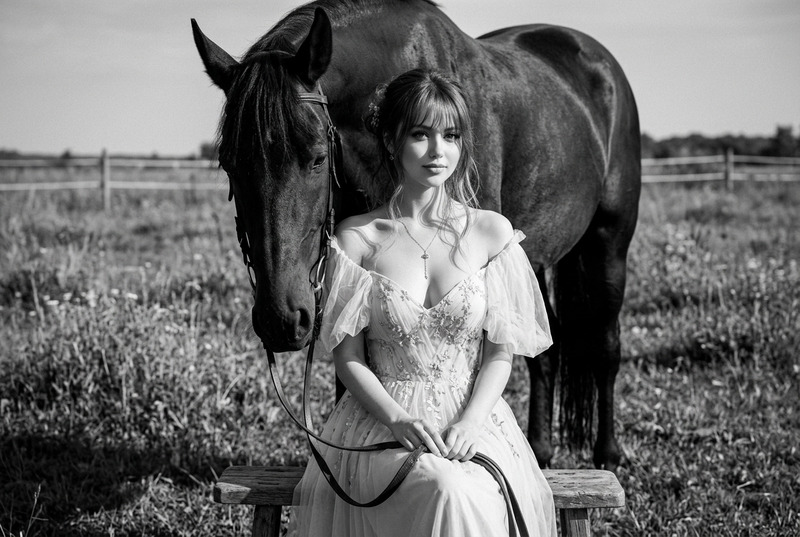
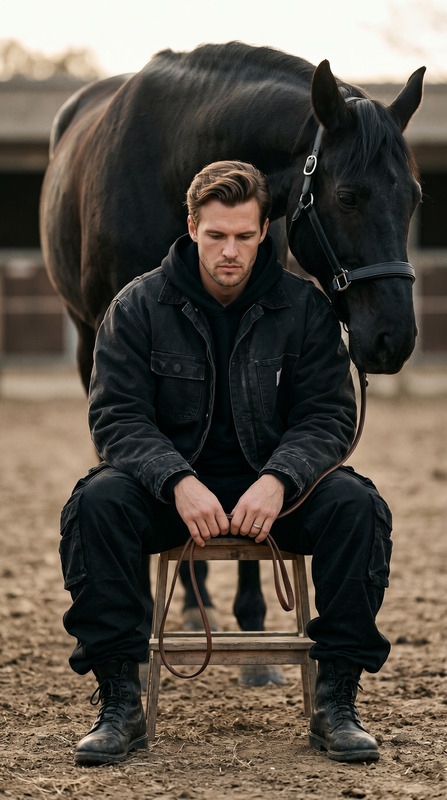
Use the uploaded image strictly for face and identity reference only. Lock facial identity with highest priority. Do not beautify, stylize, or alter identity in any way. Create a low-brightness, ultra-high-contrast black-and-white cinematic portrait, shot outdoors under soft, cloudy daylight. The image must remain strictly monochrome — deep black, muted grey, and soft white only. No color, no warmth, no tint, no sepia. Overall tone is dark and heavy but not flat: crushed blacks dominate, midtones are selectively compressed, and highlights are minimal and restrained. Fine texture remains visible where contrast allows. The look is cinematic, editorial, matte, and timeless, with subtle film grain and depth created through tonal separation, not sharpness. A single human subject (male or female) sits low on a thin minimalist metal chair placed on uneven dirt surrounded by tall wild grass. Posture is grounded and unforced: slight forward lean, relaxed dropped shoulders, subtle head tilt, calm and introspective presence. Legs are spread naturally with feet firmly planted; forearms rest on the thighs; hands loosely meet between the knees holding long black leather reins hanging downward with natural slack. Face direction is strict: face turned slightly off-camera, no eye contact, expression controlled and emotionally distant. Eyes are either obscured by angle or dark sunglasses. Clothing is all-black and light-absorbing: an oversized matte black wool coat, black shirt slightly open at the collar, black wide-leg trousers falling into shadow, black leather boots with minimal reflection, and black sunglasses. Fabric texture remains visible where contrast permits. A large, powerful dark horse stands directly behind the subject, close enough that their silhouettes visually merge. The horse feels calm, royal, and dominant — a living presence, not a prop. Its body is rendered in deep black with visible muscle structure, contrast slightly softer than the subject. Head turned slightly to the viewer’s left, body angled subtly right, long dark mane lightly disturbed by wind, wearing a simple black leather bridle. Environment is raw and natural: tall wild grass, uneven dirt, visible imperfections, no modern elements. The sky is pale grey with soft cloud cover, providing negative space that amplifies the dark silhouettes. Natural overcast lighting, soft diffusion, no harsh highlights. Mood: dark, intense, cinematic, quiet power, royal restraint, uncompromising presence. Negative Prompt cropped subject, cropped horse, subject or horse partially out of frame, cut head, cut legs, cut hooves, cut ears, touching image edges, off-center framing, tilted horizon, extreme wide-angle distortion, fisheye lens, exaggerated perspective, stretched body, stretched horse, warped anatomy, extra limbs, deformed hands, distorted or floating reins, melted textures, plastic skin, over-smoothing, over-sharpening, HDR look, glossy highlights, flat blacks, posterized contrast, crushed details everywhere, cartoon, illustration, painterly style, AI artifacts, noise blobs, text, watermark, logo, signature, border, frame overlay, any color tint, warm tone, sepia, brown or blue blacks, cinematic color grading, modern catalog lighting, studio background.
Any aspect ratio
Overview
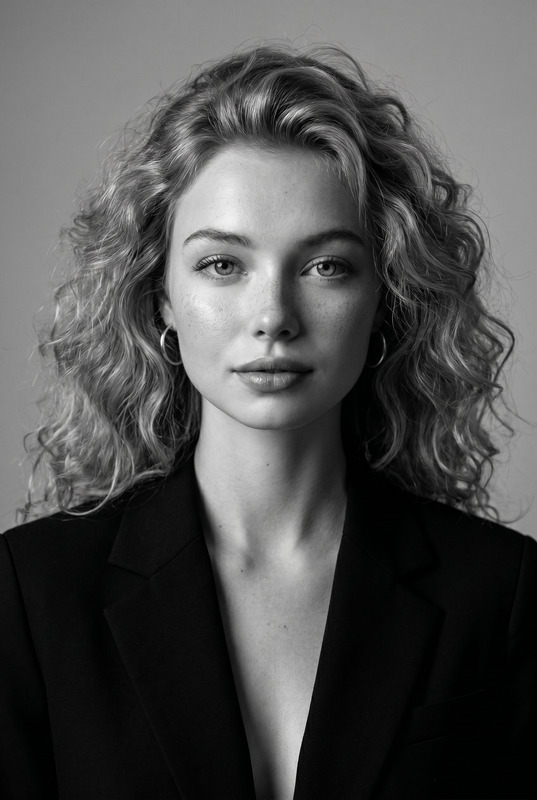
"The Dark Horse" template within the AI Image Editor suite is designed for generating evocative and high-contrast black-and-white portraits. This template uses the nano-banana-2 model to maintain a subject's facial identity while crafting a visually striking monochrome setting. Combining deep blacks and soft whites, it ensures a dramatic and timeless aesthetic.
What It Does
This template emphasizes low-brightness, ultra-high-contrast portraits with a cinematic flair. Your uploaded image will influence facial features while keeping the identity unaltered. The final portrait showcases a single individual in a contemplative outdoor setting alongside a dark horse, framed with care to maintain both their presences. Ideal for creating images that exude quiet power and royal restraint.
Who It's For
"The Dark Horse" is perfect for photographers, artists, and creative directors seeking a distinct visual style that commands attention through its stark, cinematic presentation. It offers an exceptional tool for fashion shoots, editorial content, and video style transfer projects where a rich, black-and-white motif is desired.
Summary
This AI Image Editor template crafts monochromatic portraits with a hypnotically intricate balance of texture and tone. Built on the robust AI Image Editor platform, it ensures that each image maintains a compelling editorial quality, complemented by the presence of a powerful dark horse. The tool is indispensable for those wishing to create distinctive, mood-rich imagery.
How To
Choose your template

Customize your design

Generate and download

Use Cases
Editorial Photography
- Monochrome fashion shoots
- Artistic editorials
- Brand imagery
Fine Art Prints
- Gallery-ready pieces
- Collector's edition prints
- Unique art projects
Cinematic Projects
- Scene-setting shots
- Character studies
- Mood boards
Marketing Campaigns
- Brand awareness
- Product advertising
- Promotional materials
Best Practices
Select Appropriate Images
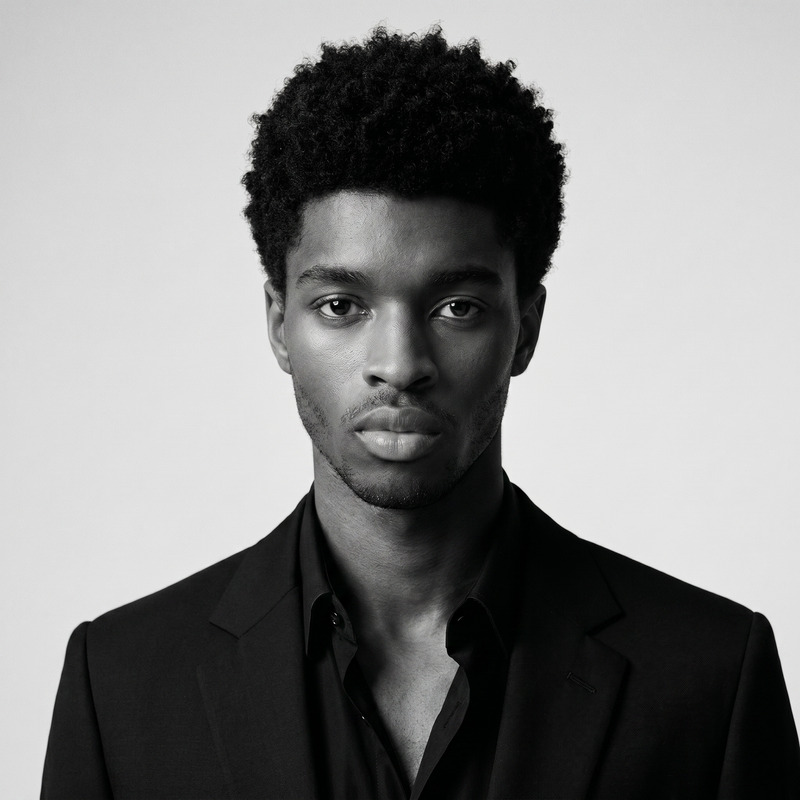
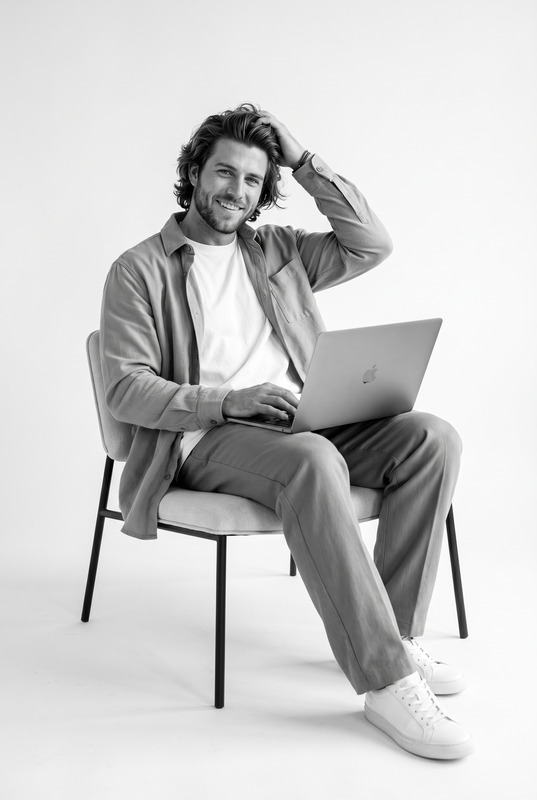
Use high-resolution images with clear facial features for the best identity retention results. This ensures the face remains the focal point of the composition.Pay Attention to Lighting
Ensure that the lighting in your original photo allows for distinct textures and contrasts to align with the cinematic look.Adjust Contrast Carefully
Fine-tune contrast settings to maintain visibility in dark areas, balancing crushed blacks with essential texture visibility.