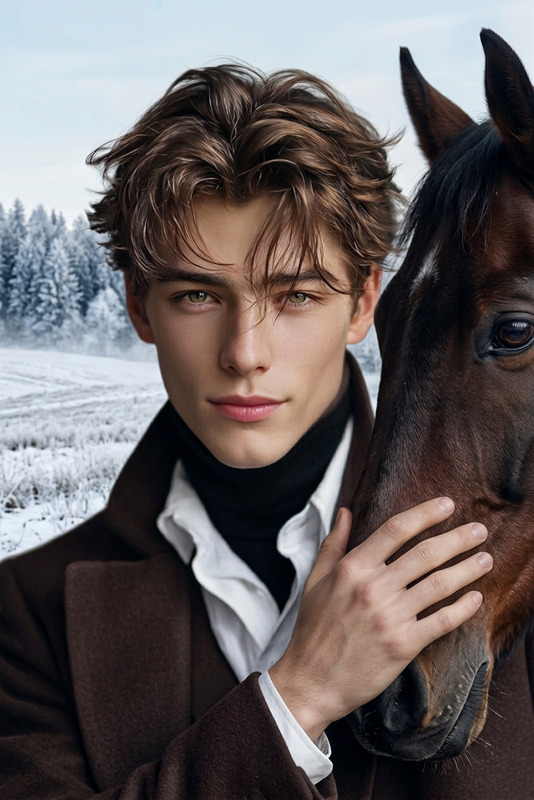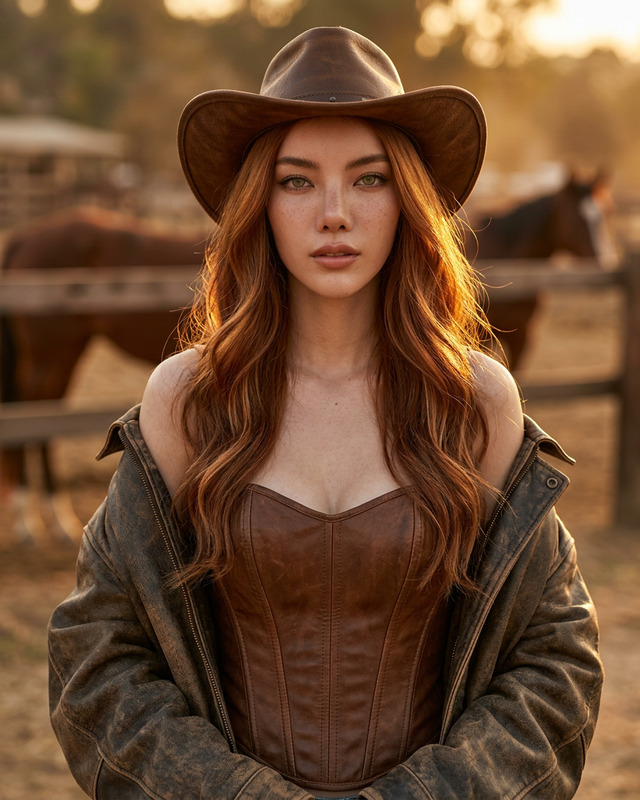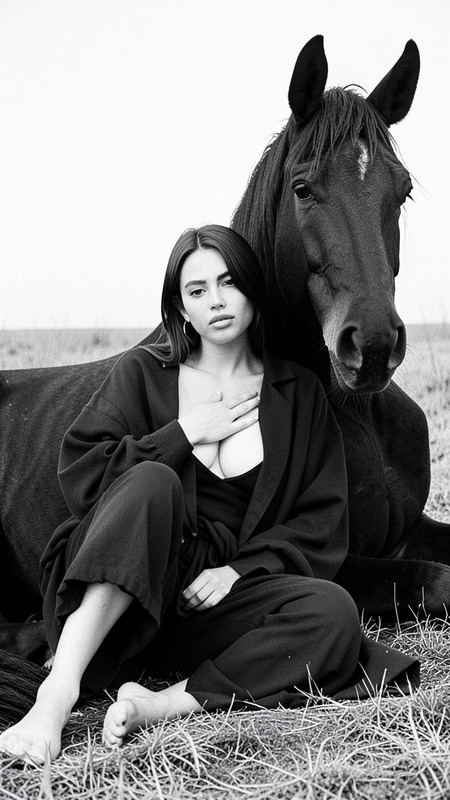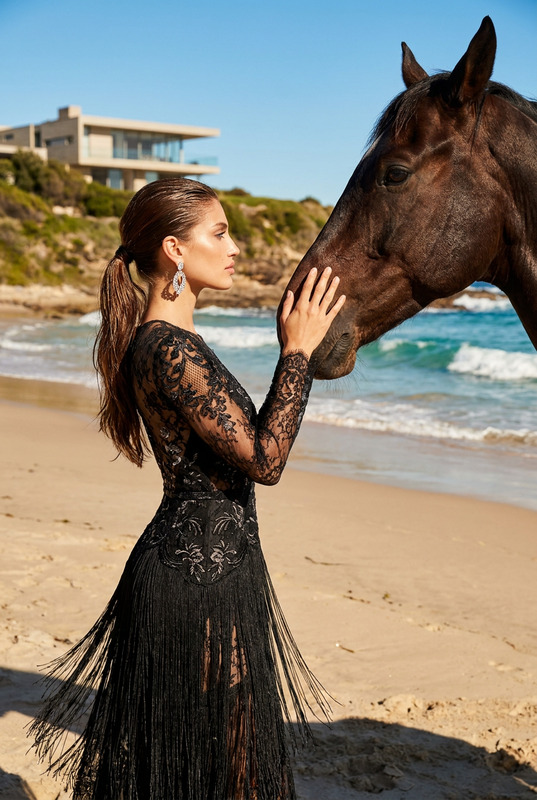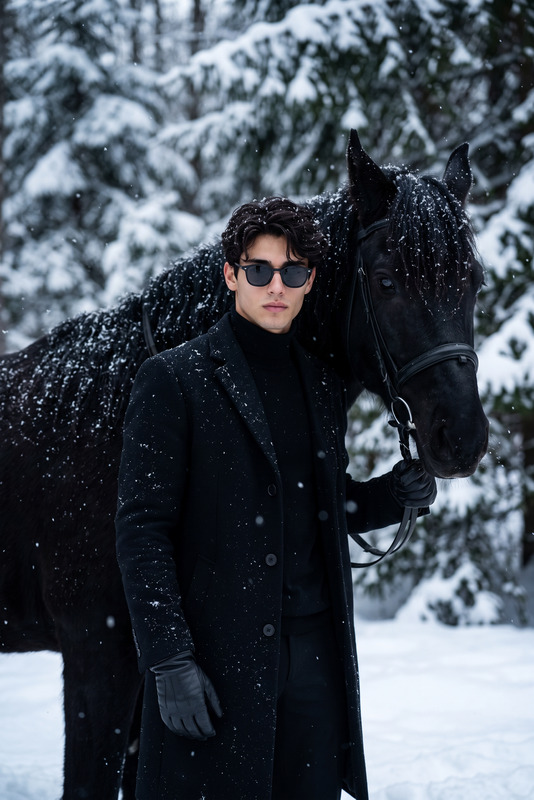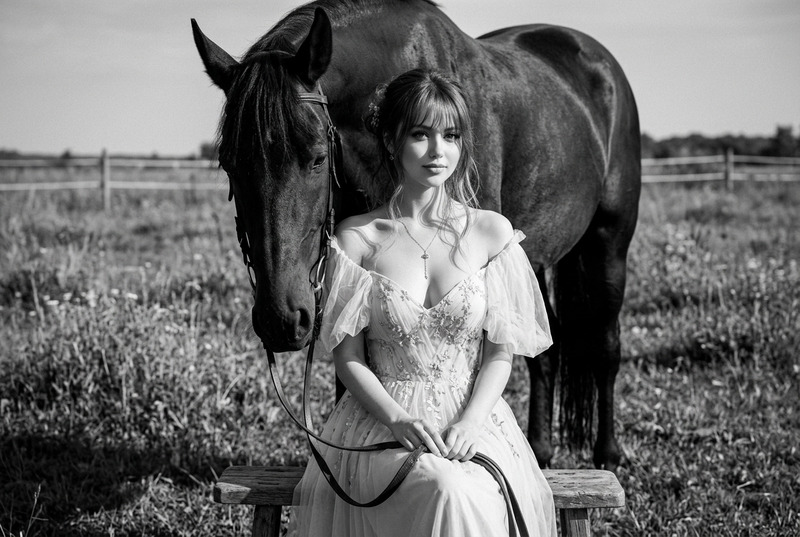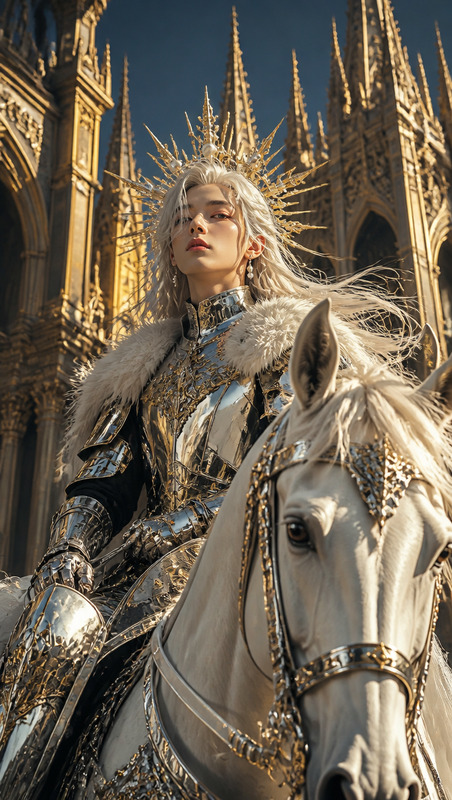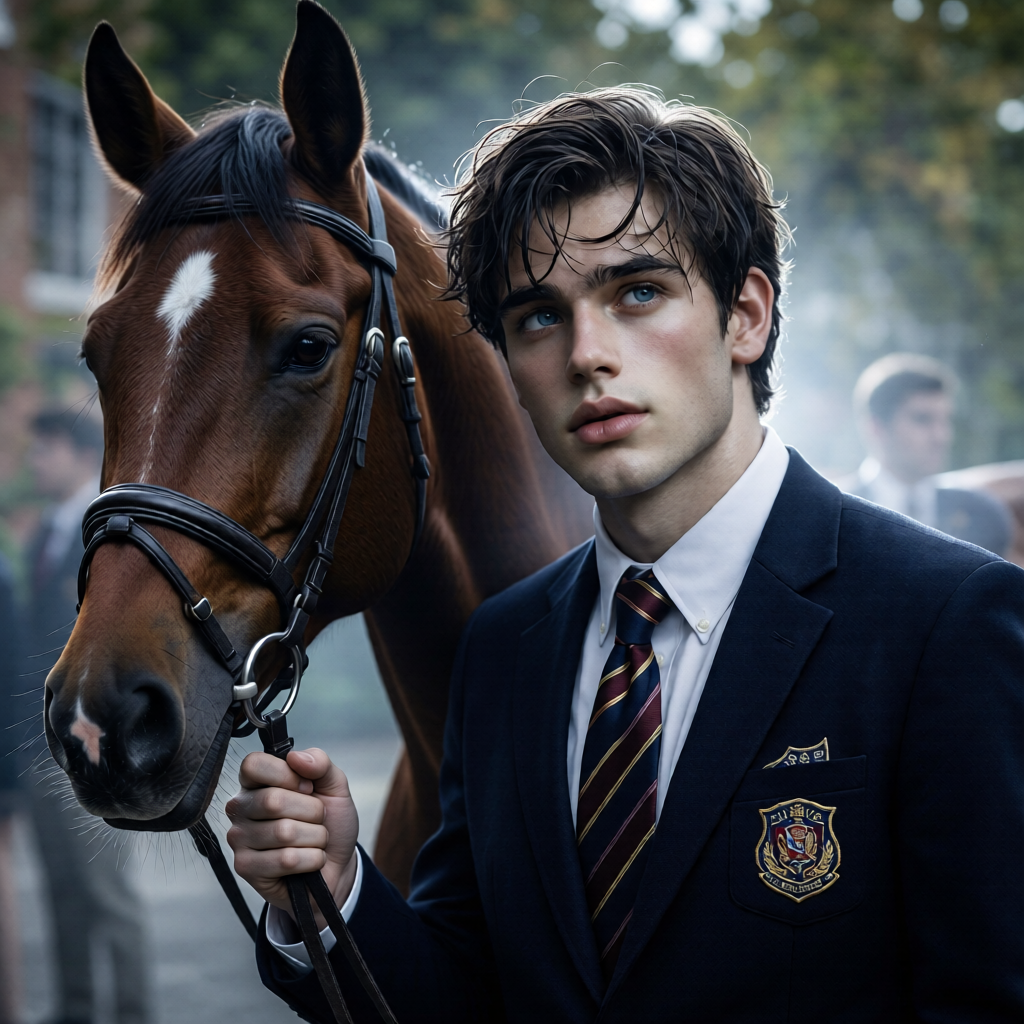
Cold Elegance Horse Editorial
- Model
- Qwen Edit
- Image
- 1024 × 1024 px
Prompt
Maintain initial pose, soft movement of hair, direction of gaze, and natural connection with the horse. Elite fashion magazine aesthetic with cinematic premium styling and intellectual scene interpretation. Subject and horse remain compositionally and emotionally connected with precise detail preservation. Cold color grading with molecular-level adjustment of cool tones, increased contrast and depth, light cinematic haze, silvery diffused shine around model and horse contours, subtle glossy glow, and slightly enhanced dramatic atmosphere. Ultra-detailed, high-end editorial photography, realistic textures, refined cinematic lighting.
Any aspect ratio
Overview
The Cold Elegance Horse Editorial template brings an exquisite touch to horse photography. Utilizing the AI Image Editor, this template facilitates high-end transformations for your images, infusing them with an elite fashion magazine aesthetic. Perfect for professionals aiming for ultra-detailed, editorial-quality images with a dramatic and cinematic feel.
What It Does
This template leverages the qwen-edit model to preserve the composition and emotional connection between the subject and horse. It applies precise detail preservation techniques to maintain the natural connection, soft movement, and gaze direction. Expect enhanced cool tones, contrast, and depth, paired with a silvery sheen and a light cinematic haze for a sophisticated and elegant atmosphere.
Who It's For
Ideal for editorial photographers, fashion editors, and digital artists seeking a cinematic and refined aesthetic. Whether you're working on a magazine spread or a personal project, the template offers tools to refine your imagery with a professional touch. Complement your work with tools like the AI Photo Relighting for dynamic lighting effects.
Summary
Transform your horse editorials into captivating visual stories with the Cold Elegance Horse Editorial template. By emphasizing realism and detail through advanced AI editing, this tool brings a unique, elegant touch to your photographic projects. Explore further enhancements with our AI Background Changer to achieve your desired aesthetic.
How to Use
Choose the Template

Customize Your Image

Generate Your Edited Image

Use Cases
Editorial Photography
- Fashion magazines
- High-end blogs
- Luxury brochures
Fashion Campaigns
- Designer ad shoots
- Seasonal collections
- Lookbooks
Artistic Projects
- Gallery exhibits
- Online portfolios
- Art books
Best Practices
Focus on Composition
Ensure that the original composition remains intact to preserve emotional connections between the subject and horse.Leverage Cool Tones
Make use of the template's ability to adjust cool tones at a molecular level for depth and contrast.Refine with Complementary Tools
Combine this template with tools like the AI Image Upscaler to improve resolution and detail further.