Celeb Roses 2
- Model
- Nano Banana 2
- Image
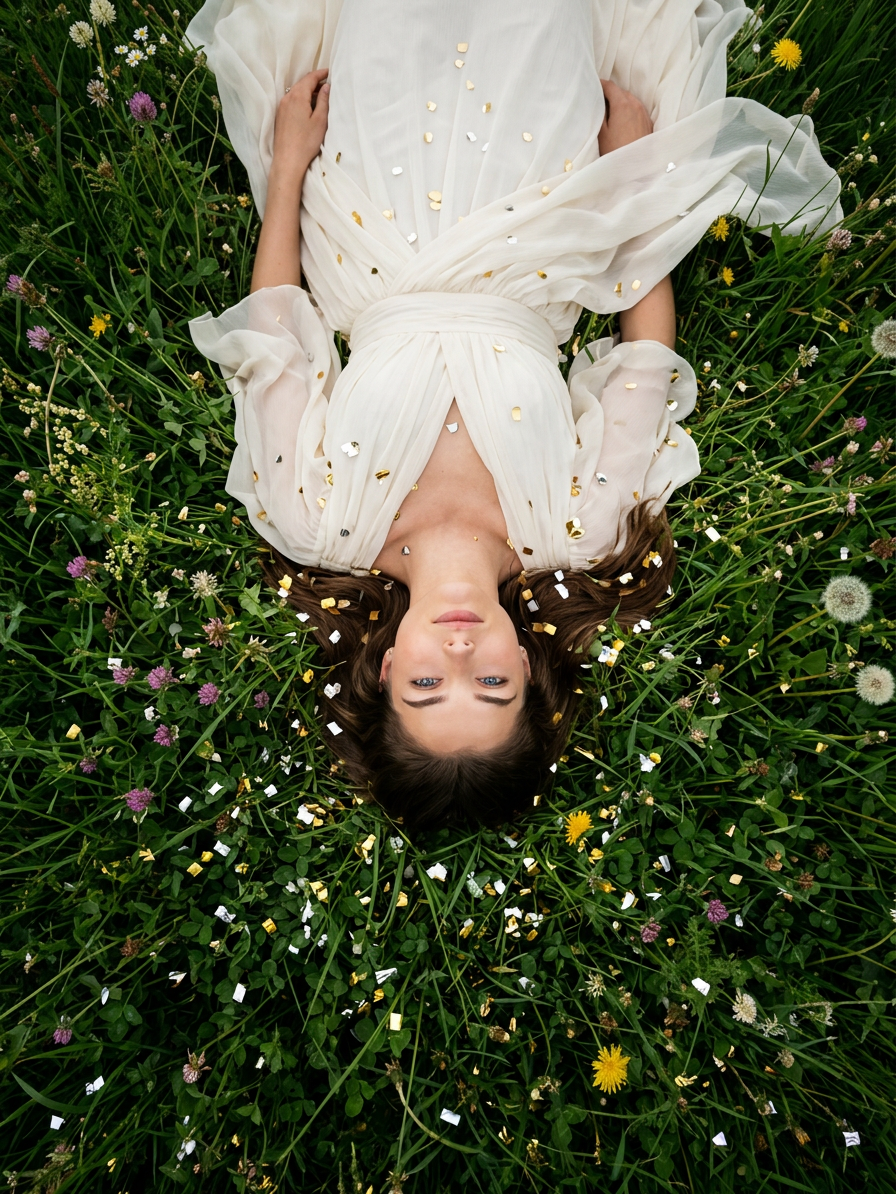
- 896 × 1194 px
Prompt
An artistic photograph, from above, with the camera positioned directly above her, she lies on her back in thick, lush meadow grass, surrounded by rich natural greenery and soft, wild vegetation. Thousands of tiny metallic gold and silver confetti are scattered around her on the grass. She wears a flowing ivory chiffon dress, crafted from several layers of lightweight fabric.
Any aspect ratio
Overview
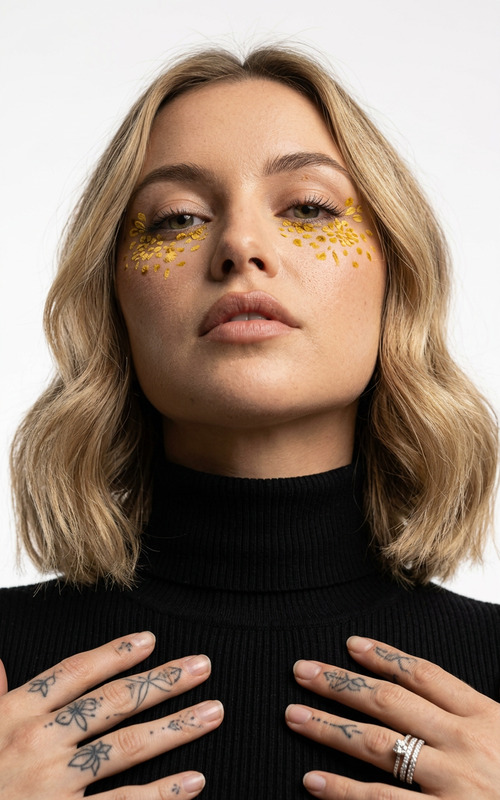
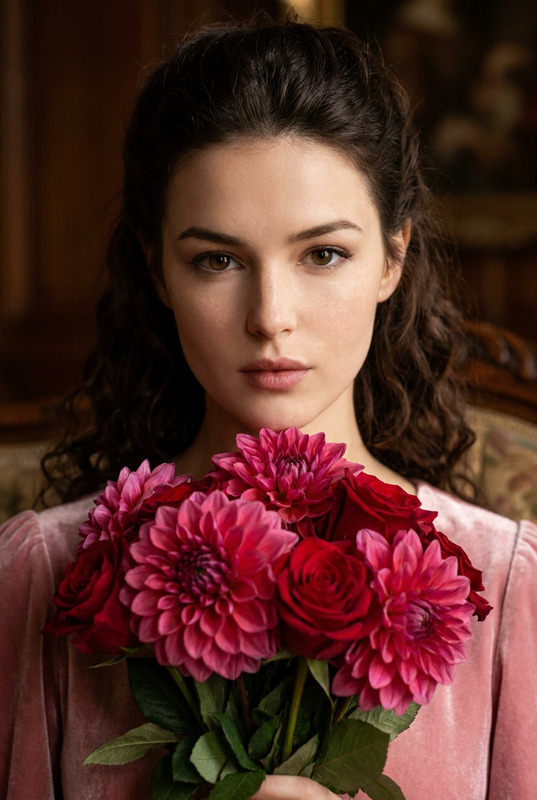
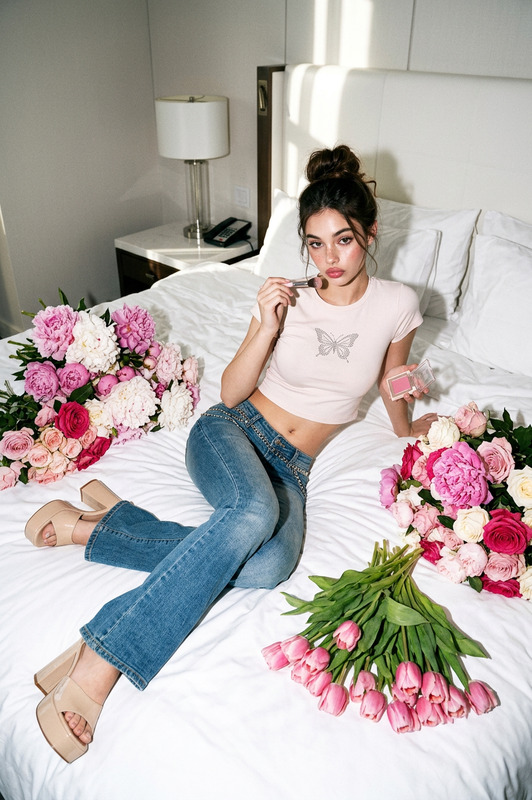
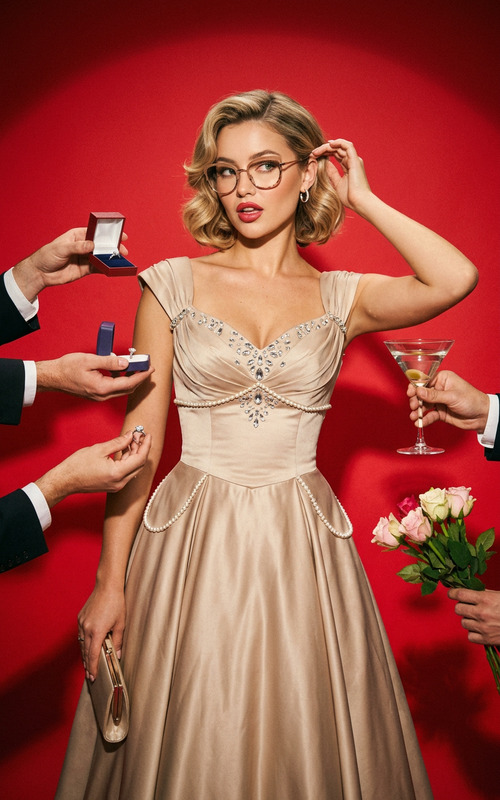
The Celeb Roses 2 template utilizes the nano-banana-2 model to transform images with a unique artistic aesthetic. This AI Image Editor template crafts stunning visuals where subjects appear amidst natural, lush settings enhanced by metallic elements and delicate fabrics.
What It Does
This template takes your images and reimagines them into artistic scenes filled with intricate details and vibrant surroundings. Whether you're looking to capture a dreamy, ethereal moment or add a touch of elegance, the Celeb Roses 2 template will infuse your imagery with layers of visually striking elements. It modifies the setting by adding shimmering metallic confetti and enhancing landscapes with lush greenery, perfect for personal and professional projects.
Who It's For
Photographers and artists seeking to elevate their portfolios will find the Celeb Roses 2 template invaluable. Marketing professionals can leverage this tool for e-commerce ads, creating stylish visuals that captivate audiences. It's also suitable for social media influencers and content creators looking to enhance personal brand imagery with a sophisticated, artistic flair.
Summary
The Celeb Roses 2 template is a versatile AI Image Editor perfect for crafting visually stunning images. Utilizing the AI Image Editor capabilities, it offers users an opportunity to immerse their subjects in fantastical settings enhanced by digital artistry. Whether you're producing content for marketing or personal art projects, this template makes sure your visuals stand out.
How-To
Choose Your Template

Customize Your Inputs

Generate Your Image

Use Cases
Fashion Photography
- Add depth to fashion portfolios
- Create magazine-ready spreads
Event Promotions
- Stand out in social media campaigns
- Create jaw-dropping event posters
Personal Art Projects
- Produce gallery-worthy art pieces
- Experiment with creative digital compositing
Best Practices
Choose High-Resolution Images
For best results, start with high-resolution images to capture all the lush details this template offers.Experiment with Elements
Mix and match different settings, such as confetti density and fabric type, to see how variations affect the artistic output.Preview Before Finalizing
Always preview your image to ensure that the desired aesthetic is achieved before finalizing the generation.