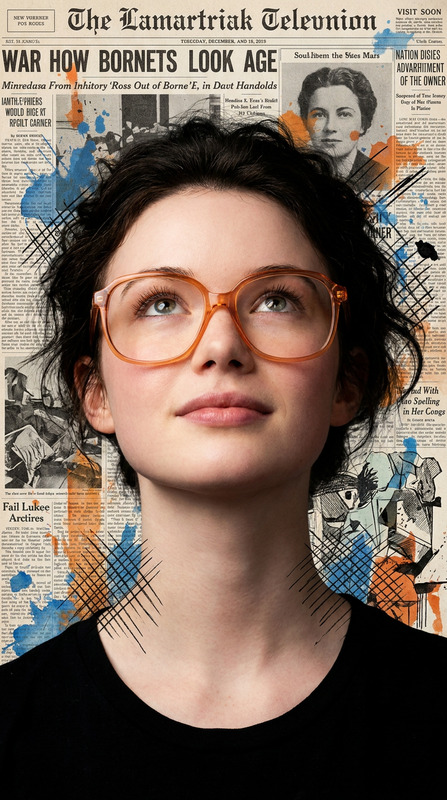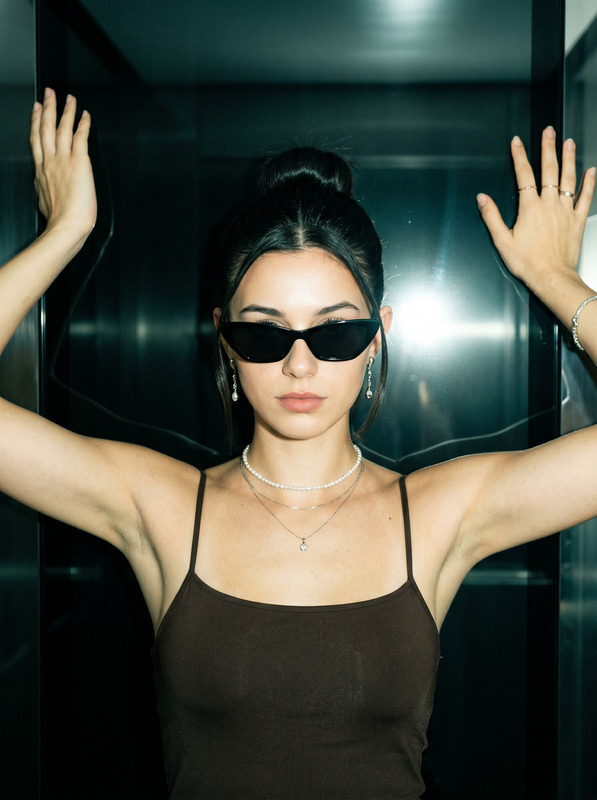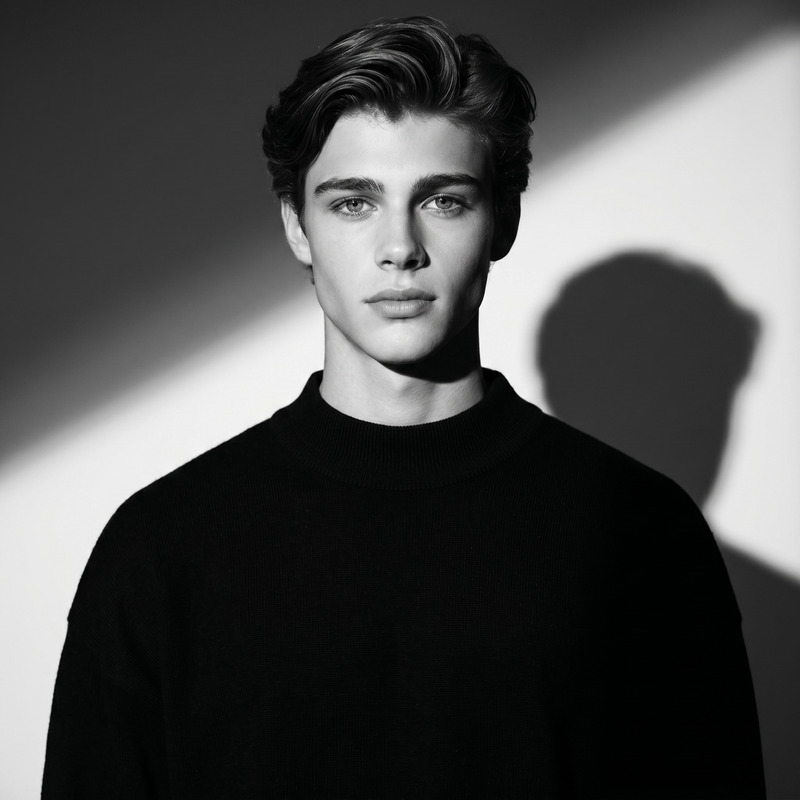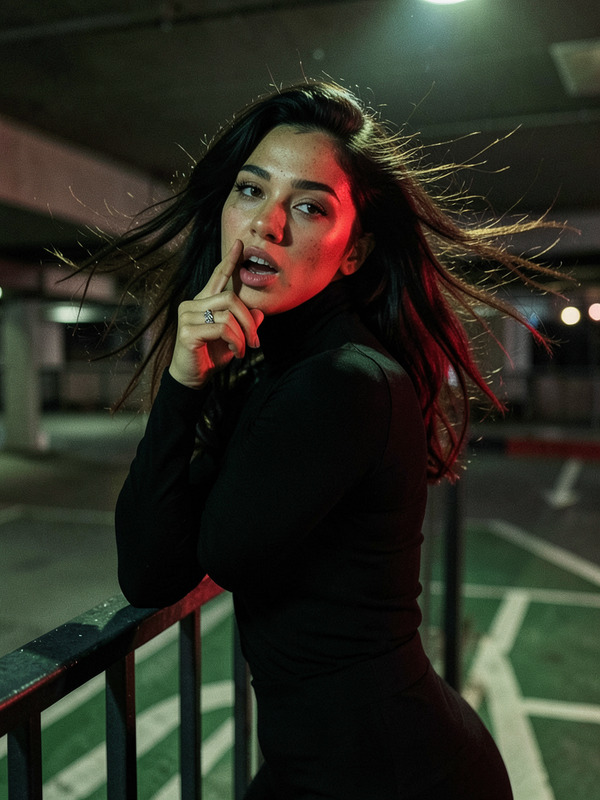
Golden Iris
- Model
- Nano Banana Pro
- Image
- 1024 × 1024 px
Prompt
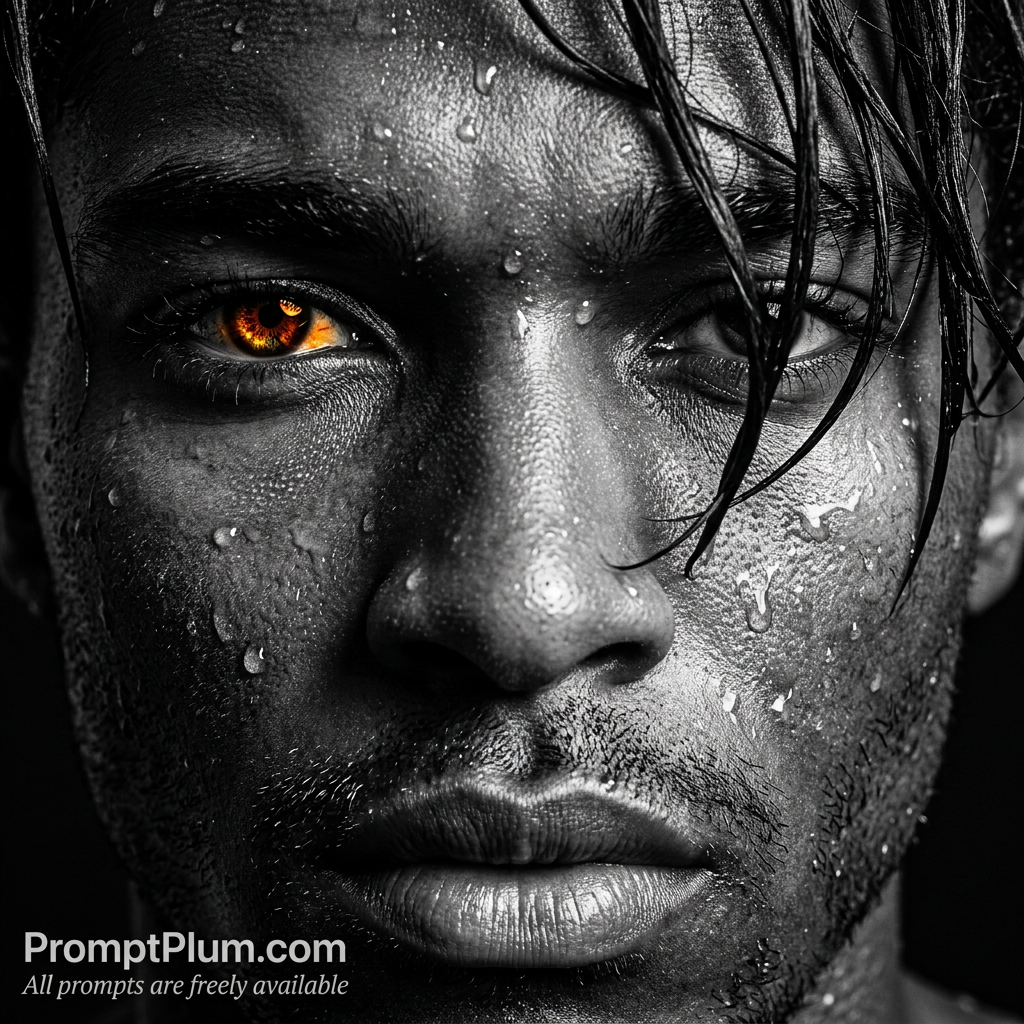
Reference & Identity (STRICT) Use the uploaded image as a strict facial identity reference. The subject’s face must remain 100% identical to the reference. Preserve exactly: Facial structure, bone anatomy, jawline, cheekbones Eye shape, spacing, eyelids, gaze Nose bridge, nostrils, lips, mouth shape Beard/mustache density and pattern (if present) Skin tone, undertone, pores, scars, micro-details Hairline, hairstyle, density ❌ No beautification ❌ No stylization ❌ No face reshaping ❌ No identity drift 🎬 MAIN CONCEPT Create a striking, high-contrast, extreme close-up (ECU) portrait that blends gritty realism with cinematic stylization. The image must feel raw, intense, dramatic, and emotionally charged. The mood should evoke: endurance, struggle, focus, apex-predator energy. 📐 COMPOSITION & FRAMING Shot Type: Extreme Close-Up (ECU) Framing: The frame is filled entirely by the central facial features: Bridge of the nose One visible eye (viewer’s left) Mouth and upper lip Perspective: Eye-level, confrontational Symmetry: Slightly asymmetrical — wet strands of hair cut across the face, obscuring the opposite eye for mystery and chaos. 💡 LIGHTING & COLOR PROFILE Color Style: Selective desaturation Entire image in deep grayscale Only the visible iris remains in glowing amber / burnt orange Lighting: High-contrast directional light from the top-right Creates deep chiaroscuro shadows Strong sculpting across the nose bridge and orbital bone Highlights: Specular reflections on water droplets and skin, giving a wet metallic sheen 🔬 TEXTURE & MICRO DETAIL Skin: Extreme micro-contrast — pores, fine lines, follicles clearly visible Covered in water droplets of different sizes, refracting light Eye: Ultra-detailed iris with radial patterns and Fuchs’ crypts Subtle sclera veins visible Hair: Wet, dark strands — thick, sharp, obsidian-like Beard / Mustache: Coarse, individual bristles, sharply defined 🎨 POST-PROCESSING STYLE Heavy clarity / structure enhancement Hyper-real texture, tactile realism Sharp cinematic contrast No blur, no softness, no glow haze 🏷 TYPOGRAPHY & BRANDING Bottom-left watermark: Primary: PromptPlum.com (clean sans-serif) Secondary (small, stylized): All prompts are freely available 🧠 AESTHETIC SUMMARY A gritty cinematic apex portrait — raw, intense, powerful. Monochrome world + glowing amber eye = supernatural dominance. ⚠️ Negative Prompt Low resolution, blur, smooth skin, plastic texture, beauty filter, soft lighting, flat lighting, color bleeding, extra eyes, distorted face, wrong identity, cartoon, anime, oil painting, over-stylization, fantasy skin.
Any aspect ratio
Overview
Golden Iris is a powerful AI Image Editor template designed to emphasize human identity with striking cinematic detail. Utilizing the nano-banana-pro model, this template captures every micro-detail of the subject's face, preserving the exact facial structure, eye shape, and skin texture. This extreme close-up studio portrait delivers an intense blend of realism and drama, marked by a gritty aesthetic.
What It Does
The Golden Iris template focuses on creating extreme close-up portraits that highlight the subject's raw and gritty features. By adhering strictly to the reference image, it maintains the subject's identity without beautification or stylization. Key attributes such as facial structure, eye details, and hair texture are preserved meticulously, while selective desaturation emphasizes the unique glowing amber of the iris. The result is a compelling ECU portrait that evokes endurance and predator-like focus.
Who It's For
This template is perfect for professional photographers, filmmakers, and artists looking to produce dramatic portraits that stand out in advertising and storytelling. It's also ideal for those in the animatics industry, as well as digital creators focusing on character development, cinematic photography, or any creative project that demands intense focus on facial detail and expression.
Summary
Golden Iris is a distinct AI Image Editor tool crafted for creators who demand precision and intensity in their work. By maintaining the subject's identity exactly through high-contrast, cinematic details, this template delivers portraits that are visually arresting and deeply engaging. With a focus on realism supported by the powerful nano-banana-pro model, this tool sets new standards for extreme close-up imagery.
How To
Choose the Golden Iris Template

Customize Your Inputs

Generate Your Portrait

Use Cases
Cinematic Character Portraits
- Craft dramatic film stills
- Enhance video game character profiles
- Create visually rich storyboards
Advertising and Branding
- Design captivating e-commerce banners
- Create vivid magazine covers
- Develop memorable promotional posters
Digital Art Projects
- Create detailed art for galleries
- Enhance digital portraits with real-world textures
- Develop concept art for visual storytelling
Best Practices
Maintain Reference Integrity
Ensure that your reference image has clear facial features, as Golden Iris will replicate these nuances precisely. Avoid images with obstructions or poor lighting.Focus on Lighting
Use the directional lighting prompts to cast shadows strategically, enhancing the dramatic effect while maintaining clarity and identity.Optimize Image Quality
Start with a high-resolution reference image to capture every micro-detail, vital for preserving the template's intricate output.