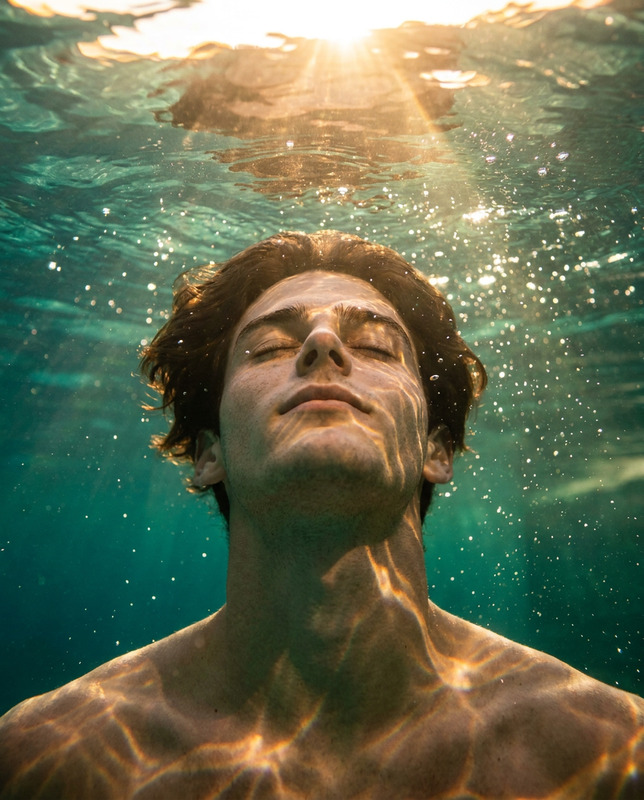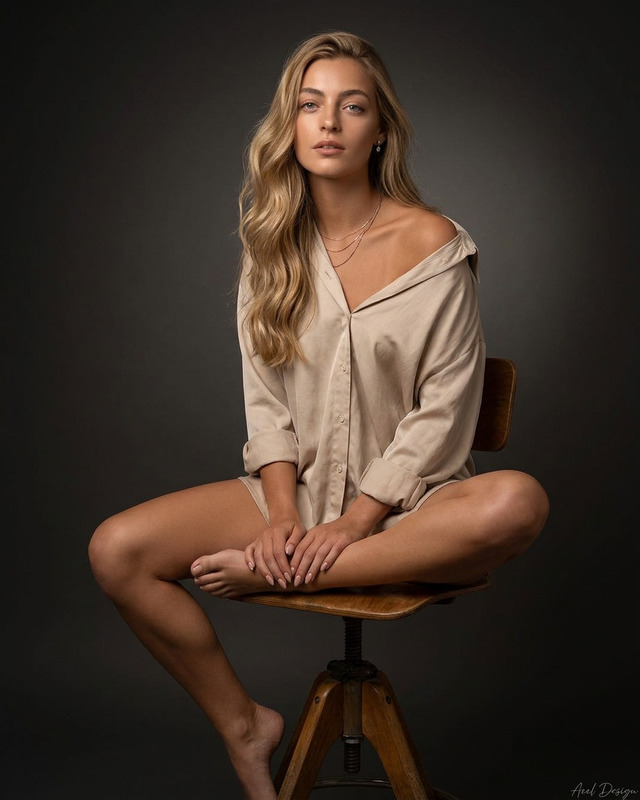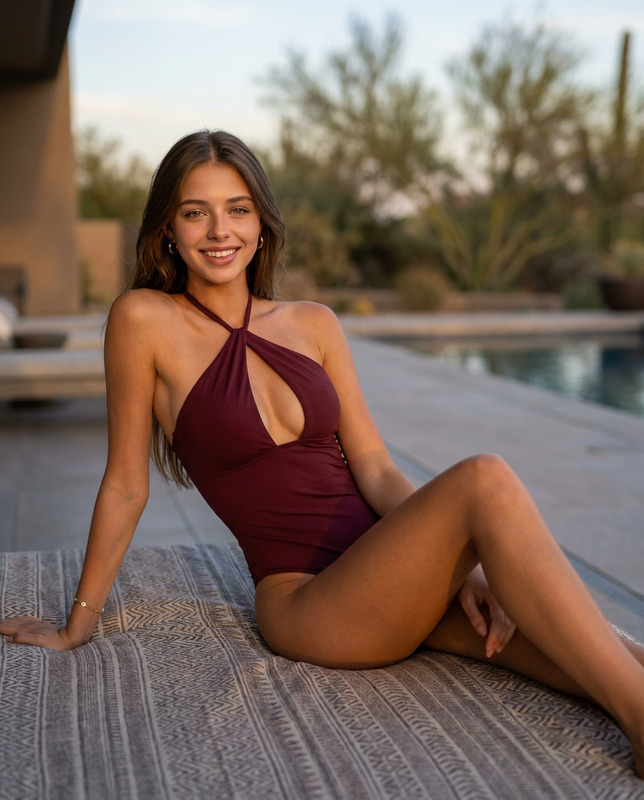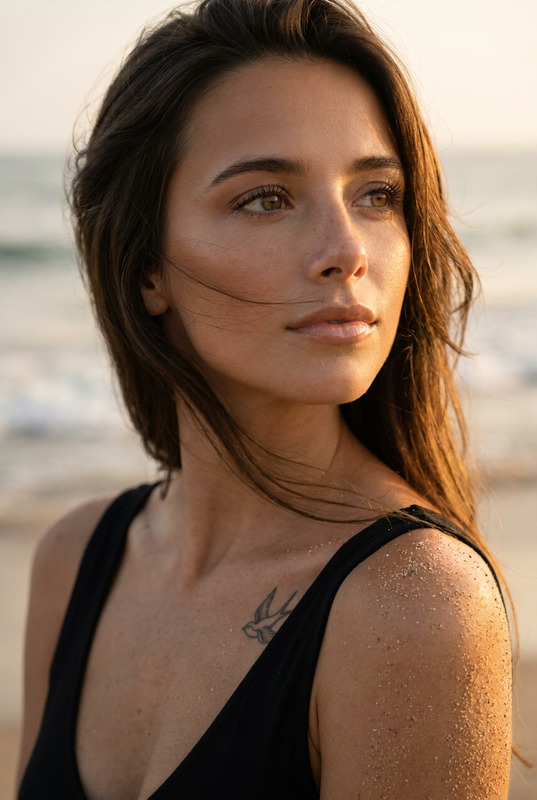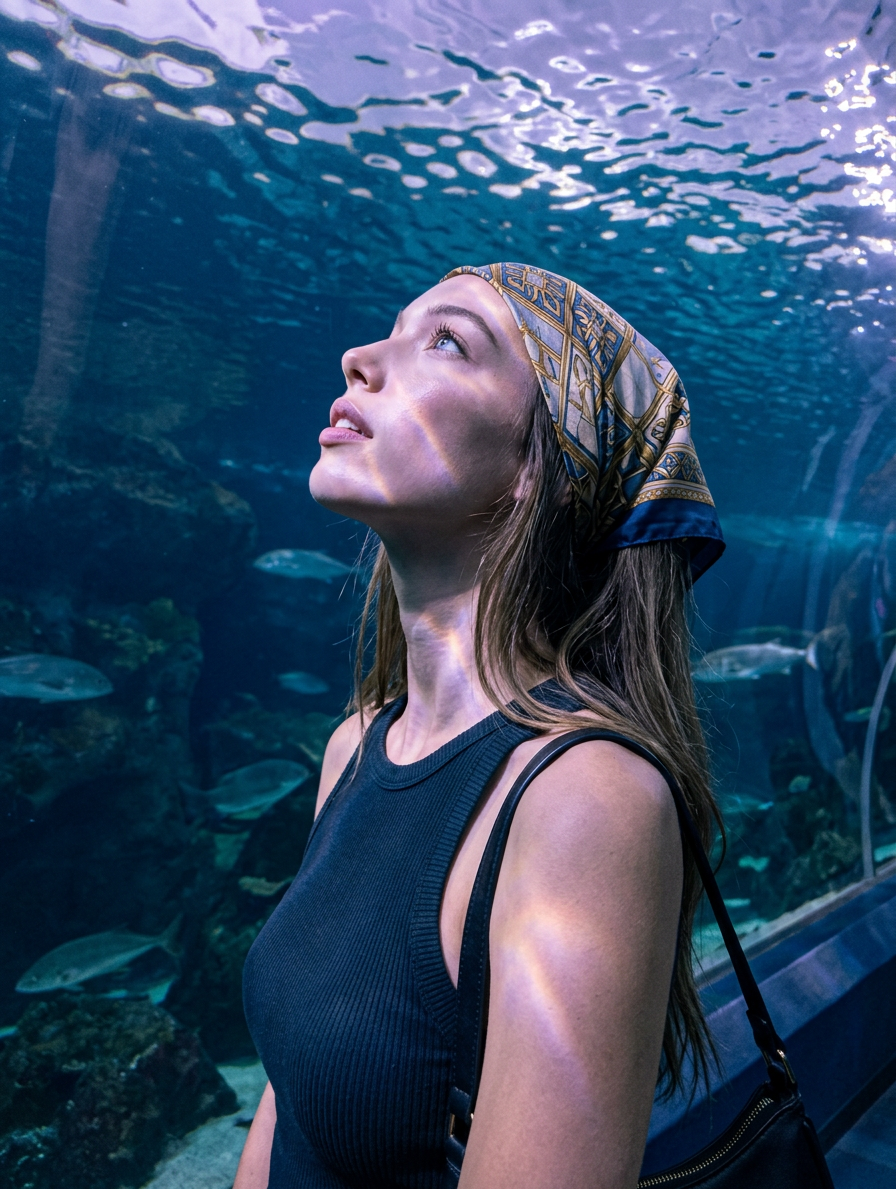
Aquarium Gaze
- Model
- Nano Banana 2
- Image
- 896 × 1189 px
Prompt
Use the attached reference image as the primary visual guide. Maintain an extremely strong and accurate resemblance to the subject shown in the reference. Preserve facial features, facial structure, hair color/style, facial accessories, skin tone, eye shape, nose, lips, and distinctive facial markers. Do not stylize, exaggerate, or significantly modify the core identity, bone structure, or proportions. Allow only small natural variations typical of real photography, lighting, and pose. POSITIVE PROMPT: Core Aesthetic: Photorealistic tranquil aquatic atmosphere snapshot of a young woman standing in a public aquarium gazing upward in profile toward an illuminated water surface, casual summer tourist vibe. Subject Identity & Styling (Female): Exact face matching the provided target reference image. Hairstyling matching the provided target reference image, long loosely layered cut extending past shoulders, natural air-dry with subtle unstructured waves. Skin: Facial skin displays smooth clear texture. Eyes feature naturally brushed upward eyebrows, eyelashes lightly coated in mascara. Lip shows soft natural finish. Clothing: ribbed-knit sleeveless tank top featuring a high crew neckline. Wearable Accessories: patterned silk scarf featuring geometric gold and blue motifs folded diagonally and tied tightly around crown of head bandana style covering hairline, a black shoulder bag strap resting over one shoulder. Pose and Action (Single Subject): The woman standing, strong asymmetrical posture, torso turned sideways in a three-quarter profile angled away from the camera, one shoulder rotated forward closest to lens. Both arms resting straight down out of frame. Head tilted sharply backward in profile exposing side of neck. The woman looking sharply upward and across the frame toward rippling water surface, ocular muscles engaged widening eyes for intentional upward stare, jaw tension relaxed causing lips to part slightly. All hands and lower limbs completely hidden from view out of frame. Frame cropped exactly at mid-ribcage. Environment & Lighting: Public aquarium facility interior viewing tunnel. Massive aquatic tank background, dark artificial rocky reef formations, deep blue water, several small silver fish swimming horizontally in mid-distance, bright highly textured rippling water surface visible at absolute top of frame. Massive diffused practical light shining straight down through moving water above, extreme >10,000K cool environmental light, dramatic violet-magenta color shift on skin and clothing, soft wrapping top-light, dancing aquatic caustic light webs projecting physically across forehead and collarbones, soft gradient shadow falloff. Overall scene features a monochromatic cool aquatic color palette of dominant cyan, deep navy blue, soft violet, periwinkle. Camera & Tech Specs: Framed as a Medium Close-Up from a low chest-level side-profile angle tilting slightly upward. Native smartphone wide-angle lens, 24mm, f/2.8, foreground sharp, background natural organic softness from thick acrylic glass and water density. Static shutter, slight motion blur on rippling caustic water patterns at top of frame. ISO 800, Digital Sensor, computational auto-exposure balancing backlit water, moderate digital luminance noise in dark background gradients. NEGATIVE PROMPT: semirealism, CGI, 3d render, airbrushed skin, doll face, wax figure, plastic skin, perfect symmetry, magazine editorial, stock photography, extra fingers, studio lighting, floating limbs, disconnected arms, amputated hands, professional retouching, glossy skin, artificial bounce light, rim light, front-facing, squared shoulders, full frontal face, looking at camera, symmetrical composition, up-the-nose angle, ultra-wide angle, 13mm, 0.5x lens, zoomed out, full body, waist down, bottom-wear, legwear, hips, lower torso, midriff, landscape, hands in frame, reaching arms, bright warm daylight, golden hour, direct flash, on camera flash, hard shadows, flat lighting, self-touching, ghost hand, third arm, fused bodies, clipping, intersecting geometry, broken geometry.
Any aspect ratio
Overview
Dive into the creative possibilities with the "Aquarium Gaze" template, a specialized tool to edit images while preserving the core identity and style of your subject. Leveraging the nano-banana-2 model, this template masterfully balances photorealism with artistic expression. Capture the essence of tranquil aquatic settings right within your photo edits.
What It Does
"Aquarium Gaze" uses advanced AI to transform your images into a serene aquatic-themed visual. It maintains the subject's facial features, hairstyle, and accessories while drawing you into a detailed underwater ambiance. This tool is perfect for creating captivating shots where the subject’s identity remains unaltered, yet the composition is enriched by the mood of a public aquarium setting. For broader editing capabilities, consider exploring our AI Image Editor.
Who It's For
This tool is ideal for photographers, designers, and creative enthusiasts seeking to enhance portraits with a distinct yet cohesive aquatic atmosphere. Whether you're crafting images for social media ads or developing mood boards, "Aquarium Gaze" provides the finesse needed to highlight your subject with natural authenticity.
Summary
"Aquarium Gaze" marries technical precision with creative aesthetics, suitable for anyone wanting to venture into specialized image editing. Maintaining the subject's integrity while overlaying them with an aquatic theme allows for unique images that burn into memory—a modern twist for your photo projects.
How to Use
Choose Your Template

Customize Your Settings

Generate Your Image

Use Cases
Social Media Campaigns
- Engage audiences with serene aquatic themes.
- Ensure clear, character-focused imagery.
Mood Board Development
- Use in design planning sessions.
- Inspire creative teams with atmospheric imagery.
Editorial Projects
- Align images to editorial storylines.
- Provide a unique visual narrative.
Best Practices
Maintain Accurate Resemblance
Ensure the subject's facial features match the reference to retain authenticity in the edit.Optimize Lighting Conditions
Adjust lighting effects to complement the aquarium setting, enhancing the overall mood.Focus on Composition
Frame your subject following the template's guidelines to achieve the best visual engagement.