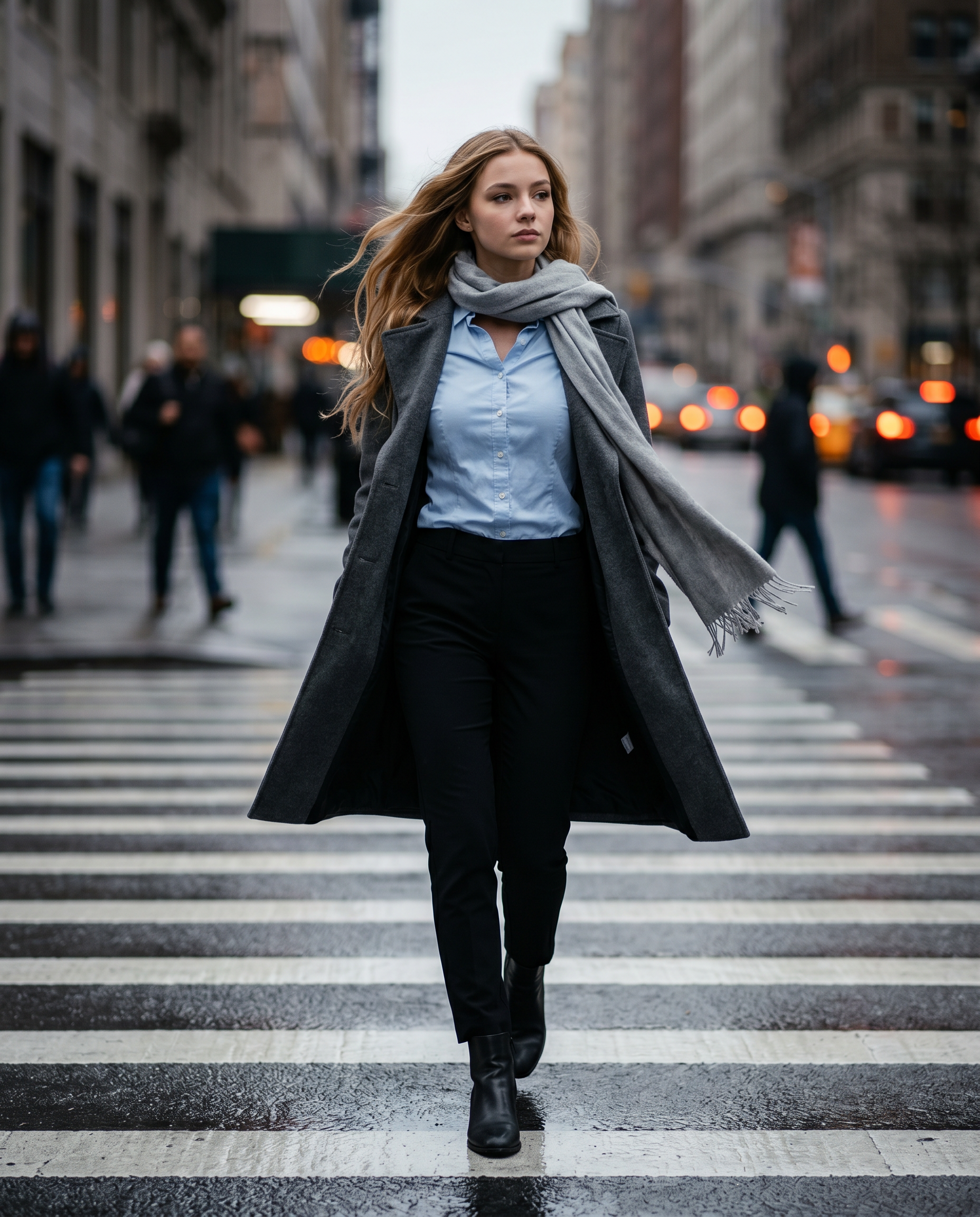
The Gray Hour
- Model
- Nano Banana 2
- Image
- 1856 × 2304 px
Prompt
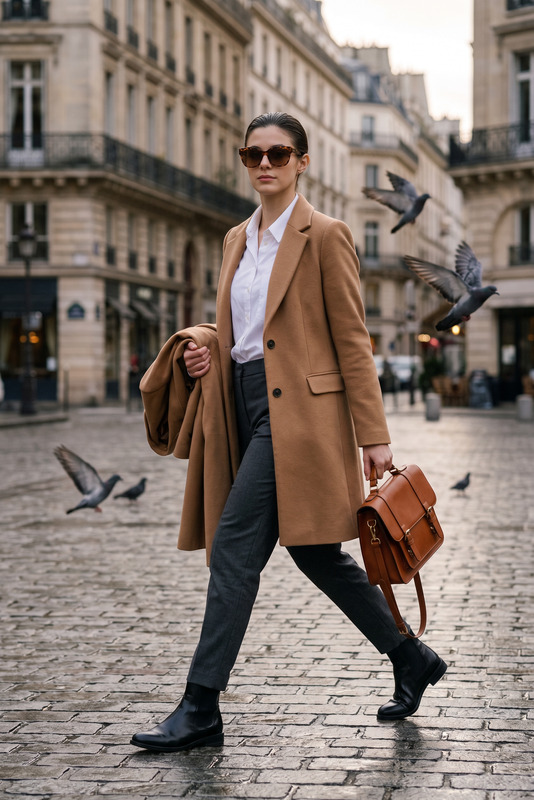
Create a 4K cinematic street-fashion photograph of the same woman from the reference image, maintaining strict facial identity consistency. She is walking directly toward the camera across a zebra crossing at a city intersection after rain. Vertical composition, 4:5 aspect ratio. The subject is captured from the front at street level, matching the reference image perspective. Her body is fully front-facing toward the viewer, walking straight ahead along the crosswalk. She is mid-stride, naturally transitioning weight between steps. Her gaze is directed slightly off-camera to her right, not engaging the lens. Her expression is neutral, calm, serious, and composed. Her natural length wavy hair is blown sideways by wind, flowing behind her head and along the side, while her face remains completely visible with no hair covering her features. The motion feels natural and candid. Wardrobe: She wears a long charcoal-grey wool trench coat, unbuttoned and flowing behind her. Underneath is a light blue tailored button-down shirt tucked into black tailored trousers. A soft grey scarf is loosely wrapped around her neck, one end hanging down the front while the other trails in the wind. Black leather ankle boots step firmly onto the wet pavement. Environment: The asphalt is dark and rain-soaked, reflecting the white zebra crossing lines and dim city lights. Buildings form a muted urban canyon in the background. Pedestrians appear softly blurred. Traffic lights and headlights create warm orange bokeh highlights. Lighting: Overcast, low-key lighting with slightly darker midtones, soft shadows, and controlled highlights. Exposure is intentionally slightly under-bright to enhance cinematic atmosphere. Color grading: Cool, muted, slightly desaturated tones dominated by charcoal, slate grey, black, and soft blue hues. Focus & Motion: Shallow depth of field isolates the subject sharply from the background. Motion is frozen mid-stride, with coat, scarf, and hair suspended naturally. Technical details: 85mm portrait lens f/2.0 1/1000 shutter speed ISO 320 HDR rendering Cinematic low-key color grading Realistic fabric texture Photorealistic skin detail Ultra-detailed 4K resolution
Any aspect ratio
Overview
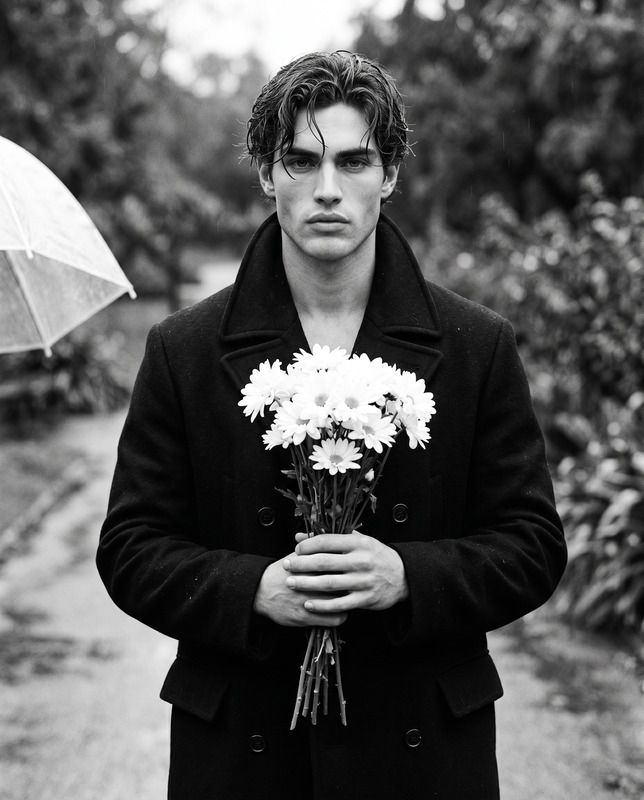
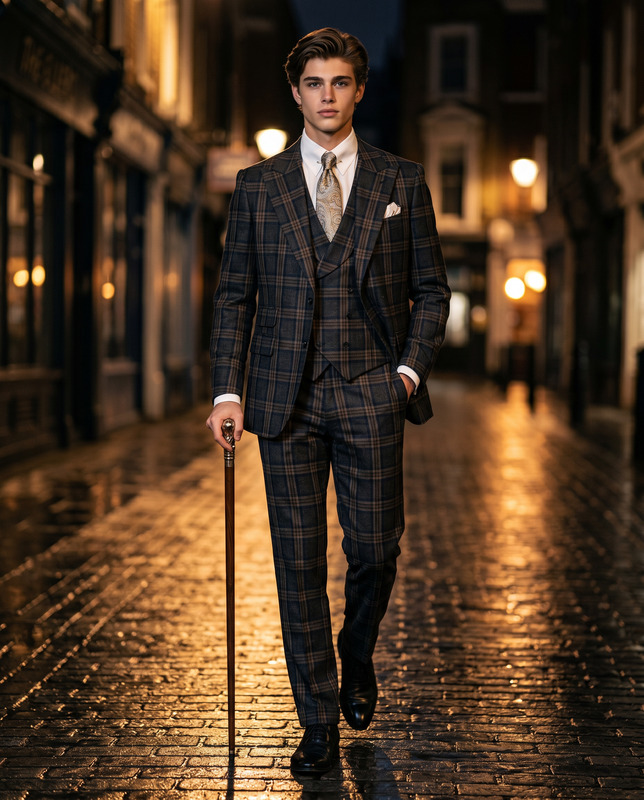
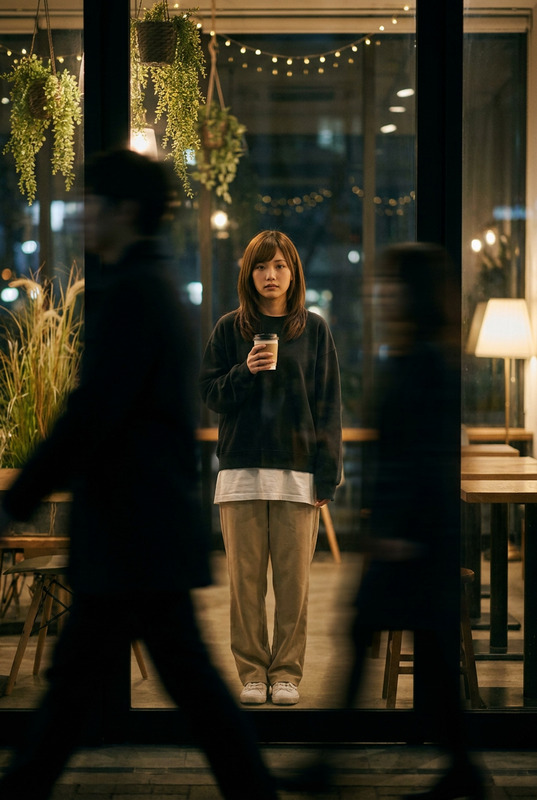
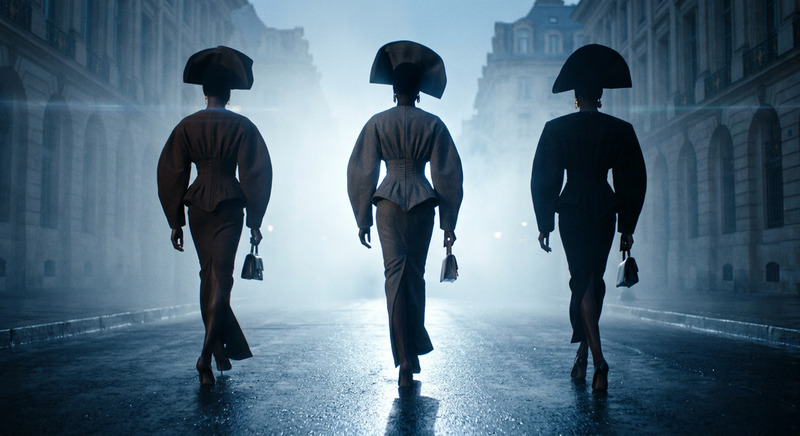
The Gray Hour template in our AI Image Editor collection is designed for creating breathtaking street-fashion photography. Using the nano-banana-2 model, this template allows you to craft 4K cinematic images of unparalleled detail and realism. Perfect for those seeking to update portfolios or captivate viewers with photorealistic visual storytelling.
What It Does
The Gray Hour template transforms your reference images into high-resolution, cinematic street-fashion photos, focusing on facial identity and atmospheric environment. It uses advanced AI Image Editor capabilities to maintain the natural motion of elements and a consistent 4K resolution. Achieve a cool-toned, desaturated look across images captured from street-level perspectives.
Who It's For
This template is ideal for fashion photographers, creative directors, and marketing professionals who need polished imagery for campaigns or portfolios. If you're working in environments requiring consistent weather-adaptive scenes, or needing to maintain facial consistency across different images, The Gray Hour is your go-to tool.
Summary
The Gray Hour delivers cinematic street-style images with ease, characterized by its fashion-forward aesthetic and technical precision. It integrates seamlessly with other AI tools like the AI Image Upscaler for enhanced resolution and detail. This template ensures every image tells a compelling visual story.
How to Use
Choose the Template

Customize Your Inputs

Generate Your Image

Use Cases
High-Fashion Campaigns
- Showcase new collections
- Feature brand ambassadors in urban settings
- Create content for social media
Portfolio Development
- Maintain a coherent style
- Show diverse scene adaptations
- Attract potential clients
Editorial Features
- Cinematic storytelling
- Visual consistency
- Emphasize theme narratives
Best Practices
Consistent Perspective
Ensure the reference image maintains the same angle as described for the most coherent results.Focus on Wardrobe
Use wardrobe prompts effectively to highlight brand-specific fashion details.Atmospheric Adjustments
Leverage lighting and color prompts to adapt to different weather or time-of-day settings.