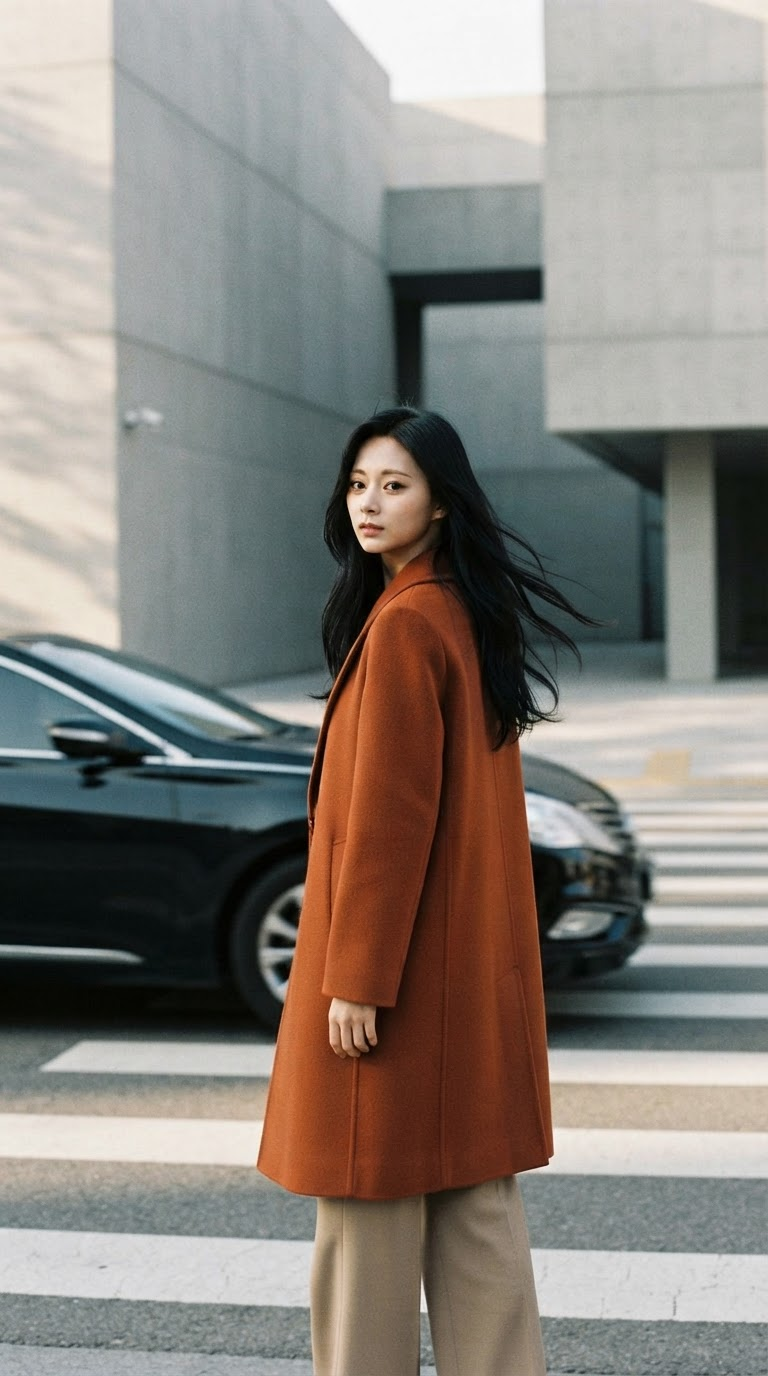
Autumn Crossing
- Model
- Nano Banana 2 Lite
- Image
- 768 × 1376 px
Prompt
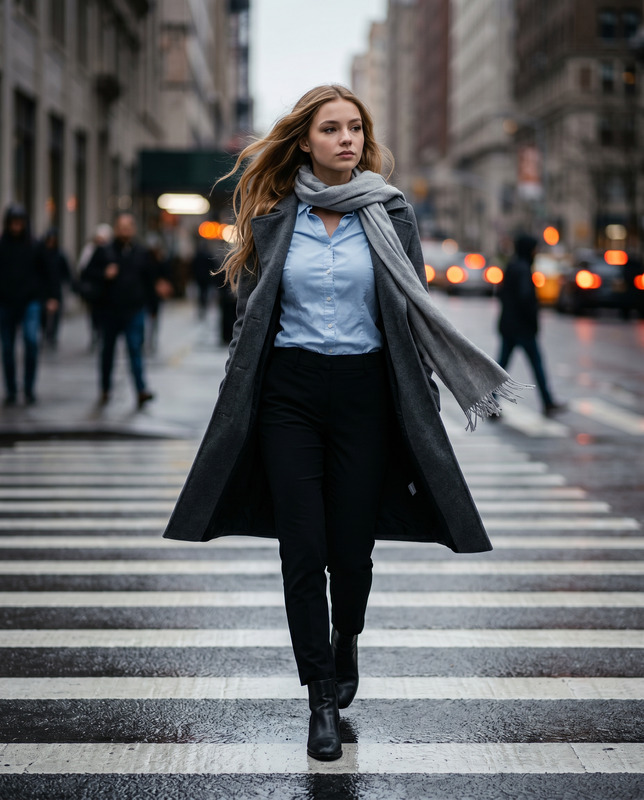
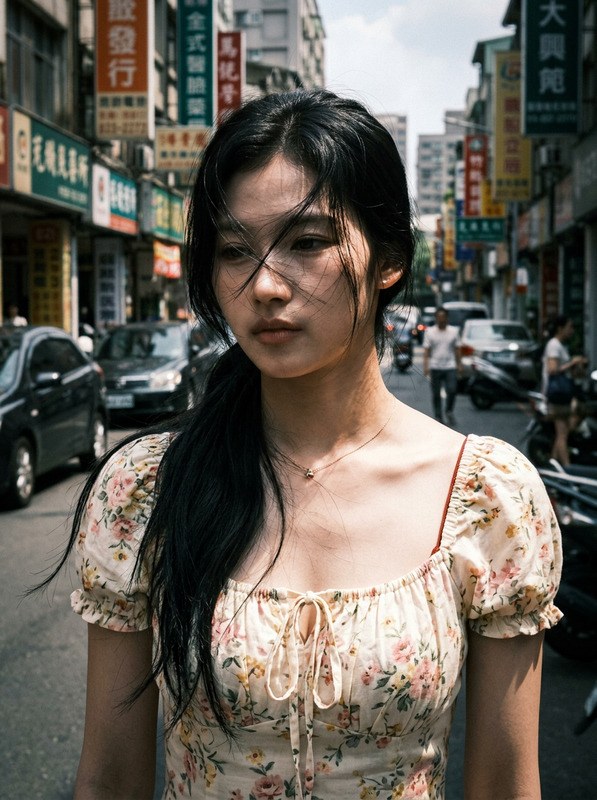
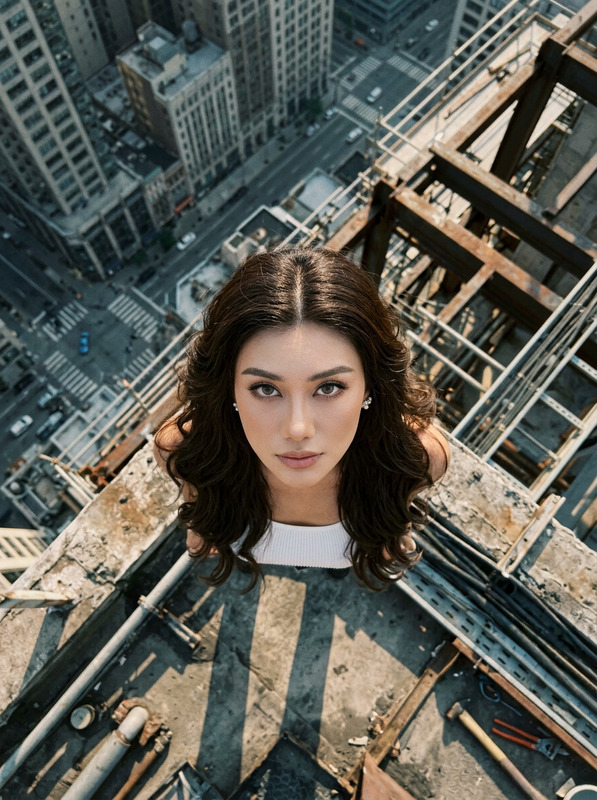
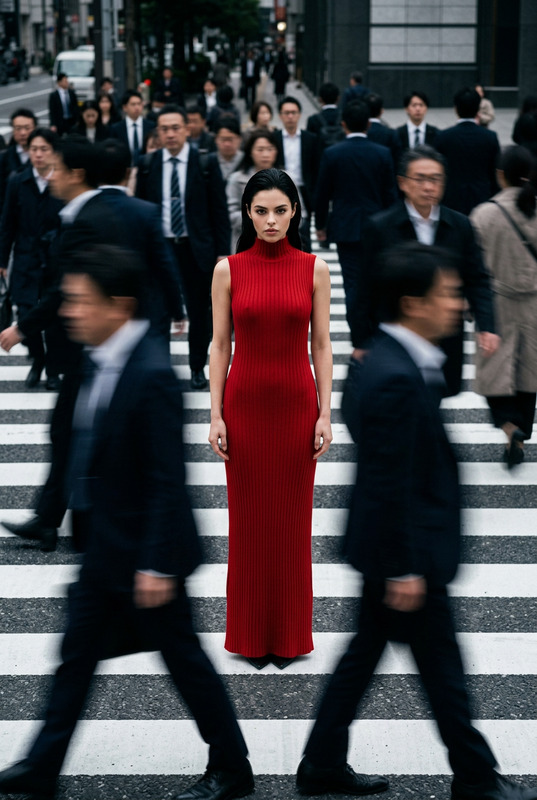
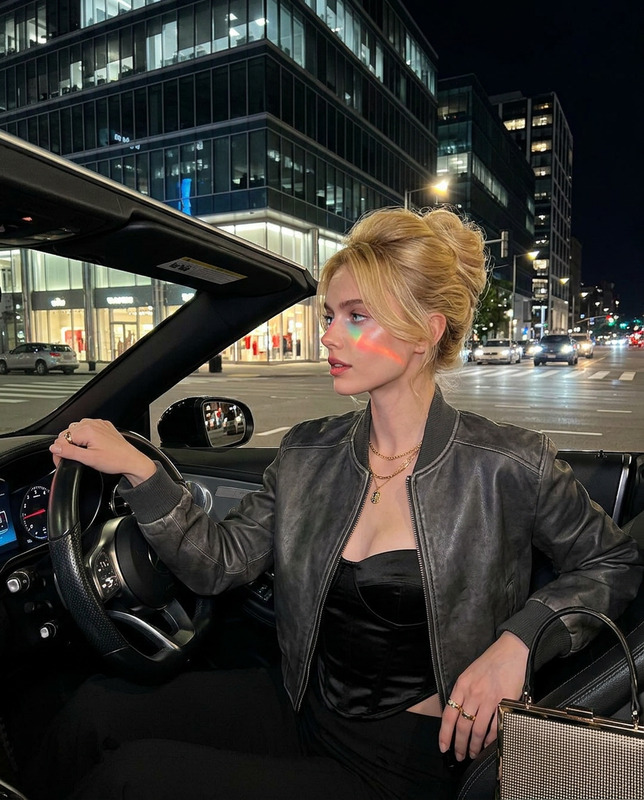
Create a cinematic 9:16 vertical street-fashion editorial with a candid 35mm-film photography aesthetic. The subject is a 25-year-old Asian woman with sharp facial features and long black hair, standing naturally on an urban crosswalk. She wears a sophisticated burnt-orange wool coat with beige wide-leg trousers, creating a restrained autumn color palette against the surrounding cool-gray architecture. Her expression is calm and slightly introspective as she turns back over her shoulder, while her long hair moves naturally in the wind. The setting features minimalist gray concrete architecture, clean geometric lines, a broad urban crosswalk, and subtle city details, with no distracting crowds. Use soft natural daylight and long architectural shadows to create a quiet, melancholic autumn atmosphere. The visual language should feel like authentic 35mm street photography, with subtle film grain, natural exposure, gentle highlight roll-off, realistic skin and fabric texture, and restrained color reproduction. Begin with a dynamic low-angle perspective of the surrounding minimalist architecture, emphasizing towering geometric structures and vertical lines, then visually transition upward with a subtle tilt that creates controlled motion blur and a brief sense of vertigo. A black sedan passes horizontally across the foreground, naturally functioning as a cinematic transition element while briefly obscuring the scene. As the vehicle clears the frame, reveal the subject on the crosswalk, turning back toward the camera as her long black hair flows in slow motion. Maintain a cinematic shallow depth of field and subtle atmospheric haze, keeping the subject sharply defined while architecture and distant urban elements fall into softer focus. The overall result should feel candid, melancholic, sophisticated, and cinematic, like a frame from an understated autumn fashion film rather than a staged studio photoshoot. Avoid excessive color grading, artificial lighting, exaggerated motion effects, crowded backgrounds, distorted anatomy, plastic skin, overly polished commercial aesthetics, heavy HDR, excessive blur, or CGI appearance.
Any aspect ratio
Overview
The "Autumn Crossing" template is an AI Image Editor designed to transform your photos into cinematic street-fashion editorials. Using the nano-banana-2-lite model, this tool emphasizes the candid aesthetic of 35mm film photography. Capture the quiet and introspective tones of an autumn day in the city, showcasing natural body language against a minimalist urban backdrop.
What It Does
This AI Image Editor template generates images with a 9:16 aspect ratio, ideal for vertical formats. It creates a cinematic look using a low-angle perspective and a natural daylight setting. The template incorporates elements like soft shadows, subtle film grain, and gentle color palettes to produce authentic street-fashion imagery. The visual result mimics the sophistication of an editorial pulled straight from a fashion film.
Who It's For
This template is perfect for fashion photographers, content creators, and digital marketers in need of a visually compelling story told through imagery. Those crafting content for platforms like Instagram Reels or producing social media ads will find this tool especially valuable in creating an impactful visual statement that resonates with modern urban aesthetics.
Summary
The "Autumn Crossing" template offers a simple yet sophisticated solution for those seeking to produce editorial images with a cinematic flair. Through nuanced designs and expert model integration, your photos achieve an authentic look with professional depth and detail. The template supports ai-image-editor, making it a versatile choice for fashion-forward creators looking to explore minimalist urban themes.
How-To
Choose the Template

Customize Your Inputs

Generate and Download

Use Cases
Fashion Editorials
- Dynamic perspectives
- Subtle film grain
- Authentic textures
Social Media Campaigns
- Engaging visuals
- High-quality design
- Consistent aesthetics
Urban Photography Projects
- Minimalist settings
- Natural light use
- Geometric compositions
Best Practices
Focus on Natural Elements
Ensure images include natural textures and soft lighting to maintain an authentic look.Employ Subtle Transitions
Use transition elements like moving cars to create dynamic yet seamless changes in the scene.Maintain Depth of Field
Keep the subject in sharp focus while allowing the background architecture and elements to softly diffuse.