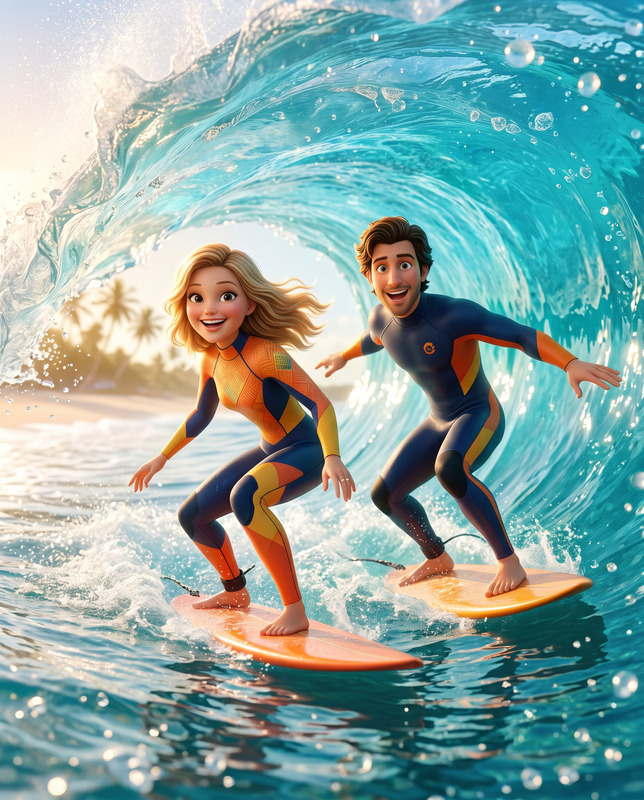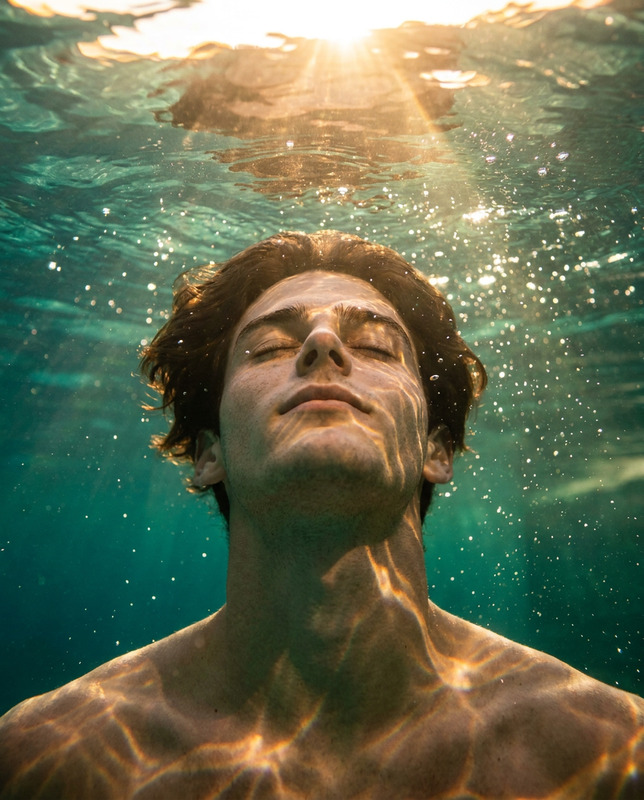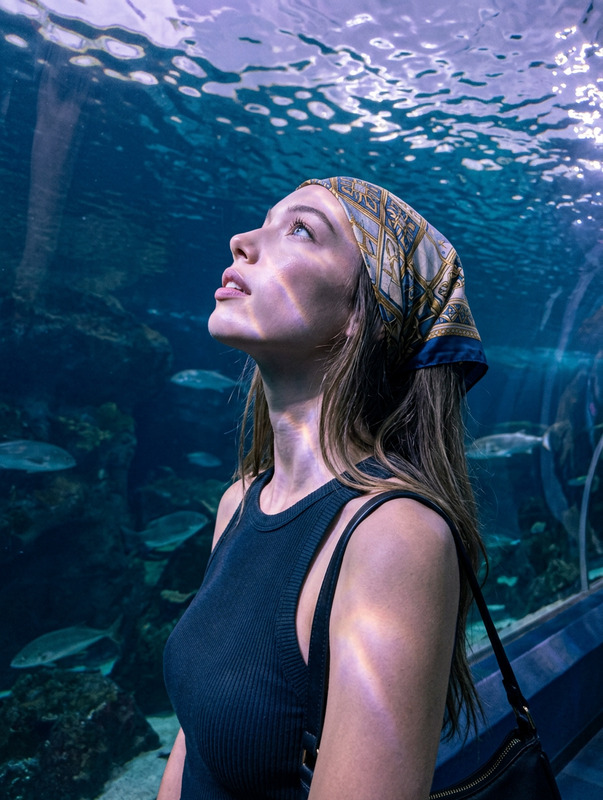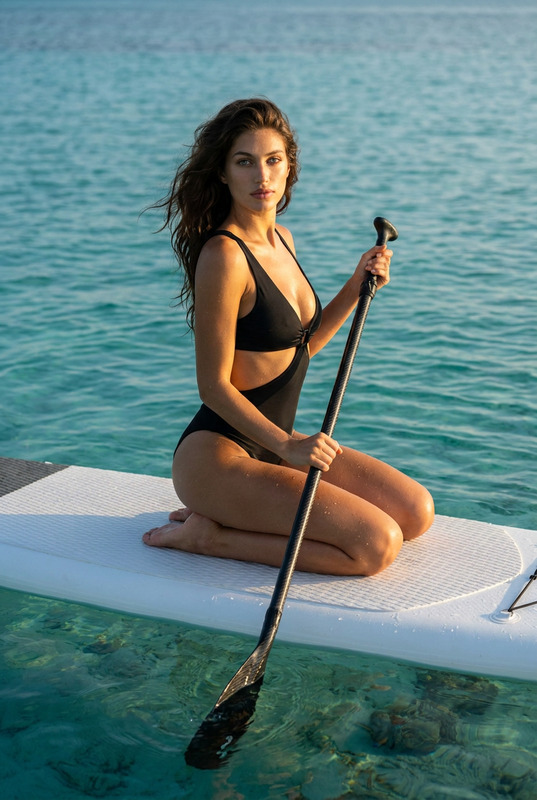
Harmony in Motion
- Model
- Nano Banana 2
- Image
- 1536 × 2730 px
Prompt
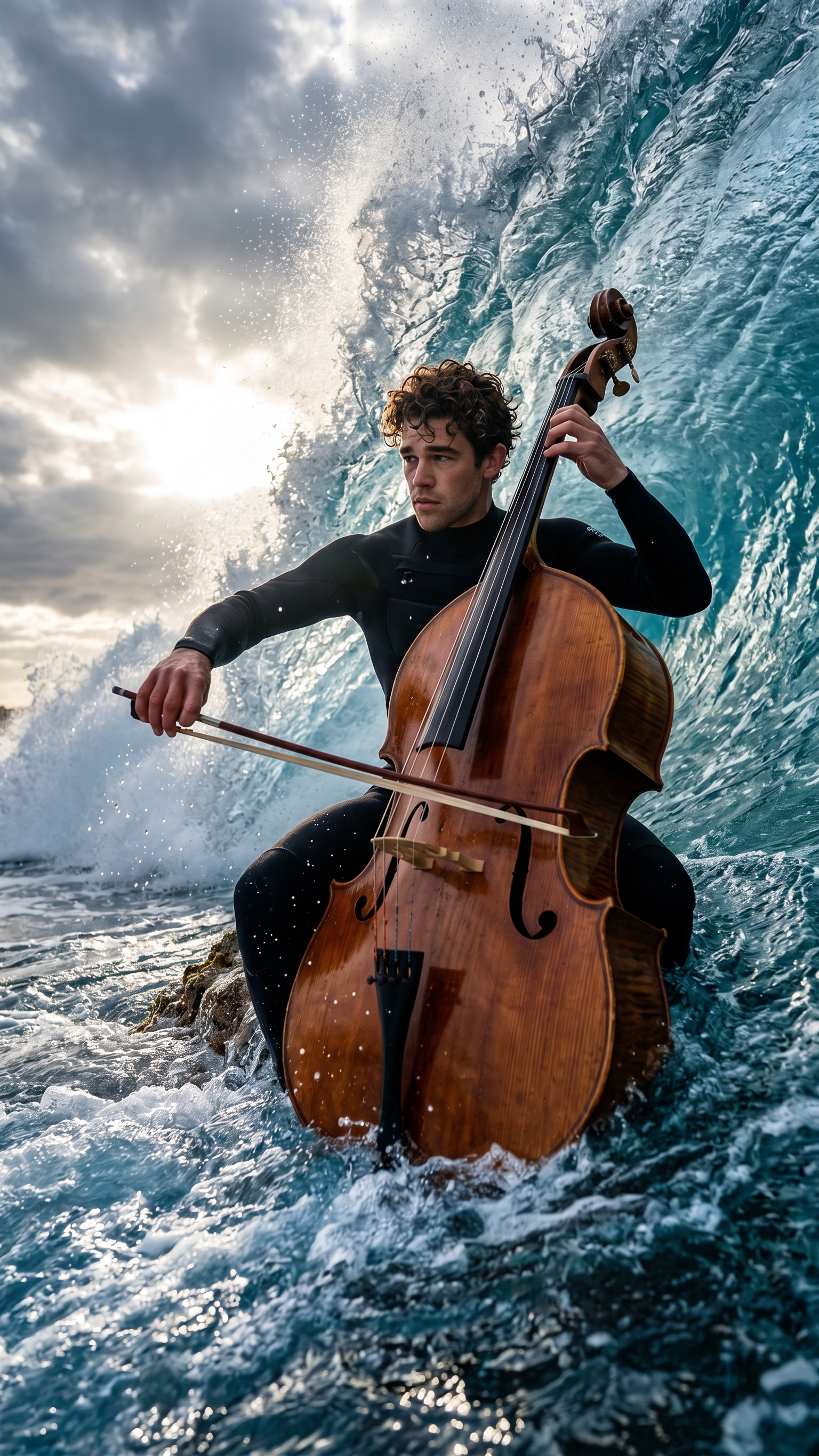
Primary Instruction (Identity Lock) Use the uploaded image strictly for face and identity reference only. Preserve exact facial structure, proportions, and identity. No beautification, stylization, or identity drift. Scene A hyper-realistic, cinematic low-angle wide shot capturing a surreal moment inside the curling barrel of a massive breaking ocean wave. Subject A single human subject occupying approximately two-thirds of the frame, wearing a black wetsuit, sitting on a very small table (table not visible) and intensely playing a large wooden double bass with a bow. Expression and body language show focus, calm power, and determination, with full eye contact and attention on the bow. The subject is partially submerged in turbulent ocean water. Instrument (Double Bass) Large upright wooden double bass, stable and balanced despite chaos, with clearly visible wood grain, F-holes, bridge, strings, tuning pegs, and scroll, appearing to defy gravity. Environment & Action Turquoise-blue water explodes into white foam, mist, and suspended droplets. The wave towers over the subject, emphasizing epic scale and danger. Water motion is frozen with extreme clarity and realism. Lighting & Mood Dramatic cinematic lighting with a hidden sun breaking through a moody cloudy sky. Strong rim light outlining the subject, instrument, and wave crest. High-contrast, epic cinematic atmosphere with sparkling highlights on water spray. Visual Style & Composition Hyper-realistic, 8K detail, ultra-sharp textures (water, wood, wetsuit). Physically believable lighting and reflections, no painterly look. Low-angle perspective with wide framing capturing the full wave curl. Negative Prompt No blur, no motion smear, no cartoon/illustration style, no extra limbs, no warped anatomy, no floating artifacts, no broken instrument parts, no text, no watermark, no logo, no AI distortion, no identity mismatch.
Any aspect ratio
Overview
Harmony in Motion uses the nano-banana-2 model to edit images with a focus on maintaining precise facial identity within a dynamic setting. Framed by the powerful scene of a wave curling around the subject, the template emphasizes realism and attention to detail without stylization. This sophisticated AI Image Editor preserves identity fidelity against a backdrop of cinematic ocean drama.
What It Does
The template allows you to enhance images with hyper-realistic detail while maintaining the subject's exact facial and identity features. It provides a unique way to integrate elements like water and light with the main subject, ensuring integrity in identity and expression. Components such as the double bass and ocean motion deliver unparalleled realism, offering creators a robust solution for crafting immersive visuals.
Who It's For
This AI Image Editor is perfect for creators who demand a high level of veracity in their visual projects, such as filmmakers, photographers, and digital artists who are involved in VFX previs and hyper-realistic visual storytelling. It's especially suitable for those focusing on character-driven scenes needing strict identity preservation amidst physically dramatic settings.
Summary
Harmony in Motion promises to deliver a striking blend of accuracy and cinematic artistry. With its commitment to preserving the subject's identity and enhancing dramatic environments, it supports creators in developing vivid, narrative-heavy visuals. By maintaining exact facial structure and proportions, this template becomes an indispensable tool for anyone looking to achieve both visual and narrative depth in their work, including those involved in AI Video Generation.
How-To
Choose

Customize

Generate

Use Cases
VFX Previs
- Maintain character identity in complex scenes
- Integrate hyper-realistic motion with clarity
Cinematic Advertising
- Create attention-grabbing compositions
- Ensure brand identity fidelity in visuals
Storyboard Development
- Translate script visuals accurately
- Preserve character likeness and mood
Best Practices
Use High-Quality Images
For the best outcome, ensure that you upload high-resolution reference images, which help maintain exact identity features in complex scenes.Focus on Lighting
Emphasize lighting contrasts to highlight details and maintain the subject's prominence within the environment.Check Model Guidelines
Review the model guidelines for nano-banana-2 to leverage its capabilities fully and ensure that your outputs reflect the desired hyper-realistic aspects.