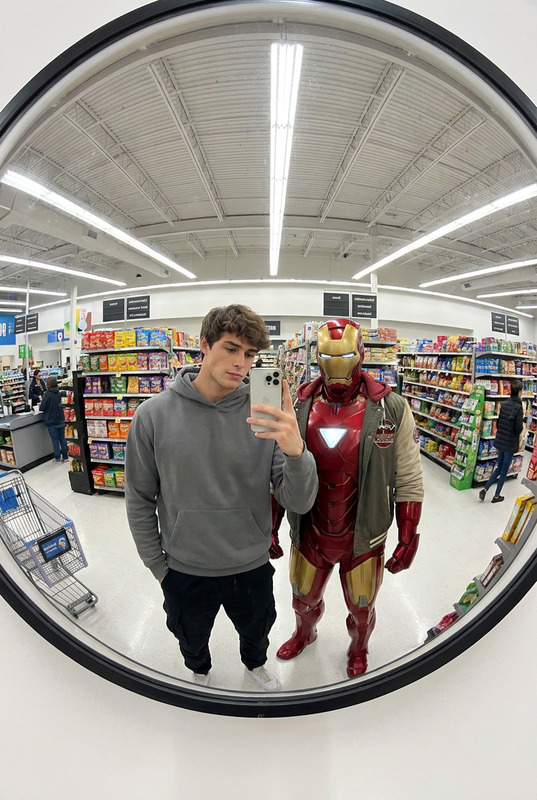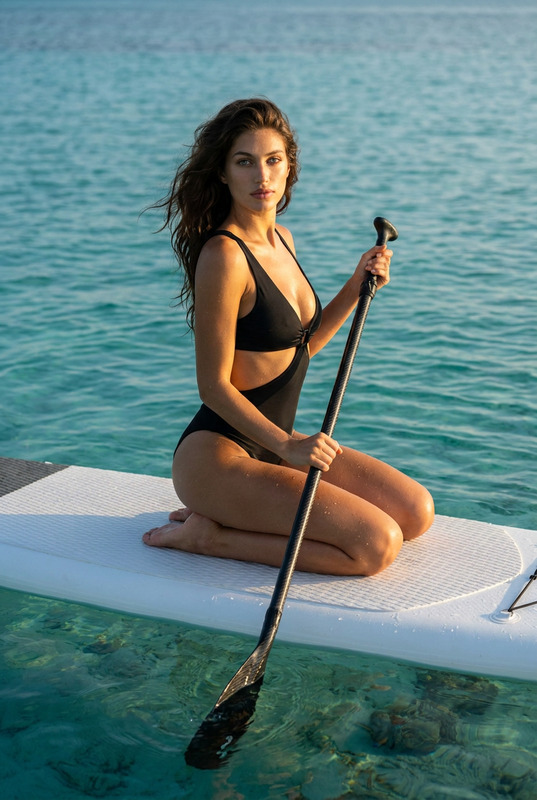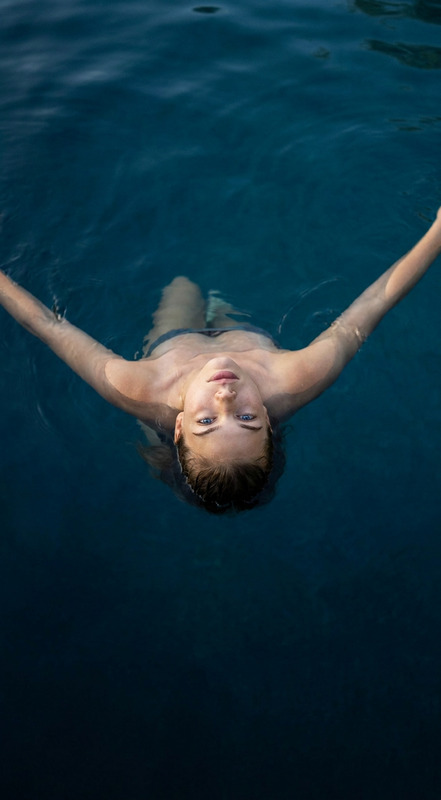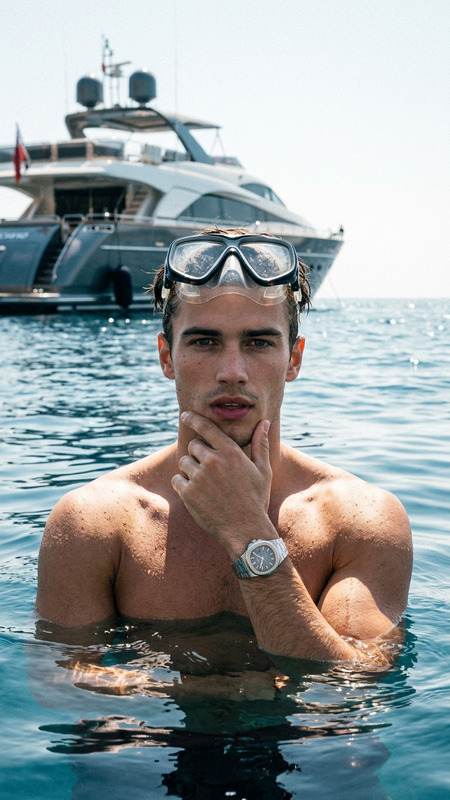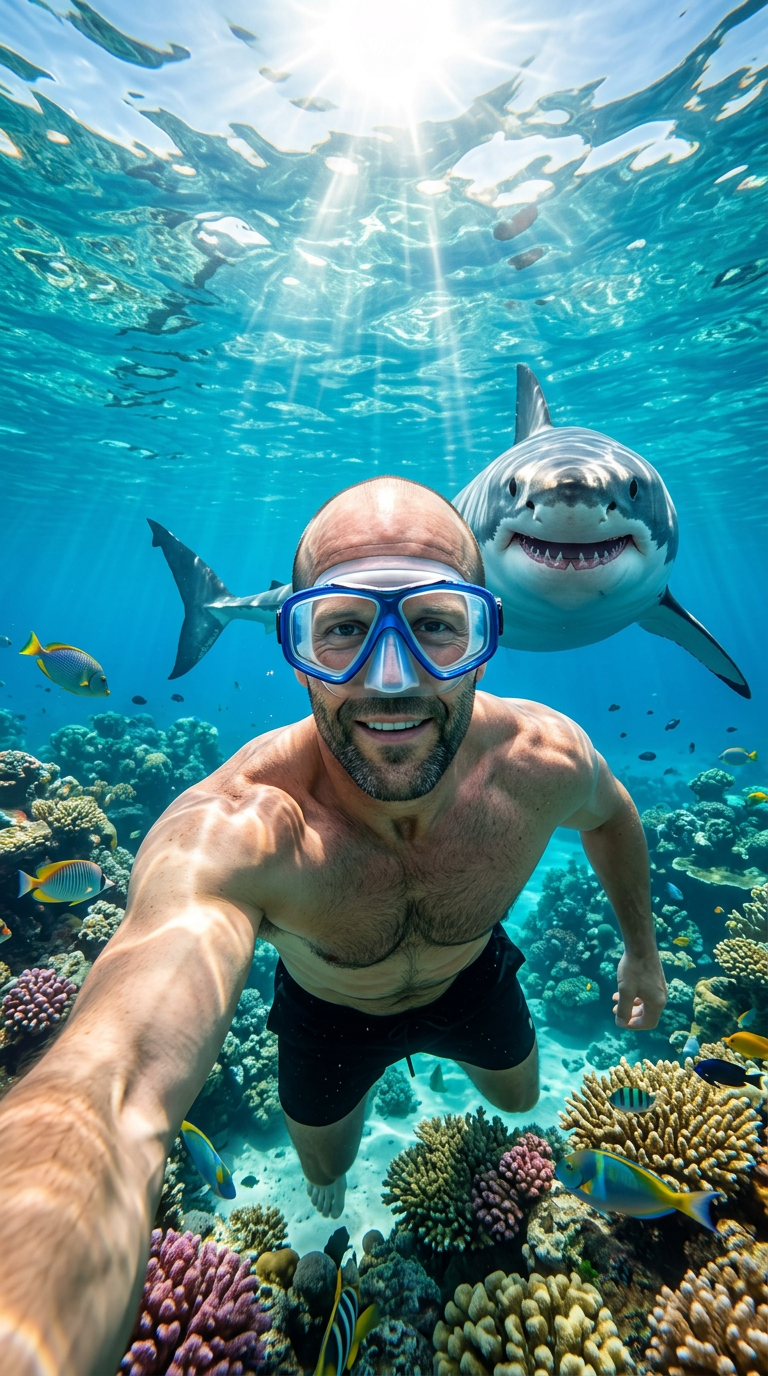
Shark Selfie Adventure
- Model
- Nano Banana 2
- Image
- 768 × 1376 px
Prompt
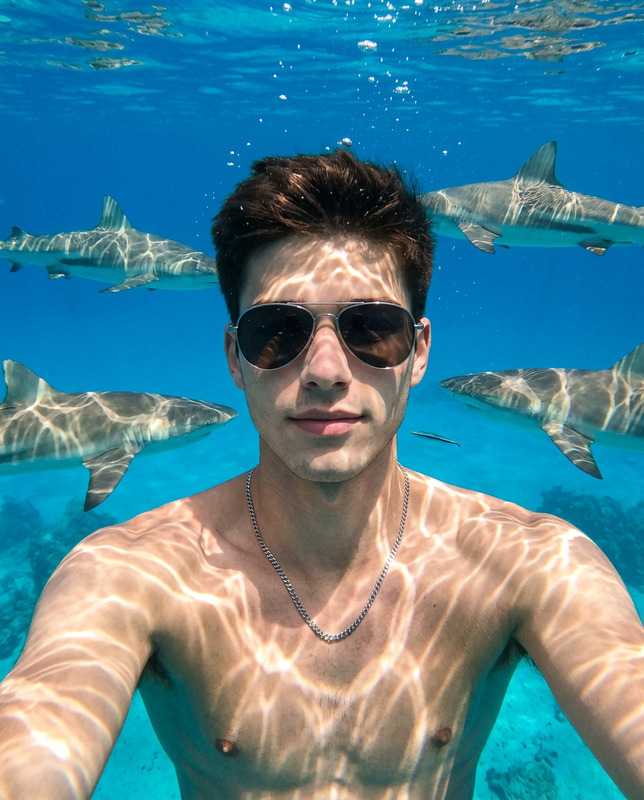
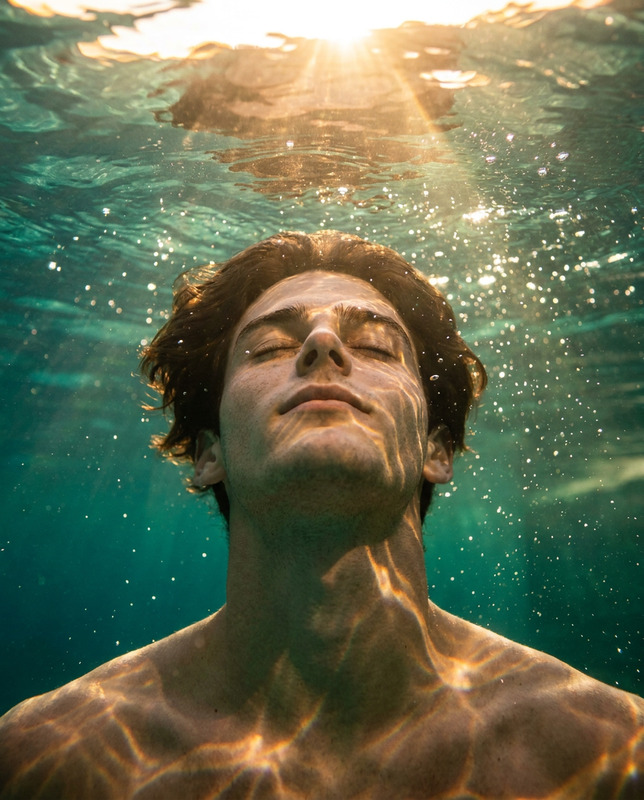
Use the uploaded reference image as the only identity reference and preserve the exact facial structure, bald head shape, blue eyes, skin tone, beard details (if present), age, proportions, and overall recognizability with maximum identity accuracy; create an ultra-realistic wide-angle underwater selfie scene where the same person is wearing a blue snorkeling mask and black swim trunks, smiling naturally while extending one arm toward the camera as if taking a GoPro selfie, crystal-clear tropical ocean water, vibrant coral reef filled with colorful fish, realistic underwater light rays and caustic patterns dancing across the scene, bright sunlight penetrating from the surface above, directly behind him a large great white shark appears playfully "smiling" with its mouth open and visible teeth, creating a thrilling yet fun adventure atmosphere, photorealistic marine wildlife photography, authentic underwater perspective, realistic skin texture, detailed water particles, cinematic lighting, ultra-sharp focus on the face, natural colors, GoPro action-camera look, high dynamic range, professional underwater photography, 8K ultra-detailed, masterpiece, adventure documentary style, vertical 9:16, no distortion, no identity drift, no extra limbs, no blurry face, no cartoon style, no watermark, no text.
Any aspect ratio
Overview
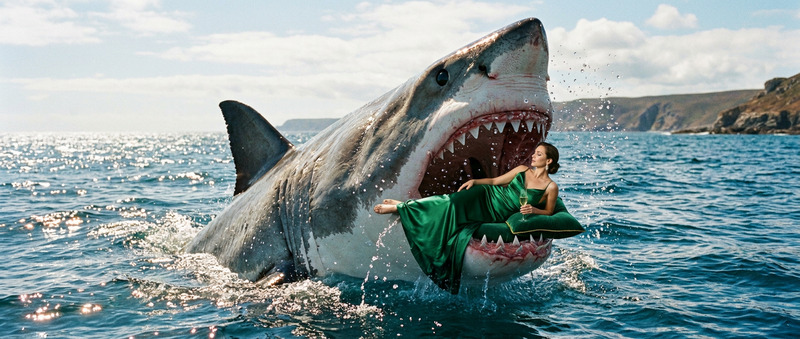
Dive into the exhilarating world of undersea photography with our Shark Selfie Adventure AI Image Editor template. Engineered with the nano-banana-2 model, this tool offers a photorealistic experience of your face alongside a friendly great white shark, all while capturing the fascinating details of the marine environment.
What It Does
The template provides a sophisticated method to create a realistic underwater selfie adventure scene, featuring precise facial recognition and identity retention. You'll see your likeness maintained with the highest accuracy as you appear to swim with sharks and observe vibrant coral in a crystal-clear ocean, making it perfect for personal photos or social media content.
Who It's For
This template is ideal for photography enthusiasts, social media influencers, and anyone looking to inject some thrill into their visual content. Creatives in the advertising industry can leverage this tool to craft compelling visuals for product placements while maintaining identity accuracy throughout the editing process.
Summary
Shark Selfie Adventure elevates your image creation to an AI Image Editor experience. It masterfully blends reality with marine adventure themes, allowing you to partake in a virtual underwater journey with an ultra-realistic depiction of marine life.
How To
Choose Your Template

Customize Your Image

Generate Your Adventure

Use Cases
Social Media Content
- Instagram stories
- Facebook posts
- Travel blogs
Photography Portfolio
- Wildlife photography
- Adventure photographs
- Documentary-style presentations
Best Practices
High-Quality Reference Image
Use a well-lit, high-resolution image to achieve the best results. This ensures the AI Image Editor can accurately render facial details.Consistent Facial Features
Ensure that your hair and makeup match those in the reference image for consistent results.Correct Pose and Expression
Align your pose and facial expression similar to the prompt's indications to prevent any distortion in the final image.