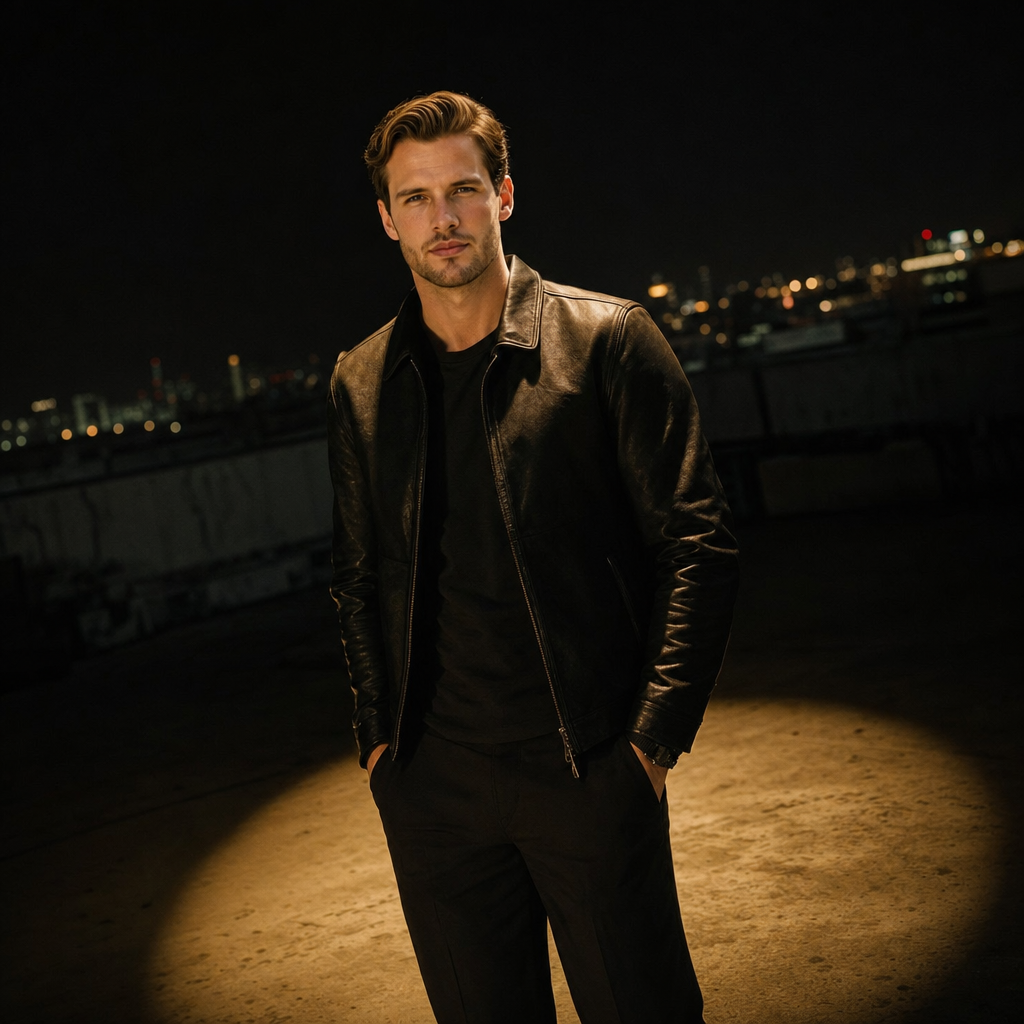
Rooftop Spotlight
- Model
- GPT Image 2
- Image
- 1024 × 1024 px
Prompt
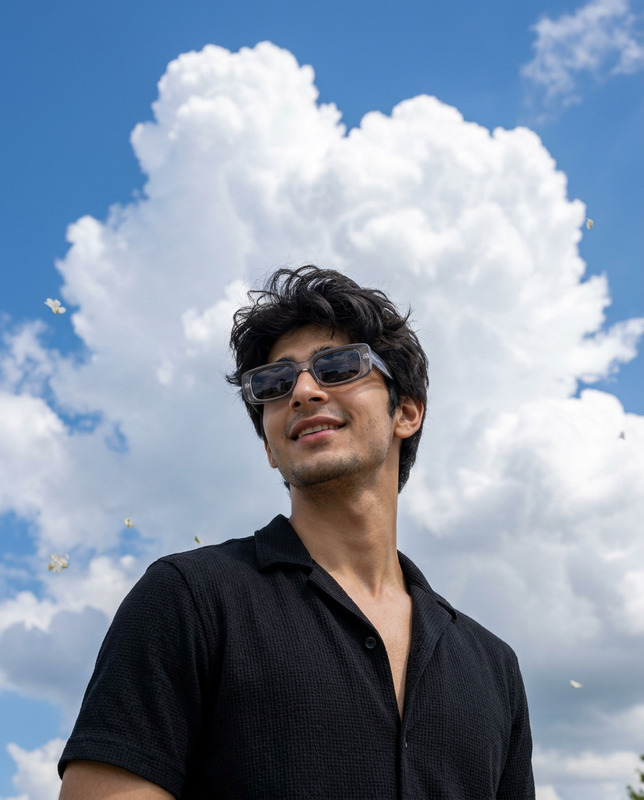
Use the uploaded reference image as the ONLY face and identity reference. Preserve the person's exact facial features, facial structure, face shape, eye shape, eyebrows, nose, lips, jawline, skin tone, hairstyle, facial asymmetry, body proportions, and overall recognizable identity without beautifying or altering the face. Create an ultra-realistic cinematic editorial portrait of the same person as a young adult man with an average build standing casually on a secluded urban rooftop at night, centered inside a sharply defined warm spotlight. The focused beam illuminates the premium fitted leather jacket, revealing realistic leather grain, natural creases, stitching, and subtle reflections, while highlighting the subject's relaxed neutral expression and naturally styled hair catching soft warm highlights. The skin displays authentic pores, subtle facial flush, natural contour shadows, realistic beard stubble if present in the reference, and lifelike facial detail. The rooftop beneath the subject is textured concrete, visible only within the circular spotlight while the surrounding environment fades into deep cinematic darkness. Captured as a candid medium-distance portrait with a slight Dutch angle, sharp focus on the subject, subtle Gaussian blur softening the background, dramatic negative space, premium Hollywood editorial lighting, warm spotlight contrast, rich cinematic color grading, shallow depth of field, realistic atmospheric haze, luxury magazine campaign aesthetic, 35mm film texture, photorealistic, ultra-detailed, IMAX-quality, 8K masterpiece, vertical 9:16 composition. Negative Prompt: low quality, blurry, bad anatomy, deformed hands, extra limbs, distorted face, altered identity, plastic skin, oversmoothing, unrealistic lighting, cartoon, anime, CGI, 3D render, watermark, logo, readable text, oversaturated colors, noise, artifacts, duplicate subject, cropped body.
Any aspect ratio
Overview
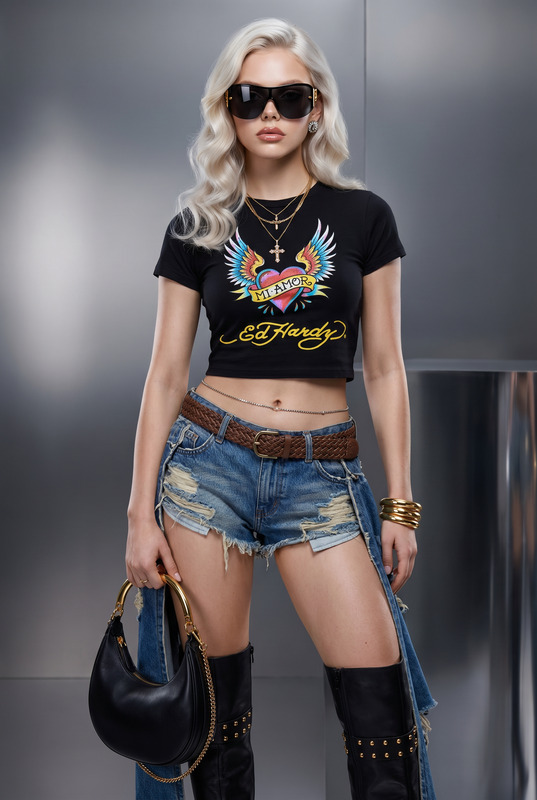
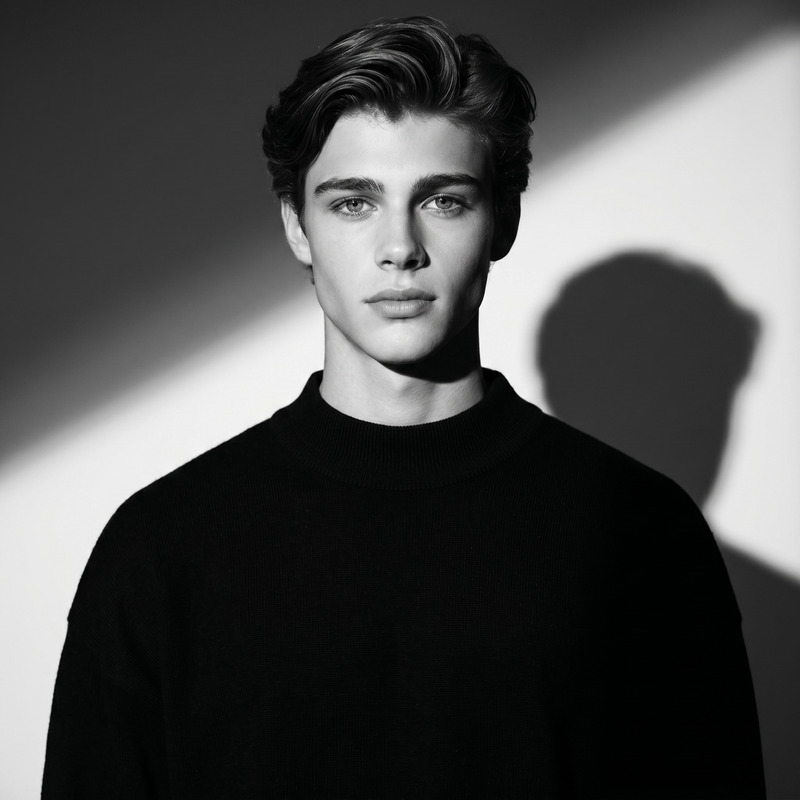
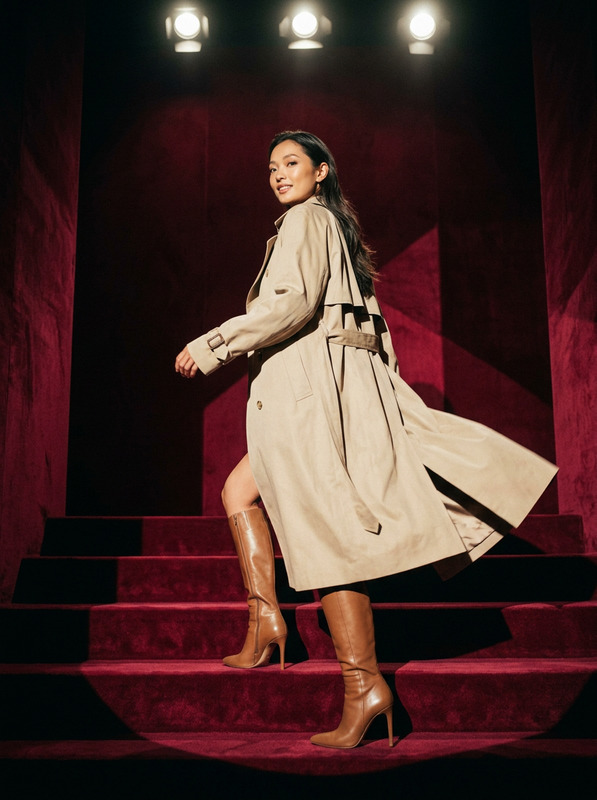
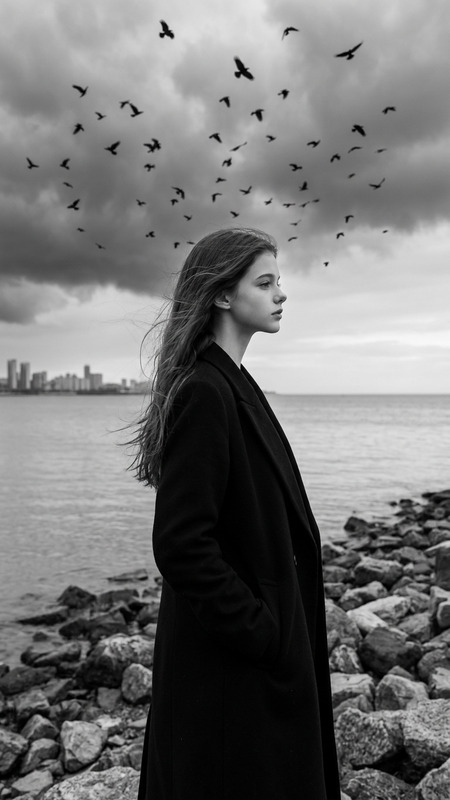
The "Rooftop Spotlight" AI Image Editor template allows you to create ultra-realistic, cinematic portraits while maintaining the identity of your subject. Utilizing the advanced capabilities of the gpt-image-2 model, this template delivers Hollywood-quality images that combine dramatic lighting and rich color grading, accentuating every detail from facial features to garment textures.
What It Does
The "Rooftop Spotlight" template takes a reference image and transforms it into a high-quality editorial portrait of a young adult man on an urban rooftop at night. The template ensures that the individual's unique facial features, hairstyle, and natural expressions are preserved without beautification. The spotlight effect is engineered to highlight the subject and their clothing with realistic detail, perfect for those needing premium images for campaigns or portfolios.
Who It's For
This template is ideal for photographers, brands, and designers looking for a polished editorial look in their imagery. It's perfect for creating standout visuals in marketing materials, digital media, and print, offering an unparalleled level of detail and stylistic richness that can elevate any project. It's also suitable for those in the entertainment industry needing photorealistic portraits for promotional content.
Summary
By using the "Rooftop Spotlight" template, creators can achieve an IMAX-quality portrait with a distinctive cinematic feel. The template showcases the AI Image Editor's capabilities, ensuring that every photo retains authenticity while appearing ready for publication in high-end media outlets. Whether you are showcasing a fashion statement or creating content for ads, this tool enhances every detail.
How To
Choose the Template

Customize Your Inputs

Generate Your Image

Use Cases
Fashion Editorials
- High fashion shoots
- Brand campaigns
- Luxury magazines
Film and Media Promotions
- Movie posters
- Actor headshots
- Event promotional materials
Personal Portfolios
- Modeling portfolios
- Actor eye-catchers
- Artist self-presentations
Best Practices
Choose the Right Reference
When selecting a reference image, ensure it is clear and high-quality as the AI relies on these details to maintain facial accuracy.Consider Lighting and Composition
For best results, consider the existing lighting and angles in your reference image to maximize the depiction of reality by the AI editor.Refine through Iteration
Feel free to iteratively test with different images to find the exact cinematic style and ambiance you desire.