Simplicity Works (M)
- Model
- Nano Banana Pro
- Image
- 2048 × 2048 px
Prompt
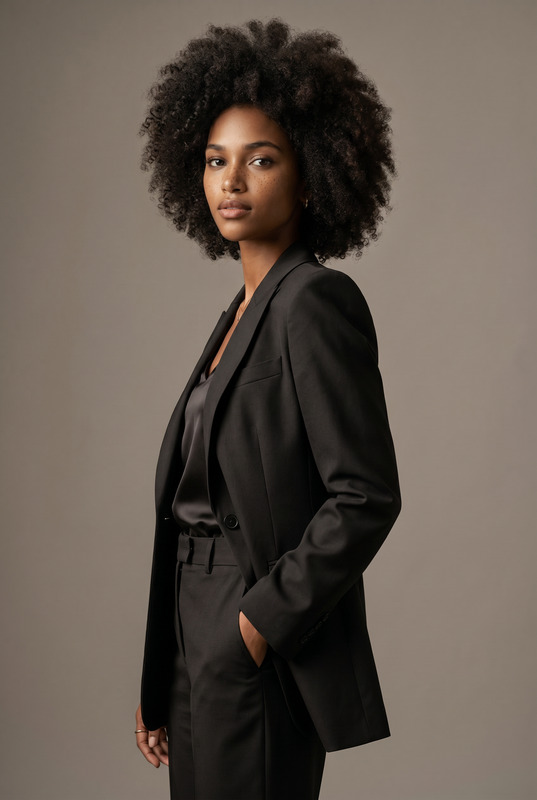
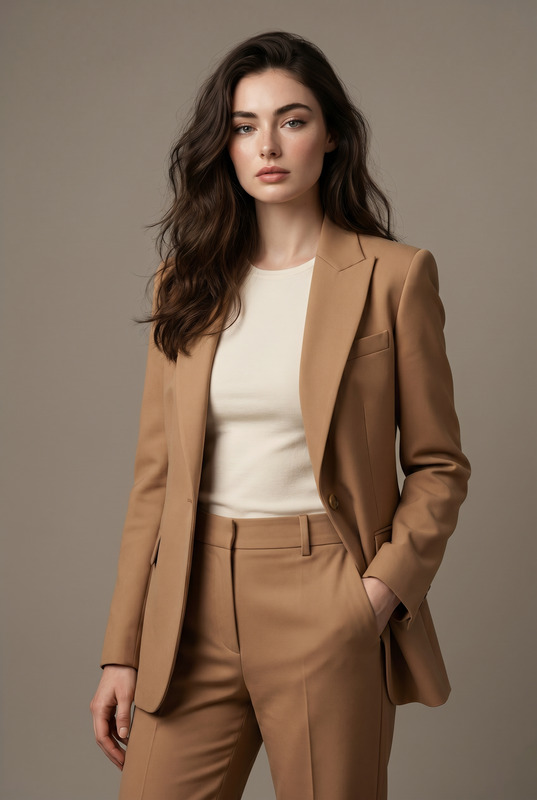
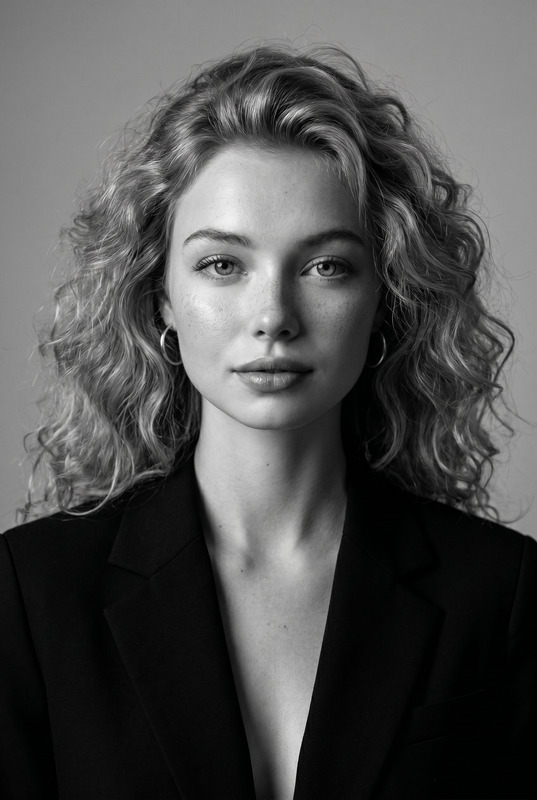
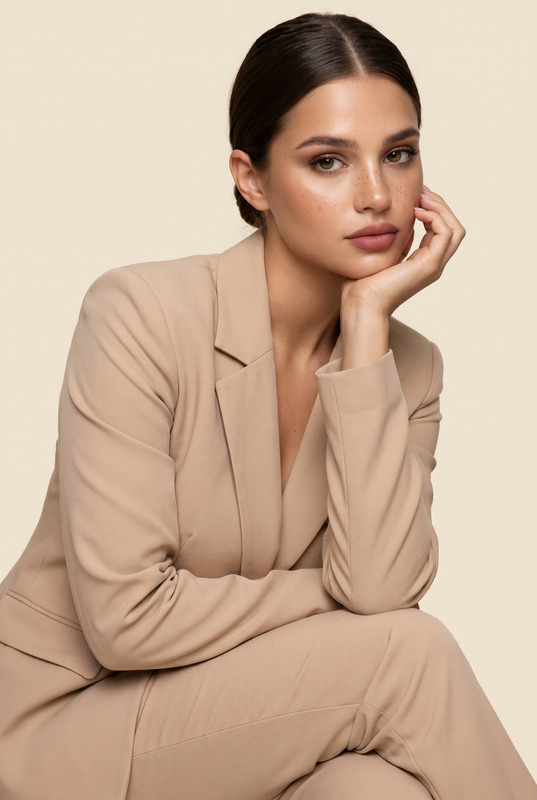
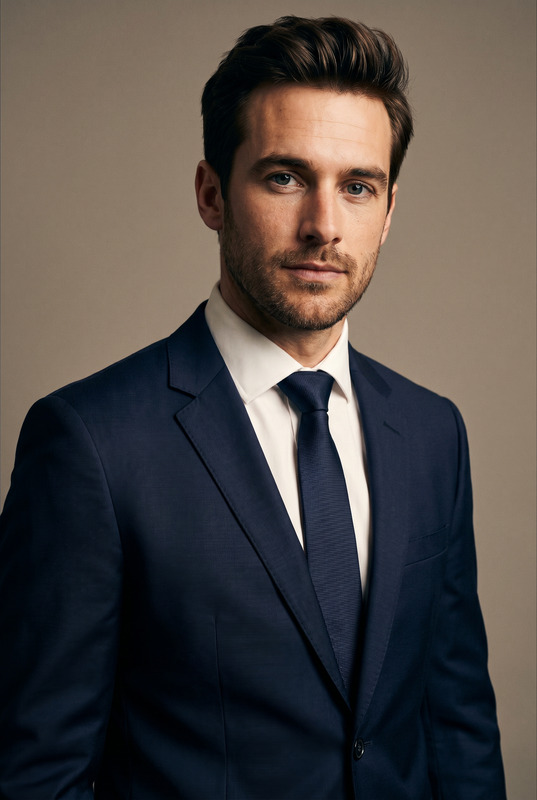
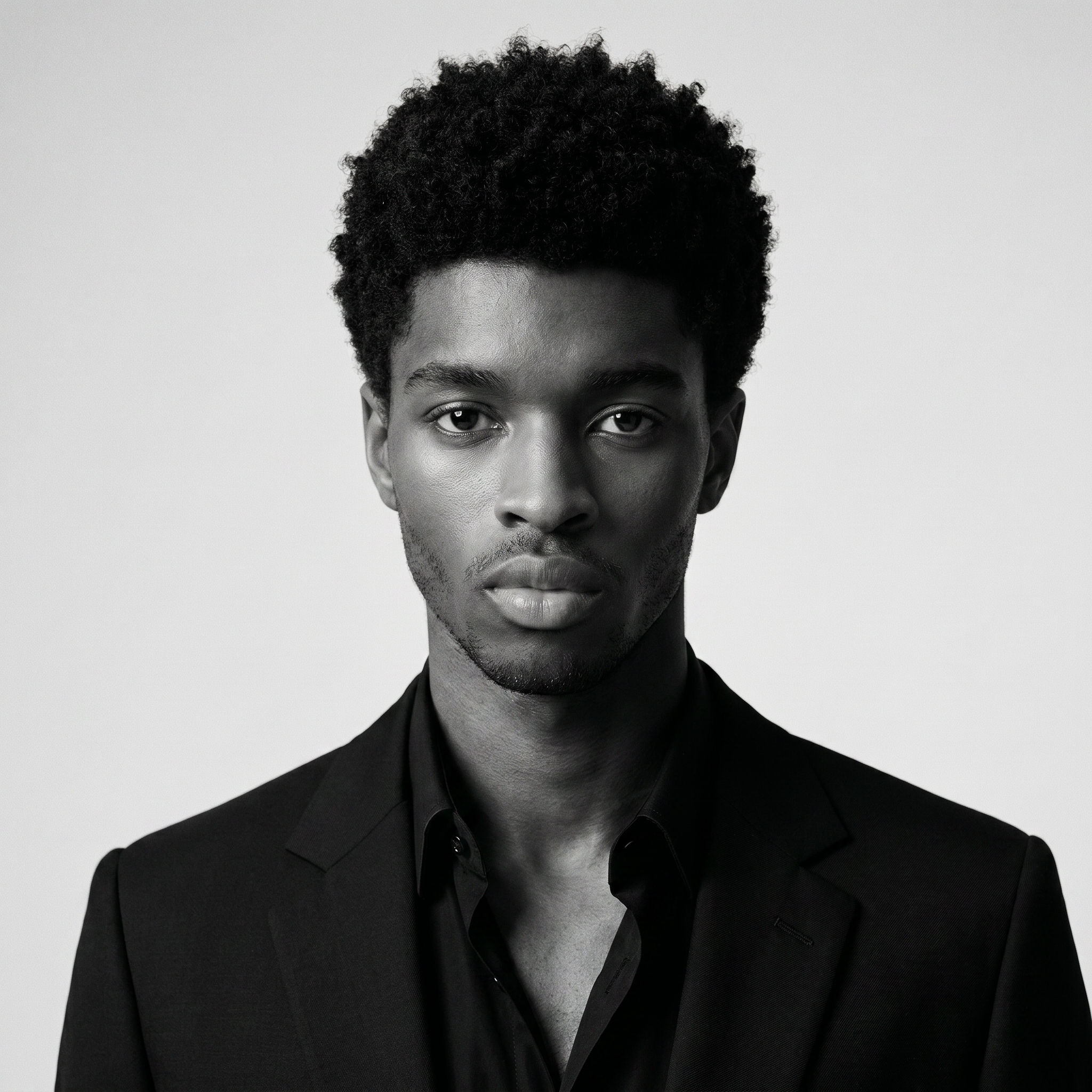
Transform the uploaded face-edited portrait into a striking monochrome luxury studio headshot editorial featuring a confident modern male model. The subject is centered in frame with direct eye contact, wearing a sharp black tailored blazer over a partially open black shirt, clean masculine styling, defined jawline, textured curly hair with natural volume. Calm confident expression, refined masculine energy, ultra realistic skin texture, subtle stubble detail, elegant high-fashion grooming. Shot in dramatic black and white with cinematic studio lighting, rich contrast, soft shadows sculpting the face, luxury Vogue Homme editorial aesthetic, iconic fashion magazine portrait, shallow depth of field, medium-format photography look, premium editorial retouching, timeless masculine elegance, shot on 85mm lens, museum-quality monochrome portrait, highly detailed realistic photography. GQ cover aesthetic, luxury menswear campaign, old money masculine elegance, timeless gentleman portrait, Dior Homme campaign vibe, cinematic monochrome photography, elite male fashion editorial, sophisticated businessman aura Effects: black and white cinematic grading, masculine luxury editorial, soft Rembrandt lighting, subtle film grain, fine art portrait aesthetic, deep contrast, premium monochrome fashion campaign, timeless gentleman vibe Negative Prompt: blurry, low quality, CGI, cartoon, distorted anatomy, asymmetrical eyes, overprocessed skin, plastic texture, unrealistic hair, warped face, extra facial features, noisy image, watermark, text artifacts, feminine makeup
Any aspect ratio
Overview
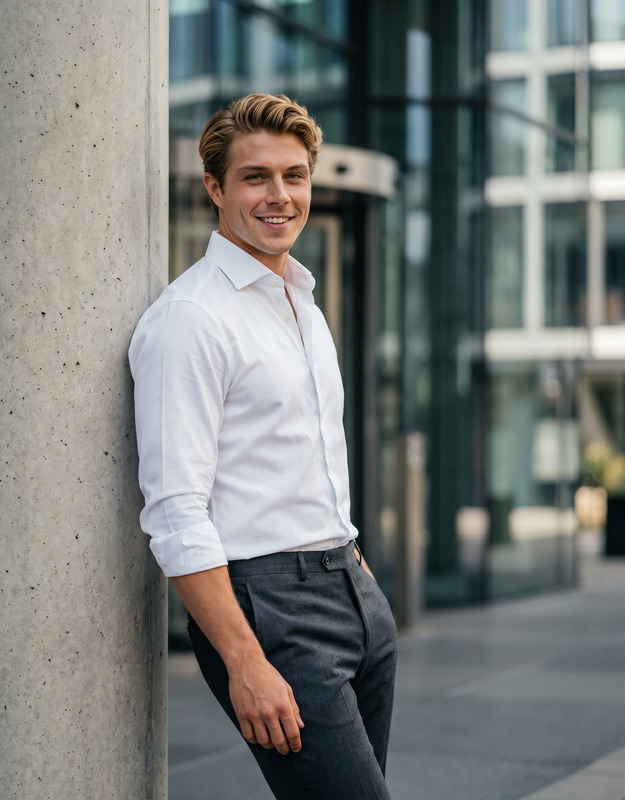
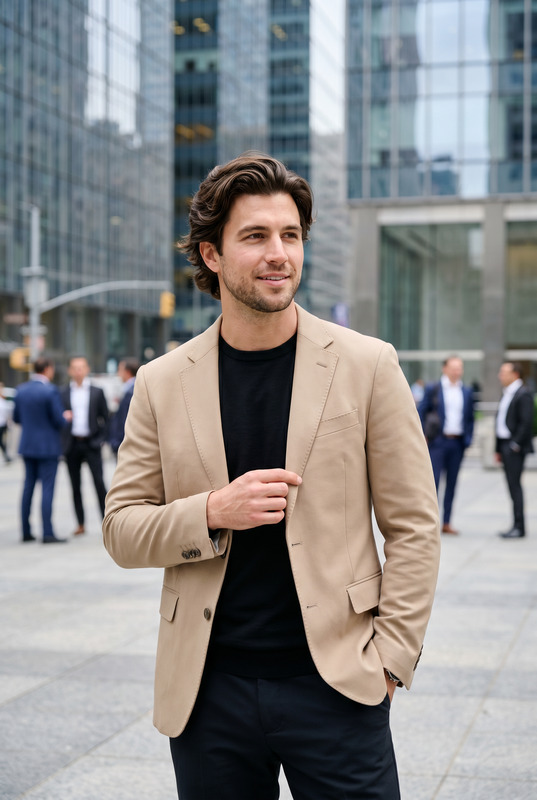
Simplicity Works (M) offers a transformative experience through its AI Image Editor template. Designed to create striking monochrome portraits, this model focuses on capturing high-class, masculine elegance in black and white. With the precision of the nano-banana-pro model, every detail from textured hair to subtle stubble is rendered meticulously.
What It Does
The template transforms face-edited portraits into dynamic, high-fashion studio headshots. It employs cinematic lighting effects and fine art portrait grading to achieve a luxurious editorial look reminiscent of elite fashion magazines. The end result is a museum-quality monochrome portrait that projects sophistication and style, perfectly suited for campaigns or editorial spreads.
Who It's For
This tool is ideal for photographers, fashion editors, and creative agencies focusing on high-end male portraiture. It's also an asset for brands aiming to create a refined, masculine image for their advertising campaigns. Whether you're involved in a product photography project or crafting a new fashion editorial, this tool delivers exceptional quality with a professional finish.
Summary
Simplicity Works (M) leverages precision editing and premium effects to convert images into iconic fashion portraits. The AI Image Editor suits creative professionals and brands seeking to elevate their visual content with timeless masculine elegance.
How To
Choose Your Template

Customize Your Inputs

Generate Your Image

Use Cases
Fashion Editorials
- Vogue Homme style editorials
- Luxury menswear campaigns
- Sophisticated portraiture
Brand Campaigns
- Dior Homme campaign vibe
- Elegant high-contrast portraits
Personal Branding
- LinkedIn profile images
- Portfolio headshots
Best Practices
Start with High-Quality Images
For optimal results, upload face-edited portraits that are sharp and clear, with an emphasis on details like hair texture and skin quality.Adjust Lighting and Contrast
Use the tool's lighting and contrast settings to enhance the dramatic effect, ensuring that the portrait retains a natural look.Utilize the Model for Realism
The nano-banana-pro model excels at creating realistic skin textures and facial features, so fine-tune these aspects to suit the desired look.