Instagram Creator
- Model
- GPT Image 2
- Image
- 1024 × 1024 px
Prompt
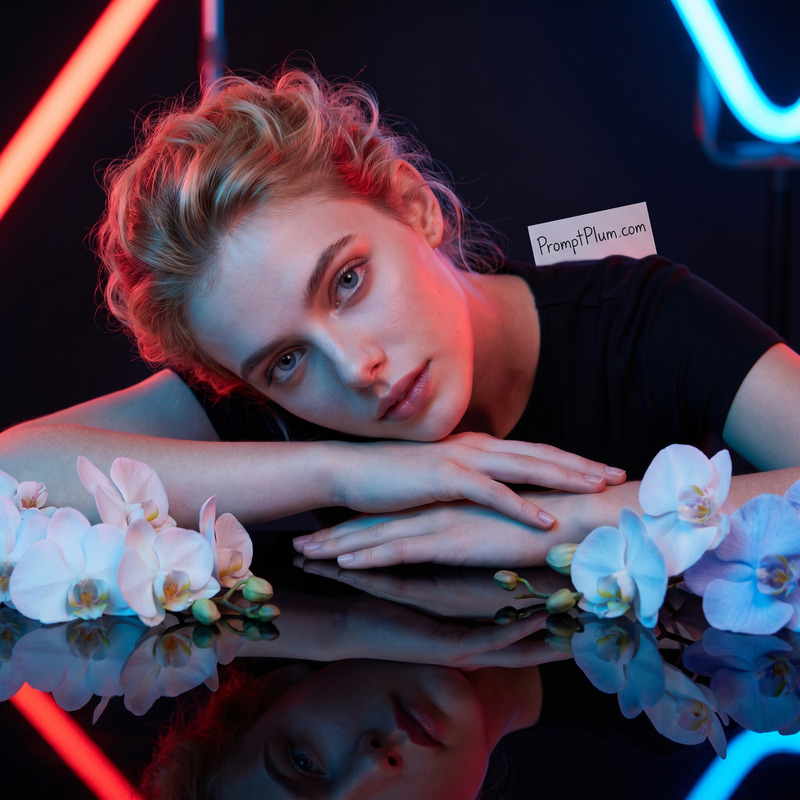
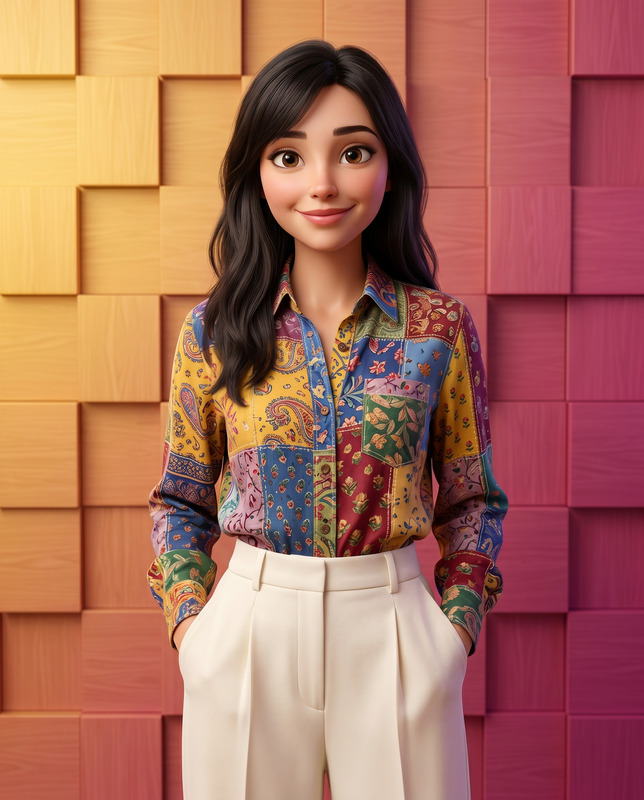
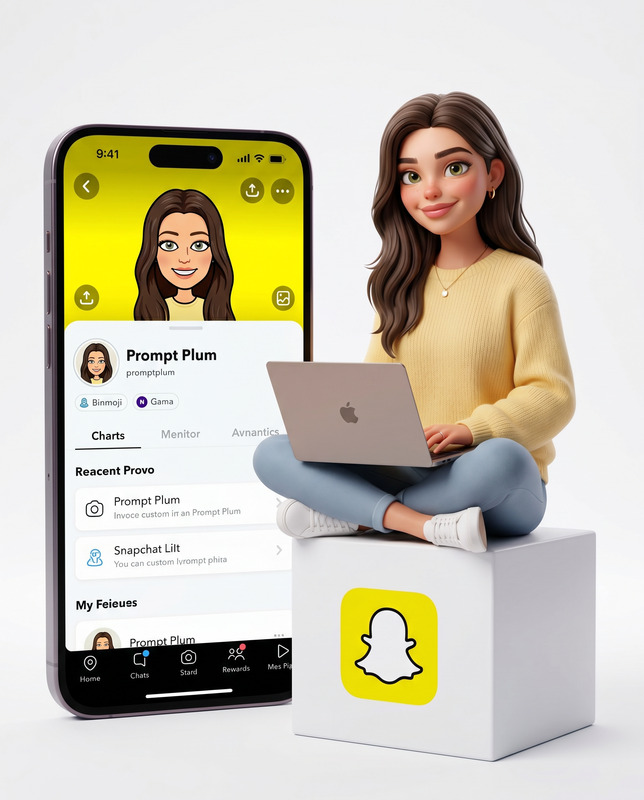
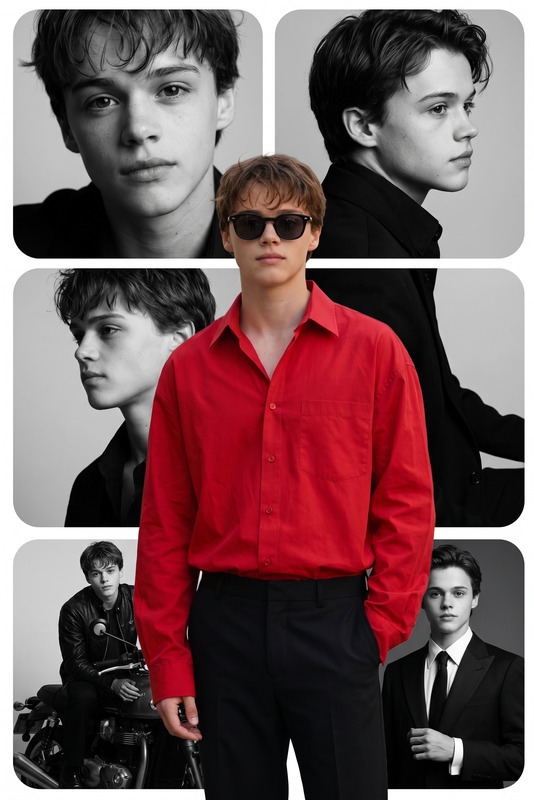
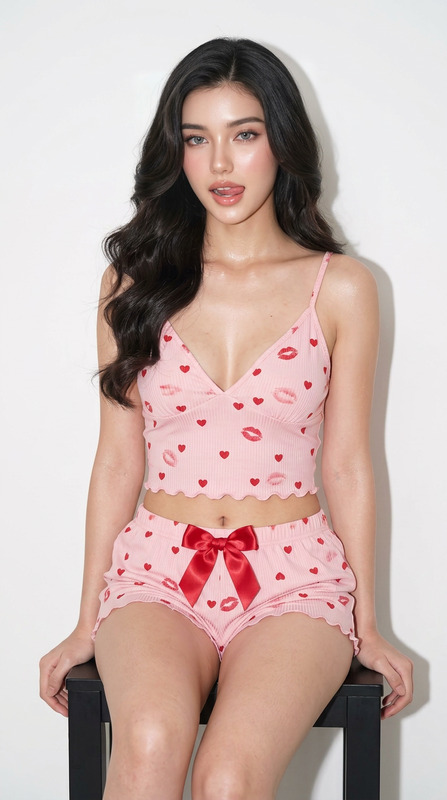
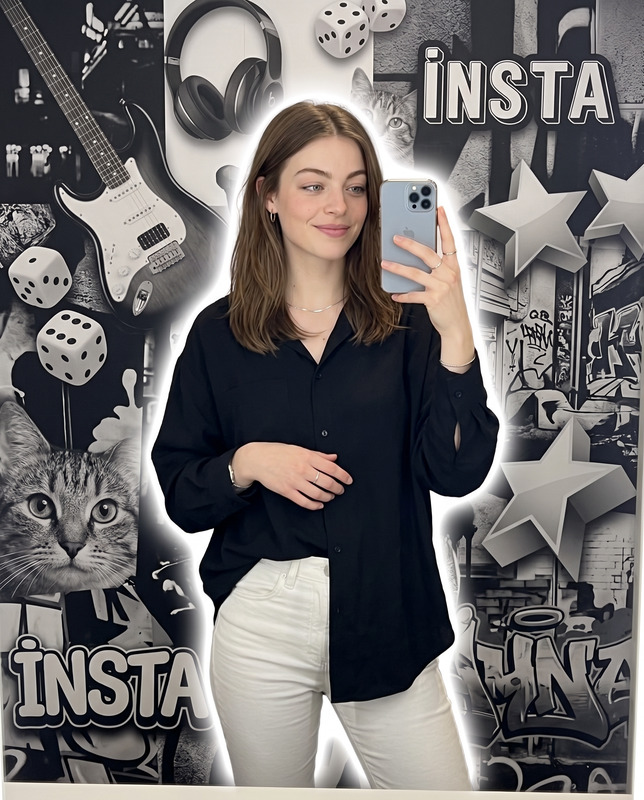
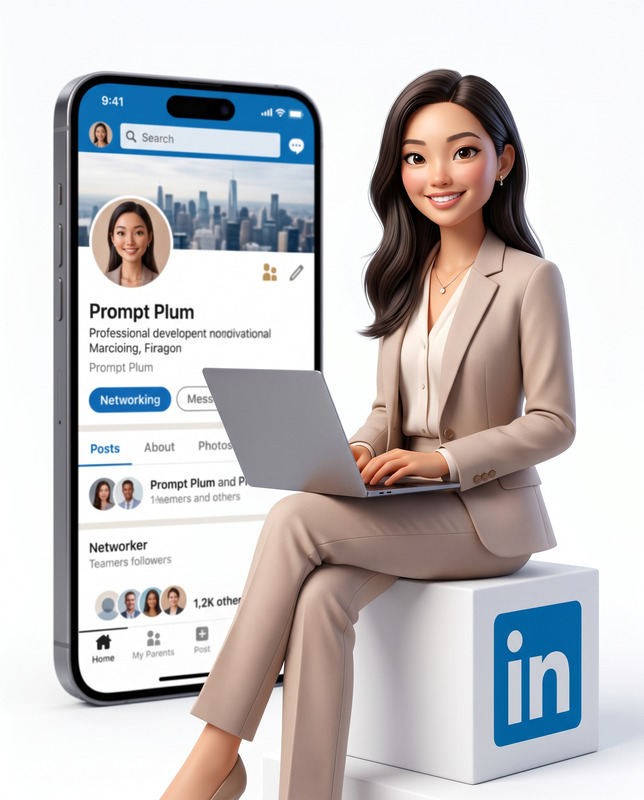
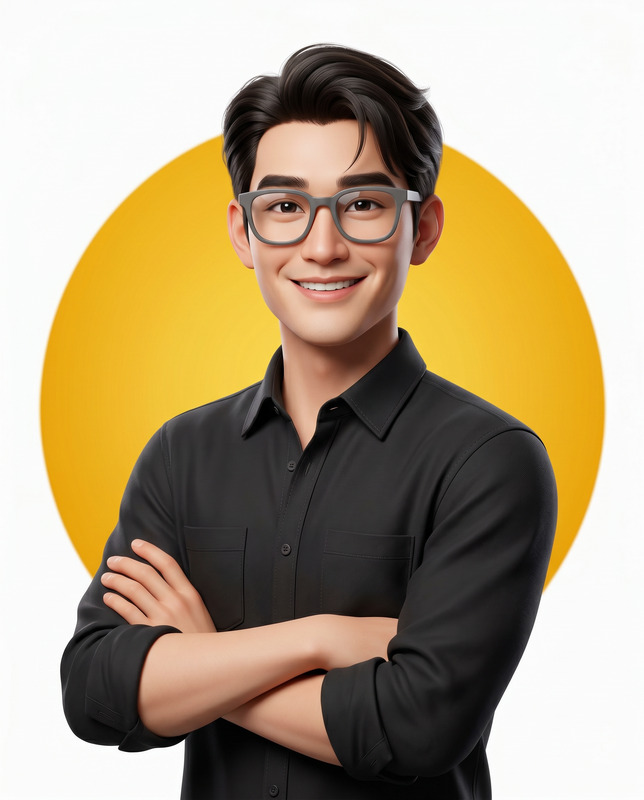
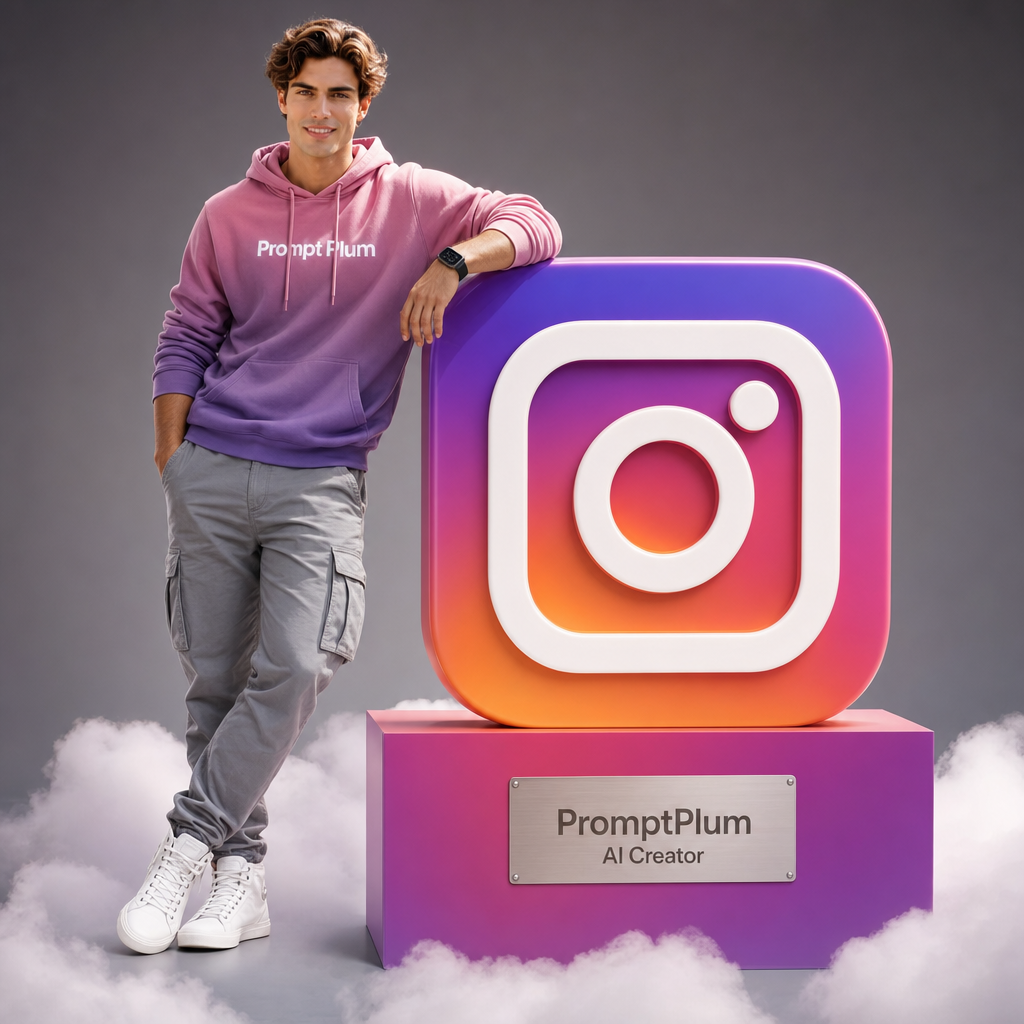
Use the uploaded reference image as the exact identity reference and preserve 100% facial accuracy, including identical face shape, eyes, eyebrows, nose, lips, jawline, ears, skin tone, facial proportions, facial asymmetry, hairstyle characteristics, and all unique facial features. Maintain the exact same person from the uploaded photo with zero identity drift, no beautification that changes facial structure, no facial reconstruction, and no age modification. Create a 4:5 aspect-ratio hyper-realistic 8K studio photograph captured with a 50mm lens from a slightly low angle, featuring the reference person smiling directly at the camera. The subject stands confidently with their left hand casually inside their pocket and their right arm bent while leaning naturally against a colossal three-dimensional stylized Instagram logo (rounded square camera icon). The Instagram logo is rendered using official Instagram gradient colors transitioning from magenta to pink to purple to orange, featuring smooth glossy surfaces, sharp edges, premium reflections, and luxury product-design quality. The subject wears a pink-to-purple gradient hoodie with "Prompt Plum" printed in clean white lettering across the chest, grey cargo pants with realistic pockets, stitching, subtle creases, and pristine white high-top sneakers. A dark smartwatch is visible on the right wrist. The subject stands on the floor while the giant Instagram logo sits atop a rectangular pink-to-purple gradient plinth surrounded at the base by soft volumetric white clouds creating a dreamy floating effect. A metallic plaque is mounted on the front of the plinth displaying the text "PromptPlum" and "AI Creator" in a clean modern sans-serif font. Cinematic studio lighting with soft frontal illumination, balanced fill lighting, and subtle rim lighting along the left side of the body creates realistic depth, polished highlights, and soft natural shadows. Background is a clean grey gradient studio backdrop, slightly darker toward the edges to emphasize the subject and logo. Hyper-detailed clothing textures, realistic hoodie fabric, cargo pant stitching, sneaker materials, smartwatch reflections, polished logo surfaces, metallic plaque details, volumetric clouds, global illumination, HDR lighting, ray-traced reflections, ultra-sharp focus, DSLR-quality realism, premium commercial branding photography, masterpiece quality. Important: the face must remain instantly recognizable as the exact same person from the uploaded reference image with maximum identity preservation and perfect facial consistency.
Any aspect ratio
Overview
Capture the essence of personal branding and style in your Instagram visuals with the "Instagram Creator" AI Image Editor template. This advanced template leverages the gpt-image-2 model to ensure every detail in your imagery is as exact as the reference you provide. Designed for creators who demand precision and high fidelity, this template allows you to make studio-quality, hyper-realistic 8K images that preserve every unique facial characteristic.
What It Does
At the core of the "Instagram Creator" template is the ability to generate hyper-realistic 8K photographic content from a reference image while maintaining perfect facial consistency. It reproduces fine details such as facial features, clothing textures, and commercial branding elements with DSLR-quality realism. The AI ensures your uploaded subject retains their identity without any alteration or beautification.
This template is perfect for content that requires intricate detail, from the lighting and shadows to the reflective surfaces. If visual precision is key for your project, this template aligns with tools like the AI Image Editor to offer nuanced, lifelike results.
Who It's For
This template caters to Instagram creators, digital marketers, and branding professionals who focus on maintaining visual identity and produce high-quality images for social media and campaign collateral. Whether you're using these images for product videos, advertisement campaigns, or personal branding projects, the "Instagram Creator" template will ensure your visuals are both striking and consistent.
Summary
The "Instagram Creator" template offers tools to craft stunning, atmospheric images with high fidelity to the uploaded reference. By combining the capabilities of the AI Image Editor and the advanced gpt-image-2 model, it provides a seamless workflow for creating hyper-realistic visual content suitable for commercial and personal use. This template is ideal for professionals looking to preserve identity and brand aesthetics in their digital content.
How-To
Choose Your Template

Customize Your Inputs

Generate Your Image

Use Cases
Social Media Branding
- Maintain facial consistency across campaigns
- Create branded images for online profiles with the same identity
Product Launch Promotions
- Include personalized images in launch campaigns
- Highlight products with professional aesthetics
Profile Picture Customization
- Consistent identity across all images
- Refined visuals with brand-centric designs
Best Practices
Maintain Reference Quality
Use high-resolution images as references to ensure maximal detail and accuracy in outputs.Perfect Lighting Conditions
Customize lighting settings to meet the specific needs of your project for the best results.Consistent Branding Elements
Ensure all branding elements like logos and text are accurate and vivid, reflecting your brand identity flawlessly.