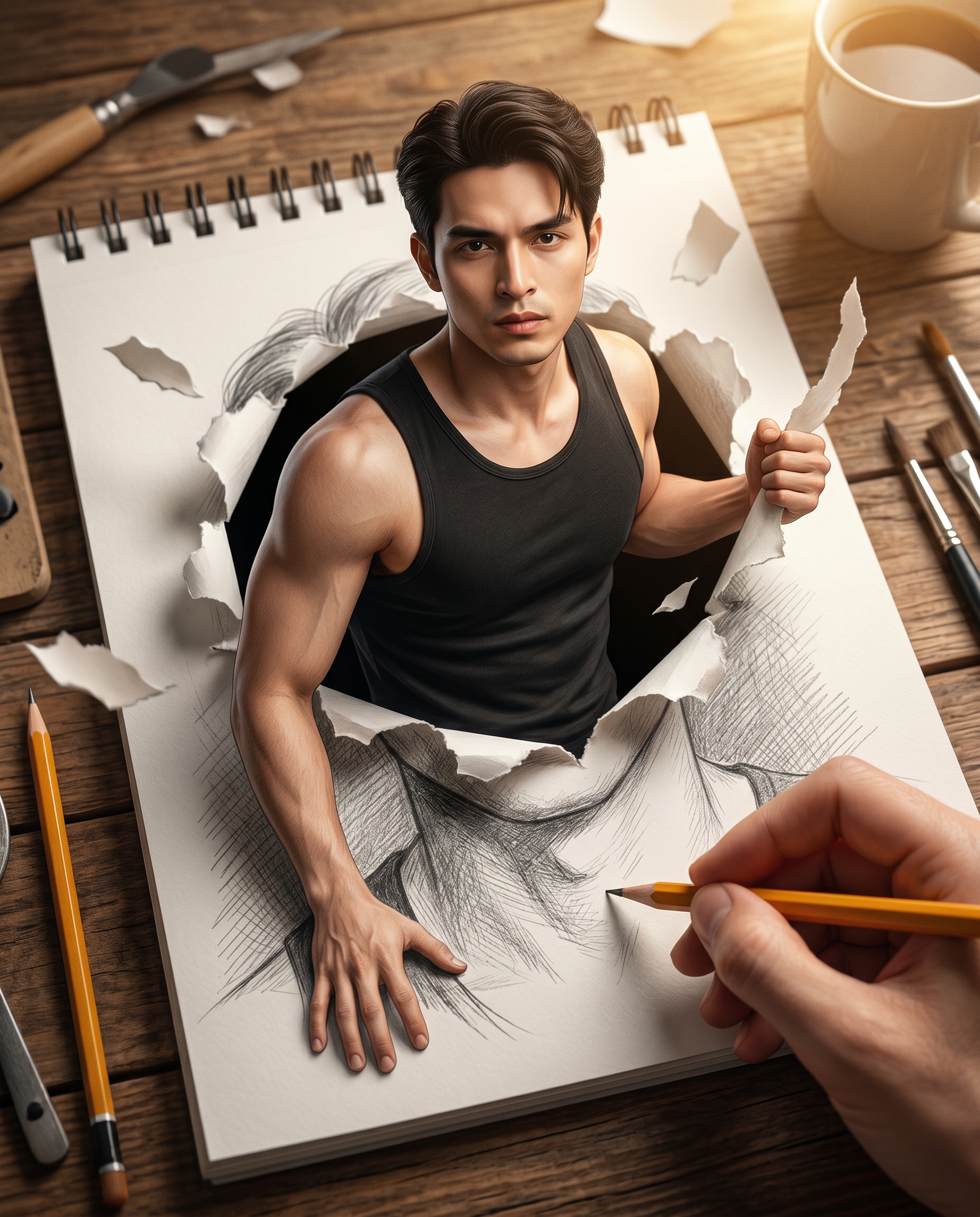
The Living Portrait
- Model
- Nano Banana 2
- Image
- 1856 × 2304 px
Prompt
Create a cinematic, hyper-realistic 3D illustration blending photorealism with magical realism. Use the uploaded reference image strictly for facial identity and likeness. The scene shows a handsome man dramatically emerging from the torn pages of a spiral-bound sketchbook placed on a warm rustic wooden artist’s desk, as if the pencil drawing is becoming real. Identity & Appearance: Preserve the subject’s exact facial identity from the reference image, including facial structure, jawline, beard shape and density(if present in the reference image), hairstyle length and shape, skin tone, eye shape, nose proportions, and natural facial details. Do not beautify or alter the identity. His expression should be slightly intense, focused, and serious, but not angry, sad, or aggressive. His gaze is directed straight toward the viewer. He wears a fitted black sleeveless tank top, revealing toned shoulders and arms with realistic skin texture. Main Concept: The sketchbook page contains an ultra-detailed graphite pencil portrait of the same man, drawn with fine cross-hatching, realistic shading, visible pencil strokes, and strong facial detail. The man is breaking through the drawing into the real world. The paper around the portrait is ripped open into an irregular torn hole, with rough paper fibers, curled edges, and layered torn texture. Pose & Action: The man emerges from the sketchbook in a powerful but natural motion. His right hand grips the ripped paper edge and pulls it outward. His left arm extends forward and rests naturally on the sketchbook surface, stabilizing his body as he rises from the page. Keep the anatomy realistic, with correct arm proportions, natural hand structure, and believable interaction with the paper. Small torn paper fragments and paper fibers float around the opening, creating motion, depth, and a strong illusion of transformation. Foreground Artist Hand: In the lower foreground, show a realistic human hand holding a sharpened yellow wooden pencil. The pencil tip is close to the neckline area of the graphite portrait, as if the artist is still sketching the drawing while it becomes real. The hand should look natural, properly scaled, and slightly closer to the camera, adding a meta-illusion effect without blocking the main subject. Environment & Desk Details: The spiral-bound sketchbook lies open on a rustic wooden artist’s desk with visible warm wood grain, scratches, and natural imperfections. The spiral binding must be clearly visible along the left side of the sketchbook. Around the scene, include softly blurred artist tools: a metal pencil holder filled with pencils and brushes, loose graphite pencils, a small paint tube, a ceramic coffee mug, and scattered drawing tools. Keep these background objects secondary and softly out of focus so the man, torn paper, and sketchbook remain the main focus. Lighting: Use warm golden cinematic light streaming from the upper right side, illuminating the man’s face, shoulders, arms, and the torn paper edges. Add soft highlights on the skin, paper fibers, pencil strokes, and desk texture. Create gentle shadows across the sketchbook and desk for depth. Add subtle rim lighting around the torn paper and the subject’s silhouette to enhance separation and realism. Materials & Texture: Render highly detailed torn paper fibers, curled page edges, graphite shading, visible pencil strokes, realistic skin pores, natural facial texture, matte cotton texture on the black tank top, and detailed rustic wood grain. Avoid plastic-looking skin, overly smooth textures, cartoon styling, or fake CGI shine. Composition & Camera: Vertical 4:5 aspect ratio. Eye-level cinematic camera angle. The subject emerging from the sketchbook should occupy roughly 65–75% of the frame. Keep the face, hands, torn paper, pencil, and spiral binding clearly visible. Use shallow depth of field: sharp focus on the man, torn paper, graphite portrait, and foreground pencil interaction, with background art supplies softly blurred. Maintain a balanced composition with strong visual depth and no awkward cropping. Atmosphere & Style: The image should feel like a magical realism moment frozen between imagination and reality, where fine-art pencil drawing transforms into a living person. The final result must be cinematic, immersive, dramatic, premium, and visually striking, combining photorealistic 3D rendering with realistic graphite illustration details. Quality: Ultra-detailed, photorealistic textures, realistic anatomy, cinematic color grading, high dynamic range, crisp focus, studio-quality rendering, 8K-level detail, professional fantasy editorial artwork. Negative Instructions: Do not change the subject’s identity. Do not make the expression angry, sad, scary, or overly dramatic. Do not crop the face or hands. Do not hide the spiral binding. Do not make the paper tear look flat. Do not make the pencil hand too large or unnatural. Do not add extra text, logos, watermarks, random symbols, d
Any aspect ratio
Overview
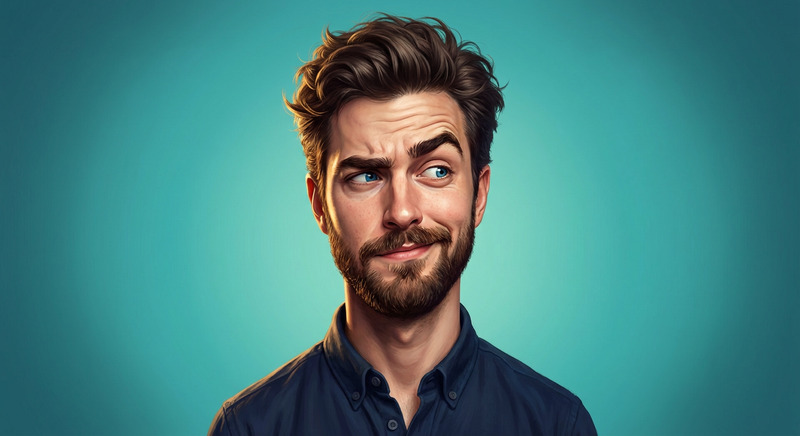
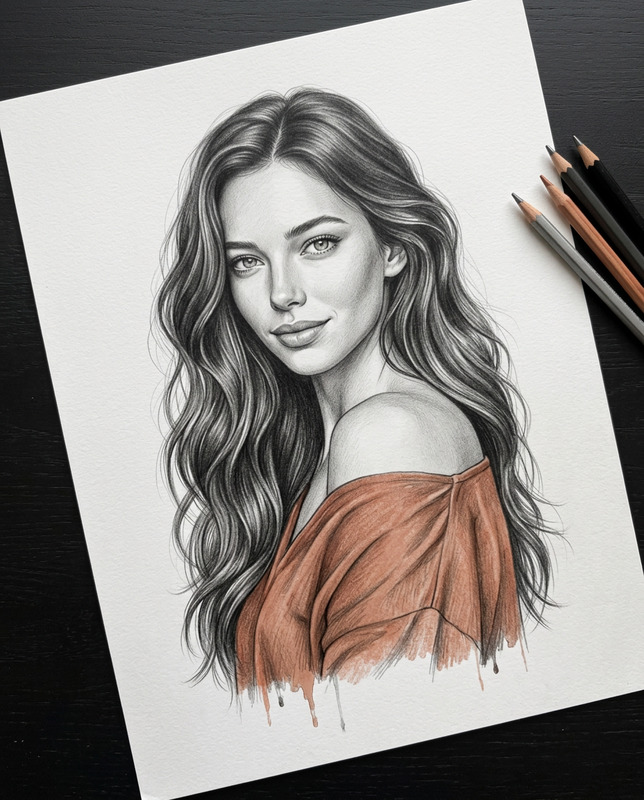
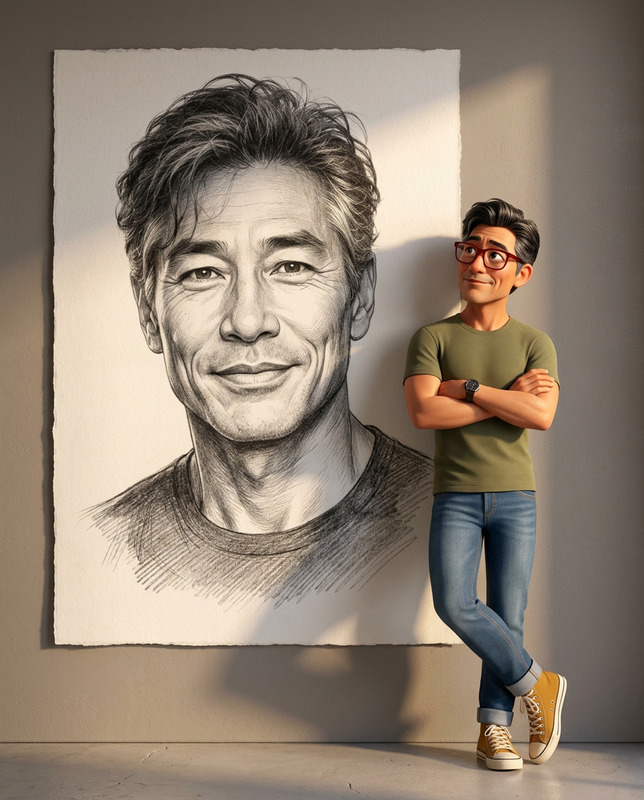
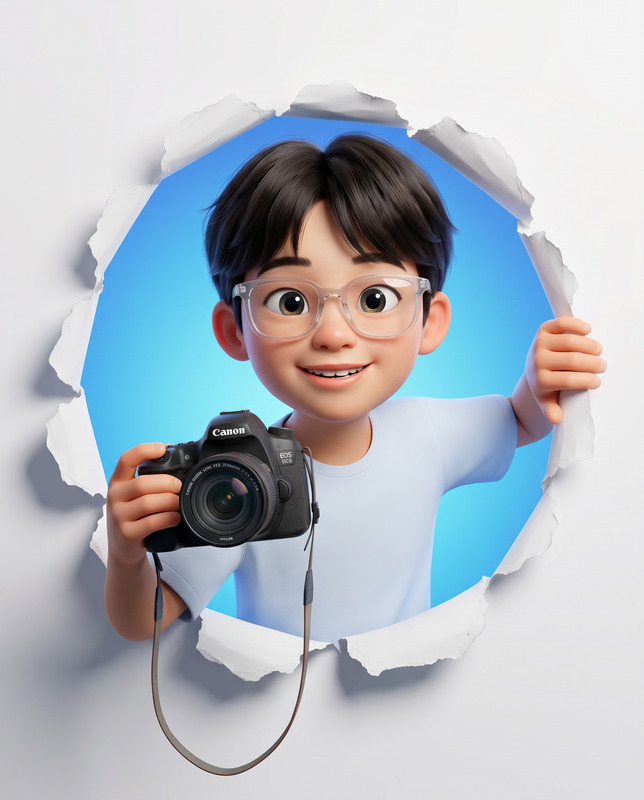
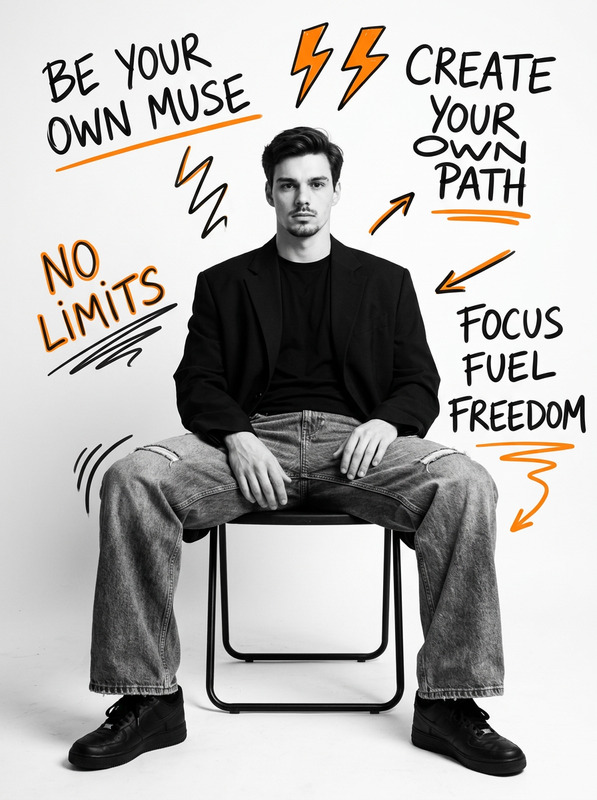
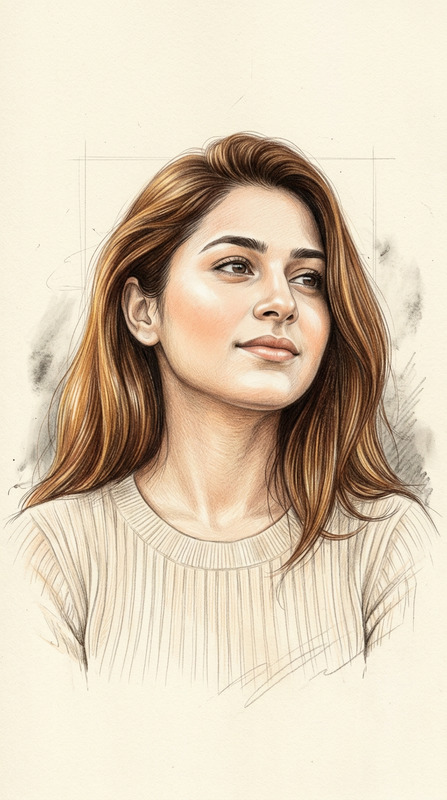
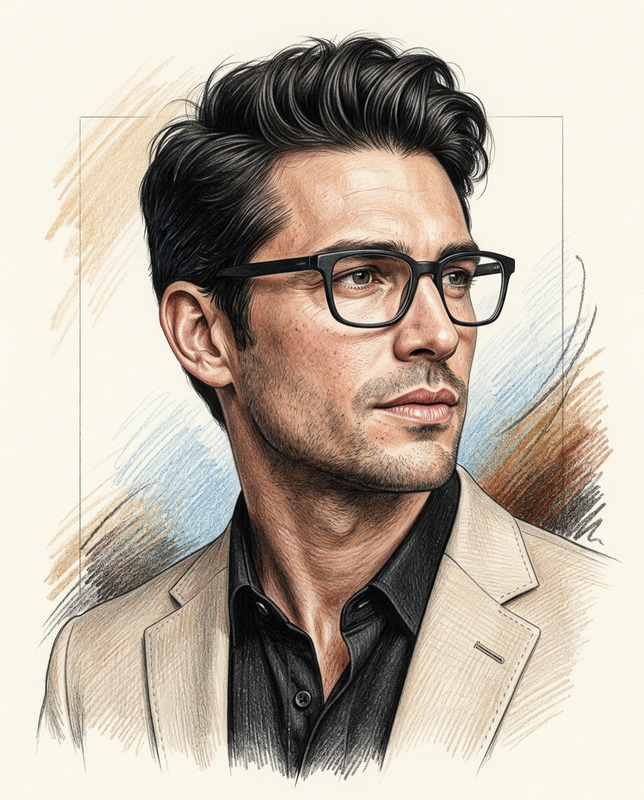
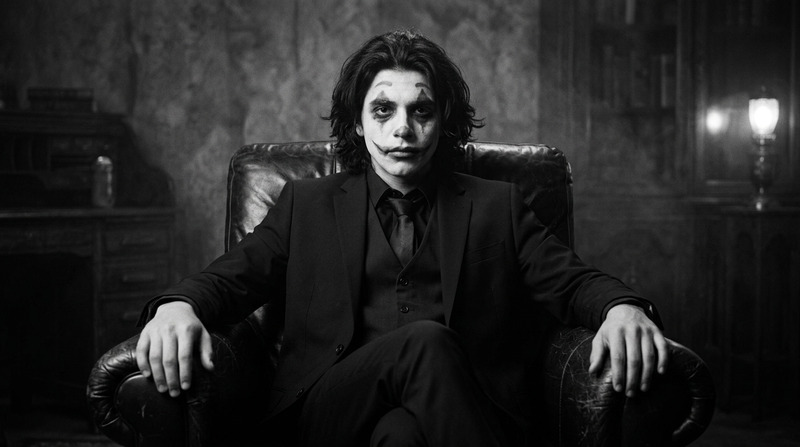
The Living Portrait template transforms static images into dynamic artworks that blur the line between reality and imagination. This AI Image Editor approach utilizes the nano-banana-2 model to bring subjects to life with hyper-realistic detail and magical realism. Ideal for those looking to push the boundaries of digital art and storytelling.
What It Does
This template takes a reference image and amplifies its expressiveness by merging elements of fine art and photorealistic rendering. It retains the subject's facial identity while constructing a scene where they appear to burst forth from a sketchbook. The blend of digital and artisanal aesthetics creates a compelling narrative perfect for visual storytelling or creative presentations.
Who It's For
The Living Portrait is ideal for digital artists, photographers, and creatives in the entertainment and marketing industries. If you're seeking to build storyboards with theatrical flair or produce engaging promotional materials, this tool lets your audience experience an immersive blend of reality and art.
Summary
The combination of the AI's capabilities and your creative vision results in a living masterpiece that captivates and intrigues. This template is a testament to how AI can augment artistic creation, offering a new dimension to traditional image editing without compromising on quality or detail.
How To

Customize

Generate

Use Cases
Art Gallery Displays
- Enhances physical art with digital elements
- Draws viewers into a narrative
Illustrative Storytelling
- Visualize complex stories easily
- Add depth to static presentations
Social Media Content
- Increases social media reach
- Capitalize on trendsetting visuals
Best Practices
Maintain Original Features
Ensure the uploaded image retains its original features to make the final product relatable and authentic.Focus on Lighting
Manipulate light settings to highlight the 3D aspects of your image, enhancing the magical realism effect.Background & Foreground Balance
Pay attention to detail in the background and foreground to enrich the overall composition without overpowering the central figure.