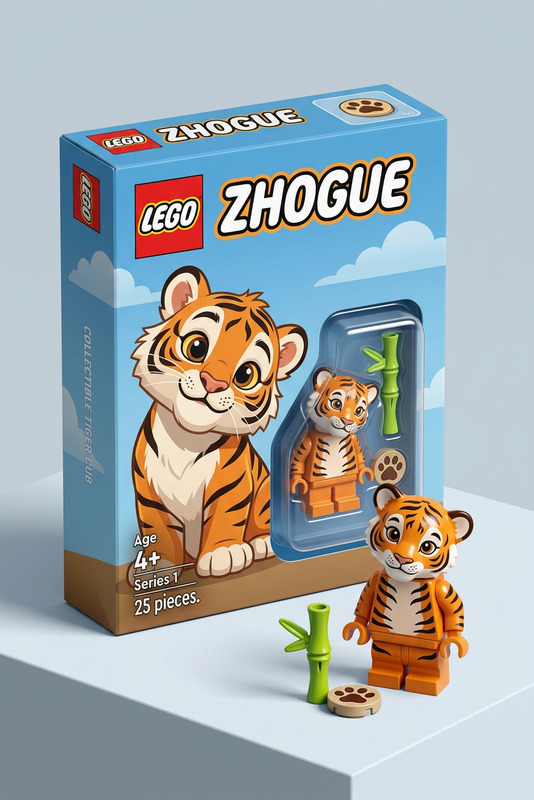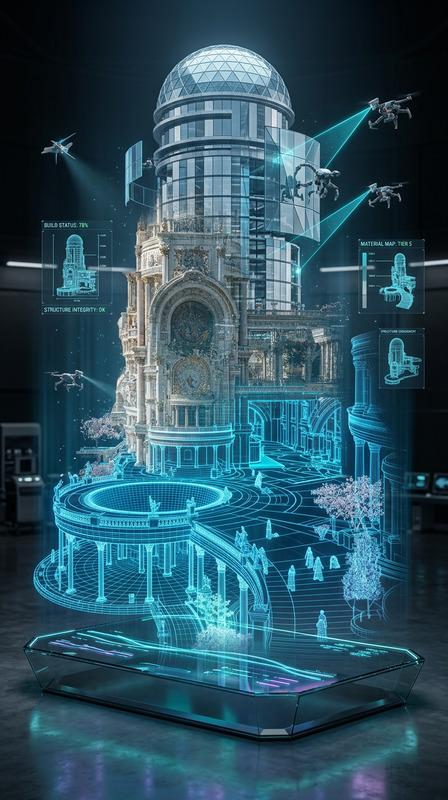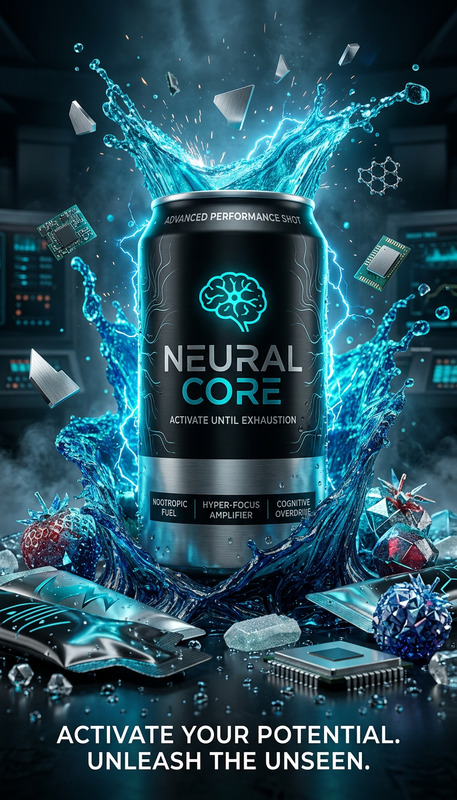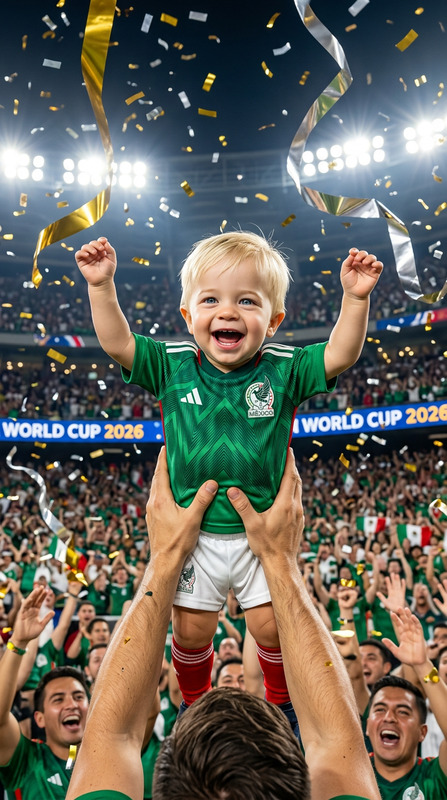
Lego Cup
- Model
- Nano Banana 2
- Image
- 768 × 1365 px
Prompt
Scene: A cinematic high-end commercial shot. A person is sitting in a dark minimalist studio. In front of them is a large golden LEGO FIFA World Cup trophy. Action: The person slowly and carefully moves their hand, holding a tiny LEGO minifigure (which is an exact 1:1 replica of themselves). They place the minifigure onto the very top of the golden LEGO trophy. They look down at the trophy with a focused and proud expression. Camera Movement: The camera starts as a medium shot and performs a slow, dramatic cinematic zoom-in (push-in), focusing tightly on the hand and the top of the trophy as the minifigure is placed. Visuals & Lighting: Ultra-realistic textures, 4k, 60fps. Sharp focus on the golden bricks and the minifigure. Dramatic studio lighting with soft shadows. The background is a solid dark textured wall. High-fashion aesthetic, masterpiece quality.
Any aspect ratio
Overview
The Lego Cup template offers a stunning AI-driven setup for creating cinematic, high-fashion visual content within an AI Image Editor. Built upon the powerful nano-banana-2 model, this template allows you to render ultra-realistic scenes featuring a unique LEGO FIFA World Cup trophy.
What It Does
This template crafts an immersive cinematic scene where a character interacts with a golden LEGO FIFA World Cup trophy. It leverages high-end commercial aesthetics with detailed textures, focusing on dramatic visuals and lighting. The template ensures 4k, 60fps video quality with precise control over the camera's movements for an enhanced storytelling experience.
Who It's For
Designed for creators and filmmakers aiming to produce high-quality, fashion-forward commercial imagery, the Lego Cup template is ideal for advertising agencies, content creators, and brands focused on upscale product placements. It's equally useful for educational content involving digital modeling, such as AI Image Generators or product demo videos.
Summary
With the Lego Cup template, turn your storytelling into a masterpiece with high-definition visuals and intricate details. This tool is perfect for creating engaging scenes that captivate your audience, utilizing the advanced capabilities of the AI Video Generator family. Ideal for projects demanding sophisticated visual presentation.
How to Use the Lego Cup Template
Choose the Template

Customize Your Scene

Generate and Export

Use Cases
Commercials
- Luxury brand advertising
- High-end product showcases
Promotional Videos
- Event promotions
- Brand storytelling
Educational Content
- Design and modeling tutorials
- Digital art courses
Best Practices
Focus on Details
Ensure your visual elements like the golden LEGO trophy and minifigure are perfectly detailed to leverage the template's high-definition capabilities.Leverage Lighting
Adjust studio lighting settings to highlight the high-fashion aesthetic and ensure soft shadows enhance the scene's depth.Optimize Camera Movements
Utilize the slow, cinematic zoom to naturally guide the viewer’s attention, enhancing the storytelling experience.