Soccer Skill

Soccer Skill

ai-image-editor

1 clip
0 uses

Any aspect ratio

Prompt

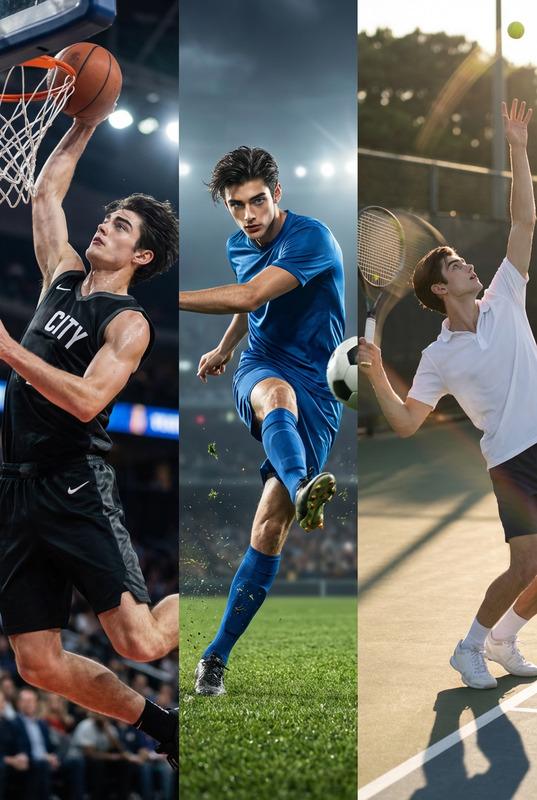
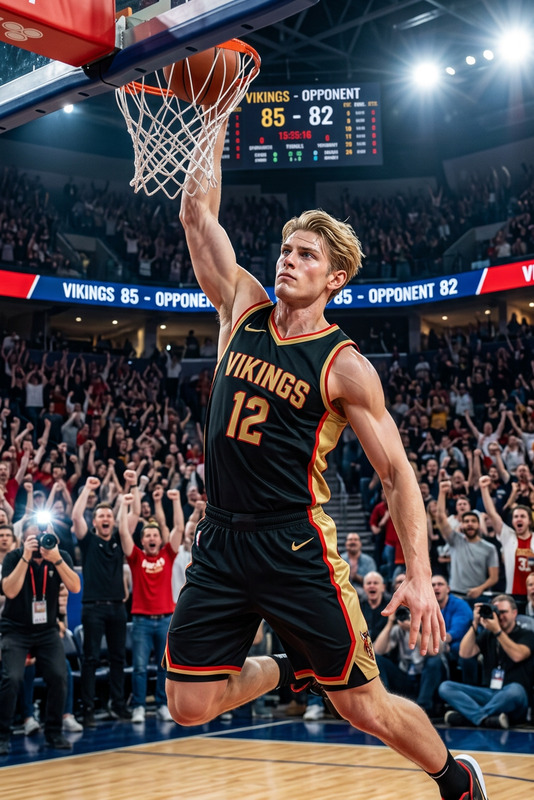
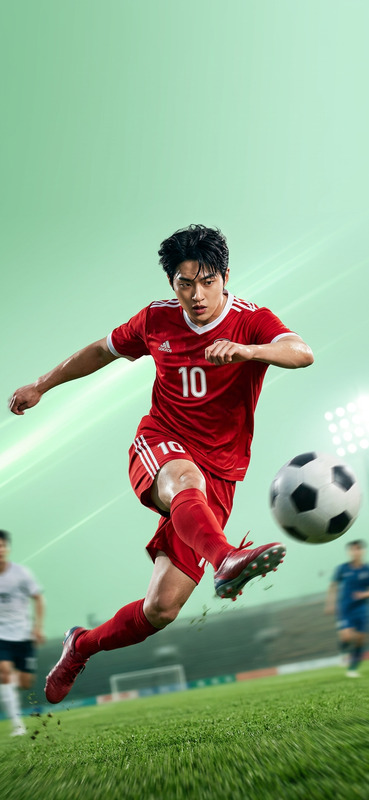
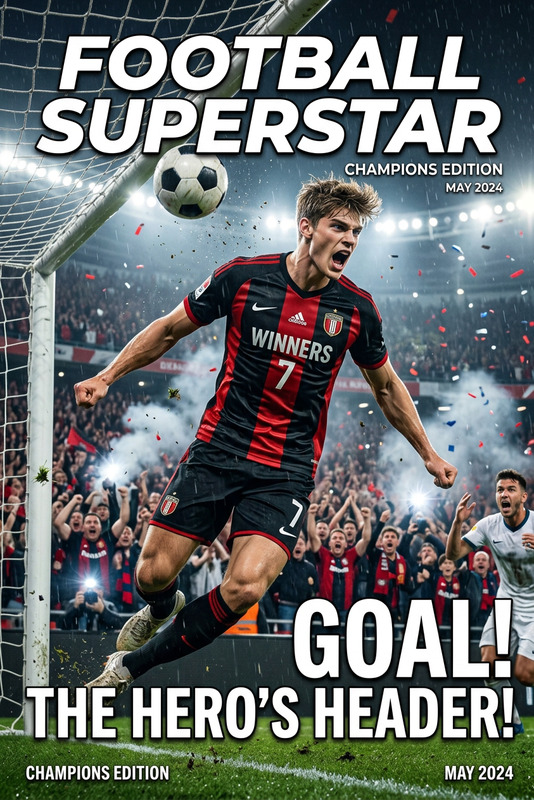
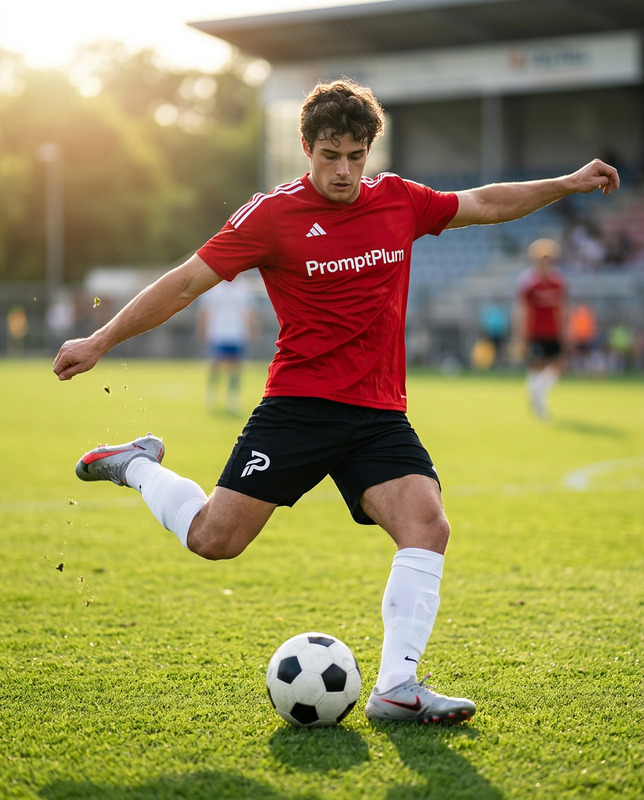
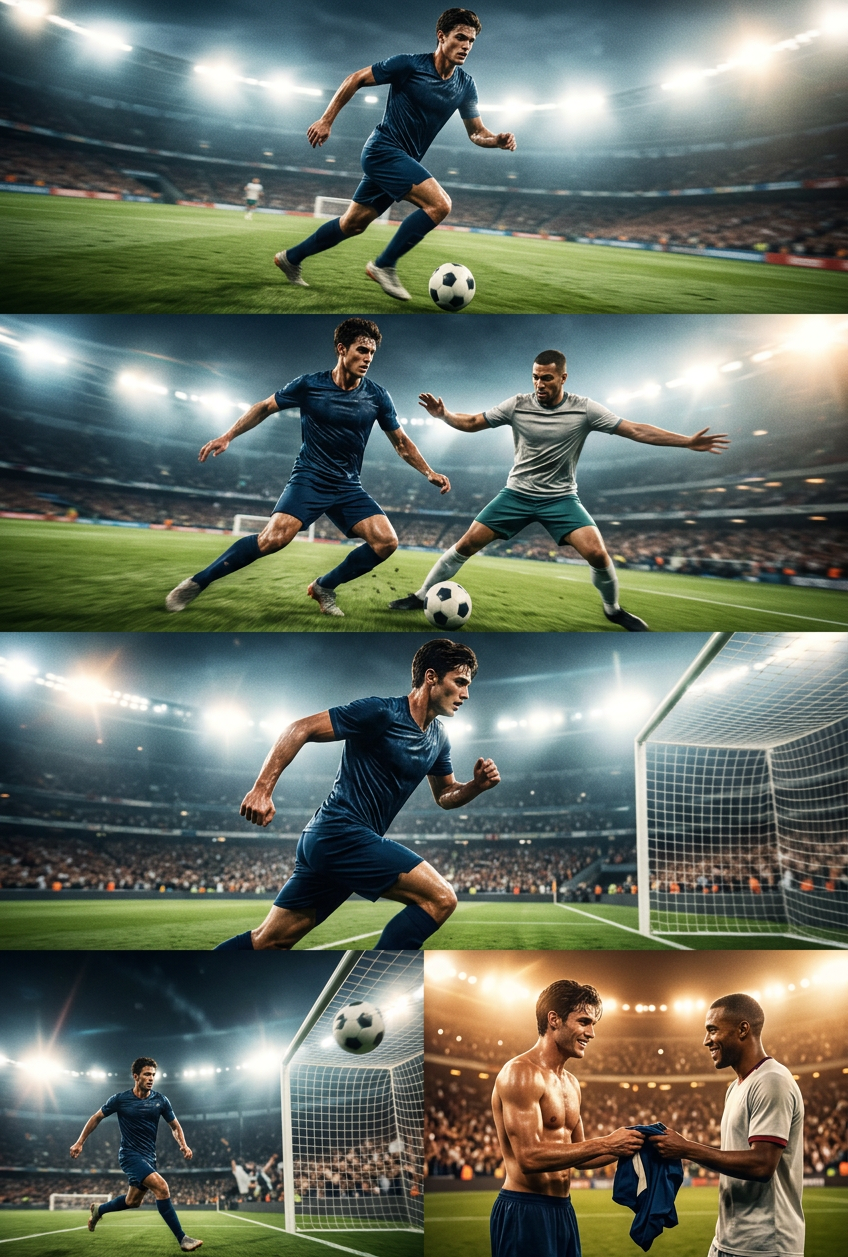
Subject is a cinematic football sequence: a player dribbles forward at high speed while the camera tracks smoothly with slight handheld shake; an opposing defender closes in, and the player performs fast footwork (step-overs, feint, sharp cut) to pass him; add a quick impact shake and zoom at the breakthrough moment; crowd energy rises; low-angle tracking shot enhances speed; player accelerates and shoots, followed by a whip-pan and brief slow motion at ball contact; strong camera shake as the ball hits the net, crowd erupts; final moment shows both players smiling as one hands over his jersey in respect; stadium lights glowing, cinematic lighting, dynamic motion blur, high-energy sports film style.

AI Image Editor Template: Turn Any Photo Into Production‑Ready Creative

Transform a single image into polished, on‑brand visual assets in minutes using Magic Hour’s AI Image Editor. This template is designed for creators, marketers, and product teams who need fast iteration on high‑quality visuals without a full design stack.

Use it to:

  • Clean up product photos and social content
  • Change backgrounds, outfits, and styles while keeping structure
  • Create multiple creative variations from one source image
  • Prep images for ads, landing pages, decks, and app stores

What This Template Does

This AI Image Editor–based template shows how to:

  • Remix a single base image into multiple versions (different styles, environments, or crops)
  • Preserve identity and structure (faces, poses, products) while changing aesthetics
  • Remove or replace unwanted elements like logos, text, or background clutter
  • Sharpen and upscale for web, print, and high‑resolution campaigns

It’s built for speed and repeatability: start with one image and generate consistent, on‑brand variations you can reuse across campaigns.


How to Remix This Template in Magic Hour

You can recreate and extend this template directly in Magic Hour:

  1. Open AI Image Editor
    Go to the AI Image Editor.

  2. Upload your base image

    • Product shot
    • Portrait or headshot
    • Social post screenshot
    • Illustration or concept art
  3. Describe the transformation you want
    Use clear, outcome‑focused instructions. For example:

    • “Same person, studio lighting, neutral gradient background, for LinkedIn headshot”
    • “Keep product shape and label, place on modern, minimal e‑commerce background”
    • “Turn this photo into a flat illustration in a pitch‑deck friendly style”
  4. Iterate and branch

    • Save successful variations as new starting points
    • Create multiple “branches” for different formats: social feed, story, banner, thumbnail
    • Remix again to test different visual directions quickly
  5. Export and reuse
    Download your preferred outputs and integrate them into:

    • Ad creatives
    • Landing pages
    • App store assets
    • Slide decks and docs

Because all changes happen inside the AI editor, you can keep your workflow no‑code and highly reproducible.


Example Use Cases Inspired by This Template

1. Ad & Landing Page Creatives

  • Start with a single product photo
  • Use the AI Image Editor to:
    • Remove distracting backgrounds
    • Generate multiple lifestyle settings and colorways
    • Match style to your brand moodboard

Pair with:

2. Creator & Founder Portraits

  • Take one decent photo (even from a phone)
  • Turn it into:
    • Clean, consistent headshots for LinkedIn, About pages, and pitch decks
    • Stylized avatars for social profiles and community platforms

Useful tools to combine with this flow:

3. Productized Service & SaaS Marketing

For agencies, no‑code product studios, and SaaS teams:

  • Use this template as the “engine” to:
    • Standardize client before/after visuals
    • Generate case‑study imagery from raw screenshots or rough photos
    • Maintain a consistent “brand visual system” across campaigns

Combine with:

4. Content & Social Media Systems

For content teams shipping high volumes:

  • Use one photoshoot or base image set
  • Remix into:
    • Platform‑specific visuals (Twitter/X, LinkedIn, Instagram, TikTok covers)
    • Test variants for A/B experiments
    • On‑brand memes and explainers

Helpful companions:


Advanced Remix Ideas With Other Magic Hour Tools

Once you have a clean, consistent image from the AI Image Editor, you can turn it into richer formats:

Animate Your Edited Image

Turn Images Into Character Systems

If you’re building characters, IP, or game assets:

Clean‑Up, Restoration, and Enhancement

If your input images are low‑quality or noisy:


How to Systematize This Template for Your Workflow

To adapt this AI Image Editor template into a repeatable workflow:

  1. Standardize your “inputs”

    • Define what base files you’ll use (raw photos, screenshots, brand assets)
    • Keep a consistent aspect ratio and framing where possible
  2. Standardize your “prompts”

    • Maintain a short library of text instructions for different outputs:
      • “Pitch deck style”
      • “Performance ad style”
      • “Product onboarding style”
    • Reuse these prompts to get consistent, reproducible results
  3. Create asset families

    • Group outputs by campaign, product line, or channel
    • Keep a “hero” version, then branch off social, email, and in‑product variants
  4. Add motion and voice when relevant


Related Magic Hour Templates You Can Remix From Here

Once you’re comfortable editing single images, you can extend your system using Magic Hour’s template‑ready products:

  • Face Swap Video Template – Start from a cleaned‑up portrait and create dynamic identity‑driven content with the Face Swap Video template
  • Lip Sync Template – Use edited headshots with the Lip Sync template to create talking content synced to voice or music
  • Video‑to‑Video Template – Restyle entire video sequences to match the aesthetics you defined in your edited images with the Video‑to‑Video template
  • Animation Template – Take the visual style you develop here and turn it into reusable animation systems with the Animation template

Practical Tips for Best Results

  • Start with the highest quality source you have
    Better input images mean more accurate structure and fewer artifacts. If needed, boost resolution first using AI Image Upscaler.

  • Be explicit in your instructions
    Mention:

    • Lighting (“studio lighting”, “soft daylight”, “moody low‑key”)
    • Environment (“plain gradient background”, “modern office”, “minimal product shelf”)
    • Use‑case (“for LinkedIn”, “for mobile app store”, “for performance marketing ad”)
  • Iterate in small steps
    Change one or two variables at a time (background, style, or color) and evaluate. Branch the best results and build on them.

  • Keep a style reference
    If you have a brand style guide, logo, or previous campaign visuals, keep them open while you work. Use similar language when describing the look you want.


Who This Template Is For

This AI Image Editor template is especially useful for:

  • Startup founders & PMs who need production‑quality visuals without a full design team
  • Growth and performance marketers running experiments across many channels
  • Content and social teams shipping high‑volume creative at tight cadence
  • No‑code builders & studios productizing visual services on top of Magic Hour

By remixing this template and combining it with other Magic Hour tools, you can evolve a single static photo into a complete visual system: stills, motion, characters, and fully animated storytelling—without needing to rebuild your workflow from scratch.

More Like This

Insufficient credits