Sakura Petal Storm
- Model
- Nano Banana 2
- Image
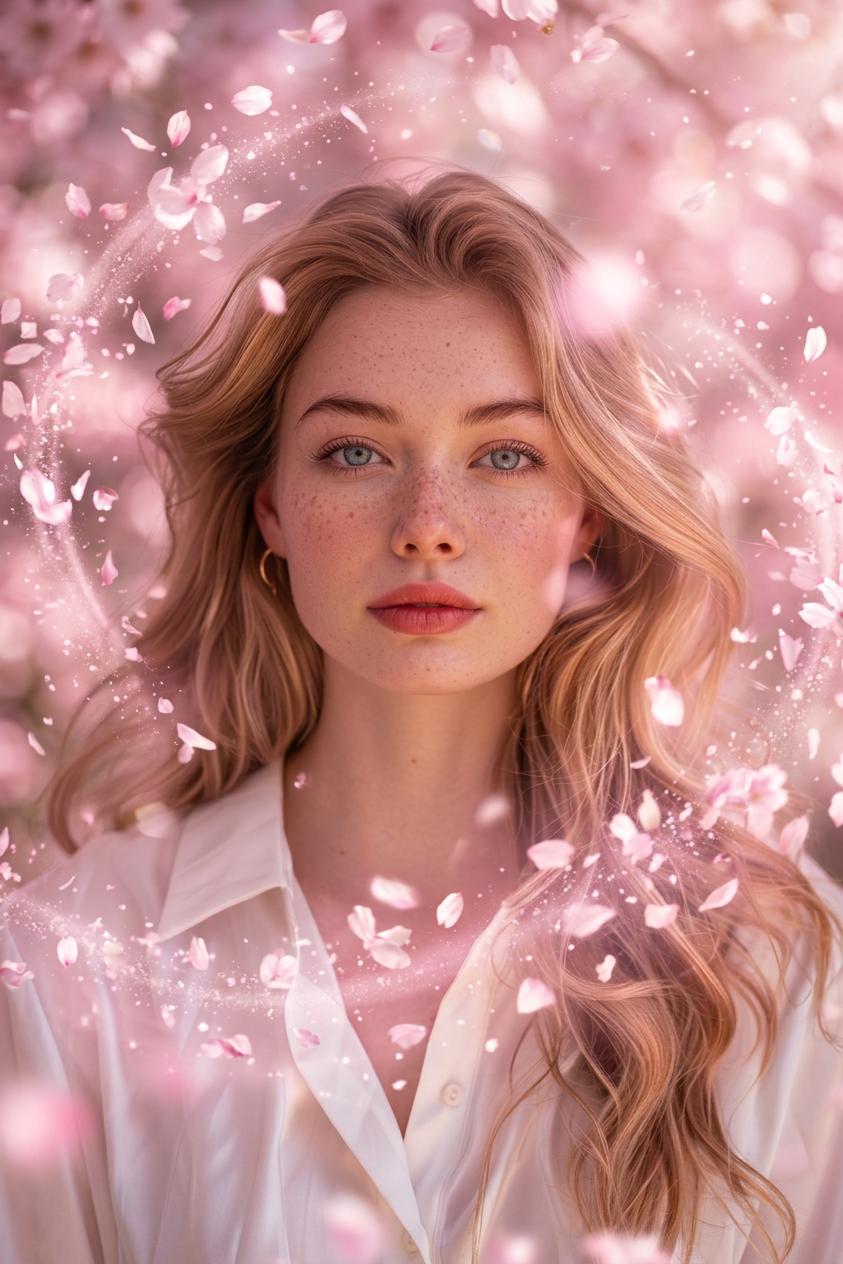
- 843 × 1264 px
Prompt
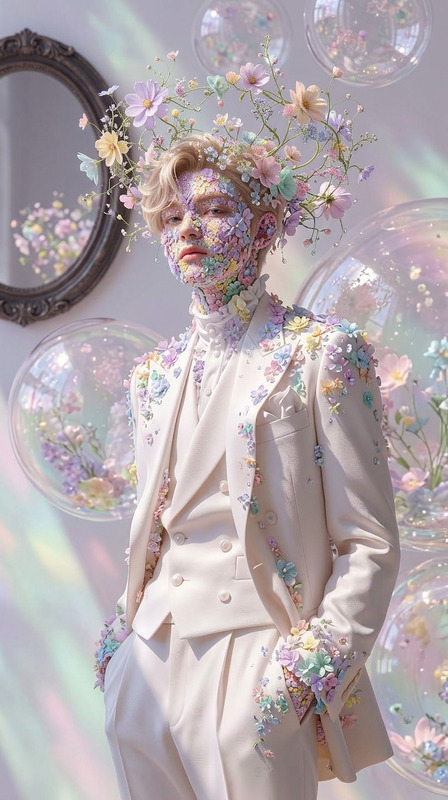
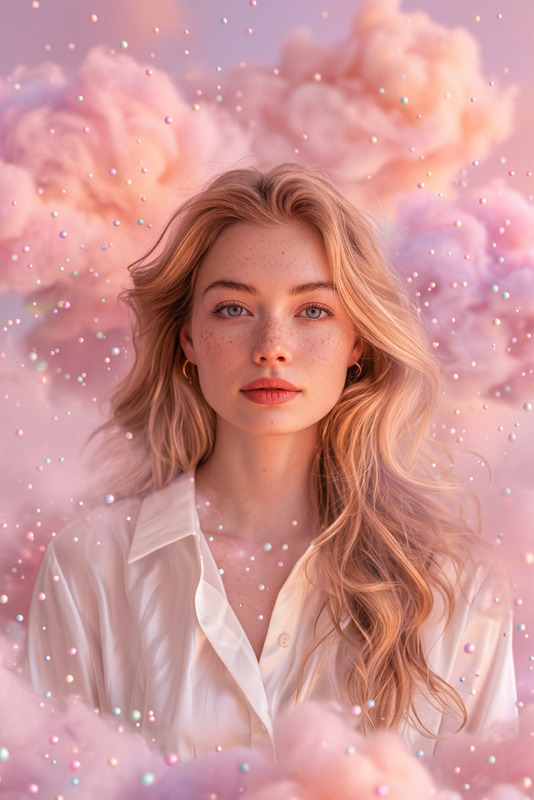
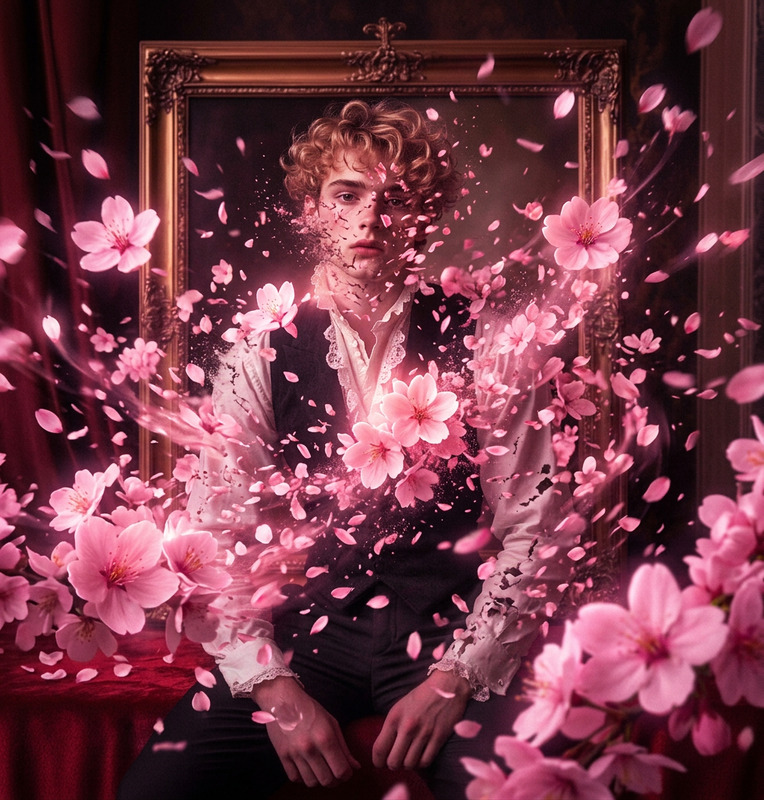
A breathtaking storm of pastel pink cherry blossom petals erupts around the subject, forming swirling vortex patterns in the air. The petals glow subtly with magical light, leaving sparkling trails as they move. Soft sunlight filters through the pink haze, creating a romantic and cinematic atmosphere. Ultra-realistic photography, shallow depth of field, dreamy bokeh, pastel pink aesthetic, high detail.
Any aspect ratio
Overview
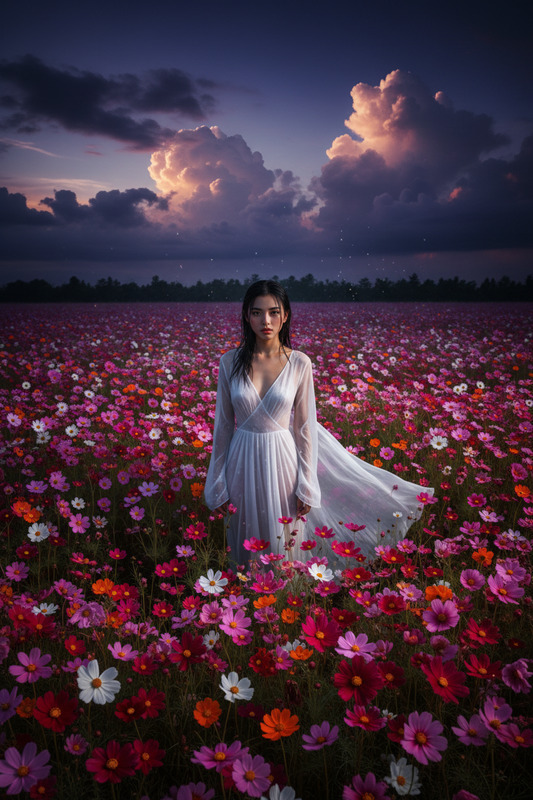
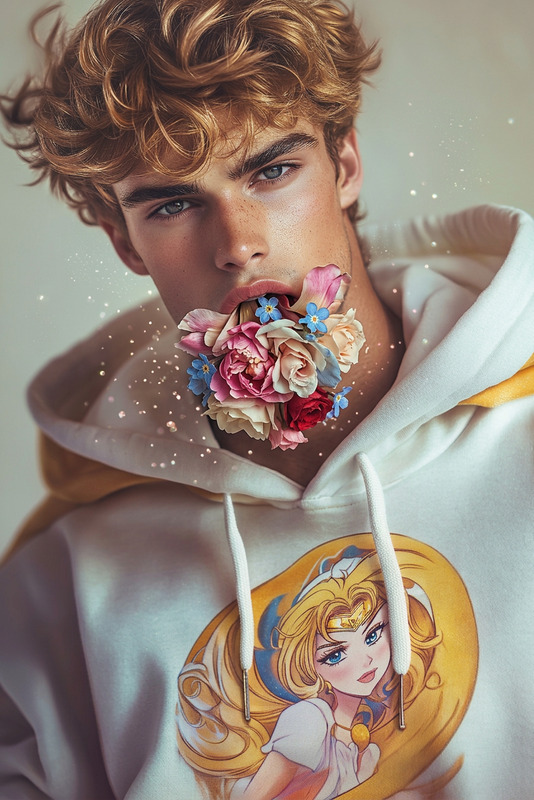
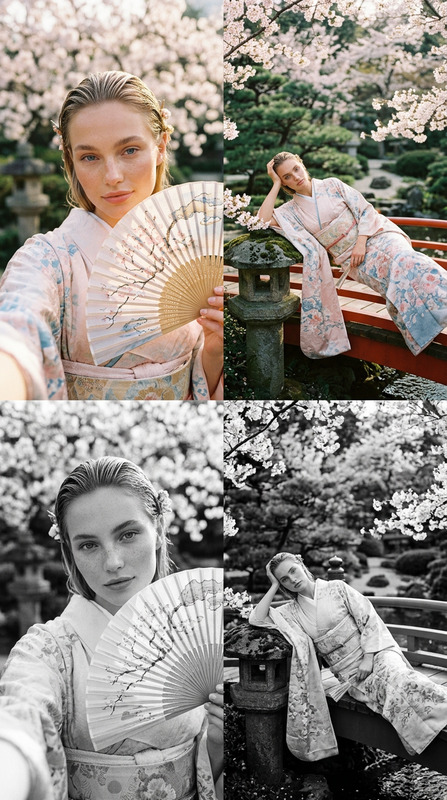
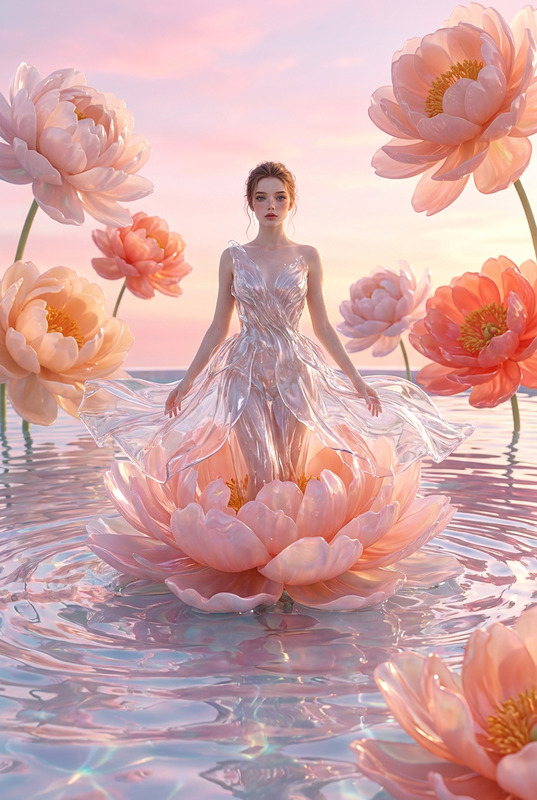
The "Sakura Petal Storm" template transforms your images into stunningly ethereal scenes with an explosion of soft pink cherry blossom petals. Using the nano-banana-2 model, this template is perfect for adding a touch of magic to portraits, landscapes, or product imagery.
What It Does
This AI Image Editor template applies an ultra-realistic storm of cherry blossom petals swirling around your subject. The petals emit a gentle glow, with light trails that enhance the cinematic quality of the image. Experience a dreamy bokeh effect and a pastel pink aesthetic that stands out with high detail and vibrant lighting.
Who It's For
The "Sakura Petal Storm" template is ideal for photographers, social media influencers, marketers, and creative professionals seeking to elevate their visuals. Whether you're designing social media ads or creating memorable personal projects, this template adds a magical flair to any image.
Summary
With the "Sakura Petal Storm" template, transform ordinary images into extraordinary works of art. The template adds a swirling effect of cherry blossom petals with dynamic light and color, drawing viewers into a romantic visual story. For more creative possibilities, explore other options like the Image to Video or AI GIF Generator.
How-To
Choose the Template

Customize Your Inputs

Generate Your Image

Use Cases
Social Media Enhancement
- Add floral elements to personal portraits
- Enhance product shots for e-commerce displays
Marketing Materials
- Design striking ads for print and digital media
- Create unique headers for newsletters and promotions
Creative Storytelling
- Compose fantasy-themed book covers
- Design artistic storyboards for films
Best Practices
Select High-Quality Images
Start with high-resolution images to ensure the final output is sharp and detailed.Experiment with Petal Intensity
Adjust the density and glow of the cherry blossom petals for unique visual effects.Combine with Other Tools
Use in conjunction with the AI Photo Relighting tool to enhance lighting and mood.