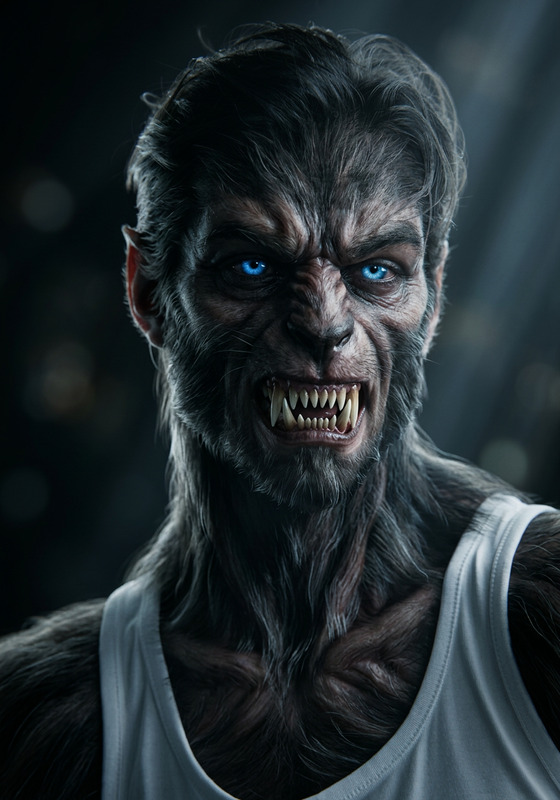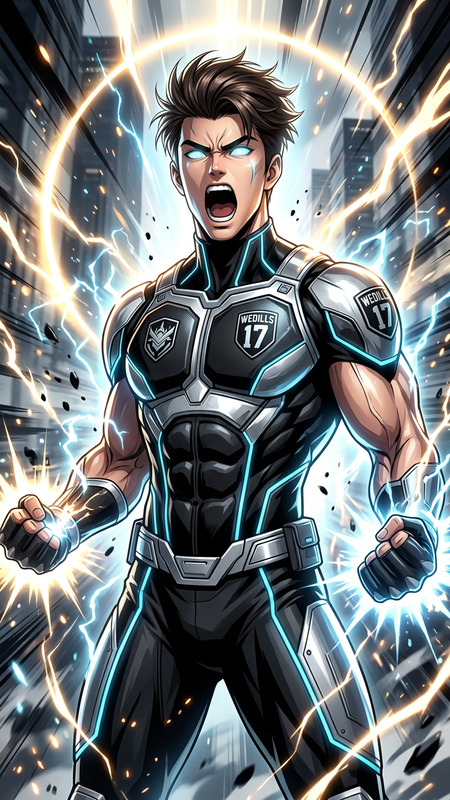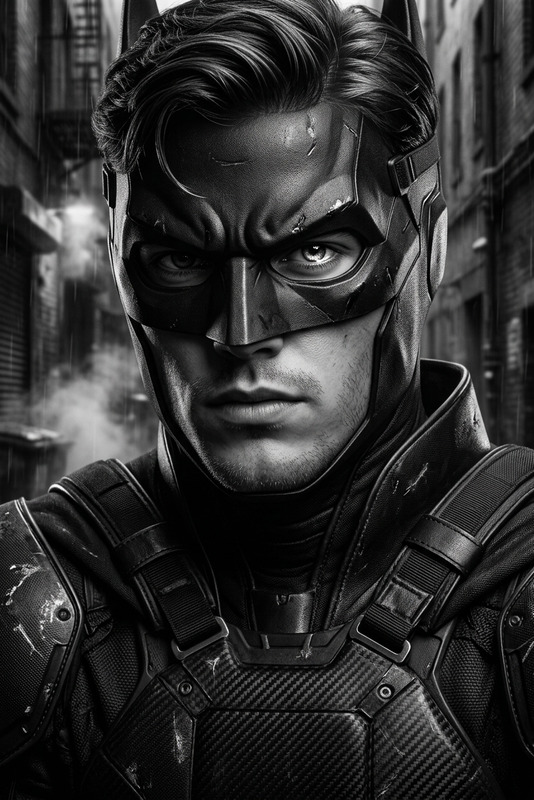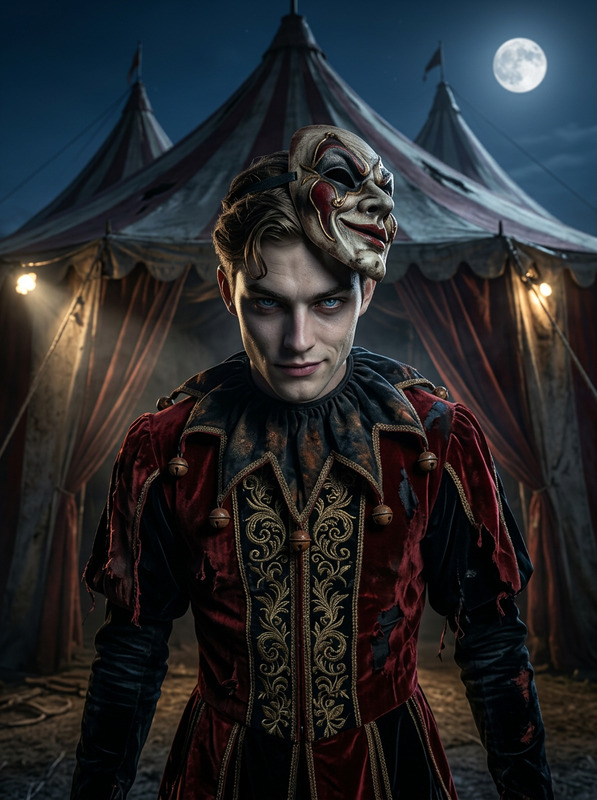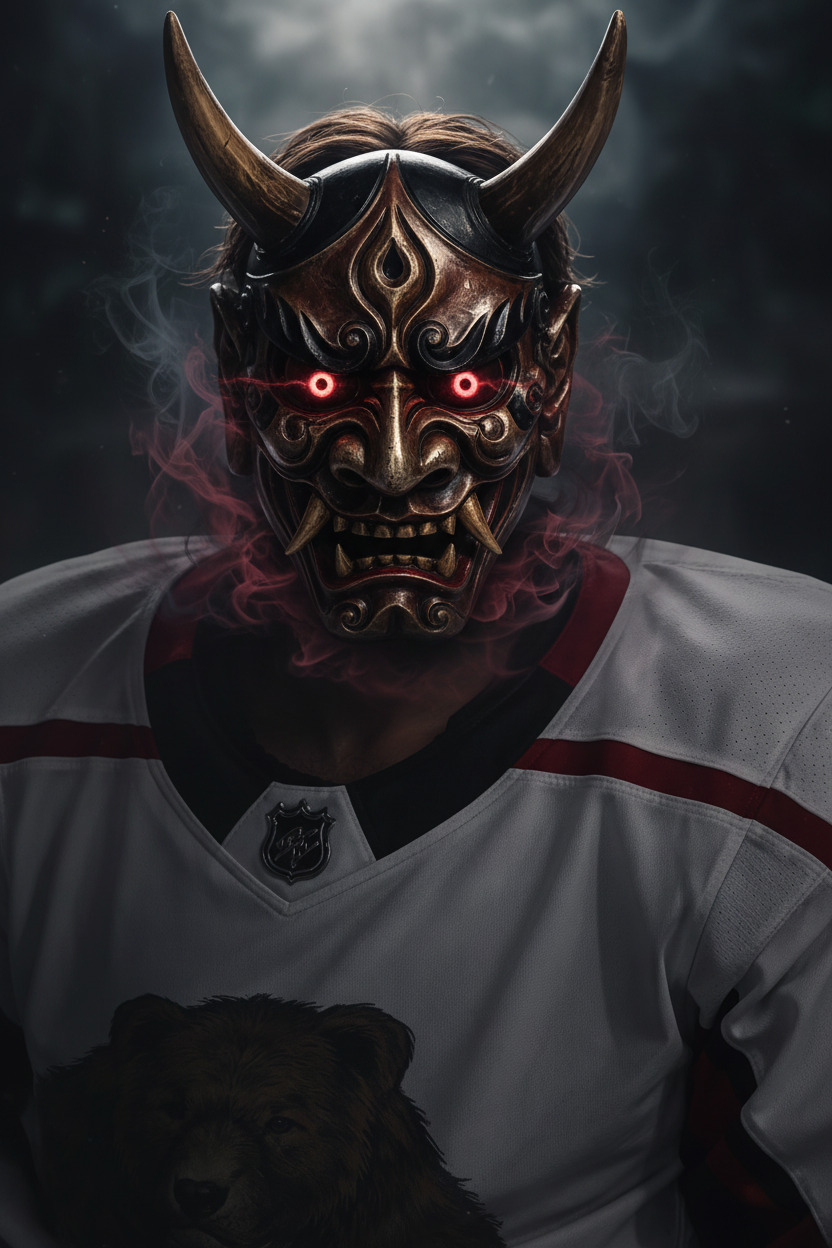
Oni Mask
- Model
- Nano Banana
- Image
- 832 × 1248 px
Prompt
Subject wearing a dramatic Oni mask, sharp horns and fierce expression, glowing eyes beneath the mask, subtle smoke or energy rising around the face, dark moody background, intense cinematic lighting, high contrast, Japanese dark fantasy aesthetic, ultra-detailed, 4K.
Any aspect ratio
Overview
Transform your images into stunning Japanese dark fantasy art with the Oni Mask template, powered by the AI Image Editor. This template is designed to add dramatic elements, such as fierce horns and glowing eyes, using advanced AI models like nano-banana.
What It Does
This template allows you to enhance your subject's visuals by overlaying an ultra-detailed Oni mask that evokes a mystical Japanese aesthetic. With options for adjusting cinematic lighting and high contrast, it brings subjects to life in 4K resolution.
Who It's For
This tool is ideal for content creators, marketers, and artists who wish to explore and incorporate fantasy elements into their visual projects. It's also perfect for anyone involved in Japanese-themed media or looking to create unique and engaging meme videos.
Summary
Whether you're creating promotional materials or personal art projects, the Oni Mask template enhances your images with a touch of dark fantasy. It's supported by Image to Video tools, making it versatile for various media formats.
How to Use
Choose the Oni Mask Template

Customize Your Image

Generate Your Art

Use Cases
Fantasy Art Projects
- Ideal for digital artists exploring dark aesthetics.
- Create scenes that captivate with high-detail and mood.
Social Media Content
- Use in Instagram Stories for an eye-catching effect.
- Create posts with a unique cultural aesthetic.
Marketing Campaigns
- Suitable for creative and cultural campaigns.
- Capture audiences with exceptional visual storytelling.
Best Practices
Select High-Quality Images
Start with images of high resolution to ensure the best application of the Oni mask details.Experiment with Lighting Effects
Explore different lighting settings to find what works best for your image's mood without overpowering the subject's features.Combine with Other AI Tools
Utilize tools like the AI Clothes Changer to modify attire for a cohesive fantasy look.