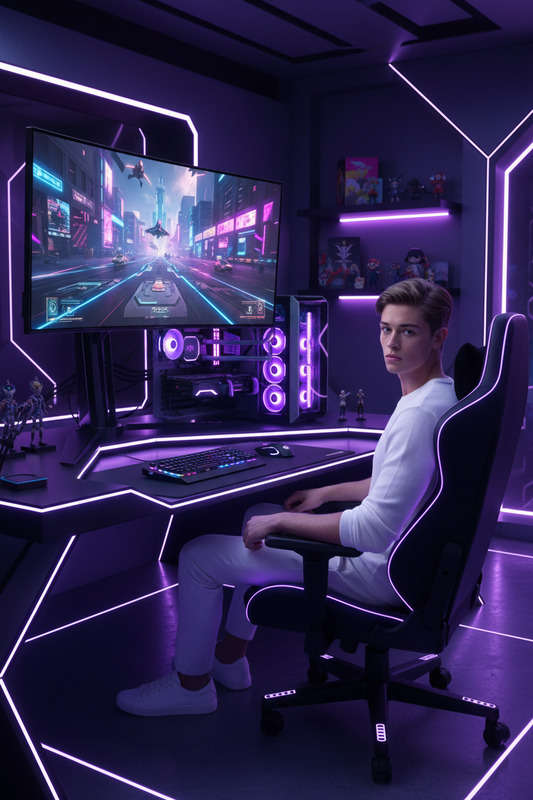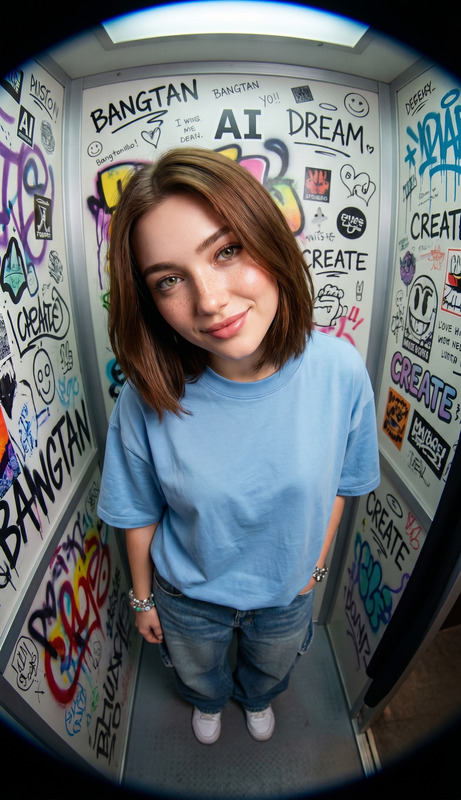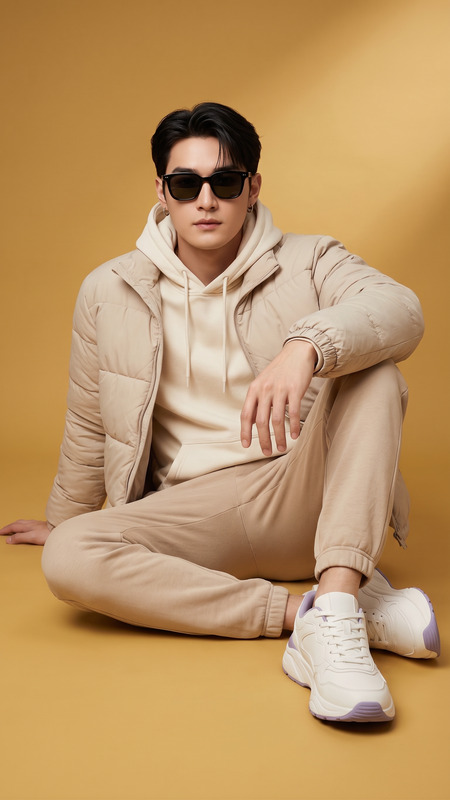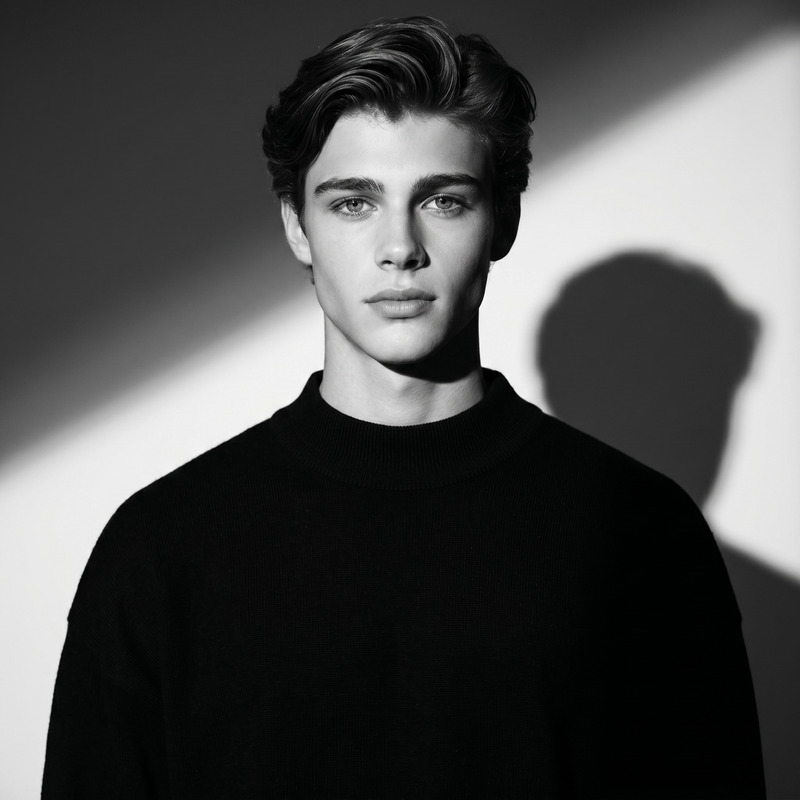
Immersive Setup
- Model
- Nano Banana 2
- Image
- 1856 × 2304 px
Prompt
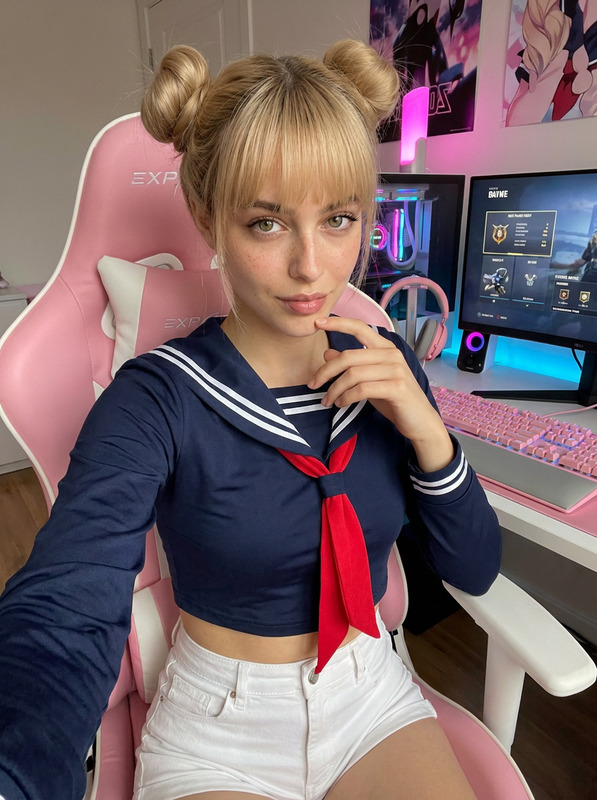
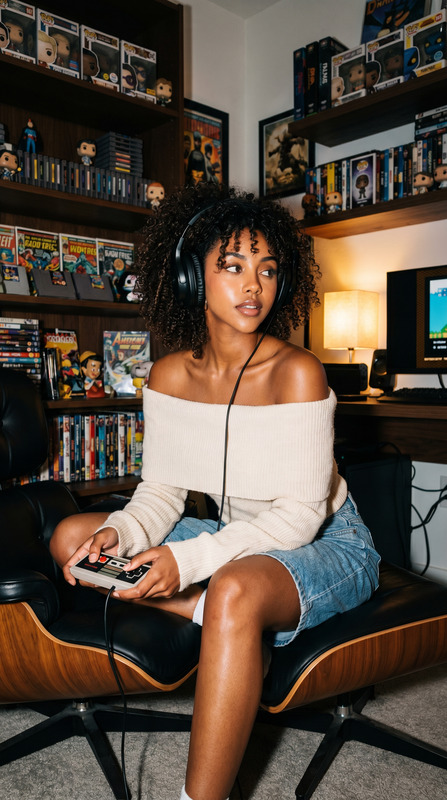
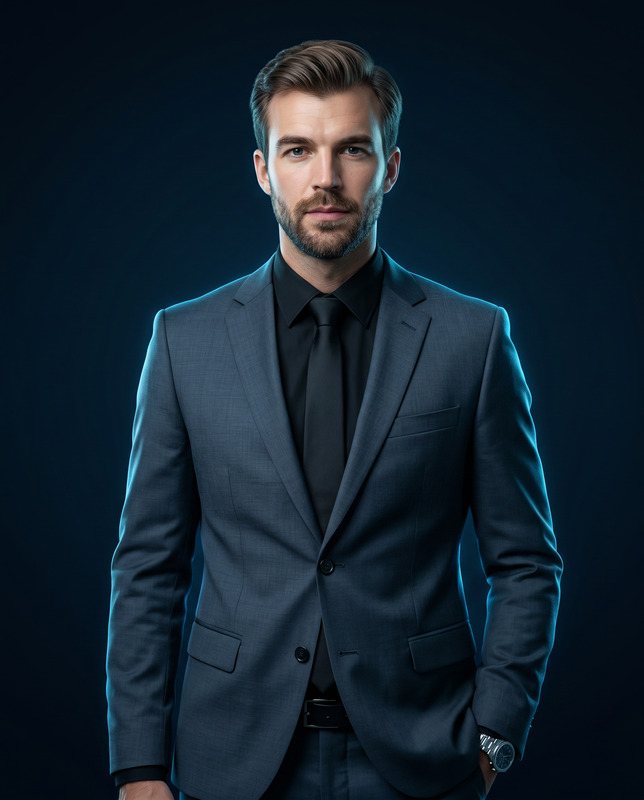
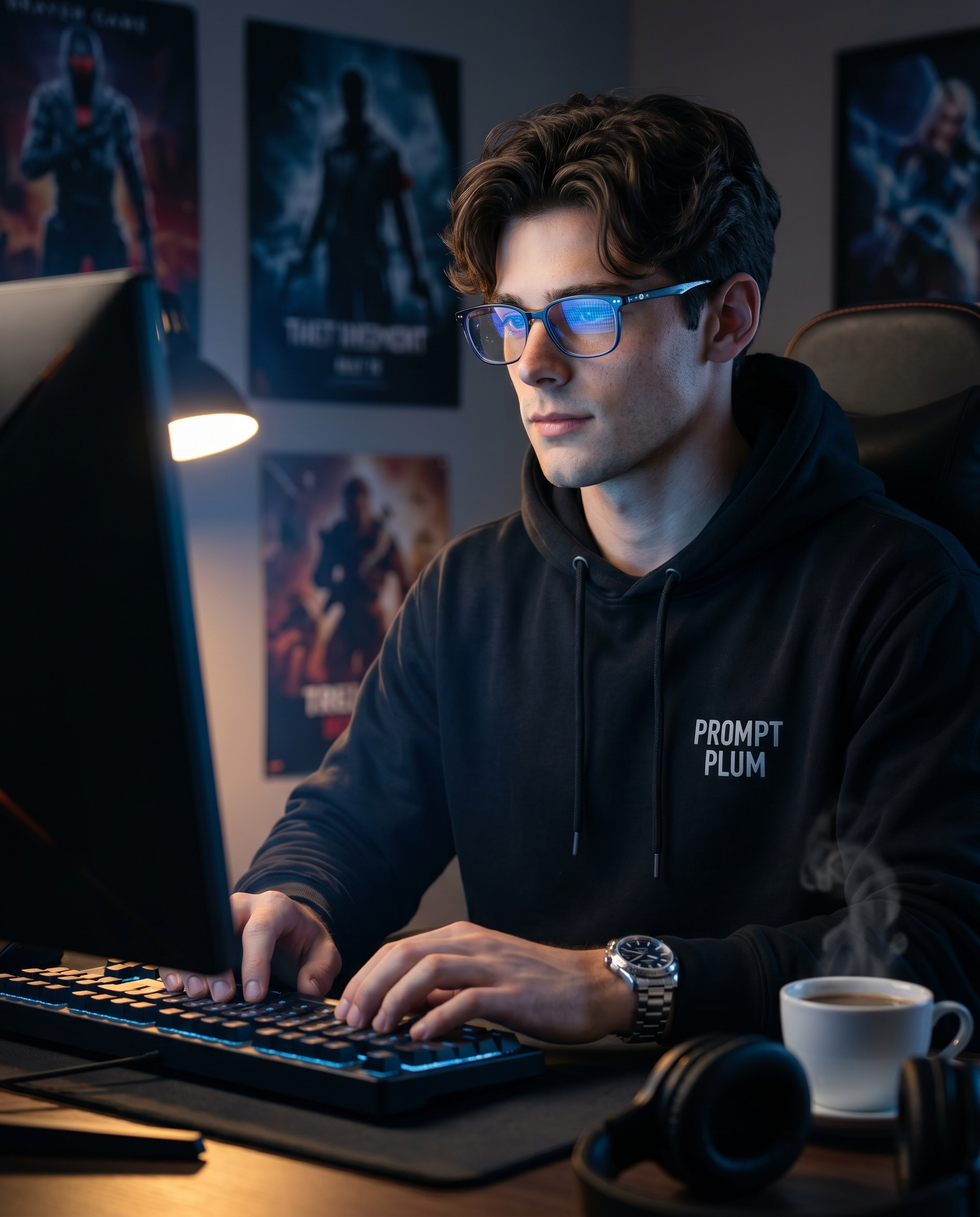
Transform the uploaded photo into an ultra-realistic, hyper-detailed cinematic photograph with DSLR quality, rendered in 32K resolution, with a 4:5 vertical aspect ratio. 🔒 Identity & Face Preservation (Very Important) The subject’s face must remain 100% identical to the reference image. Strictly preserve: Facial structure Bone geometry & proportions Skin tone & natural texture Eye shape, nose, jawline Hairline, beard pattern (if present) Expression & overall identity No beautification, reshaping, stylization, smoothing, or identity drift. 👤 Subject A handsome young man fully immersed in a gaming session. His expression is focused, calm, and intense, with natural skin texture, visible pores, and realistic facial detail. He is seated upright, typing on a keyboard and looking directly at the glowing screen. 💡 Lighting Primary light: the gaming monitor in front of him, casting a cool blue glow on his face and glasses Secondary light: a warm desk lamp from the side, creating soft rim light and depth Cinematic contrast with realistic shadows and subtle highlights 👕 Wardrobe & Accessories Black hoodie with “PROMPT PLUM” printed clearly on the chest Luxury metal wristwatch Modern blue-light glasses with subtle screen reflections 🖥 Environment A dimly lit, premium gaming workspace: Large gaming monitor in front Gaming chair Posters of popular video games on the wall behind him A cup of hot coffee on the desk with visible steam Headphones resting on the table The mood should feel immersive, modern, and cinematic. 🎬 Final Style Hyper-realistic textures (skin, fabric, glass, metal) Cinematic depth of field Editorial photography look Clean high contrast Natural lighting transitions Sharp focus with soft background blur Fully respect the original face and identity while transforming the scene into a cinematic, ultra-realistic gaming portrait.
Any aspect ratio
Overview
The Immersive Setup template transforms your personal photo into a cinematic, ultra-realistic portrait that captures the essence of a premium gaming environment. Using the Nano-Banana-2 model, this AI Image Editor guarantees retention of every facial feature, ensuring the subject's identity remains intact while elevating the scenario to cinematic quality.
What It Does
This template uses AI Image Editor technology to convert standard images into 32K resolution, ultra-realistic portraits. It focuses on blending cinematic depth with editorial photo style, strictly preserving the subject's identity. The tool takes a flat image and layers it with immersive lighting effects and textures, from clothes to environmental details, rendering the perfect gaming atmosphere.
Who It's For
Designed for anyone looking to create professional-grade images, this template is perfect for gaming enthusiasts, photographers, or brands needing high-resolution multimedia assets. Whether you're creating content for social media ads or making promotional material for gaming products, this tool ensures a consistent, high-quality output.
Summary
The Immersive Setup template offers a structured method to achieve cinematic photography using the latest AI advancements. Ideal for developers and marketers, it provides an easy way to create stunning visuals while maintaining the subject's true facial characteristics. Learn more about related tools like the AI Image Generator and explore how AI can enhance your visual storytelling.
How To
Choose the Template

Customize Your Scene

Generate the Image

Use Cases
Social Media Content
- High-resolution posts
- Engaging thumbnails
Marketing Campaigns
- Hero images
- Product showcases
Personal Branding
- LinkedIn profile pictures
- Photography portfolios
Gaming Streams
- Stream overlays
- Backgrounds
Best Practices
Prioritize Identity
Ensure the subject's facial features are meticulously preserved to avoid any discrepancies in identity.Optimize Lighting
Adjust lighting elements to harmonize with the scene, enhancing the cinematic atmosphere without overpowering the subject.Maintain Originality
Keep the subject's original facial expressions and textures intact for an authentic output.