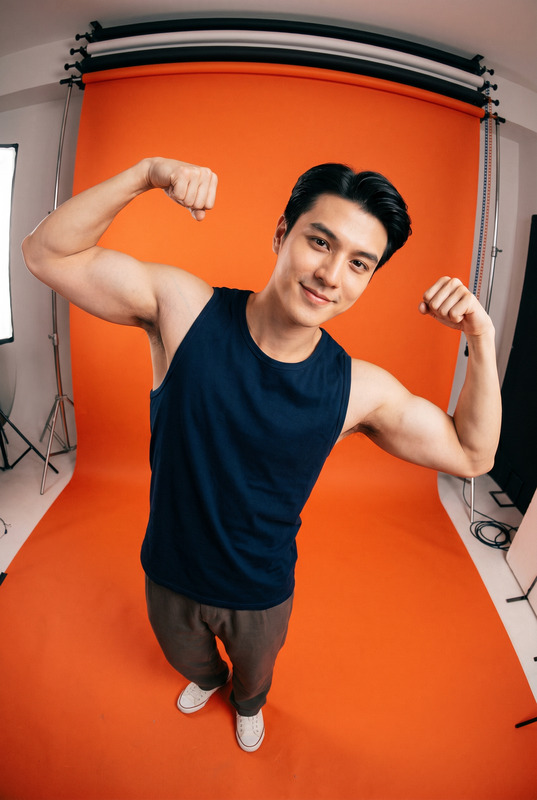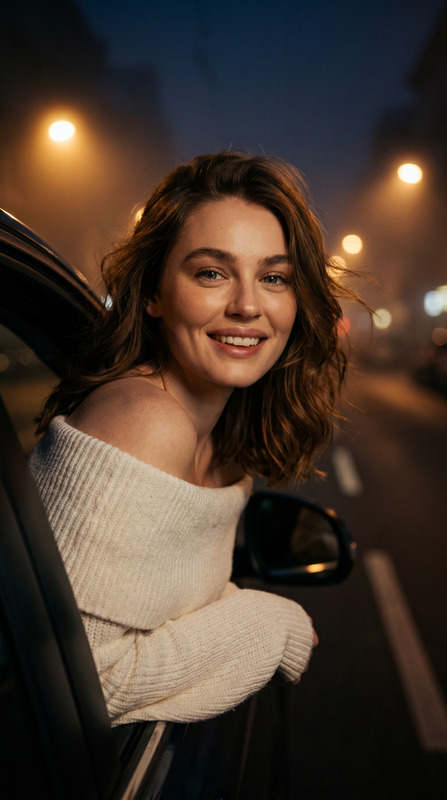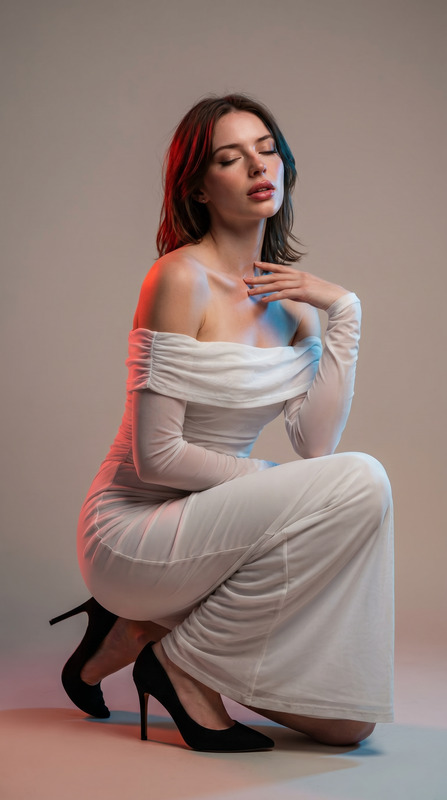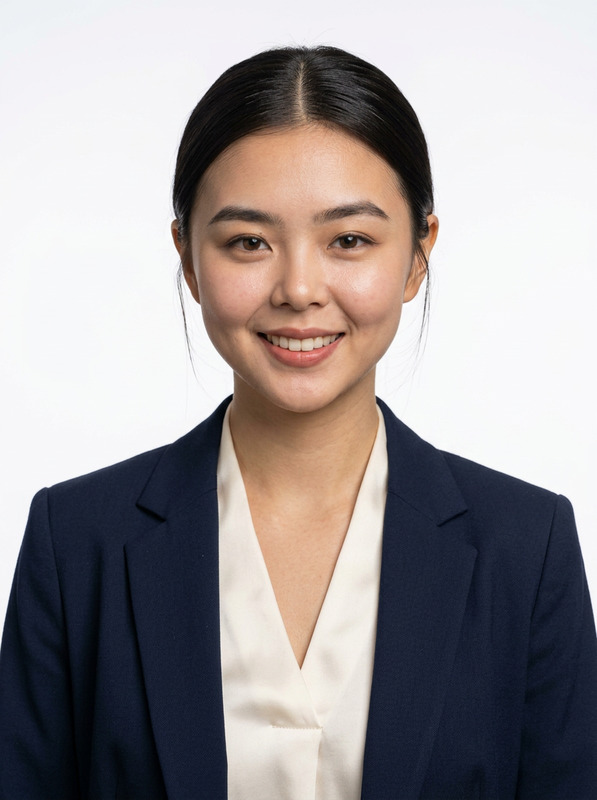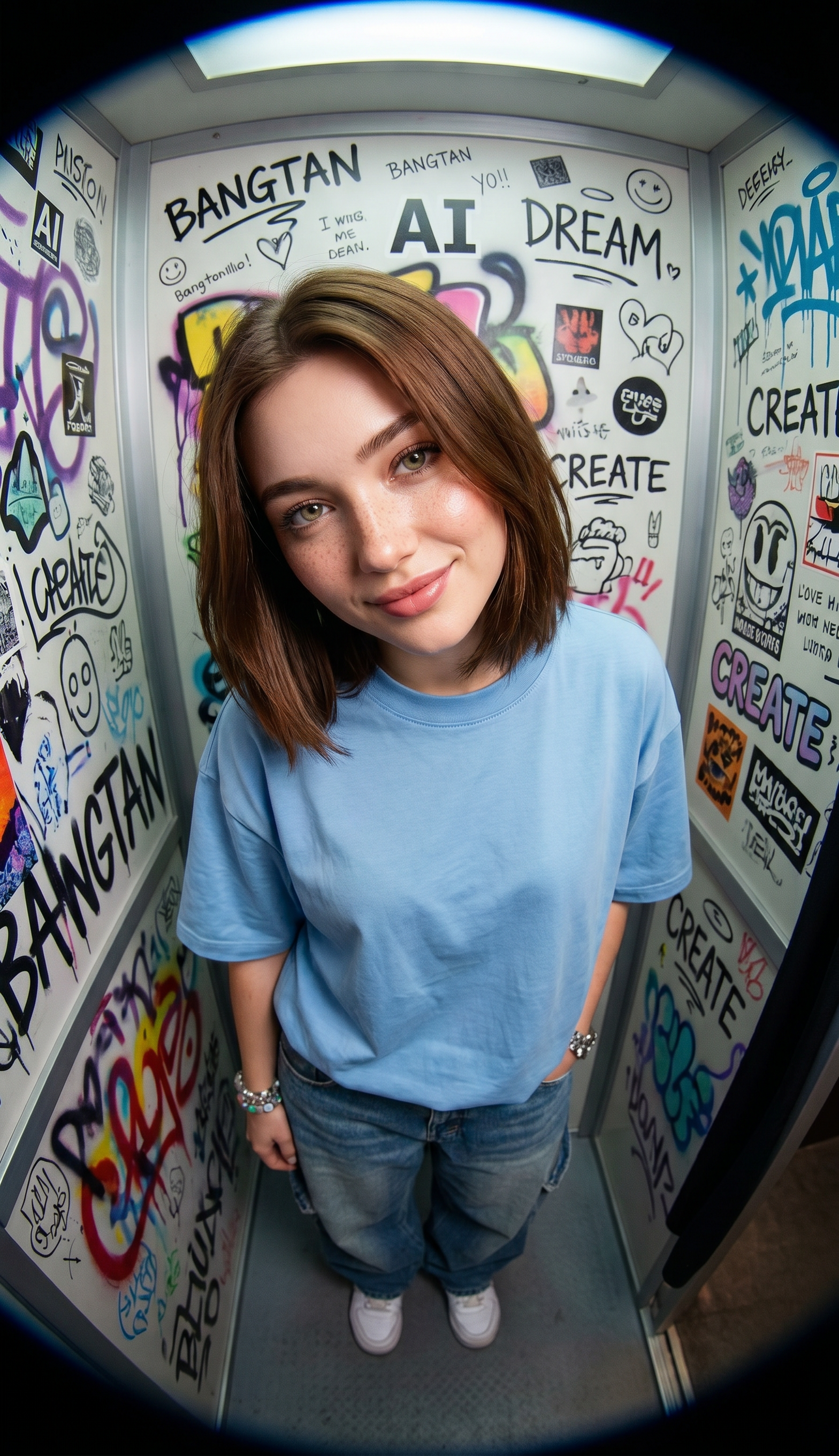
Fisheye Photobooth
- Model
- Nano Banana Pro
- Image
- 1568 × 2720 px
Prompt
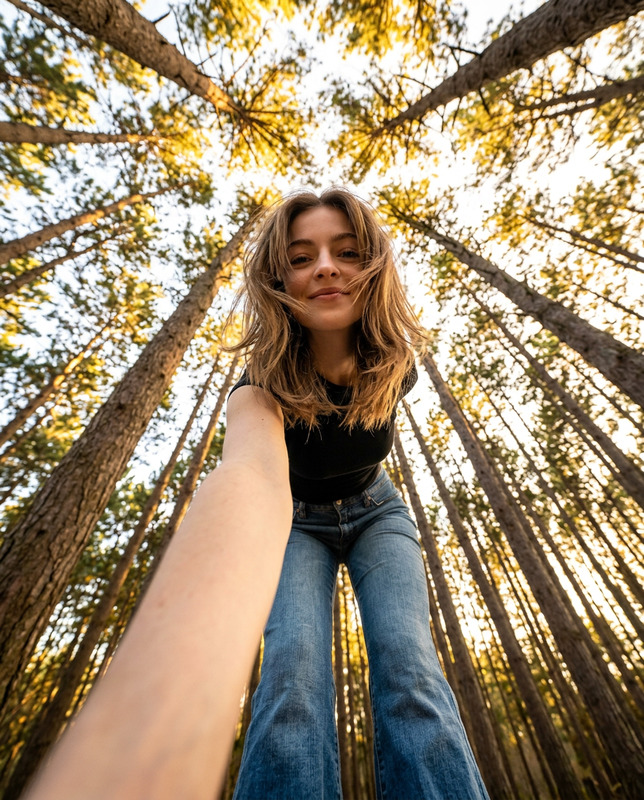
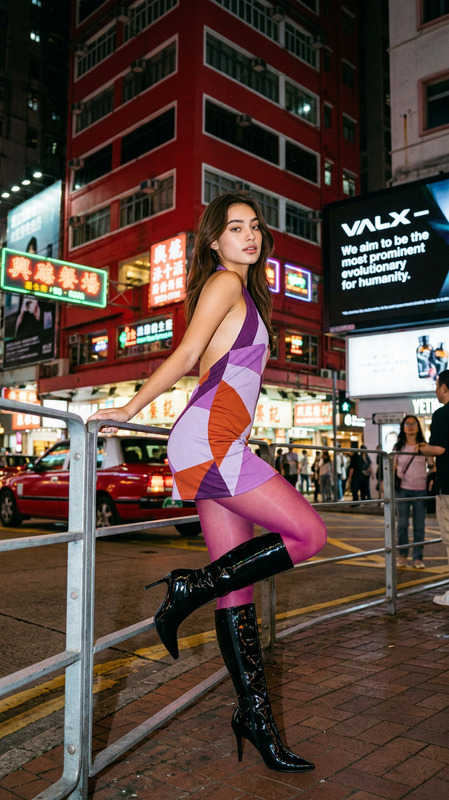
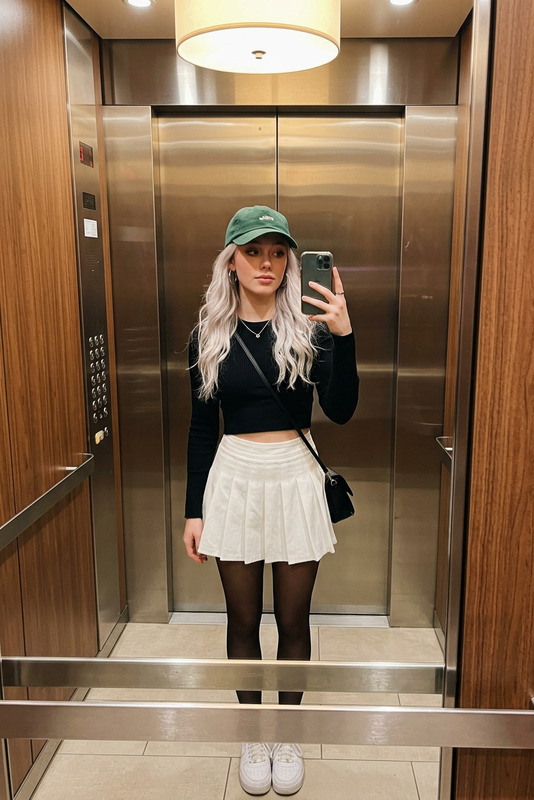
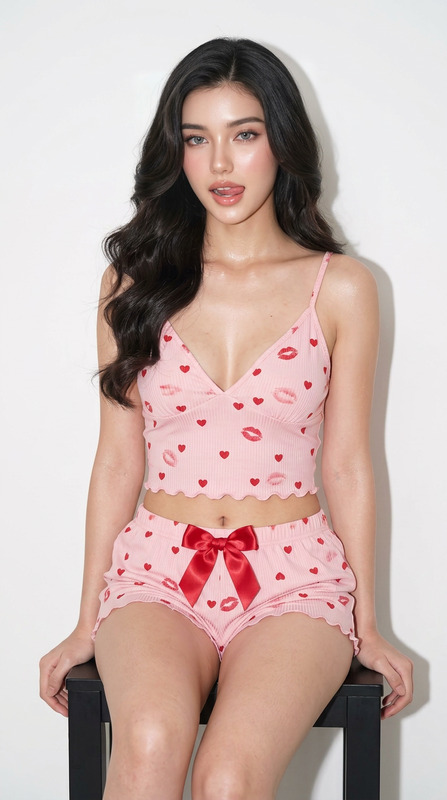
Ultra-realistic fisheye photobooth portrait using the uploaded face as the exact facial reference. Preserve 100% facial identity, facial structure, eyes, nose, lips, jawline, skin tone, hairstyle, and all recognizable facial features. Strict face lock. No face reshaping, no beautification changes, no identity alteration. A young man standing inside a narrow photobooth, captured from a dramatic high-angle extreme fisheye lens perspective. He is looking up directly at the camera with a relaxed, friendly smile and confident expression. Outfit: casual Y2K streetwear, oversized light blue t-shirt, denim shorts or loose-fit jeans, white sneakers, trendy accessories, youthful urban fashion style. Hair: maintain the exact hairstyle from the reference image, realistic hair texture, natural strands, authentic appearance. Background: white brick walls completely covered with vibrant colorful graffiti, stickers, doodles, handwritten notes, and bold street-art typography including words like "BANGTAN", "AI", "DREAM", "CREATE", and other aesthetic urban graphics. Perspective: extreme fisheye distortion, top-down photobooth angle, exaggerated wide-angle effect, immersive 90s and Y2K camera aesthetic. Lighting: cinematic studio lighting mixed with soft ambient photobooth illumination, natural shadows, realistic highlights on skin and eyes, vibrant color contrast. Style: photorealistic, 8K ultra-detailed, realistic skin pores, DSLR photography, sharp focus on the face, shallow depth of field, Korean street fashion editorial, Pinterest aesthetic, Instagram viral portrait, Y2K nostalgia, high-end fashion photography. Negative prompt: different face, altered identity, blurry face, low quality, bad anatomy, cartoon, anime, CGI skin, distorted facial features, extra limbs, duplicated body parts, watermark, logo, text artifacts, overexposed lighting.
Any aspect ratio
Overview
The Fisheye Photobooth template is an AI Image Editor tool that leverages the nano-banana-pro model to create ultra-realistic fisheye portraits. This template captures facial identity with precision, ensuring that no beautification or reshaping occurs. Experience photorealism at its best with detailed features and vibrant urban backgrounds.
What It Does
This template generates photorealistic fisheye portraits capturing every facial detail accurately. The backdrop sets a vibrant scene with graffiti and urban art, while lighting and composition enhance the 90s and Y2K aesthetic. Perfect for those seeking a blend of modern AI enhancement with a nostalgic twist, this tool preserves the uploaded face’s true essence.
Who It's For
The Fisheye Photobooth is ideal for creative professionals, digital artists, and social media influencers aiming to create engaging content with a 90s flair. Anyone looking to enhance their profile pictures or portfolios with unique and high-quality imagery will find this tool invaluable. It's also a great fit for marketing teams requiring assets that convey youth culture and urban themes.
Summary
With the Fisheye Photobooth template, easily turn any photograph into an ultra-detailed fisheye portrait that combines the featured person’s exact likeness with dynamic street-art scenes. For more editing capabilities, consider exploring our Face Swap and AI Image Upscaler tools for additional creative opportunities.
How To
Choose Your Template

Customize Your Inputs

Generate Your Portrait

Use Cases
Social Media Content
- Unique aesthetic
- High engagement potential
- Viral Y2K style
Marketing & Advertising
- Youthful appeal
- Bold visuals
- Street fashion connections
Portfolio Enhancement
- Showcase creativity
- Demonstrate versatility
- Attract potential clients
Best Practices
Use High-Quality Reference Images
For best results, upload images that are high-resolution and well-lit, ensuring all facial features are clearly visible.Experiment with Background Styles
Try different graffiti and street-art backgrounds that complement the subject’s fashion and expression.Maintain Consistency in Style
Stick to the outlined style for a cohesive look. Avoid mixing in cartoonish or unrealistic elements.