PUBG Mobile
- Model
- Nano Banana 2
- Image
- 928 × 1152 px
Prompt
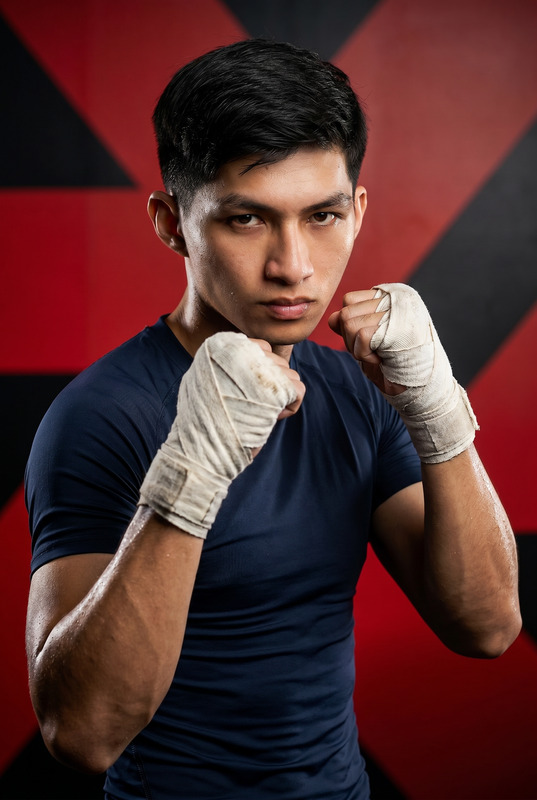
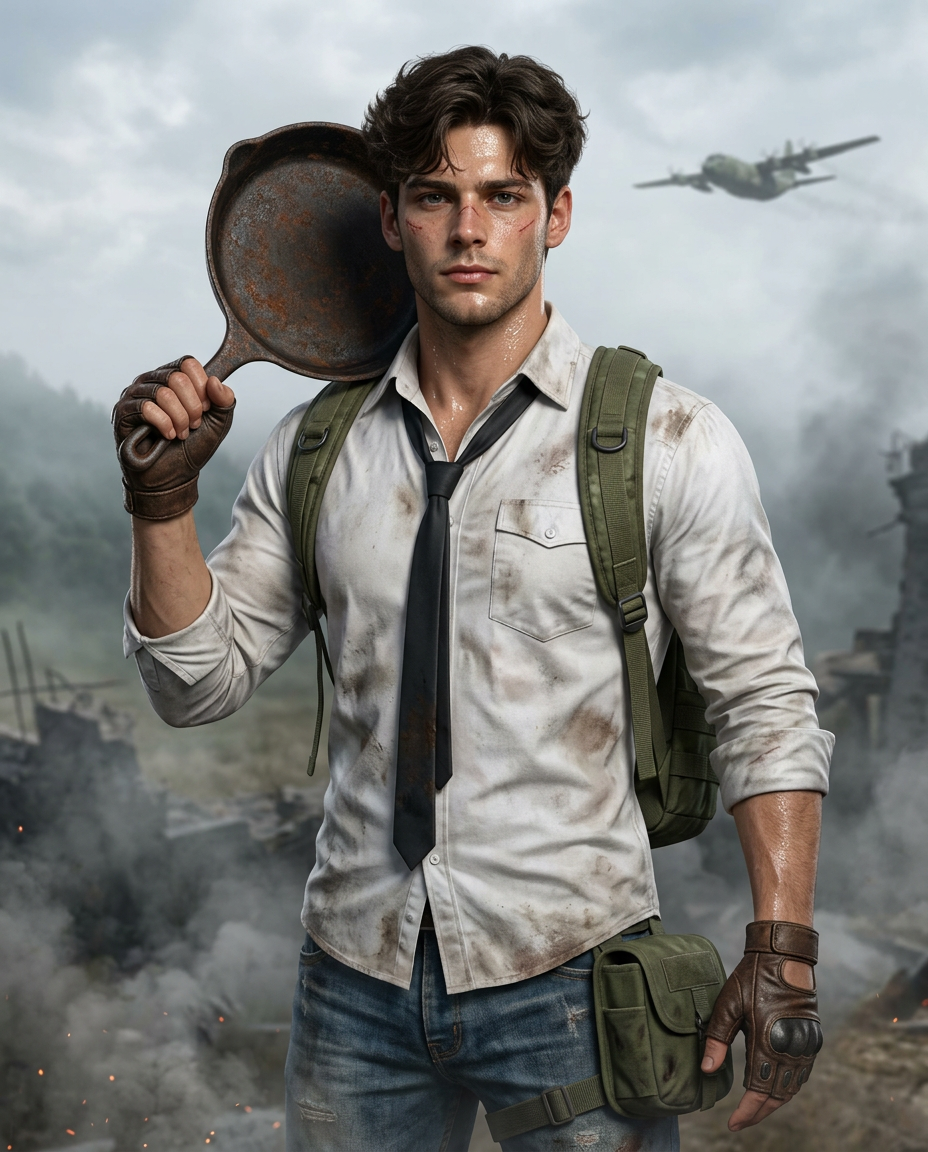
Create a hyper-realistic, head to above the knees (mid-thigh crop) cinematic portrait of a rugged, athletic, slightly more muscular man with a broader, more muscular build, standing confidently in a smoky battlefield environment. Strong face resemblance to the reference image, matching facial structure, beard style, skin tone, and the same hairstyle with high identity consistency. Add subtle but visible facial scars and battle marks: faint healed scratches across the cheekbones and near the eyebrow, light abrasion marks and dirt smudges on the face, slightly weathered skin with pores clearly visible. Skin appears sweaty and heat-exposed with a natural oily shine: visible beads of sweat on the forehead, temples, nose bridge, cheeks, and neck; moist, slightly reflective skin highlights catching the light; subtle dampness around the hairline; faint perspiration darkening the shirt collar and upper chest area. His expression is serious and focused, looking directly at the camera. He wears a dirty, sweat-stained white button-down shirt with rolled sleeves and a loosened black necktie. A green military tactical backpack with thick straps sits on his shoulders, along with a side leg pouch attached to his belt. He is dressed in worn blue jeans and brown fingerless leather tactical gloves. Resting over his right shoulder is a rusty cast-iron frying pan, held firmly in one hand like a weapon. The background shows a foggy, desaturated battlefield scene with debris and smoke. A large military cargo aircraft flying in the distance appears blurred by atmospheric depth of field. Cinematic composition, shallow depth of field, dramatic overcast lighting, realistic shadows, gritty survival aesthetic, ultra-detailed skin texture and fabric wrinkles, photorealistic color grading, volumetric haze, 8K resolution, sharp focus on subject, background bokeh, AAA video-game promotional art style. Aspect ratio 4:5, head to above the knees (mid-thigh crop), not full body framing, centered composition.
Any aspect ratio
Overview
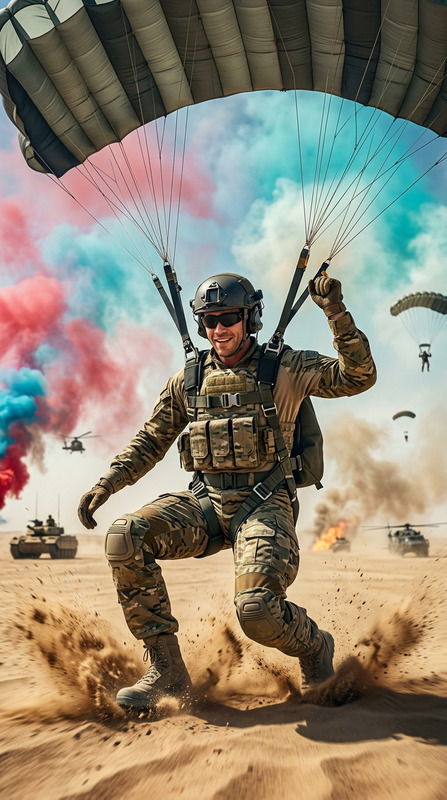
The PUBG Mobile Template leverages Nano-Banana-2 to deliver an AI Image Editor designed for crafting hyper-realistic cinematic portraits. This template is perfect for creating promotional visuals or engaging content for game enthusiasts. With an emphasis on ultra-detailed textures and dramatic lighting, your images will echo the intense atmosphere of a battlefield.
What It Does
This template transforms standard images into action-packed, cinematic portraits for projects like game art or marketing visuals. It uses robust AI capabilities to enhance images with detailed features such as facial scars, a realistic sweat effect, and battle-worn attire. The AI Image Editor allows for extensive customization to achieve a photorealistic finish perfectly suited for AI GIF Generator utilization.
Who It's For
The PUBG Mobile template is ideal for video game marketers, graphic designers, and content creators in the gaming industry. It's perfect for those needing high-end visuals that tap into the gritty survival aesthetic of battle-themed environments, enabling creators to generate AAA-quality promotional material. Whether you're working on game-related content or AI Product Photography, this template adds a professional edge.
Summary
Utilize the PUBG Mobile template to construct picture-perfect, cinematic images rooted in gaming culture. Equipped with Nano-Banana-2, it ensures high fidelity and detail in every portrait you create. From dramatic lighting to the intricate details of attire and environment, this tool provides creators with the flexibility needed for visually striking results.
How to Use
Choose Your Template

Customize Your Portrait

Generate Your Image

Use Cases
AAA Game Promotions
- Enhance brand images for commercials and promos
- Create unique character visuals that stand out
Social Media Campaigns
- Boost engagement through lifelike visuals
- Make use of trending battle-themed portraits
Print Media
- Design eye-catching posters
- Generate visually compelling advertisements
Best Practices
Focus on Details
Pay attention to small features like scars and clothing texture to enhance realism.Lighting and Composition
Experiment with lighting angles and shadows to create a dramatic setting.Use High-Resolution Inputs
Start with high-quality images to ensure output at the best possible fidelity.