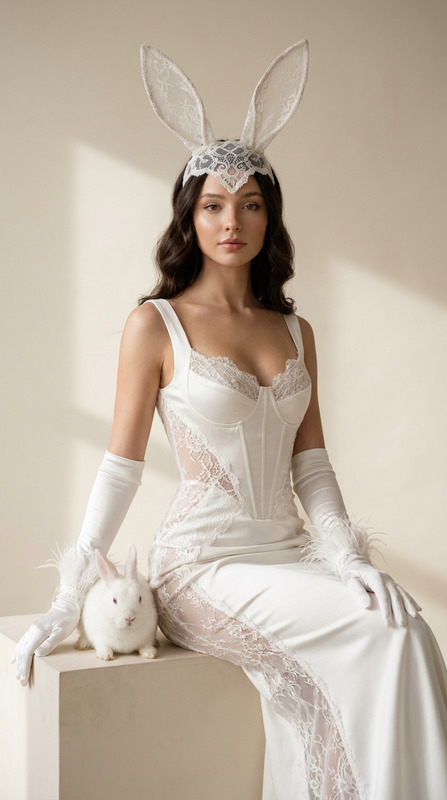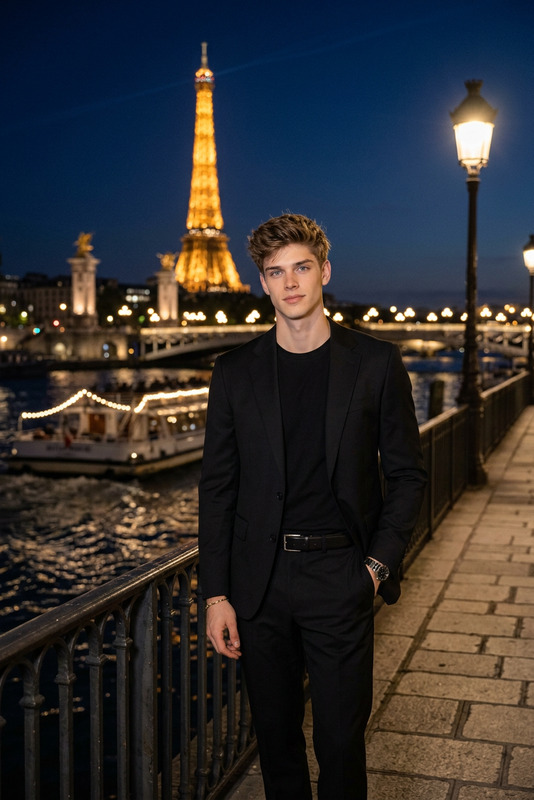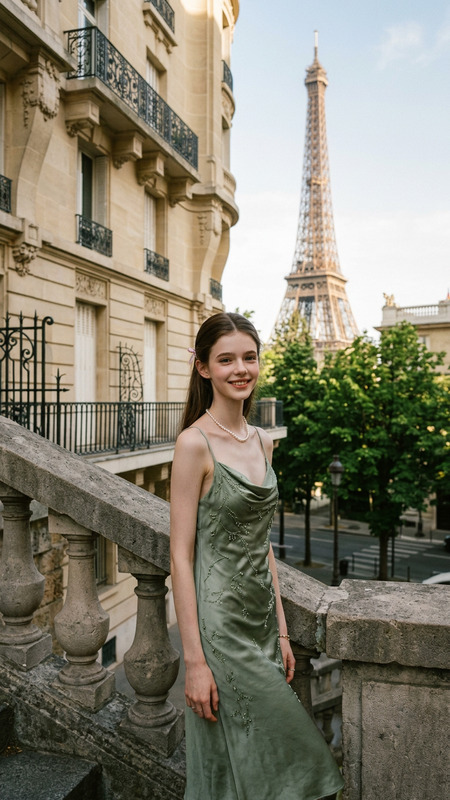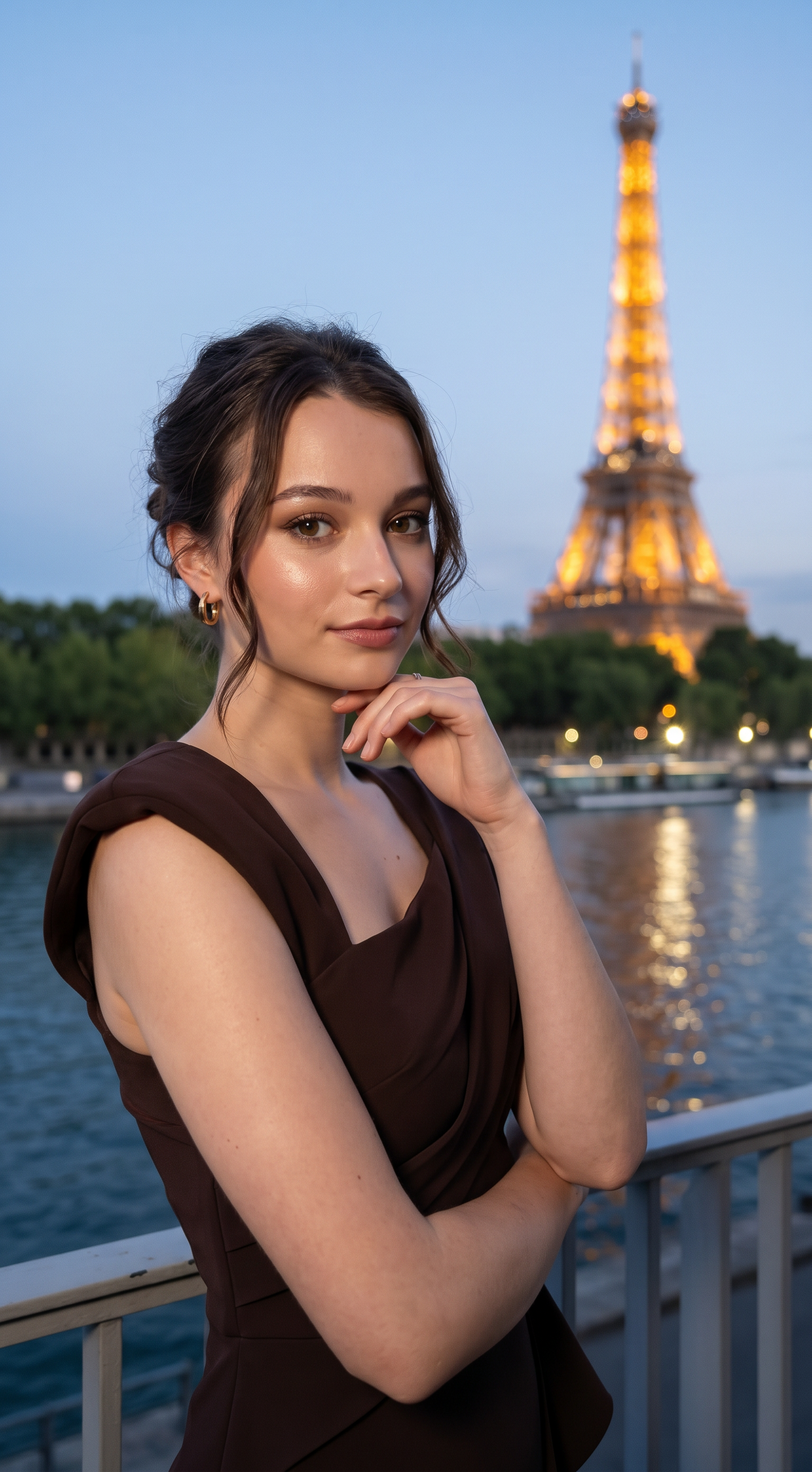
Under Paris Light
- Model
- Nano Banana Pro
- Image
- 1536 × 2784 px
Prompt
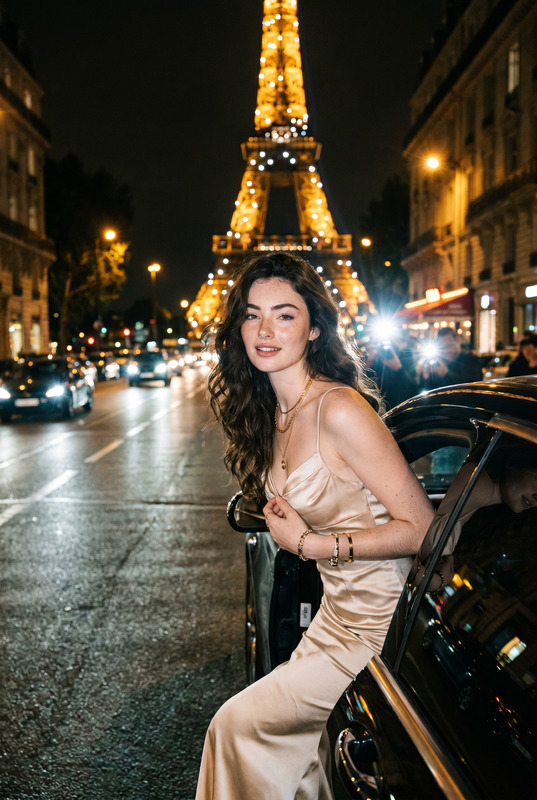
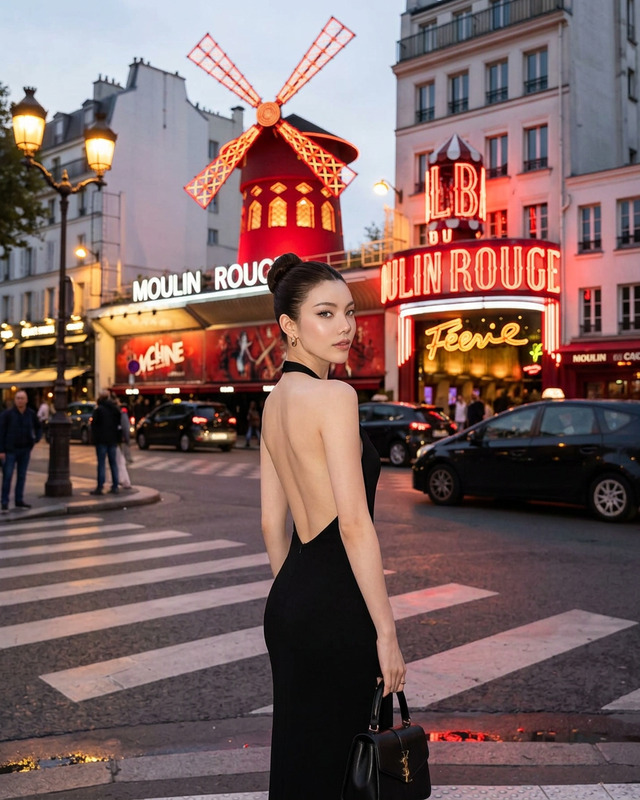
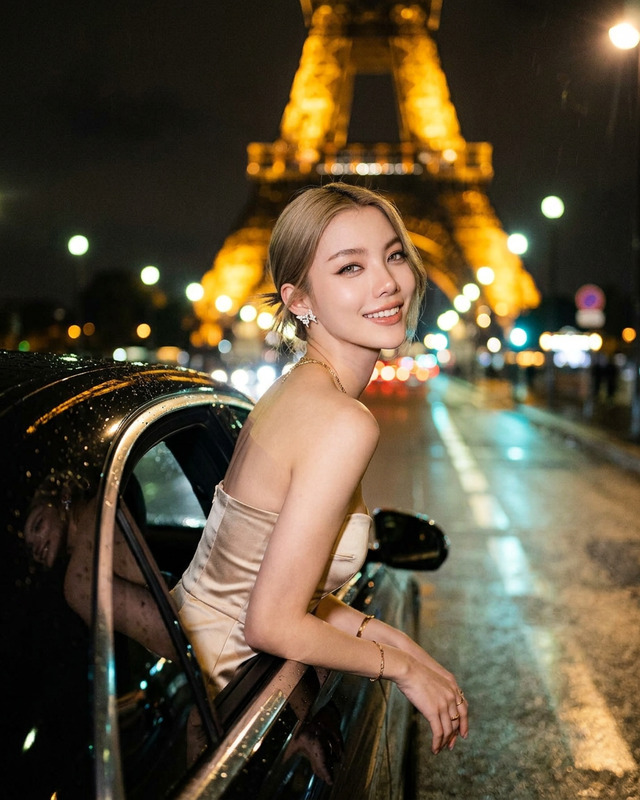
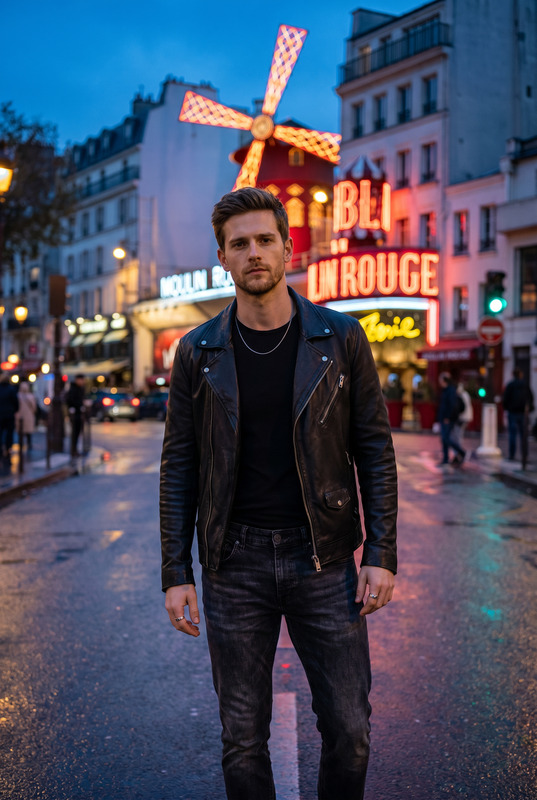
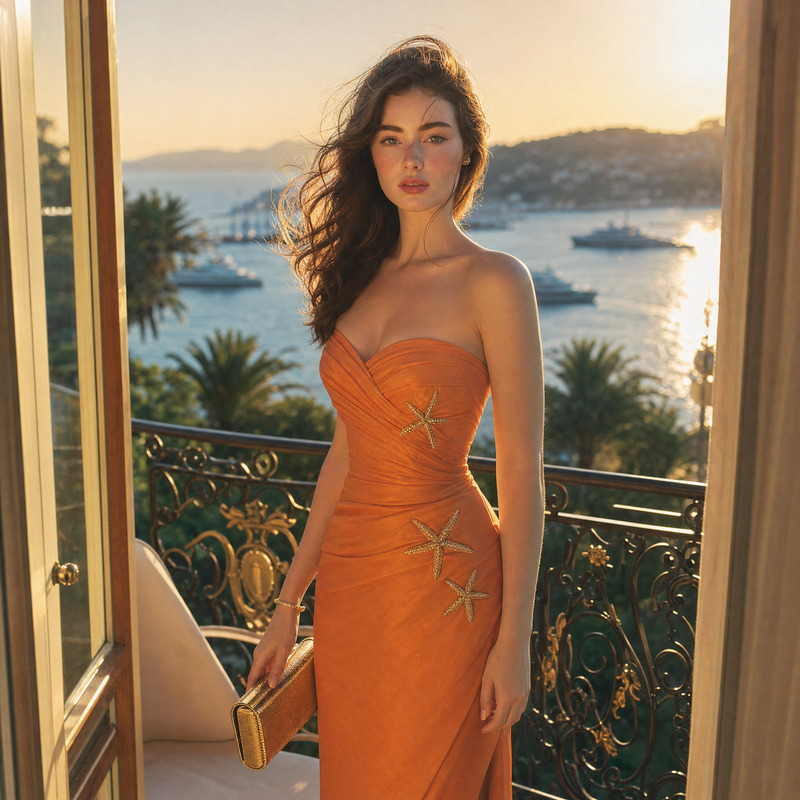
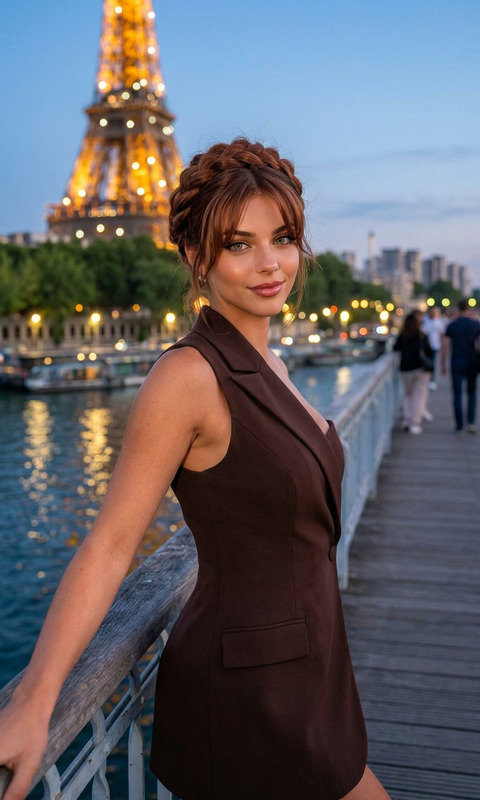
Transform the uploaded face-edited portrait into a luxurious Paris night fashion editorial beside the Eiffel Tower. The person is standing elegantly along a riverside balcony overlooking the Seine at blue hour, wearing a sophisticated dark chocolate asymmetrical tailored evening dress with structured couture details. Soft auburn updo hairstyle with loose face-framing strands, glowing skin, subtle gold jewelry, calm confident expression, effortless Parisian elegance. The illuminated Eiffel Tower glowing beautifully in the background, cinematic city lights reflecting on the water, luxury European nightlife atmosphere, ultra realistic skin texture, shallow depth of field, high-end editorial photography, Vogue-inspired composition, romantic Paris evening aesthetic, premium color grading, celebrity fashion campaign vibe, shot on 85mm lens, timeless feminine luxury energy. Paris luxury nightlife aesthetic, Cannes red carpet vibe, old money elegance, French Riviera fashion campaign, celebrity evening editorial, quiet luxury feminine style, cinematic Paris romance
Any aspect ratio
Overview
Under Paris Light is more than just an AI Image Editor template; it's an immersive visual transformation tool that embodies the enchanting allure of Parisian nightlife. Capture the essence of luxury fashion editorials beside the Eiffel Tower, perfect for creating a high-end photo shoot vibe with minimal effort.
What It Does
This template converts your face-edited portraits into a sophisticated fashion editorial set in a luxury Paris night scene. Using the AI Image Editor, it enhances your images with artful details like premium color grading, ultra-realistic skin textures, and a romantic Parisian backdrop.
Who It's For
Ideal for photographers, fashion designers, and social media influencers who want to elevate their visual content with a touch of old-world elegance. This template suits professionals looking for a stylish addition to their portfolios and personal branding.
Summary
Leveraging the advanced capabilities of the AI Image Generator, Under Paris Light offers a refined touch to your images effortlessly. Capture the essence of a Cannes red carpet atmosphere in each shot, ideal for those seeking an ultra-glamorous and artistic presentation. Make your visuals stand out while tapping into the rich, romantic narrative of Paris.
How-To
Choose Template

Customize Your Inputs

Generate and Download

Use Cases
Fashion Editorials
- Create editorial spreads with a high-fashion ambiance
- Perfect for luxury brand campaigns and lookbooks
Social Media Content
- Craft engaging posts with a cinematic look
- Elevate influencer content with refined visual storytelling
Special Events Promotion
- Ideal for promoting galas, soirées, and luxury events
- Transform typical event photos into high-end visual narratives
Best Practices
Choose the Right Base Photo
Start with high-quality face-edited portraits for optimal results.Utilize Evening Dresses or Attire
Images feature best when subjects are in elegant evening wear, complementing the template’s theme of luxury.Refine with Subtle Touches
Ensure jewelry and hairstyles are understated to highlight the overall elegance and calm demeanor.