Under Paris Light (M)
- Model
- Nano Banana 2
- Image
- 843 × 1264 px
Prompt
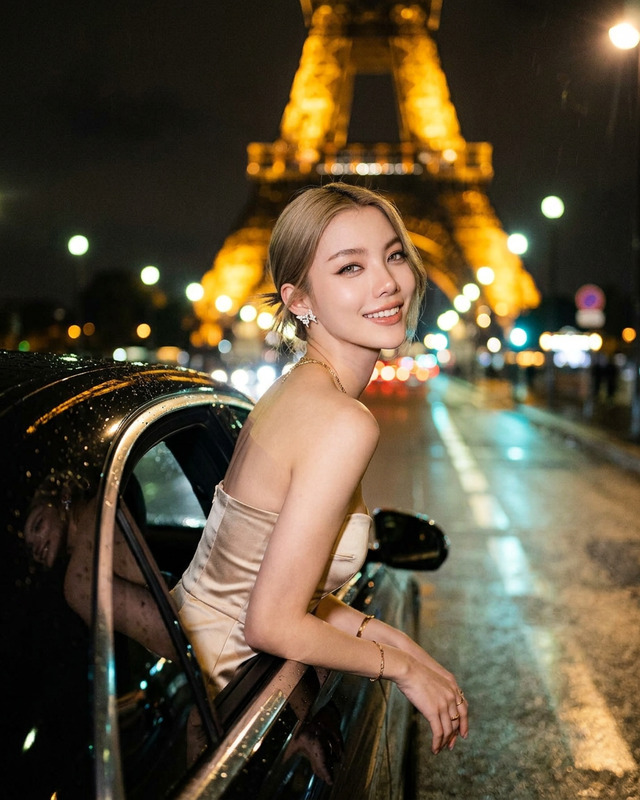
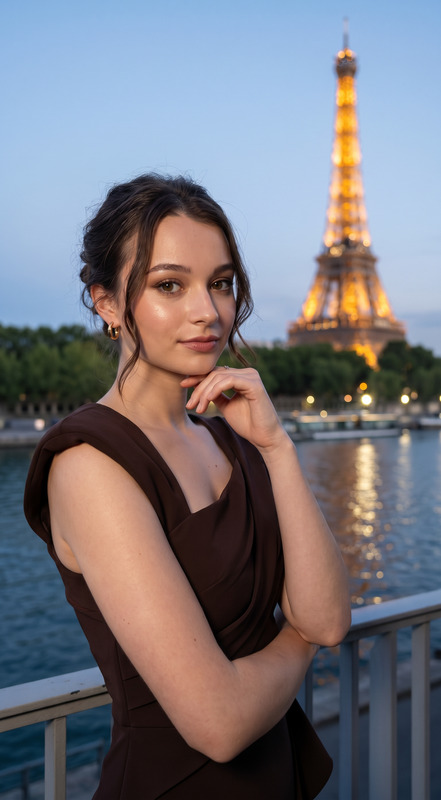
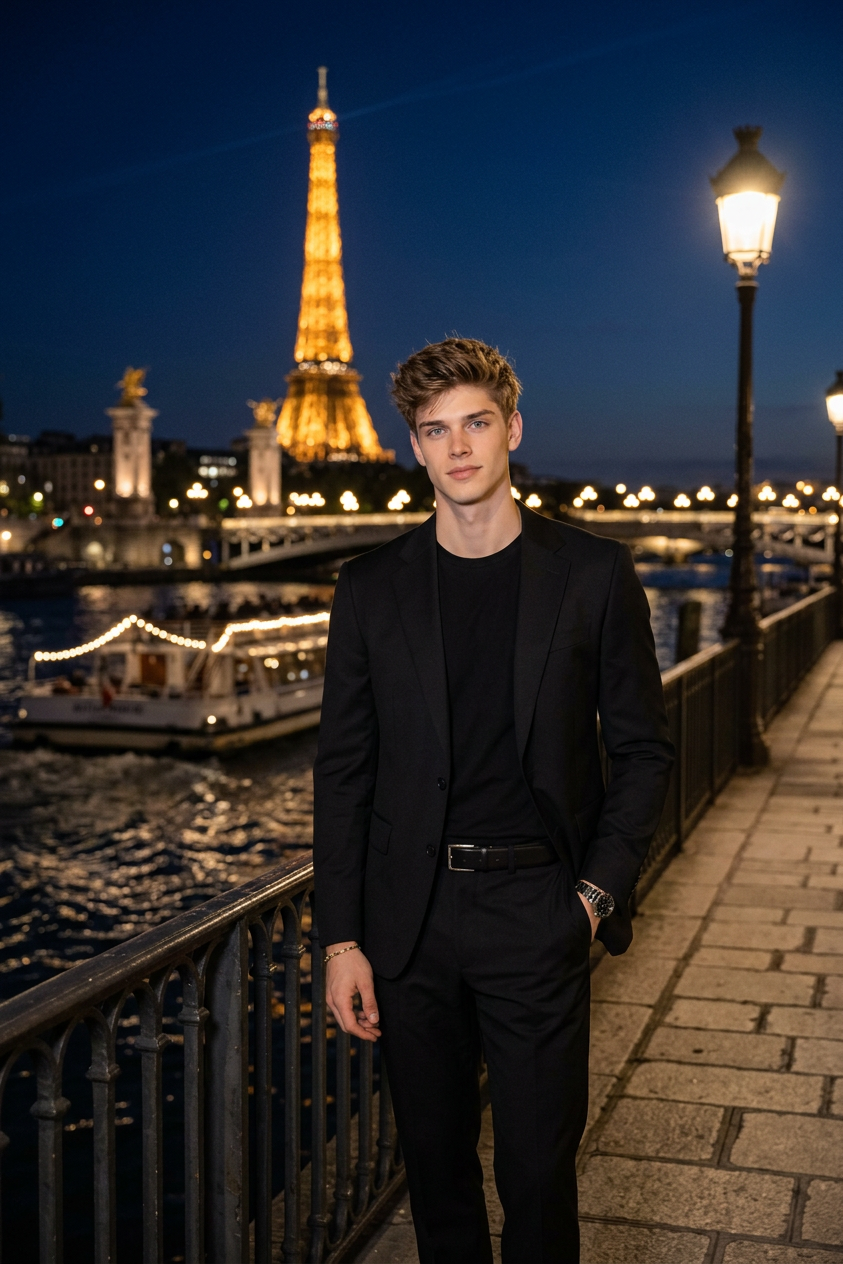
A cinematic, medium full-length shot of a handsome blonde male subject standing on a promenade by the Seine River in Paris at night. He is leaning slightly against a metal railing, looking directly into the camera with a calm expression. He is wearing a tailored black suit jacket over a fitted black crewneck undershirt, paired with matching black trousers and a subtle silver chain necklace. In the background, the Eiffel Tower is magnificently illuminated in warm golden lights, reflecting beautifully onto the dark river surface. Soft night ambient lighting, rich city bokeh, photorealistic, high detail.
Any aspect ratio
Overview
The "Under Paris Light (M)" template leverages the nano-banana-2 model to enhance your images with a cinematic Parisian backdrop. This AI Image Editor template is perfect for capturing a serene, film-like atmosphere featuring a stylish male subject against the iconic nightscape of Paris.
What It Does
This template crafts a photorealistic scene where a dapper figure stands alongside the Seine River under the glow of the Eiffel Tower. The template highlights key fashion elements like a tailored suit and silver necklace while adding exquisite environmental details—perfect for fashion shoots or storytelling.
The capabilities of AI Image Editor allow you to fine-tune these intricate settings for your specific project needs.
Who It's For
"Under Paris Light (M)" caters to photographers, fashion designers, influencers, and content creators looking to add sophisticated Parisian flair to their projects. It's ideal for those who want their images to resonate with elegance and a touch of drama.
Those working on fashion campaigns, lifestyle blogs, or cinematic storytelling can significantly benefit from this detailed and atmospheric template.
Summary
With "Under Paris Light (M)", transform your visual projects into striking cinematic pictures by utilizing the advanced features of nano-banana-2. Emphasize elegance and detail while integrating unforgettable backdrops with the help of this specialized AI Image Editor template. Explore our AI Image Upscaler to complement your work with even greater image resolutions.
How To
Choose the Template

Customize Your Inputs

Generate Your Image

Use Cases
Fashion Photography
- Tailored outfits in picturesque settings
- Showcase accessories with dramatic lighting
- Ideal for magazine covers and high-fashion campaigns
Lifestyle Blogging
- Capturing evening city vibes
- Highlighting personal style against iconic backgrounds
- Adding a fashionable touch to blog imagery
Social Media Content
- Eye-catching portraits with professional finish
- Engage audiences with stunning backgrounds
- Boost your online presence with high-quality content
Best Practices
Focus on Lighting
Ensure the lighting settings enhance the subject and provide a realistic night-time ambiance.Emphasize Fashion Elements
Highlight clothing and accessories by adjusting their shine and contrast for better visibility.Utilize Backgrounds
Take advantage of the iconic Eiffel Tower and river reflections to add depth and context to your image.