Rouge Hour (M)
- Model
- Nano Banana 2
- Image
- 843 × 1264 px
Prompt
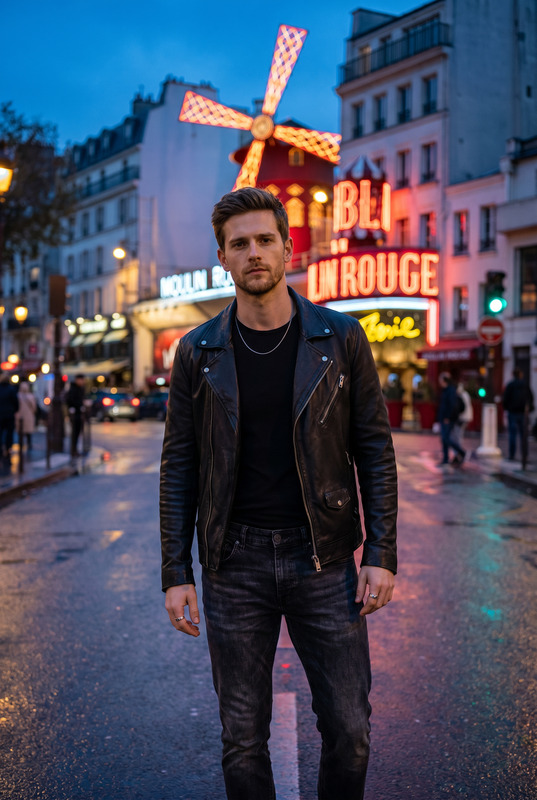
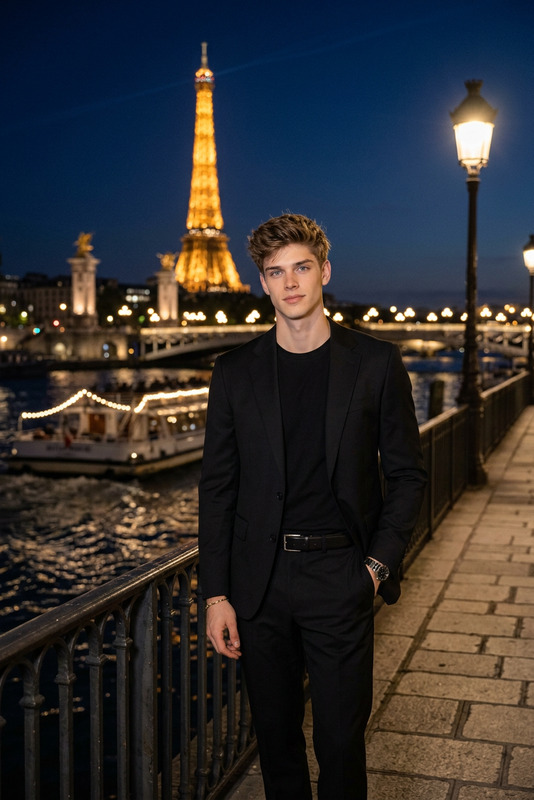
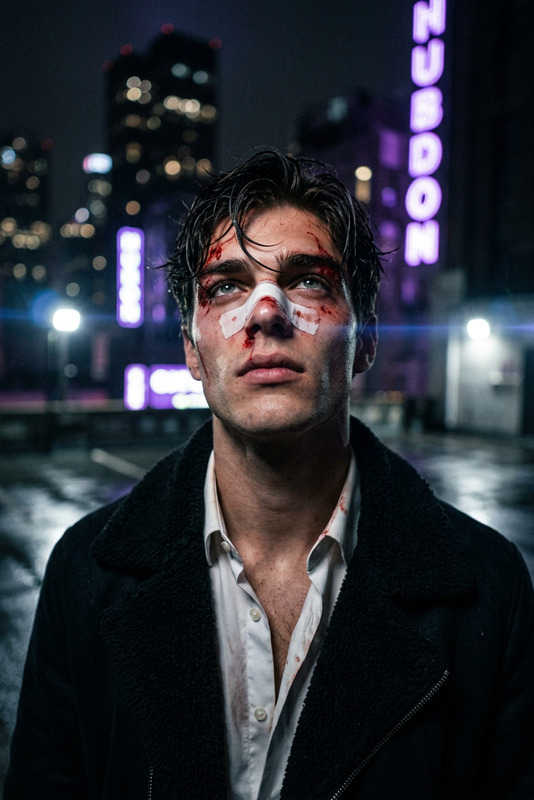
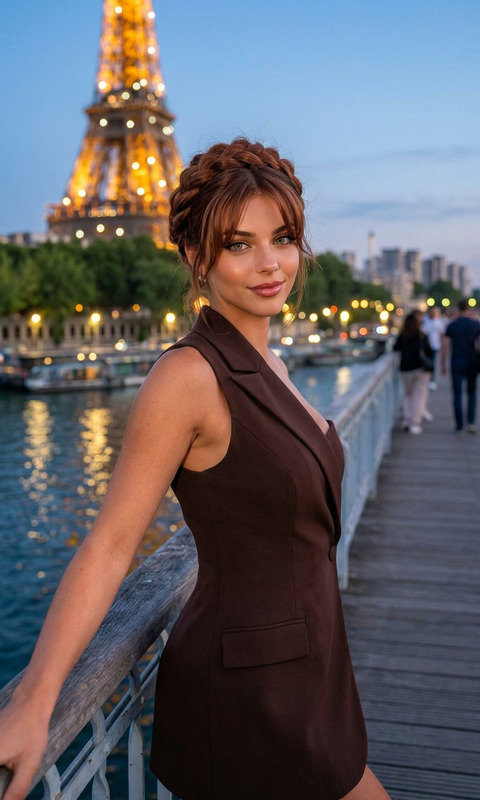
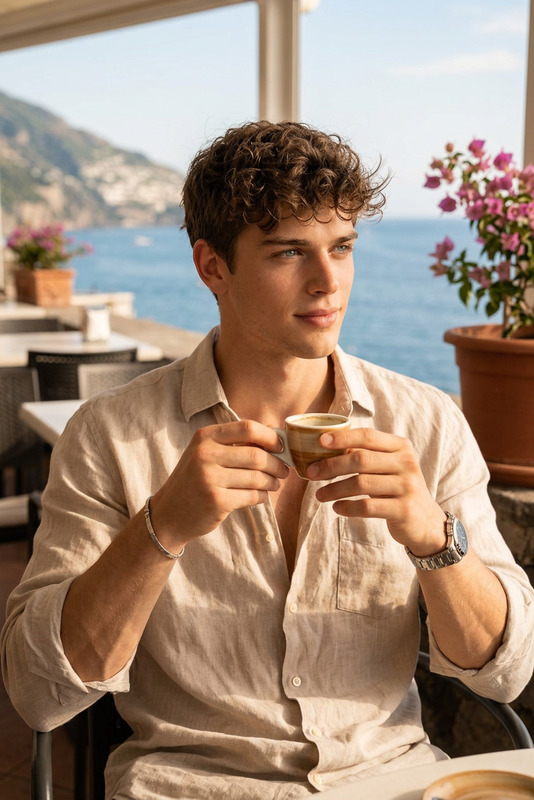
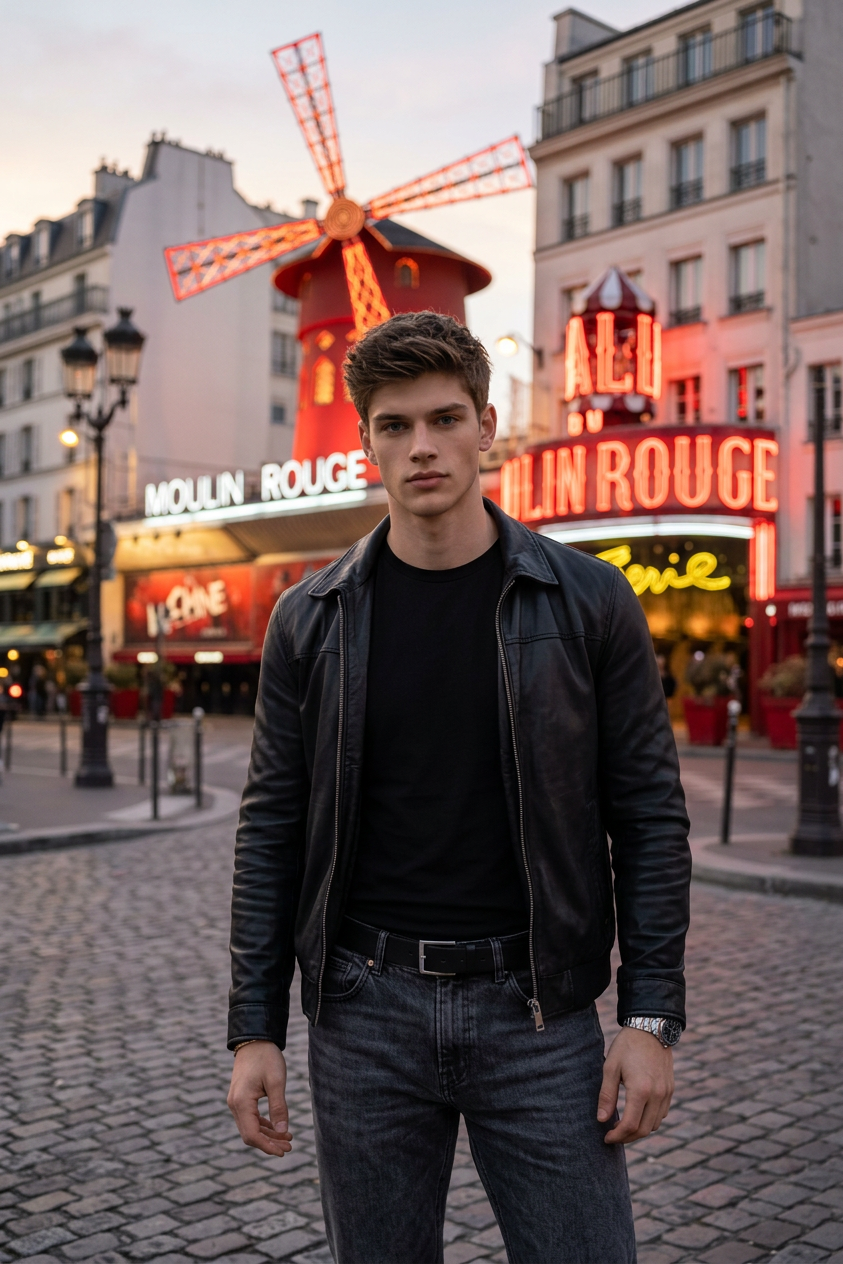
A cinematic, medium full-length shot of a handsome male subject standing on a city street at dusk. He has short dark hair and slight stubble, looking directly into the camera with a calm expression. He is wearing an open black leather jacket over a fitted black crewneck t-shirt, paired with dark grey jeans and a black leather belt with a silver buckle. In the background, the iconic Moulin Rouge cabaret building in Paris is brightly illuminated with glowing red neon lights and its signature red windmill. Soft evening twilight, beautiful urban bokeh, photorealistic, high detail, travel lifestyle photography style.
Any aspect ratio
Overview
The Rouge Hour template leverages the capabilities of the AI Image Editor tool, built on the sophisticated nano-banana-2 model, to craft cinematic images with striking detail. This template captures a dynamic urban atmosphere, perfect for creating engaging visual narratives.
What It Does
Rouge Hour creates high-quality, cinematic style images featuring a male subject against the iconic backdrop of Paris at dusk. This template focuses on travel lifestyle imagery, offering you the ability to highlight urban settings with rich details like the illuminated Moulin Rouge. Integrating this with your content enhances visual storytelling, making impactful presentations and creative projects.
Who It's For
This template is ideal for photographers, travel bloggers, and digital marketers looking to elevate their visual media. It's also suited for creative professionals in film and advertising seeking to produce high-detail imagery for promotional content. Educators and content creators can also benefit from using AI Image Generator tools to add flair to their presentations.
Summary
With Rouge Hour, transform your visuals into cinematic experiences that captivate and engage. By utilizing the vibrant and detailed setting of Paris' Moulin Rouge at dusk, this template allows you to craft compelling stories. Ideal for a range of applications from promotional material to personal projects, Rouge Hour promises a unique aesthetic enhancement to your imagery.
How to Use
Choose the Template

Customize Your Input

Generate the Image

Use Cases
Travel Blogs
- Capture cinematic shots of famous landmarks
- Create immersive visuals for readers
Lifestyle Photography
- Focus on urban environments
- Highlight fashion and character in visuals
Marketing Campaigns
- Enhance advertisements with photorealistic images
- Attract audiences with eye-catching visuals
Best Practices
Consider Lighting
Adjust the prompt to refine lighting effects that match your desired atmosphere.Utilize Backgrounds Strategically
Leverage the iconic settings like the illuminated Moulin Rouge to anchor your visual narrative.Focus on Details
Ensure details such as facial expressions and attire are highlighted to complement your story's theme.