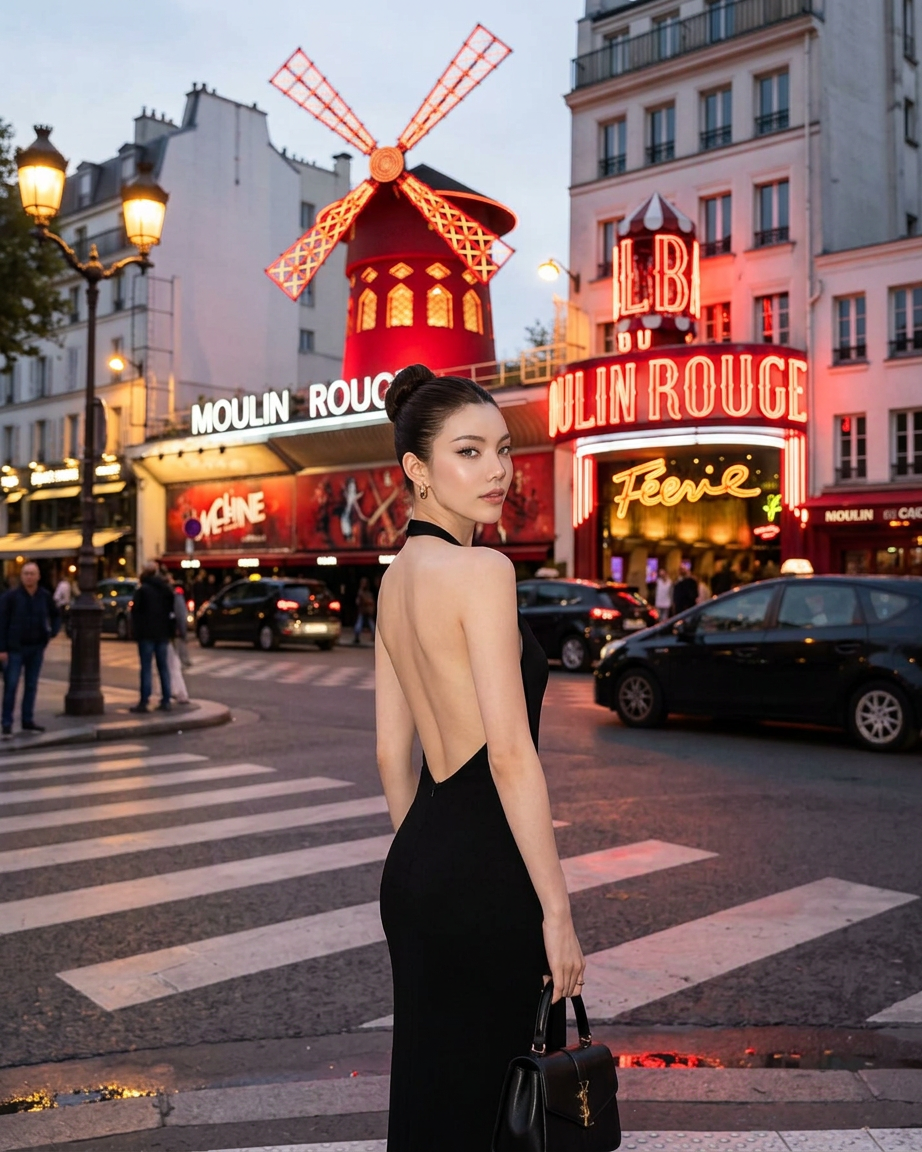
Rouge Hour
- Model
- Nano Banana 2
- Image
- 922 × 1152 px
Prompt
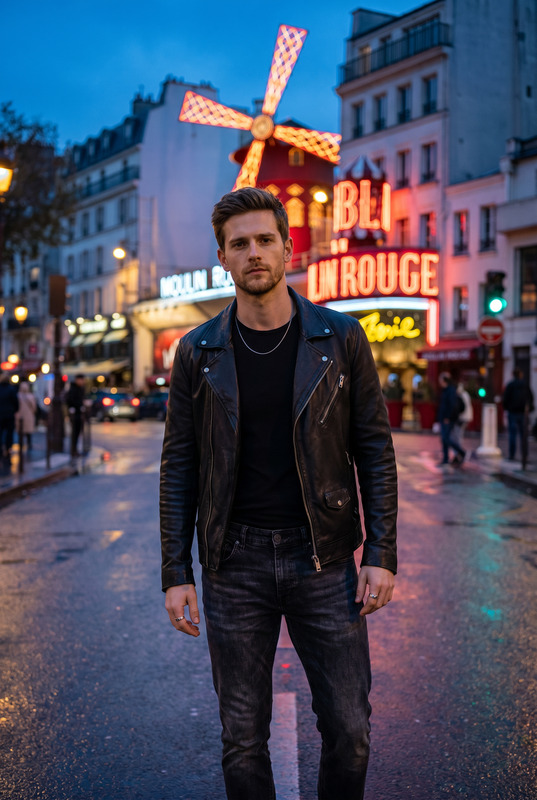
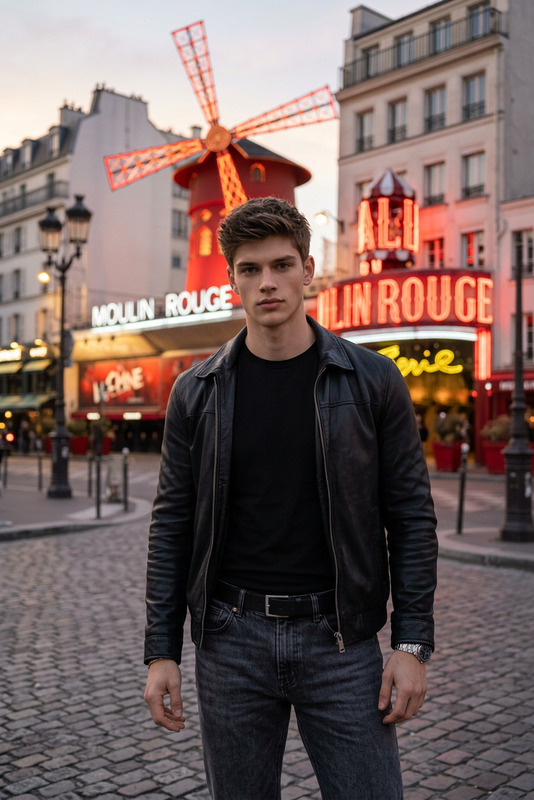
A cinematic, medium full-length shot of an elegant female subject standing on a city street crosswalk at dusk. She is turned sideways, looking back over her shoulder with a serene expression, her dark hair styled into a neat high bun. She wears a form-fitting, backless black evening gown and small gold hoop earrings, holding a minimalist black leather handbag down by her side. In the background, the iconic Moulin Rouge cabaret building in Paris is beautifully illuminated with glowing red neon lights and its signature red windmill. Soft evening daylight, beautiful bokeh, photorealistic, high-fashion travel editorial style.
Any aspect ratio
Overview
Rouge Hour elevates your visuals to a new level with its powerful AI Image Editor capabilities. Tailored for elegant, high-fashion imagery, this template draws inspiration from iconic cinematic moments. Capturing a sophisticated style, it frames subjects in photorealistic settings, perfect for editorial and travel imagery.
What It Does
Rouge Hour integrates advanced image editing functions, leveraging the nano-banana-2 model to transform ordinary photos into cinematic marvels. Whether you're enhancing a fashion editorial photo or creating travel content, this template helps you bring out details such as texture, color, and mood. Tailor bokeh effects and lighting to make your subject truly stand out against the iconic Paris backdrop.
Who It's For
This template is ideal for professional photographers and digital content creators aiming to craft images that capture the essence of luxury and style. It's particularly suitable for those interested in producing high-quality fashion editorials and travel-related imagery. Whether you're working on a portfolio or a brand campaign, Rouge Hour supports your vision with precision.
Summary
Rouge Hour provides cutting-edge tools for anyone looking to enhance their visual storytelling capabilities. Start your editing journey with this template to create photographs that combine elegance and realism, akin to scenes from a high-fashion photoshoot. Explore more tools like the AI Image Editor to further refine your projects.
How to Use
Choose the Template

Customize Your Image

Generate Your Final Image

Use Cases
Fashion Editorials
- Enhance detail and color in garments
- Create compelling visual narratives against urban backdrops
Travel Content
- Combine scenery with fashion elements
- Craft images that resonate with the sense of place
Social Media Campaigns
- Capture attention with high-fashion aesthetics
- Promote brands with luxurious, refined imagery
Best Practices
Focus on Lighting
Ensure that your image's lighting plays a key role in establishing mood and accentuating your subject against any backdrop.Use High-Resolution Images
Start with high-quality images to maximize the detail and clarity achievable with the AI Image Editor.Align with the Prompt
Tailor the image to align closely with the provided prompt for best results, enhancing both the subject and its environment.