Tan
- Model
- GPT Image 2
- Image
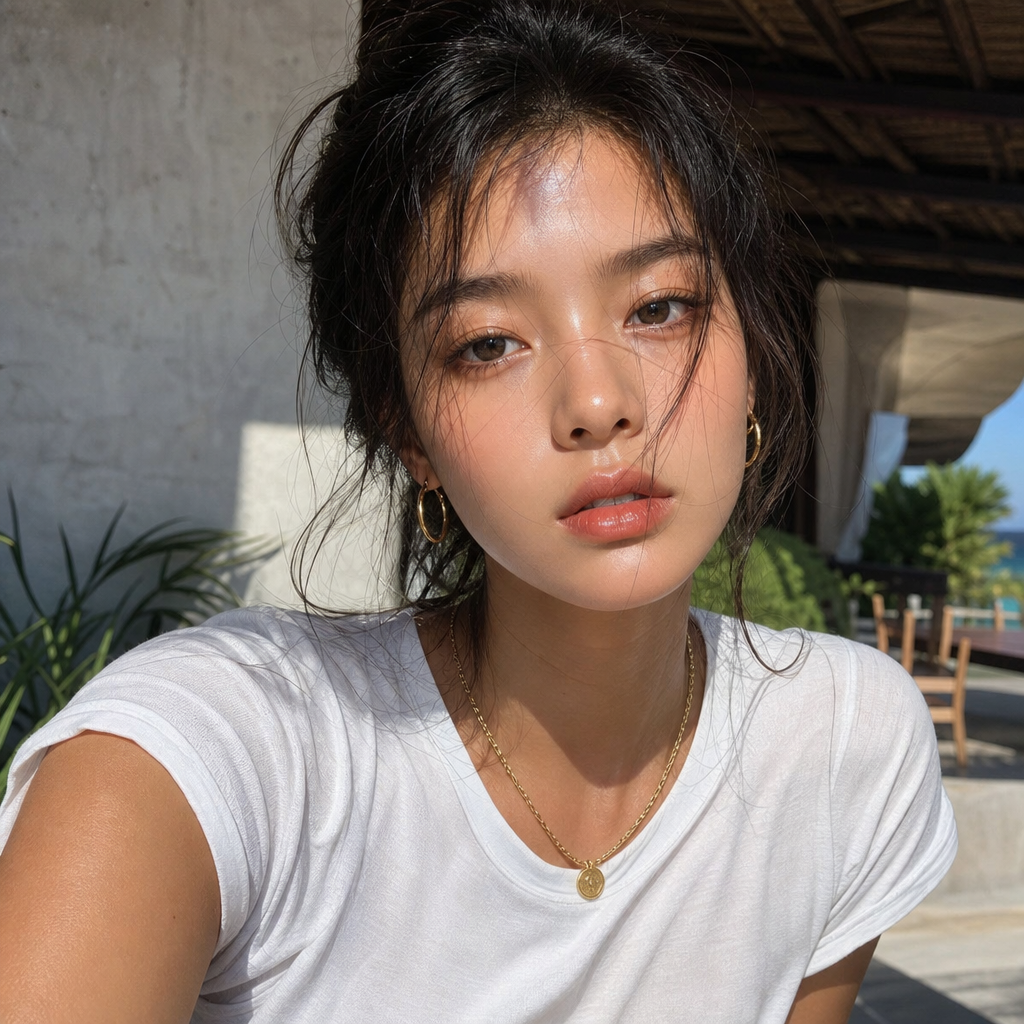
- 1024 × 1024 px
Prompt
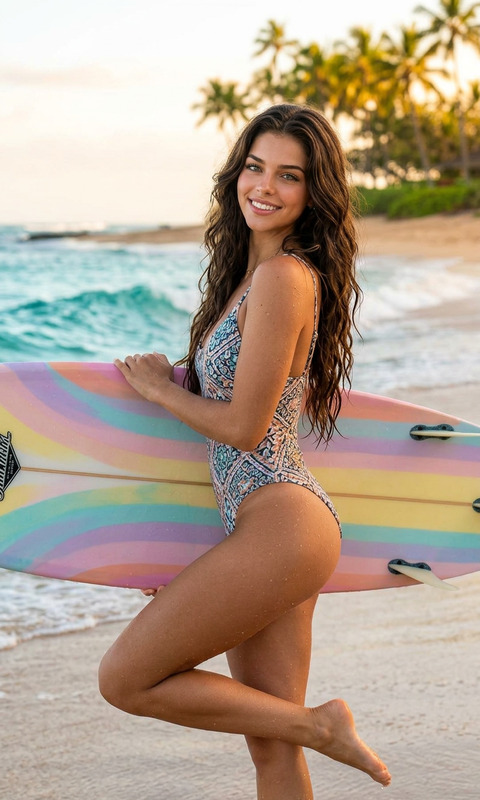
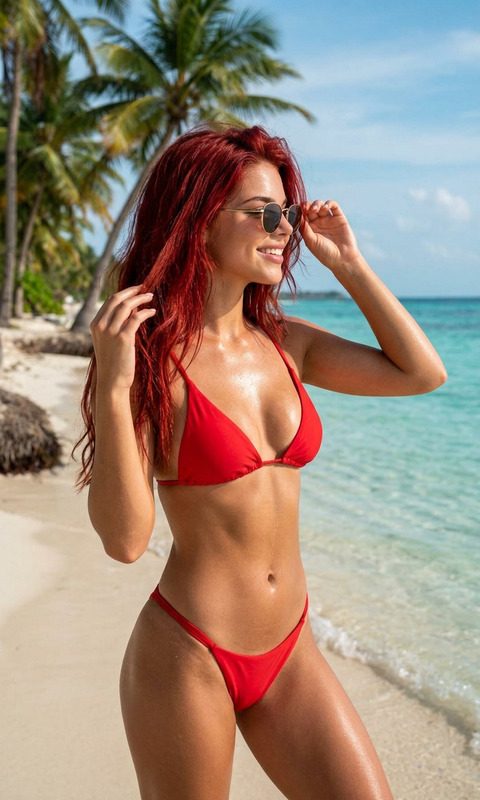
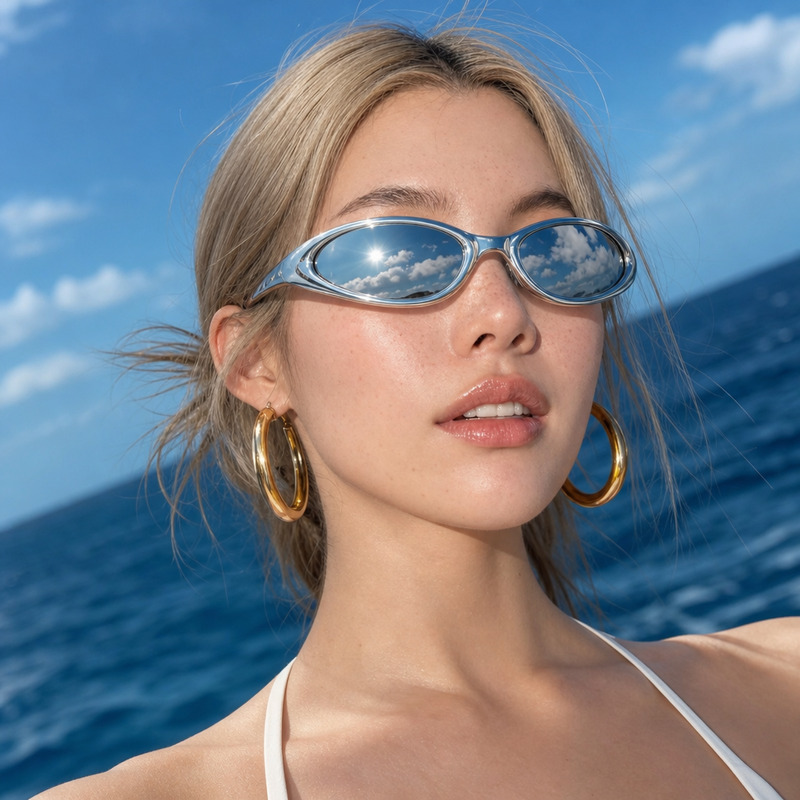
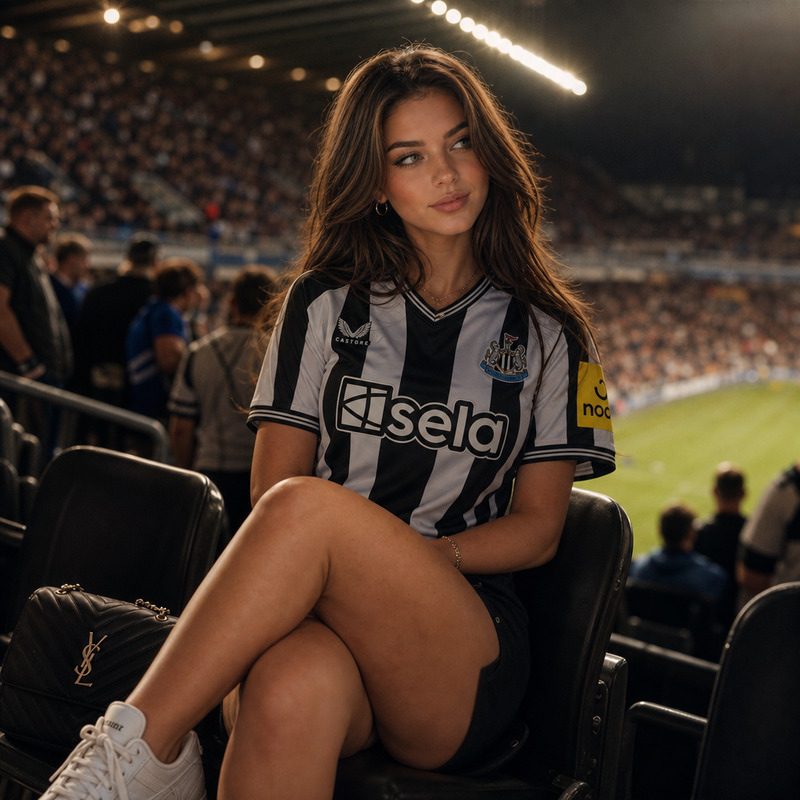
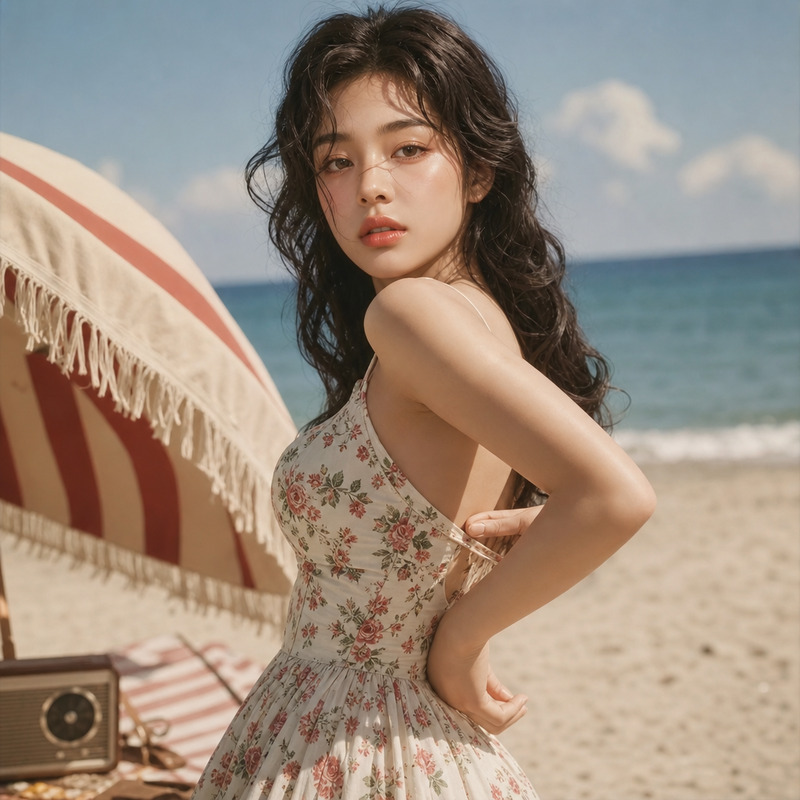
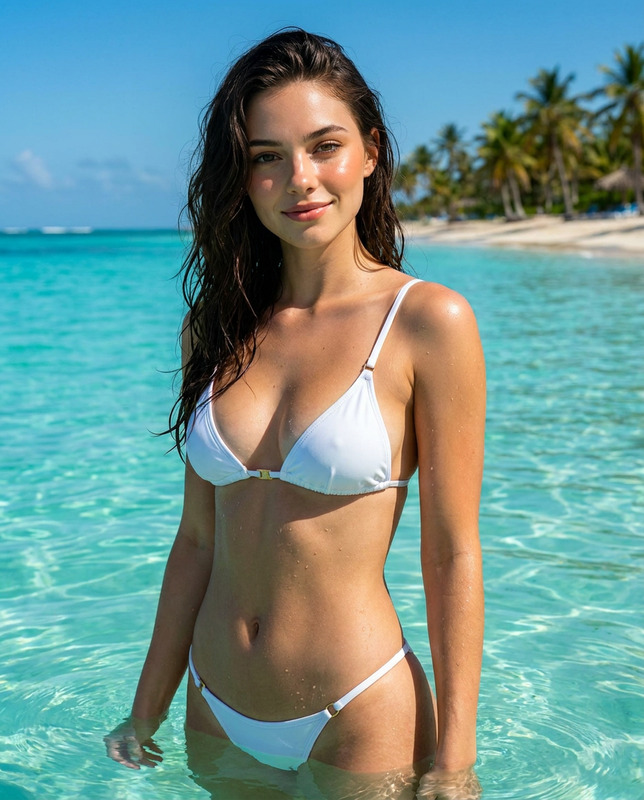
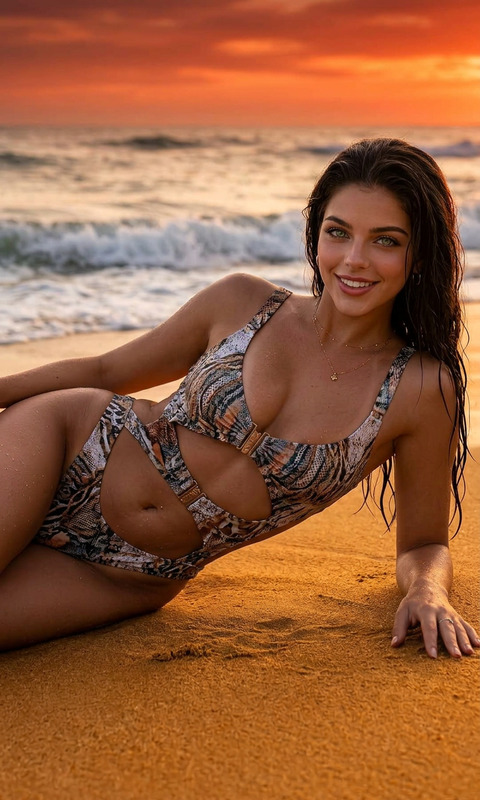
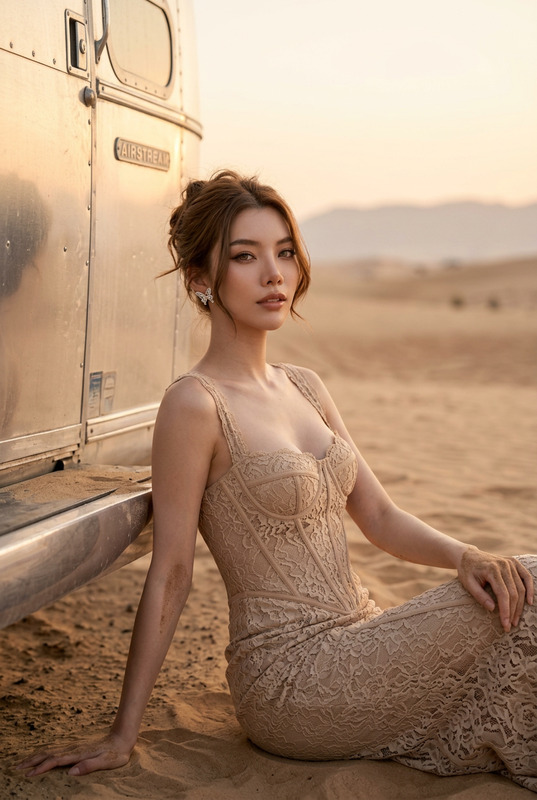
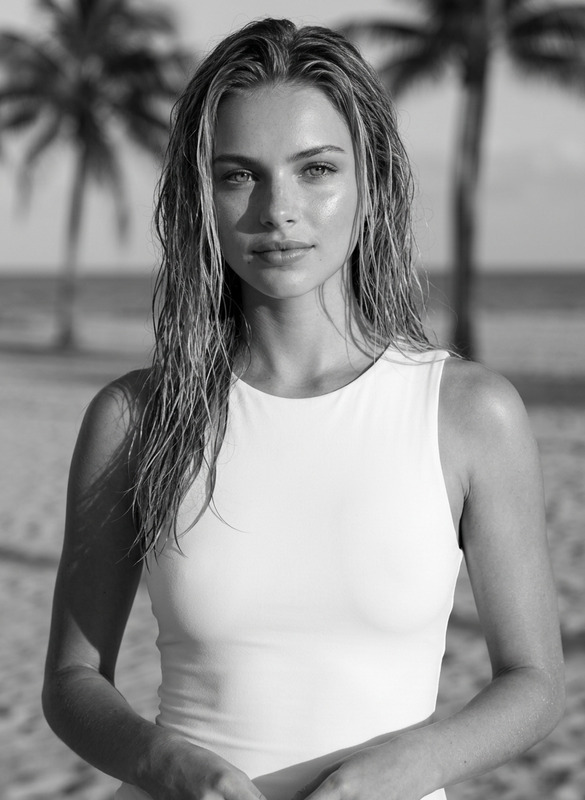
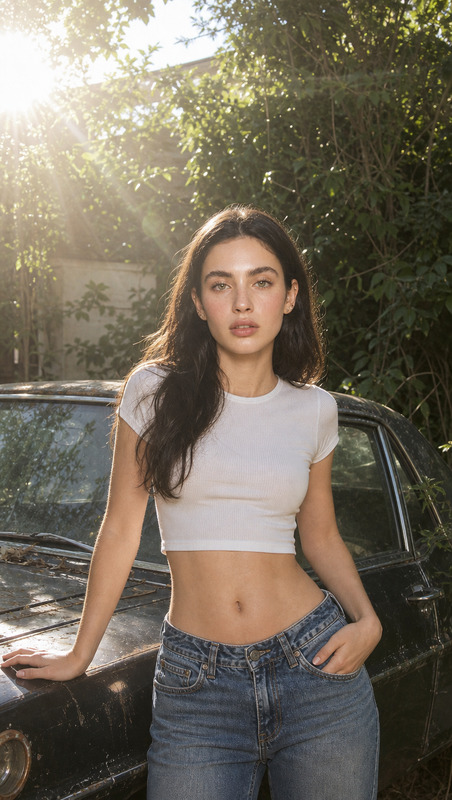
An ultra-realistic image of a woman with a flawless tan, wearing a white t-shirt and gold accessories, on a hot summer day
Any aspect ratio
Overview
Capture the essence of summer with the Tan AI Image Editor template. Utilizing the power of GPT-Image-2, this tool creates ultra-realistic, perfectly tanned images in just a few clicks. This template offers a seamless way to enhance your photos, bringing out natural, sun-kissed hues that are ideal for seasonal marketing or personal projects.
What It Does
The Tan AI Image Editor is specifically designed to transform images by applying a natural-looking tan effect. It automatically adjusts the skin tones to reflect a realistic summer glow while ensuring all other details remain intact. This makes it a valuable addition to the AI Image Editor suite for anyone needing to add that warm, sunny touch to their visuals.
Who It's For
This template is perfect for photographers, social media influencers, and marketing professionals who want to elevate their visuals with a touch of summer. Whether you are creating content for fashion, travel, or lifestyle, the Tan AI Image Editor offers a quick and effective solution to enhance images, fitting seamlessly with tools like the AI Image Upscaler for high-resolution results.
Summary
Enhance your images' summer vibes with the Tan AI Image Editor template. By leveraging the capabilities of AI Image Generator, it provides realistic tanning effects for stunning end products. Ideal for both personal and professional use, this tool ensures your images capture the perfect summer glow.
How To
Choose Your Image

Customize the Settings

Generate and Download

Use Cases
Fashion Marketing
- Summer clothing collections
- Beachwear promotions
- Outdoor lifestyle shoots
Travel Blogs
- Beach destinations
- Summer adventure spots
- Local cultural experiences
Social Media Content
- Instagram posts
- Facebook campaigns
- TikTok videos
Product Photography
- Cosmetics
- Sunscreen
- Summer accessories
Best Practices
Select High-Quality Images
For the best results, use images with good lighting and resolution to enable the model to apply a more realistic tan.Adjust Prompt as Needed
Feel free to tweak the prompt to focus on specific areas you want the AI to enhance, such as additional accessories or background details.Pair with Image Upscaler
Use the AI Image Upscaler to ensure your final output maintains high quality, especially when resizing for different platforms.