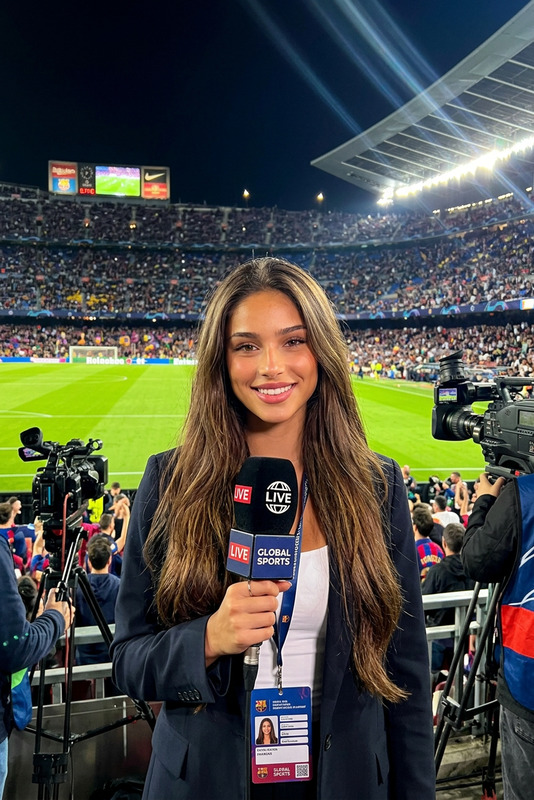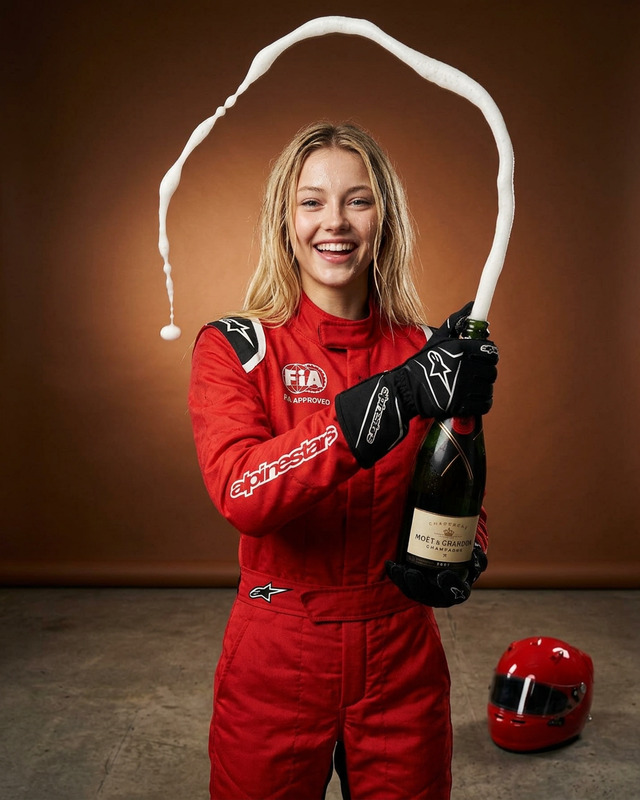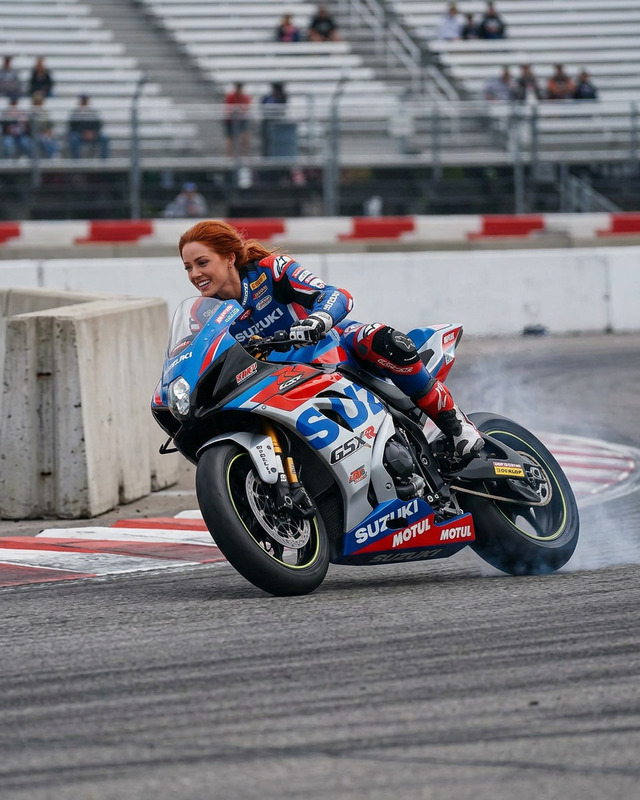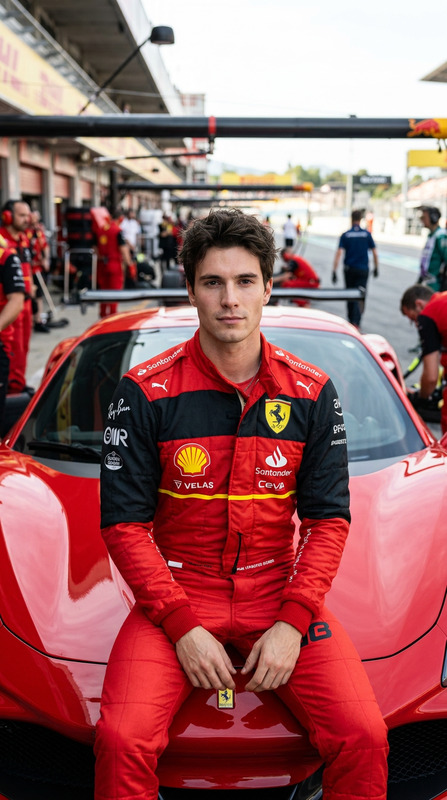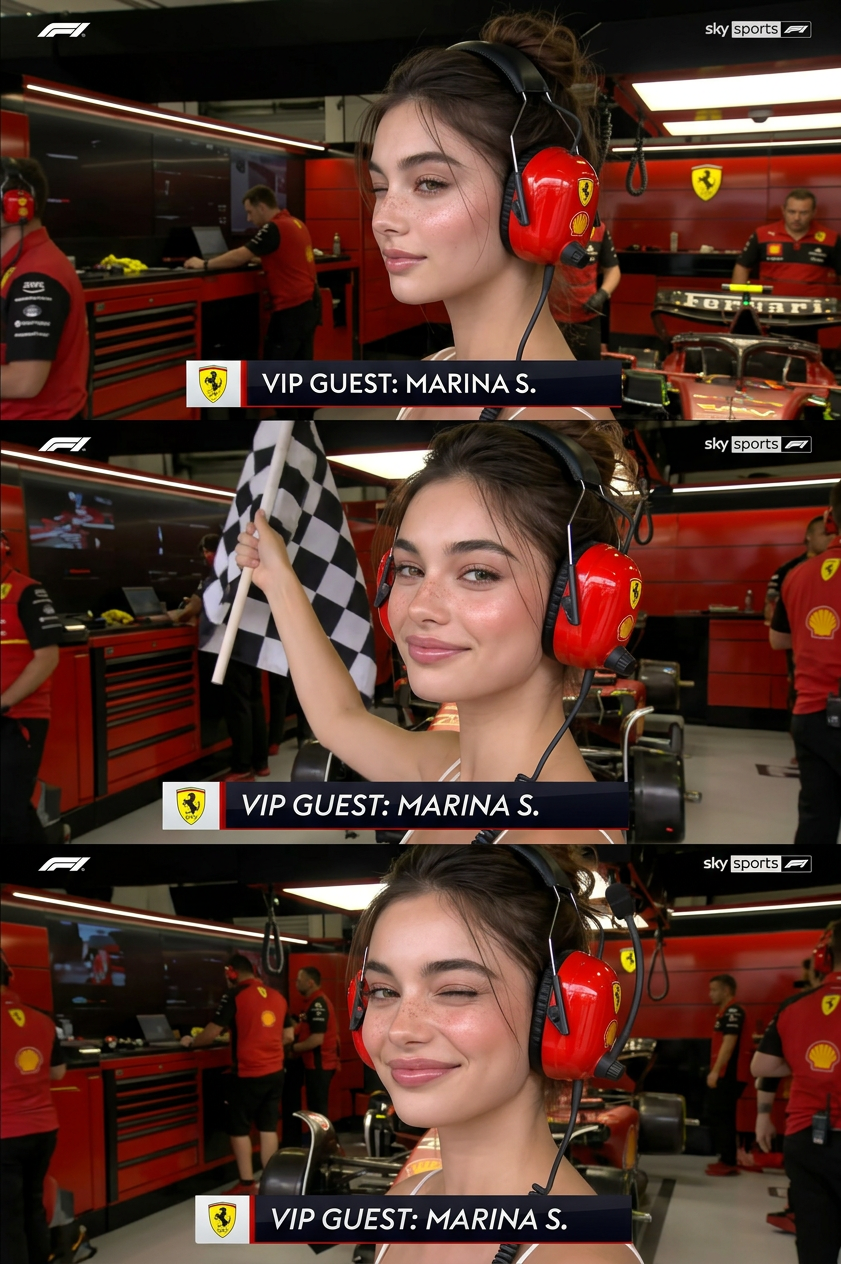
Ferrari VIP
- Model
- Nano Banana 2
- Image
- 841 × 1264 px
Prompt
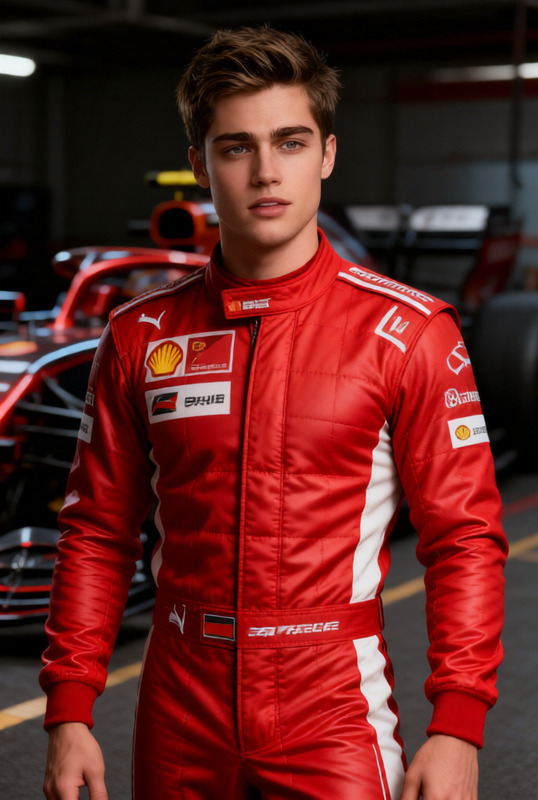
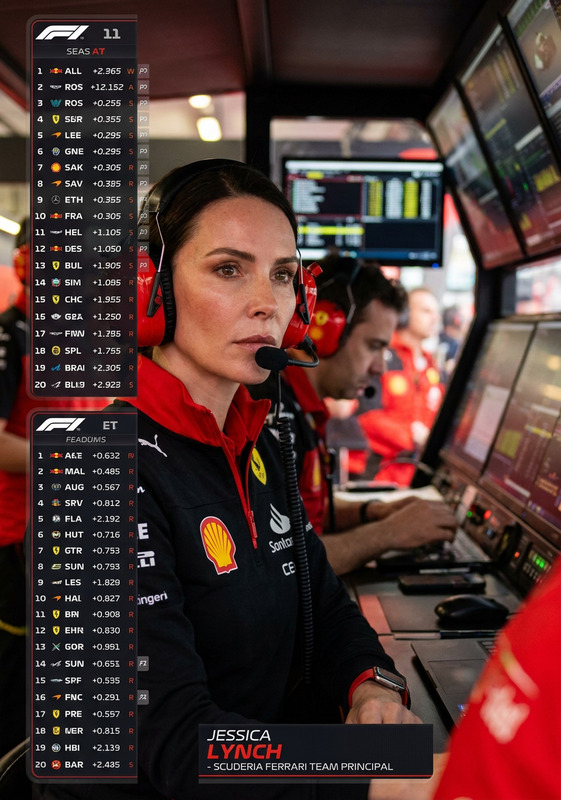
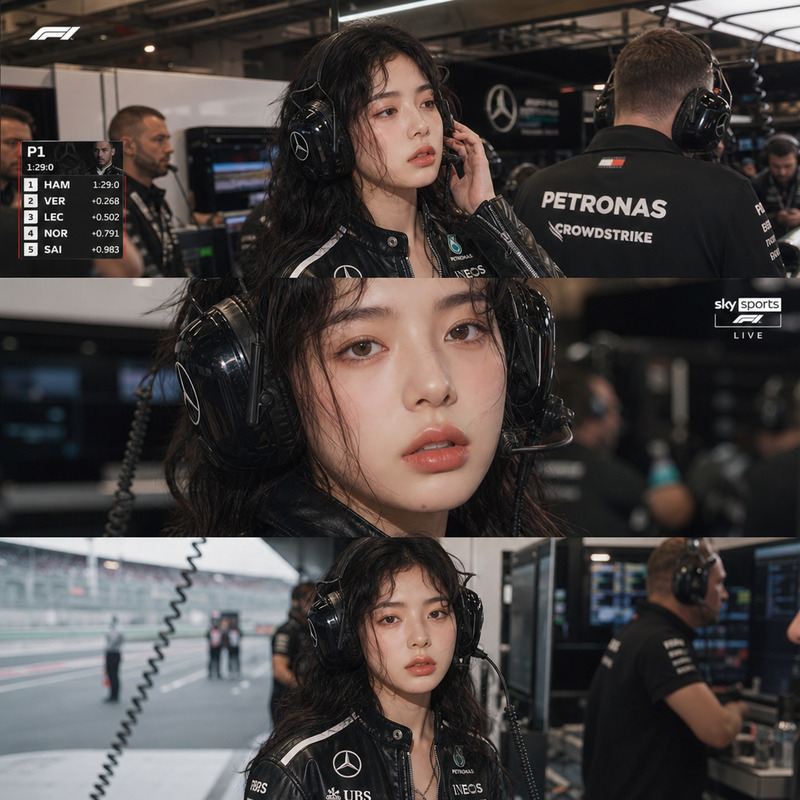
A cinematic Sky Sports F1 broadcast moment: the user appears as a VIP Ferrari pit guest, captured waist-up in the team garage wearing iconic red noise-canceling pit headphones. The camera slowly zooms in as they notice the lens, smile confidently, lift a checkered flag, and finish with a playful wink. Authentic F1 broadcast graphics, garage lighting, and pit lane atmosphere.
Any aspect ratio
Overview
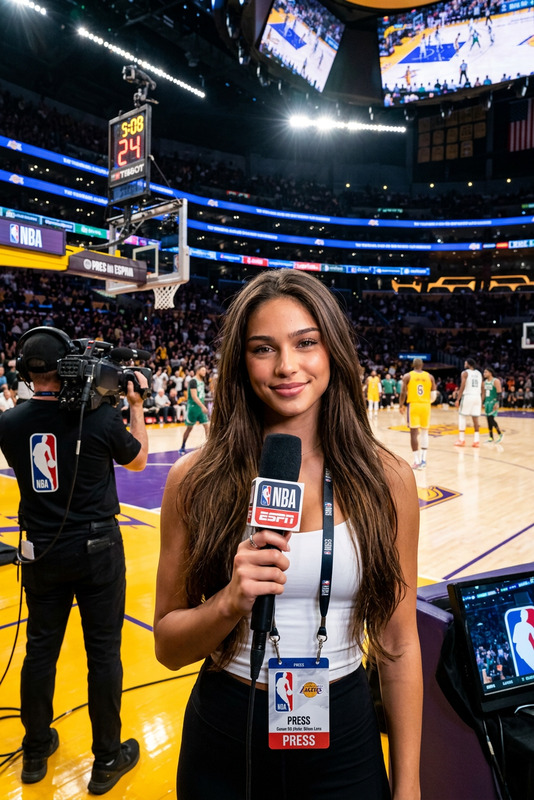
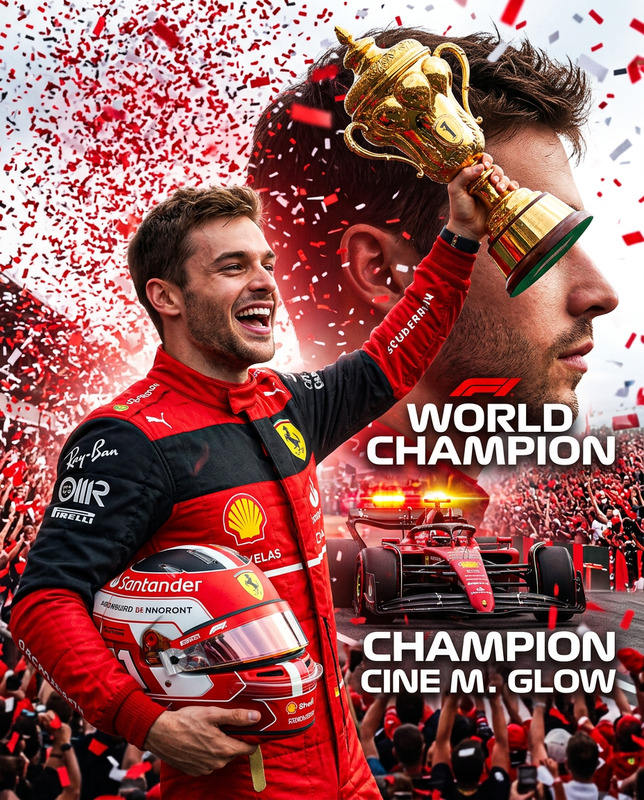
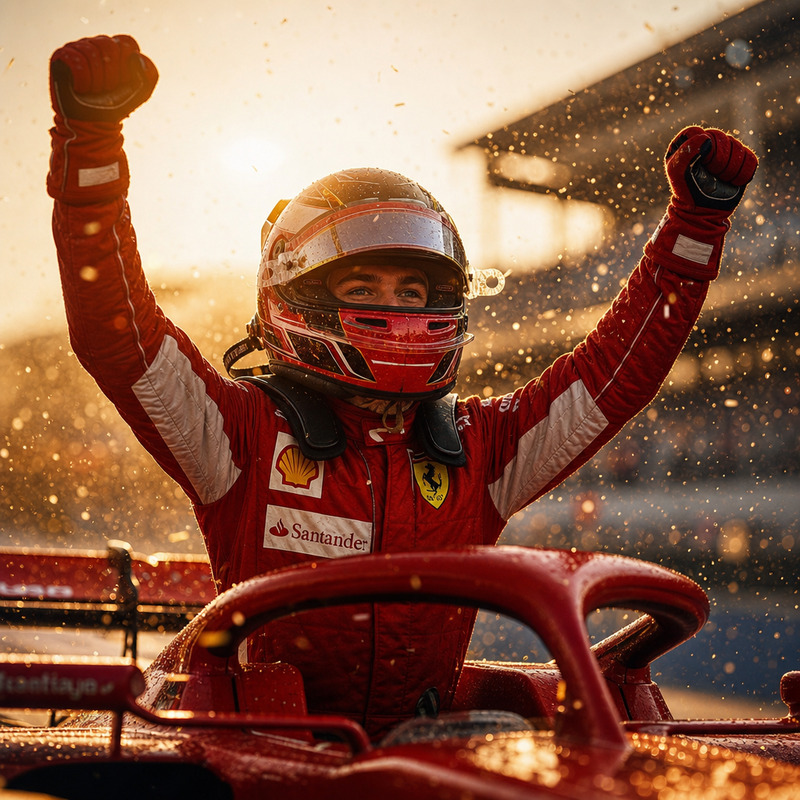
Welcome to the Ferrari VIP AI Image Editor template. Experience the thrill of a Formula 1 broadcast moment where you become the VIP guest in the Ferrari pit, complete with realistic broadcast graphics and pit lane ambience. Use the power of our AI Image Editor to transform your photos into cinematic experiences.
What It Does
The Ferrari VIP template allows you to insert yourself into a dynamic F1 scene. The editor enhances your image by introducing elements like the iconic red Ferrari headphones and a checkered flag, all enveloped in authentic broadcast-style graphics. Enjoy a professional-grade finish with realistic lighting and pit lane atmosphere.
Who It's For
This template is designed for Formula 1 fans, sports content creators, and anyone who wants to feel like part of a professional racing team. It's perfect for social media influencers looking to engage their audience with unique content. Explore more with our Image-to-Video tools that complement your racing experiences.
Summary
Immerse yourself in the F1 world and create memorable images that capture the essence of being a Ferrari VIP guest. This template provides you with all the elements needed to produce a broadcast-worthy image. Pair it with our AI GIF Generator for more engaging content.
How-To
Choose the Template

Customize Your Scene

Generate and Download

Use Cases
Social Media Content
- Instagram posts
- Facebook stories
- Twitter updates
Fan Engagement
- Fan club content
- F1 discussions
- Event promotions
Marketing Material
- Promotional ads
- Event highlights
Best Practices
Select High-Quality Images
Ensure your source images are clear and high-resolution for the best results.Adjust Lighting Carefully
Match the lighting in your photo to the lighting conditions portrayed in the template for a seamless blend.Leverage Additional Tools
Combine with tools like the AI Image Upscaler for enhanced image quality.