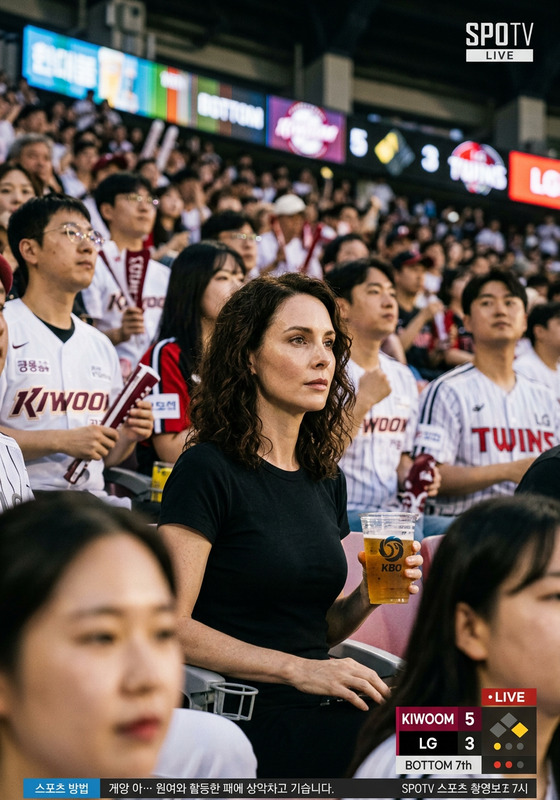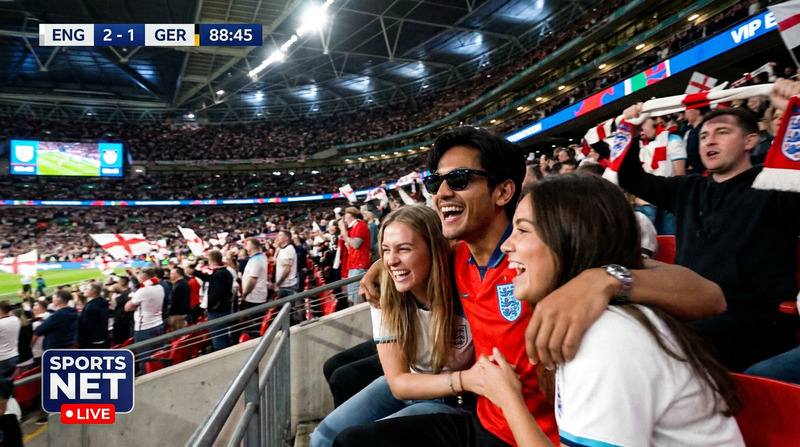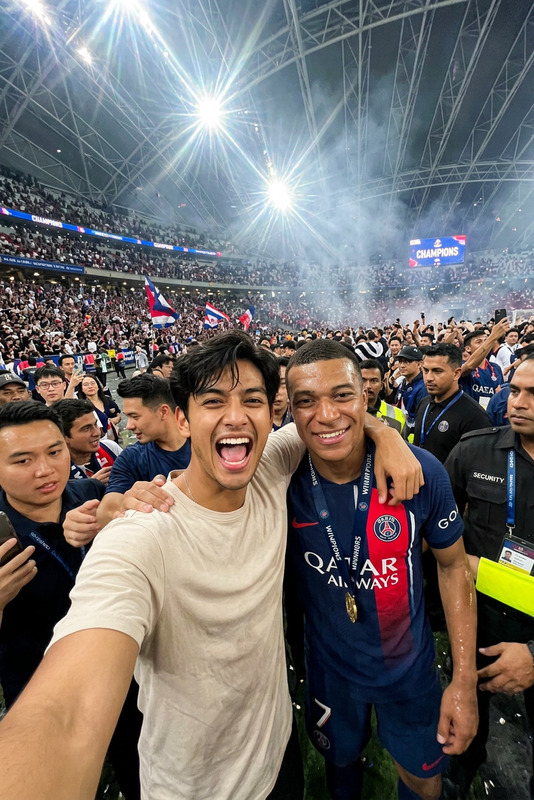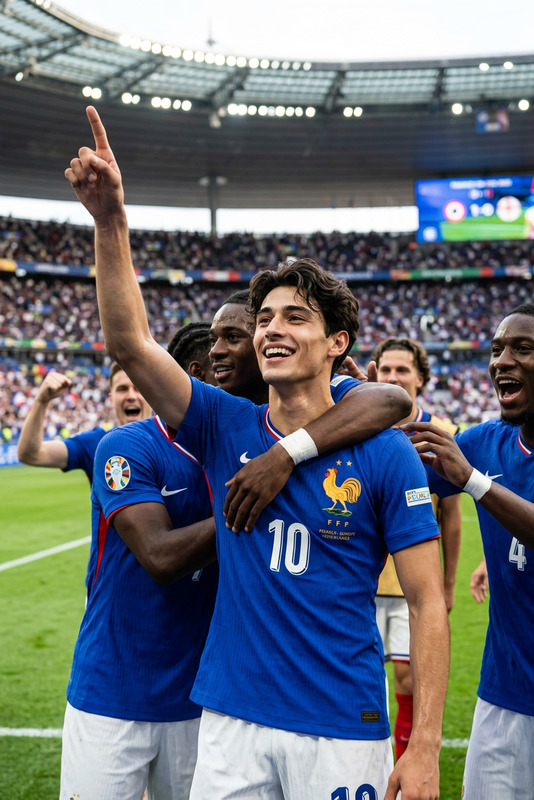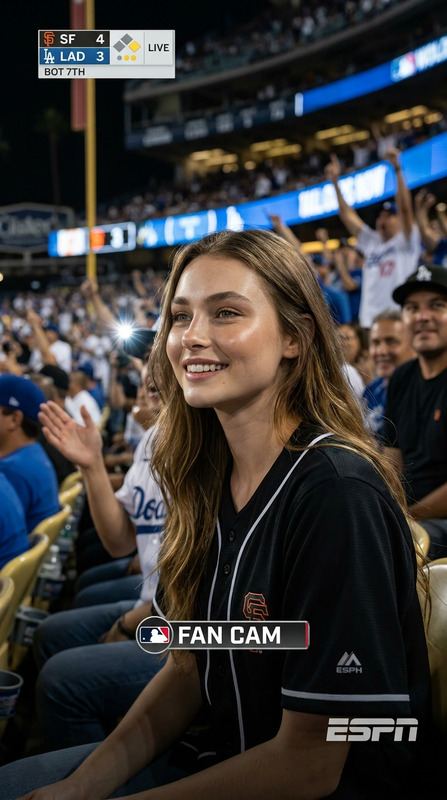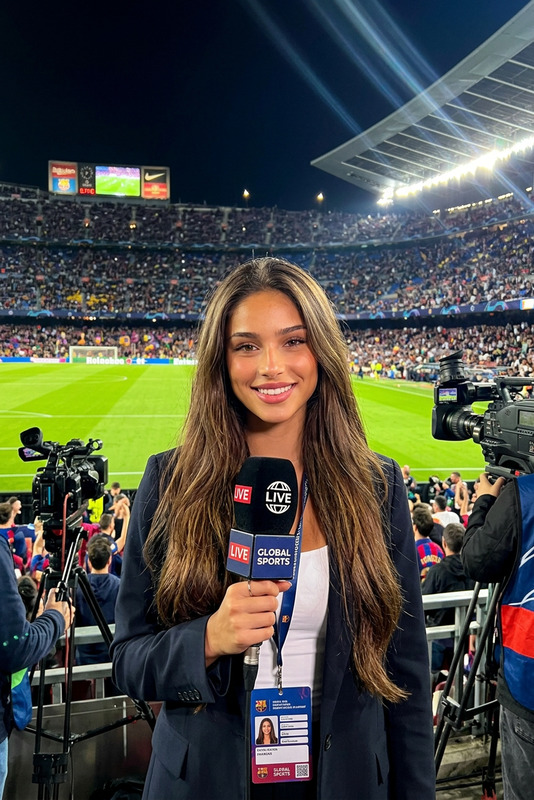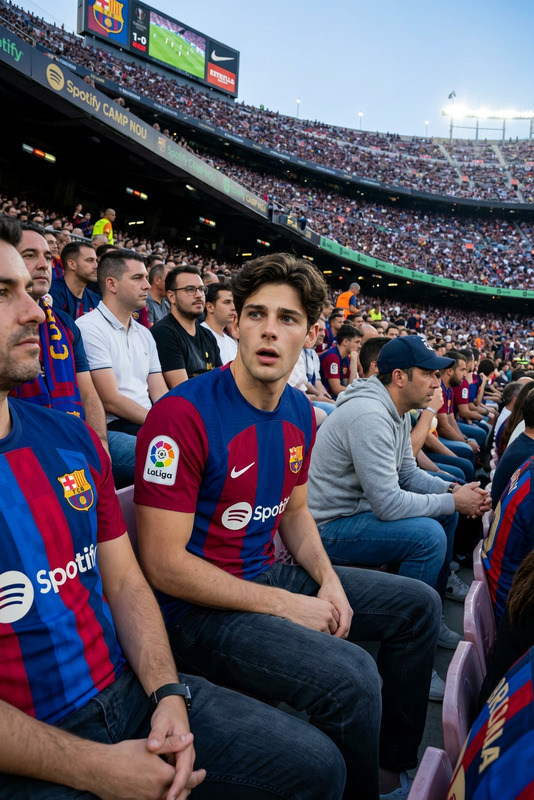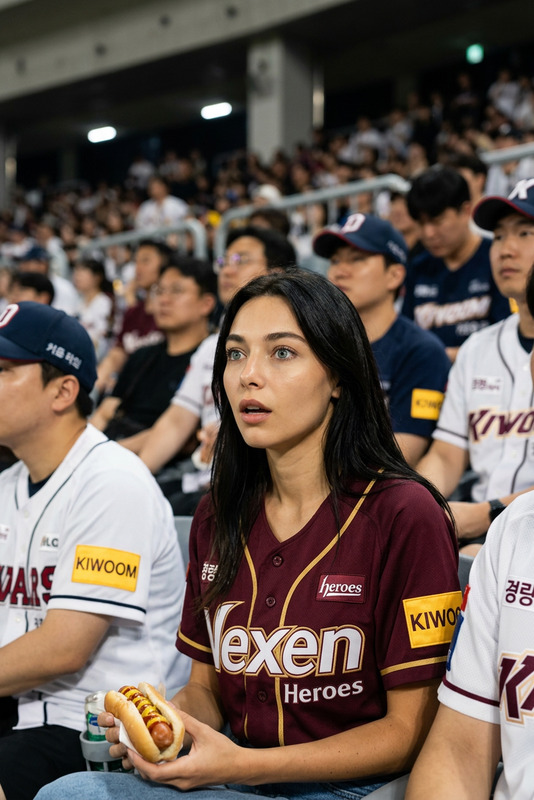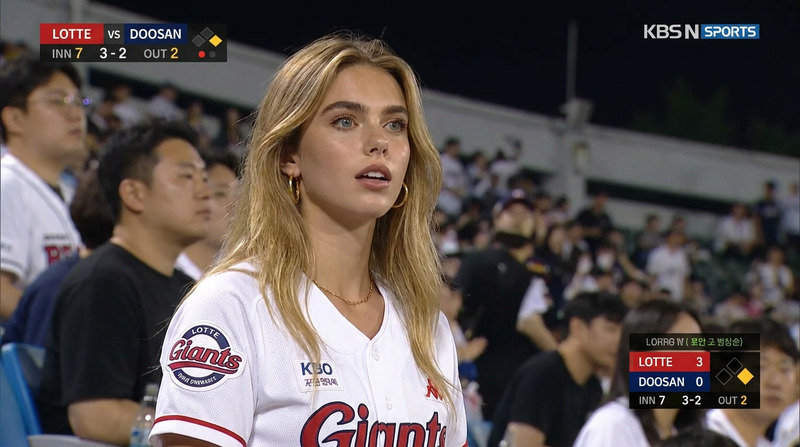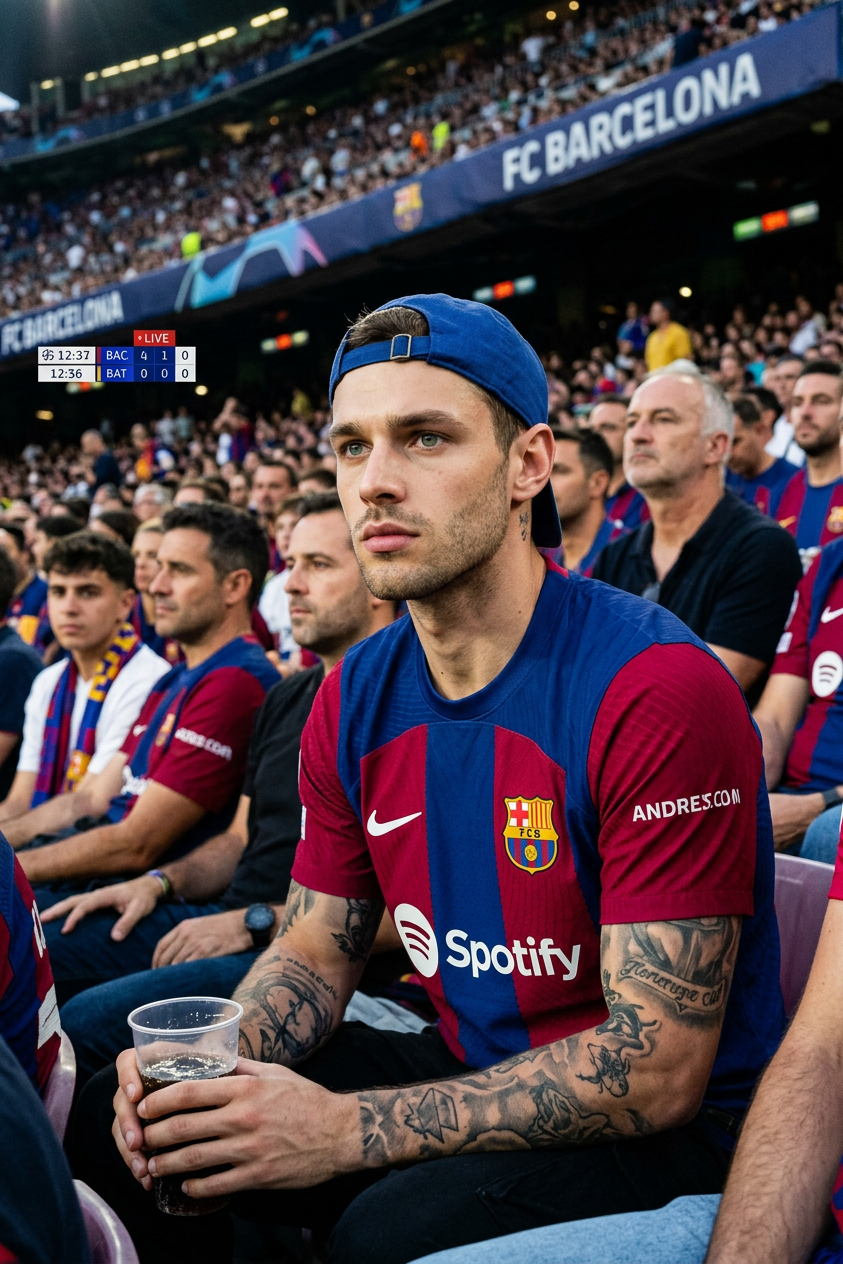
Stadium Cam
- Model
- Nano Banana 2
- Image
- 843 × 1264 px
Prompt
Ultra realistic candid photo of a young man sitting in the crowd of a football stadium during a UEFA Champions League match, captured by the live broadcast stadium camera, wearing a modern FC Barcelona jersey and a backwards cap, holding a soft drink cup, detailed tattoos, cinematic lighting, shallow depth of field, intense serious expression, fans blurred in the background, authentic sports broadcast atmosphere, DSLR telephoto lens look, natural skin texture, high detail, realistic shadows, viral stadium cam aesthetic, 4K, photorealistic, sports photography, broadcast overlay scoreboard in the top corner, spontaneous moment, emotional football match vibe.
Any aspect ratio
Overview
The Stadium Cam template under the AI Image Editor category is a versatile tool designed to transform your ordinary images into high-quality, broadcast-style sports photographs. Utilizing the nano-banana-2 model, it combines sophisticated AI features with seamless usability to enhance images with a sports broadcast aesthetic.
What It Does
This template converts regular photos into ultra-realistic stadium images, complete with a sports broadcast overlay. The model focuses on creating a cinematic feel akin to images produced by a telephoto DSLR lens. It excels in adding authentic details such as realistic shadows, natural skin textures, and an emotional atmosphere to match the intensity of a Champions League match.
Experience the transformation of your images at the same level as a AI Clothes Changer, while maintaining the elements like tattoos and facial expressions.
Who It's For
The Stadium Cam template is perfect for sports photographers, social media managers, football enthusiasts, and anyone aiming to create viral sports images. It's also beneficial for digital marketers looking to enhance the visual appeal of promotional content through professional-grade, sports-themed imagery.
Additionally, this template can complement projects using tools like AI Video Generator, offering thematically consistent visuals across different media platforms.
Summary
The Stadium Cam template seamlessly blends advanced AI capabilities to elevate sports photography. Perfect for creating photorealistic images bathed in a stadium atmosphere, this tool brings every detail to life, from soft drink cups to intense expressions. It's your go-to resource for achieving a viral stadium cam aesthetic that resonates with the emotions of live sports broadcasts.
How to Use
Choose the Template

Customize Your Inputs

Generate Your Image

Use Cases
Sports Fan Engagement
- Enhance fan experiences with photorealistic content
- Promote upcoming matches with viral images
Event Marketing
- Attract audiences with professional-grade visuals
- Differentiate marketing materials with broadcast-quality photos
Social Media Content Creation
- Generate shareable, impactful sports images
- Increase social media reach with visually appealing posts
Best Practices
Capture Realistic Details
Ensure images have clear, intricate details to maximize the tool's potential for creating lifelike images.Use High-Quality Inputs
Starting with high-resolution pictures will enhance the final output, making the stadium elements more pronounced.Match the Right Scenario
Use images that align with a sports or stadium environment to fully leverage the template's broadcast-style enhancements.