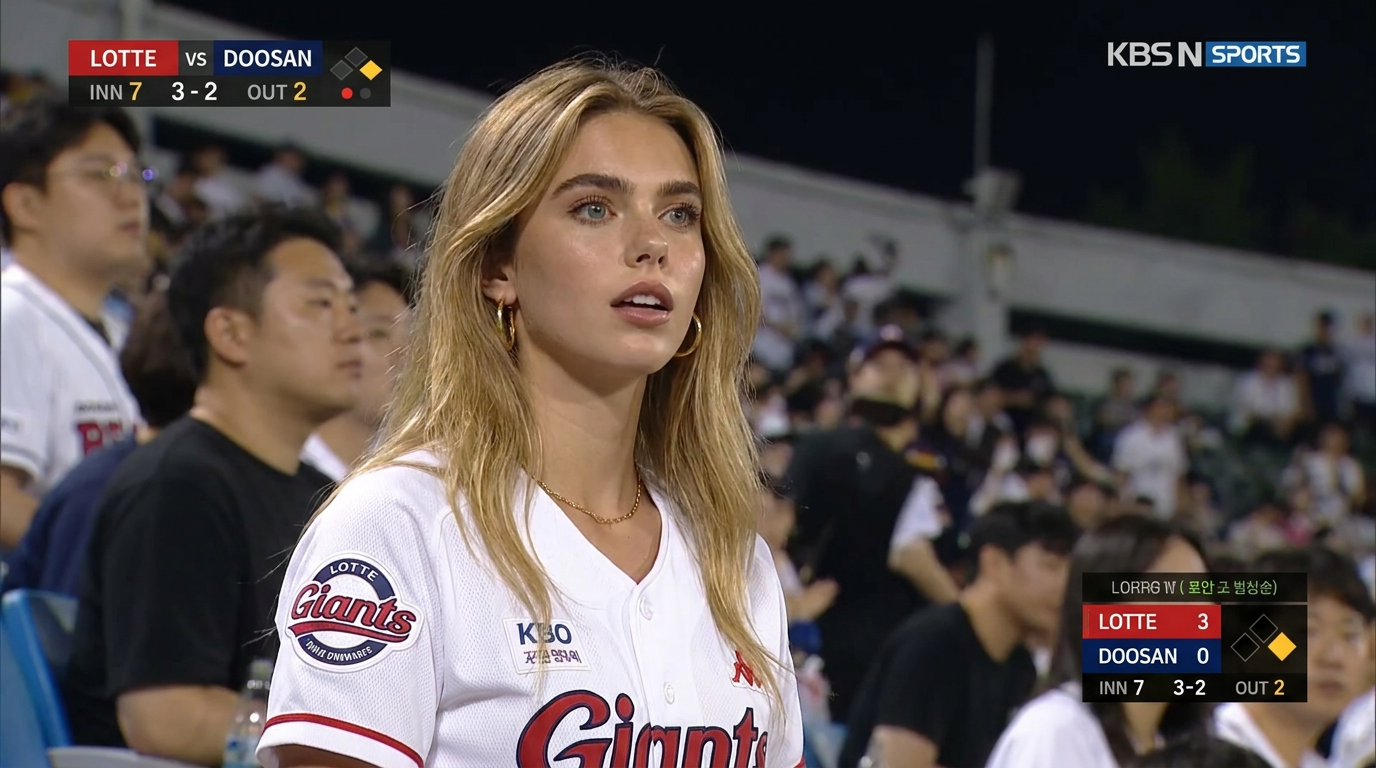
KBO Cam
- Model
- Nano Banana Pro
- Image
- 1376 × 768 px
Prompt
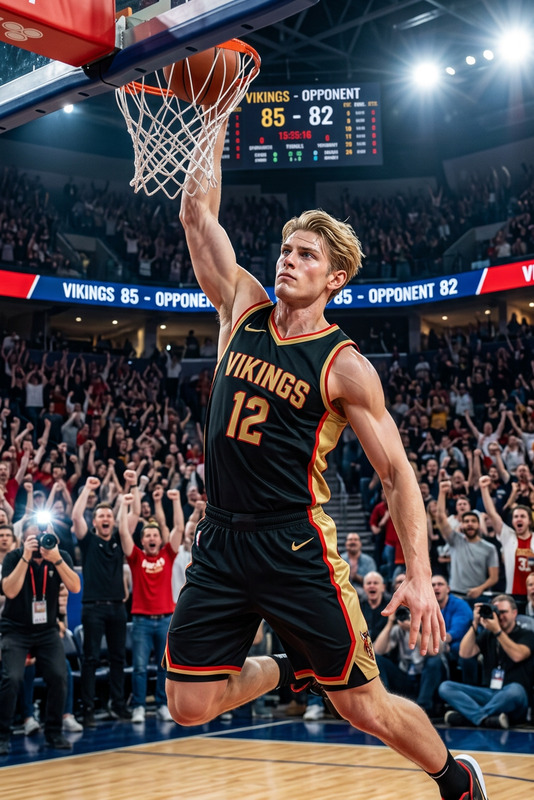
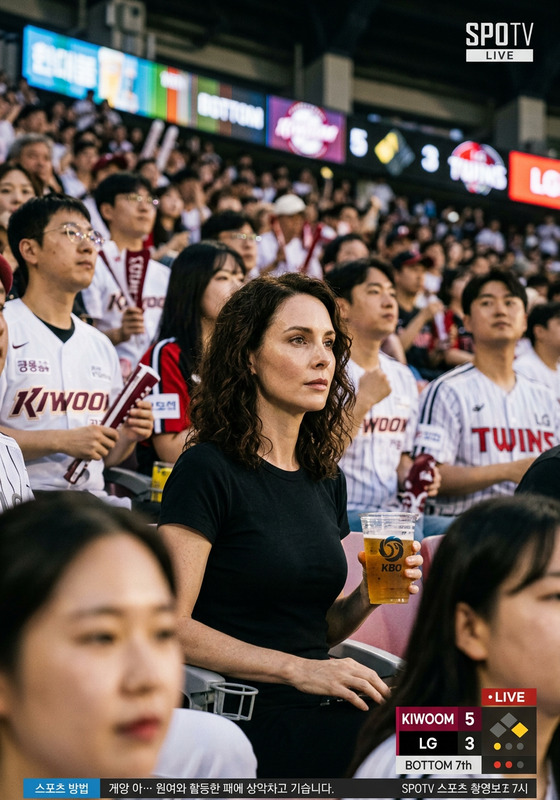
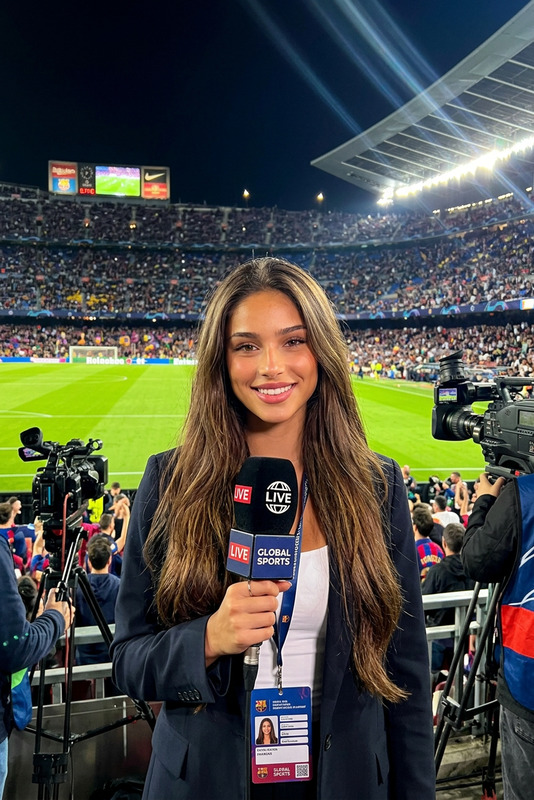
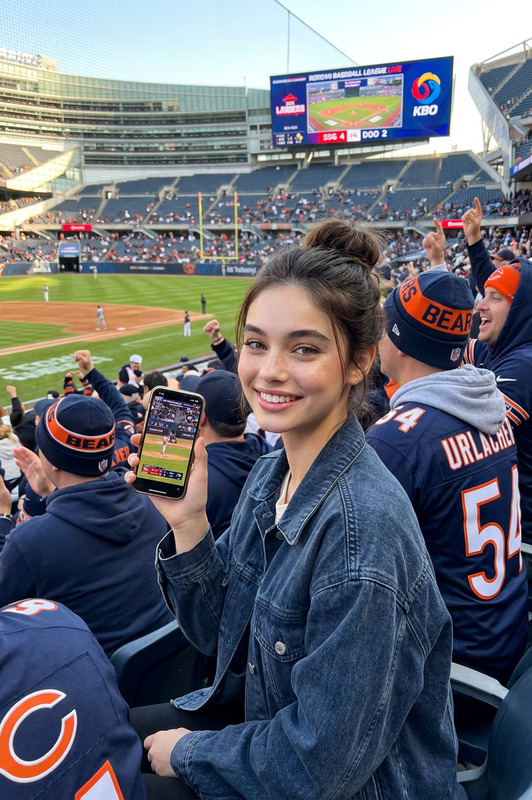
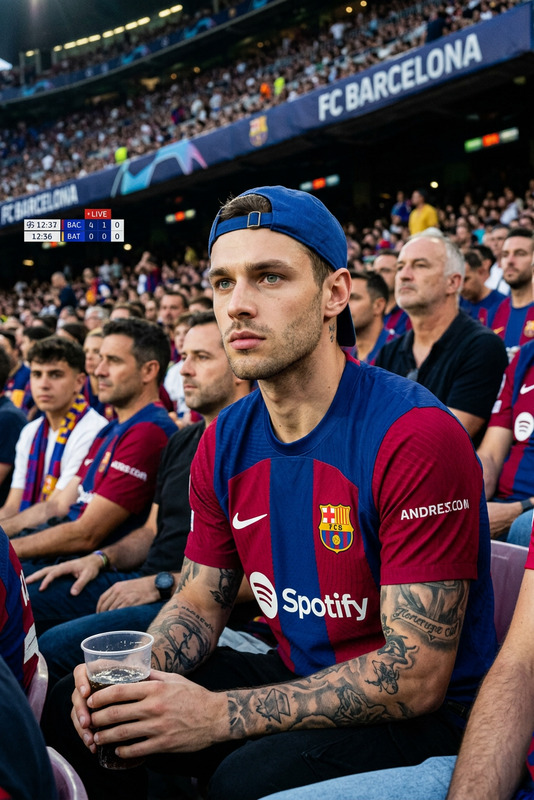
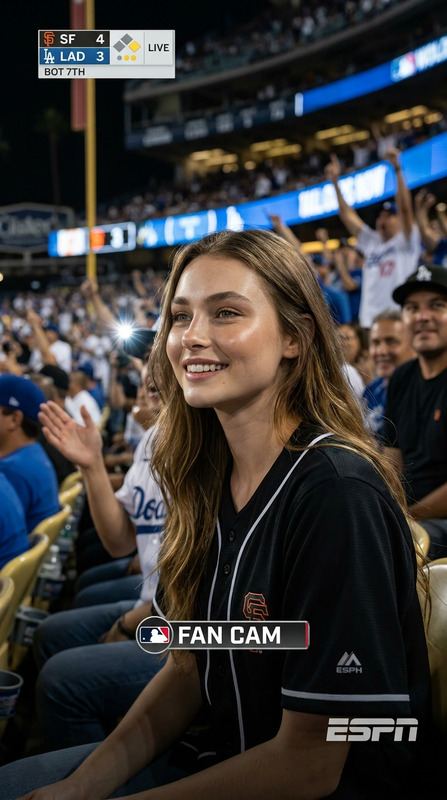
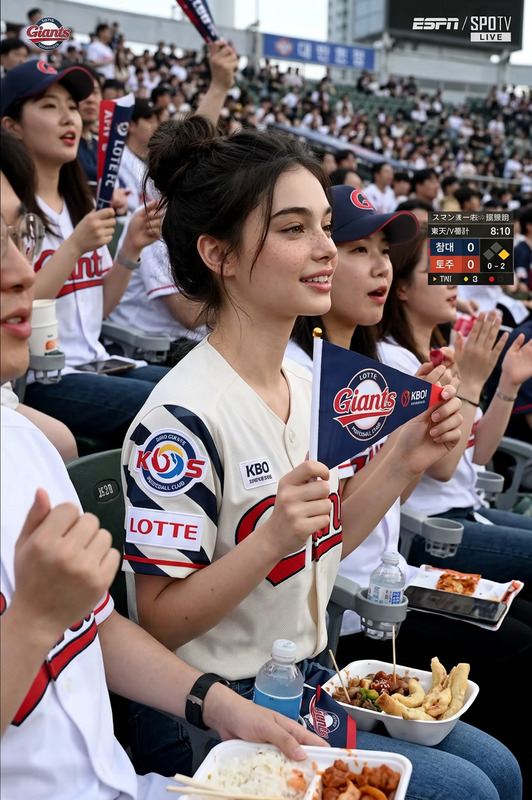
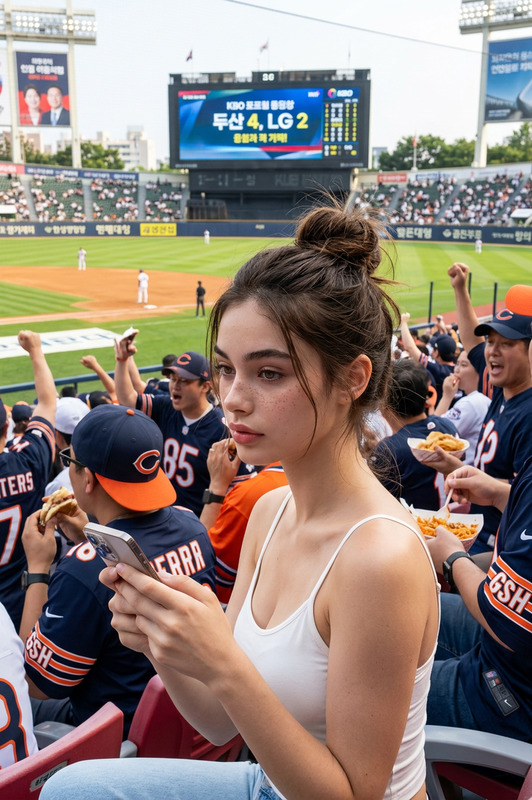
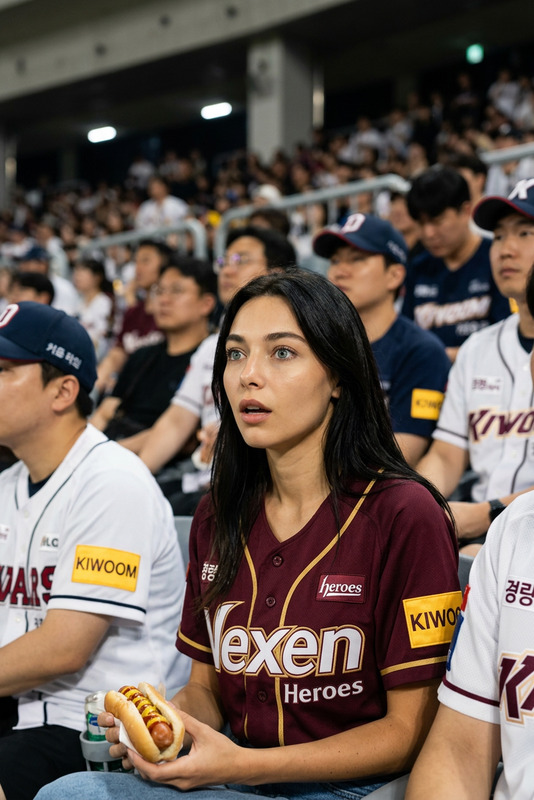
Realistic sports broadcast screenshot-style documentary photo set in the spectator stands of a Korean professional baseball game. Analyze the attached face. The person sits naturally among the crowd, wearing a KBO team jersey, slightly surprised but focused while watching the field. Stadium lights, shallow depth of field, subtle crowd blur, TV scoreboard overlay, compressed live-broadcast texture. Horizontal 16:9, realistic TV capture.
Any aspect ratio
Overview
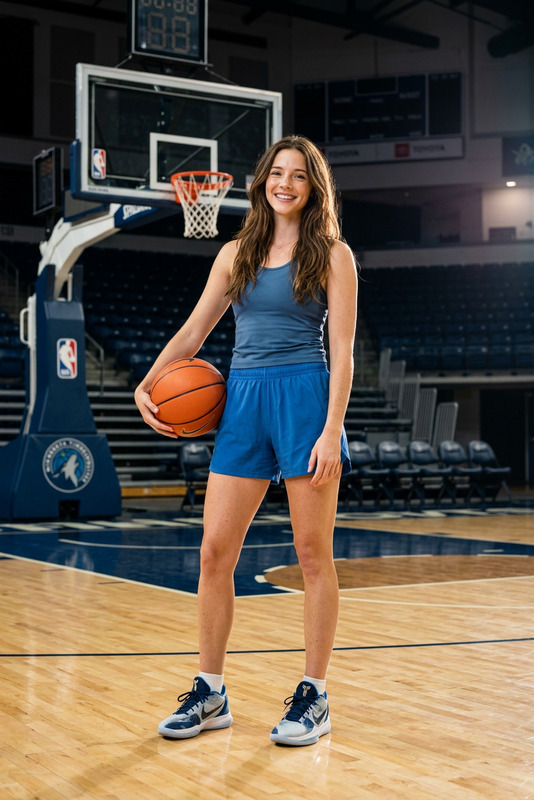
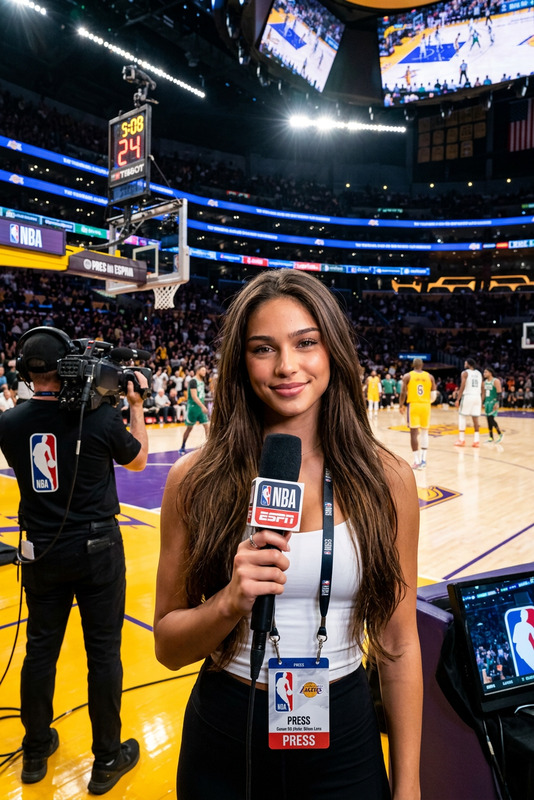
The KBO Cam template, powered by the nano-banana-pro model, enables you to create a highly realistic sports broadcast-style photo set. It's designed to capture the essence of a Korean professional baseball game from the perspective of the spectator stands.
What It Does
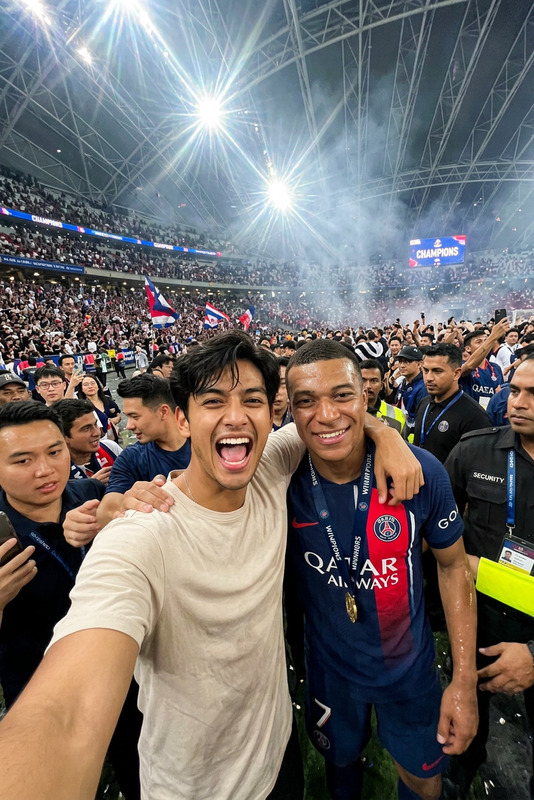
This template leverages advanced image editing capabilities to analyze and modify a presented face, incorporating it seamlessly into a crowd scene. The photo set replicates TV broadcast features, including scoreboard overlays and a compressed texture, providing the look and feel of an actual live sports broadcast.
Who It's For
Ideal for sports enthusiasts, content creators, and marketing professionals, this template is a perfect match for those looking to produce visuals for social media ads or marketing campaigns that revolve around sports events. It's also highly beneficial for professionals involved in video style transfer projects aiming to blend artistic effects with realistic settings.
Summary
The KBO Cam template is an intuitive AI-based tool designed for creating realistic sports broadcast screenshots. With features that replicate live TV textures and crowd dynamics, this template aids in generating cinematic quality visuals perfect for unique promotional materials or fan engagement content.
How to Use This Template
Choose the Template

Customize Your Inputs

Generate Your Image

Use Cases
Sports Promotion
- Engage fans with dynamic visuals
- Highlight upcoming matches with themed graphics
Social Media Content
- Create shareable images for fan pages
- Drive social media interactions with authentic-style images
Marketing Campaigns
- Integrate products seamlessly into sports settings
- Boost campaign aesthetics with realistic visuals
Best Practices
Selecting Faces
Choose high-quality images where the person's face is clear and unobstructed for best results with face analysis.Prompt Tweaking
Focus on specific details that match the mood of the game, such as excited vs. focused expressions.Download in High Resolution
Always download your final creations in the highest possible resolution to ensure clarity in all elements.